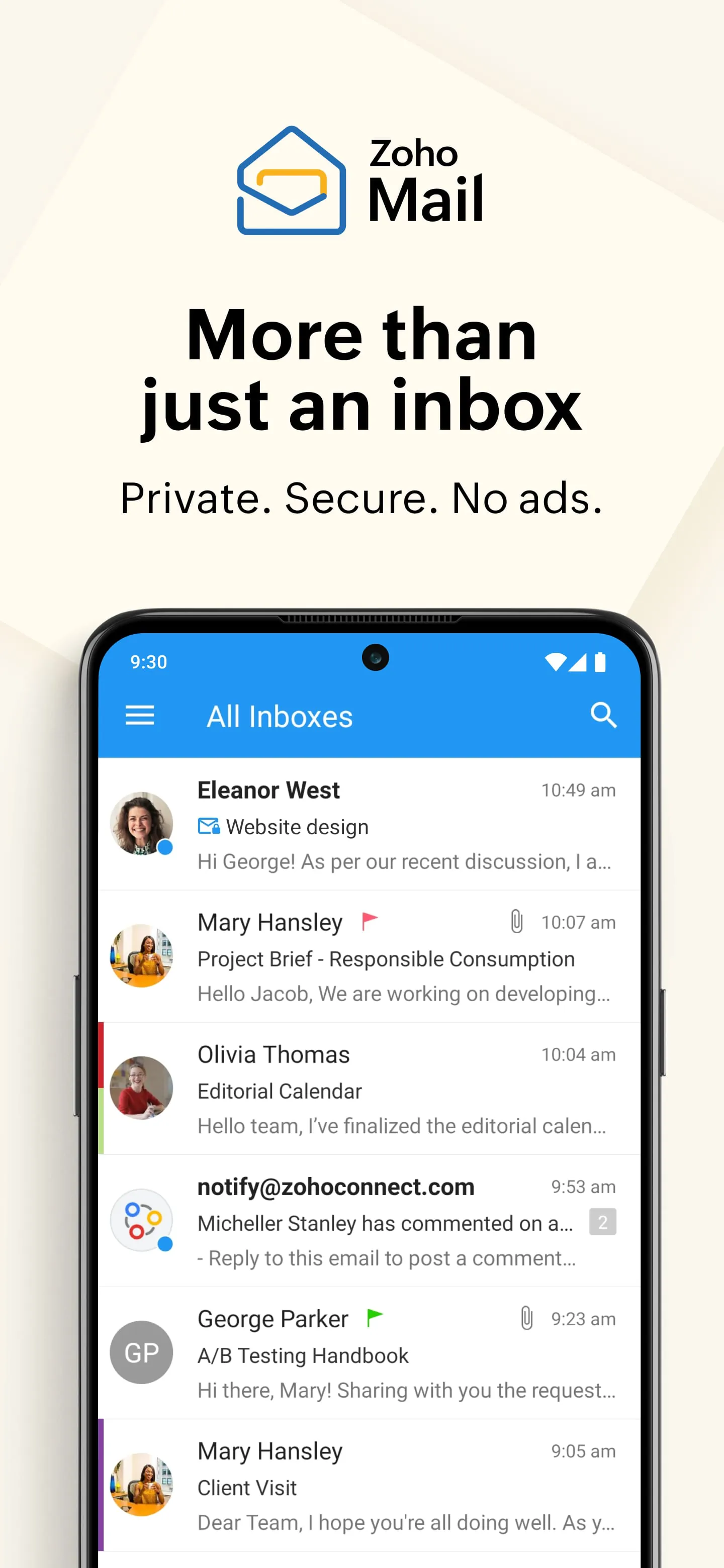
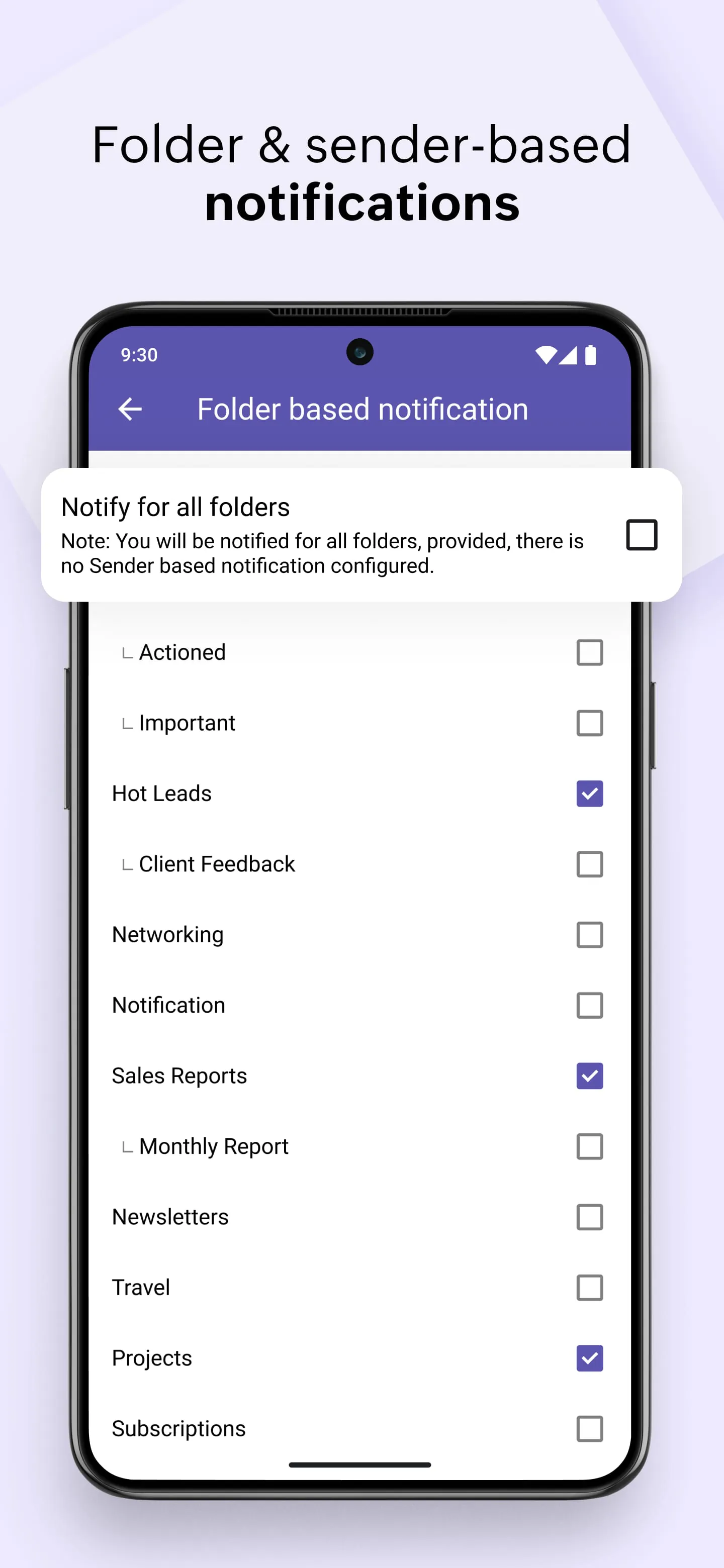
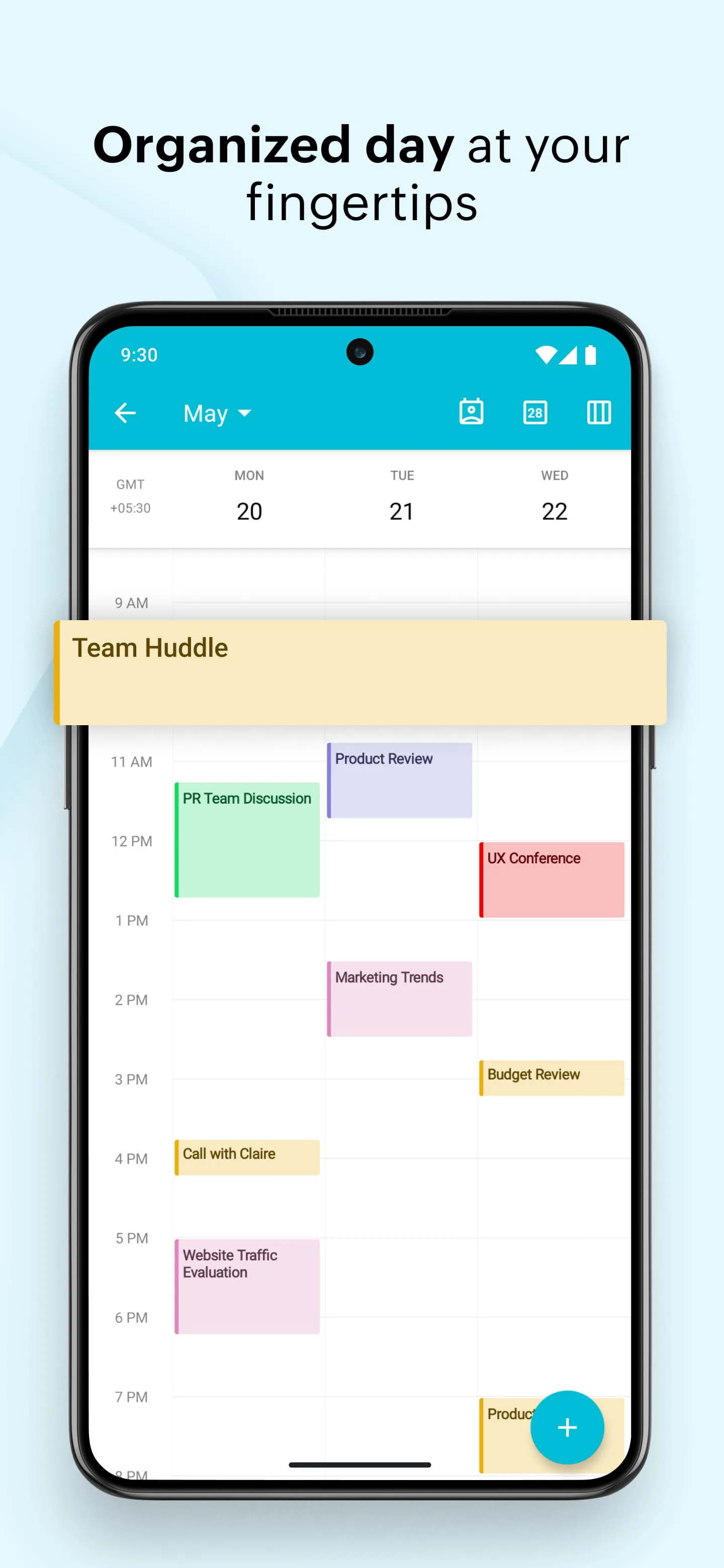
Zoho Mail is a professional business email hosting service from the software company Zoho, offering a secure, ad-free email experience deeply integrated with the wider suite of Zoho productivity and collaboration applications. It is designed primarily for organizations and businesses, providing custom domain email addresses, robust administrative controls, and a clean, focused interface to enhance workplace communication and efficiency.
Key Features
Zoho Mail distinguishes itself with a strong emphasis on security, organization, and seamless workflow integration. It operates without scanning user emails for ad targeting, ensuring privacy. A standout aspect is its native integration with tools like Zoho Calendar, Zoho Cliq, and Zoho Docs, creating a unified work platform. Key features also include:
- Custom Domain Email: Create professional email addresses (e.g., you@yourcompany.com).
- Integrated Suite: Access to calendar, tasks, notes, and bookmarks within the mail interface.
- Advanced Security: Features like S/MIME encryption, two-factor authentication, and robust spam filtering.
- Offline Access: Use the desktop and mobile apps to read, compose, and organize emails without an internet connection.
- Email Retention Policies: Administrative control over data archiving and retention for compliance.
Pros & Cons
Choosing an email service involves weighing its advantages against potential limitations. Zoho Mail offers a compelling package for teams, but it's important to consider both sides.
- Pros: It provides excellent value, especially in its free plan for small groups; the complete absence of ads is a significant benefit; deep integration with other Zoho apps streamlines workflows; it offers strong data sovereignty and privacy controls; the user interface is clean and intuitive, minimizing distractions.
- Cons: The ecosystem is most powerful when fully committed to other Zoho applications; the interface and feature set, while efficient, can feel less cutting-edge compared to some competitors; advanced features and higher storage limits require a paid plan; the initial setup for domains may require some technical knowledge.
Functions
Beyond basic email sending and receiving, Zoho Mail functions as a centralized hub for team coordination and information management. Its functionality extends into several core areas of business communication. Key functions include secure team messaging via integrated chat, scheduling and managing meetings with shared calendars, collaborating on documents stored directly within the platform, and automating email organization with filters and rules. Administrators have powerful functions for managing users, setting security policies, and auditing mailbox activity to maintain organizational standards.
How to Use
Click the button "Check All Versions" below to download and install it. To begin using Zoho Mail, you first need to sign up for an account, either for an organization or a personal plan. The next critical step is to verify and configure your custom domain name through Zoho's administrative control panel, which involves updating DNS records with your domain registrar. Once configured, you can start adding users, creating email groups, and setting up security measures like two-factor authentication. You can access your inbox through the webmail portal or configure it with desktop or mobile email clients. Exploring the left sidebar will give you access to all integrated apps like Calendar, Tasks, and Notes, allowing you to manage your entire workflow from a single, organized environment.





 APK
APK  Google Play
  iOS
iOS  4.60
4.60