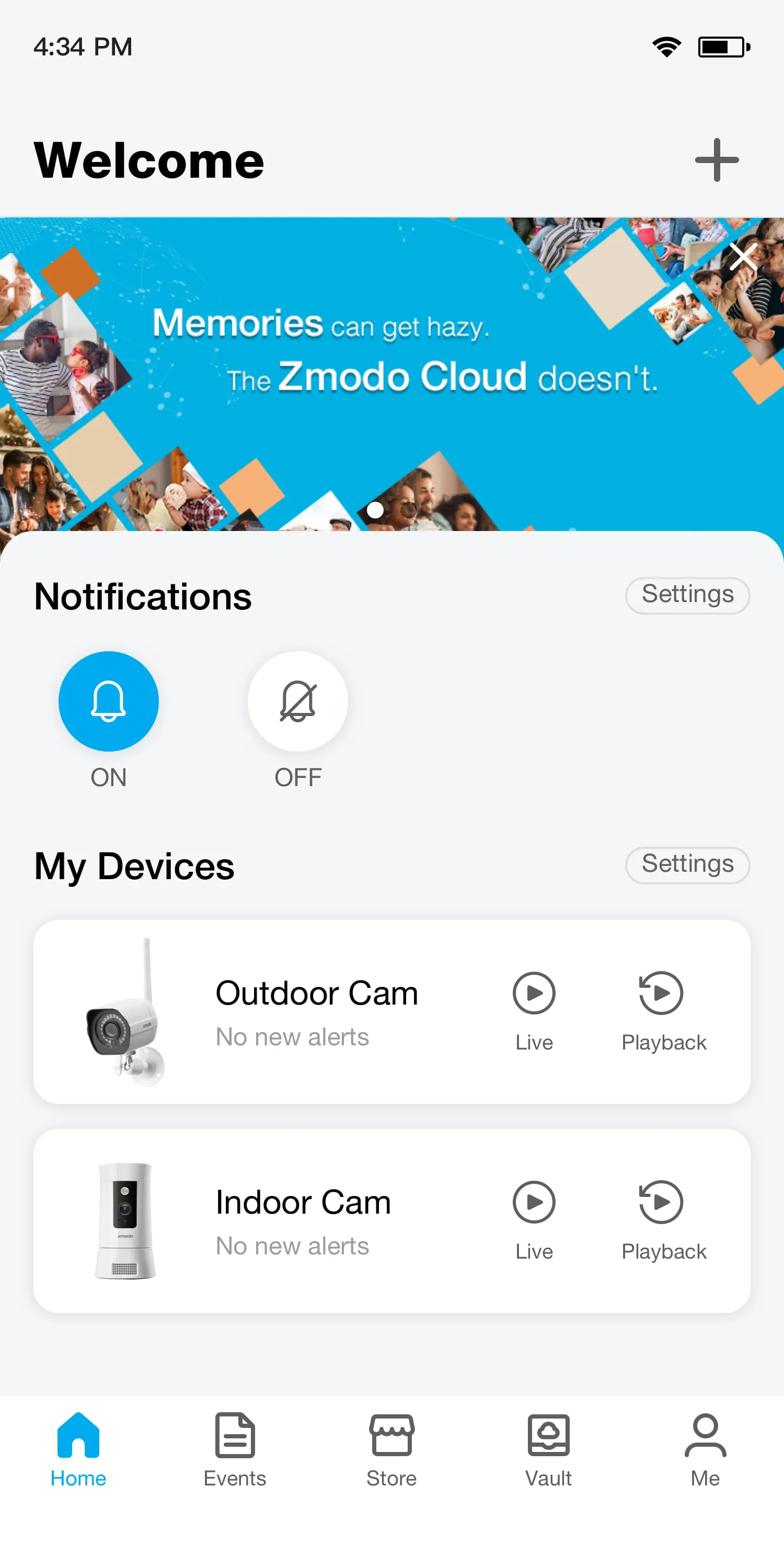
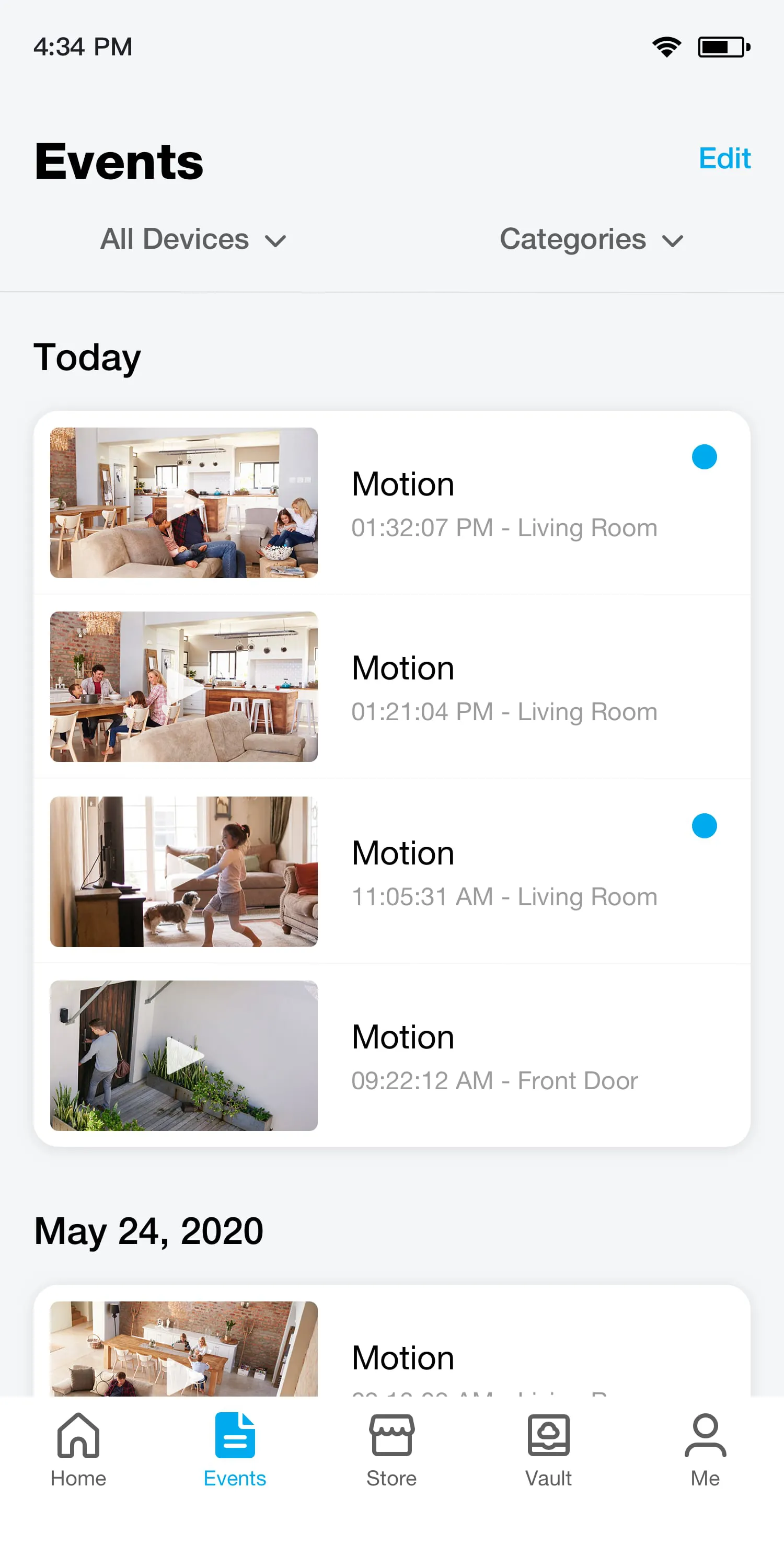
Zmodo is a comprehensive smart home security application designed to work seamlessly with a range of Zmodo-branded devices, such as security cameras, doorbells, and sensors. It serves as a central hub, allowing users to monitor their homes or businesses in real-time from their smartphones or tablets, receive instant alerts for detected motion or sound, and communicate through two-way audio. The app facilitates a connected ecosystem where users can review recorded footage, manage multiple devices, and customize security settings to suit their personal needs, all through an intuitive interface.
Key Features
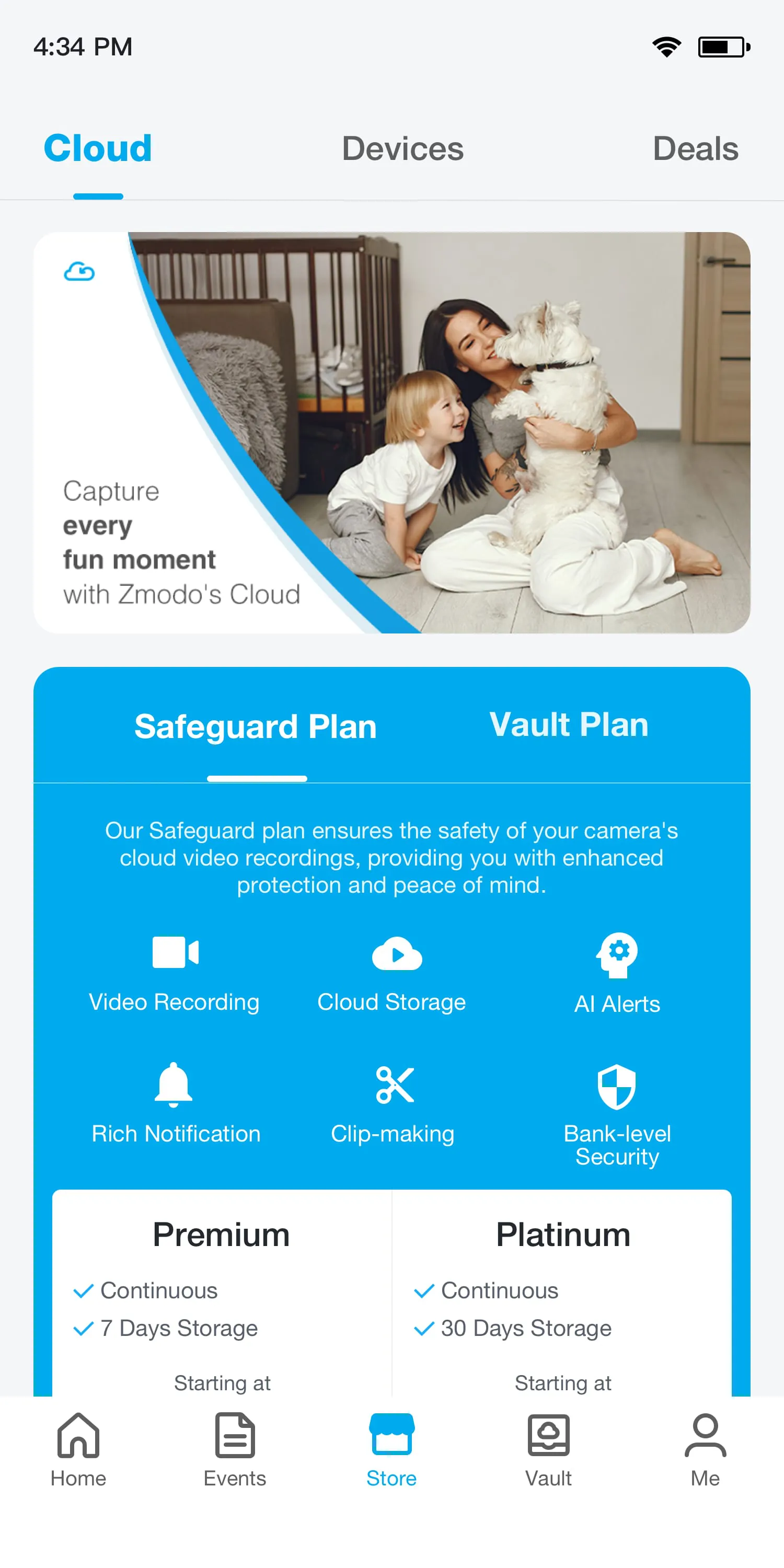
The Zmodo app is packed with functionalities that enhance security and user convenience. Its standout features include live streaming in high definition, which provides clear video feeds day and night. Users benefit from customizable motion detection zones, reducing false alerts from irrelevant movement. The app also supports cloud storage and local recording options for video history, alongside intelligent person detection to distinguish between important and unimportant motion events. Furthermore, it allows for the creation of shared access with family members, enabling multiple people to monitor the property simultaneously.
Pros & Cons
Evaluating Zmodo involves considering its strengths and weaknesses to understand its fit for different users.
- Pros: The setup process is generally straightforward, making it accessible for non-technical users. The video quality, especially on newer camera models, is reliably clear. The person detection feature adds a valuable layer of intelligence, filtering out notifications for passing cars or animals. Cost-effectiveness is a significant advantage, as Zmodo offers competitive pricing for both hardware and optional cloud storage plans.
- Cons: Some advanced features, like continuous recording, are locked behind paid subscription services. Users with older device models may experience occasional lag or connectivity issues. The app's interface, while functional, can feel cluttered compared to some competitors, and customer support response times can be inconsistent.
Functions
The application provides a robust set of functions that go beyond simple video viewing. It acts as the command center for your Zmodo ecosystem.
- Real-time Monitoring & Playback: Watch live streams from all connected cameras and seamlessly scroll through recorded timeline history.
- Smart Alert Management: Receive and customize push notifications for specific events, with snapshots included in the alert.
- Two-Way Audio: Communicate directly through supported cameras using the built-in speaker and microphone.
- Device Management: Add, remove, group, and rename multiple devices from a single dashboard.
- Sharing & Permissions: Securely grant view-only or control access to other household members.
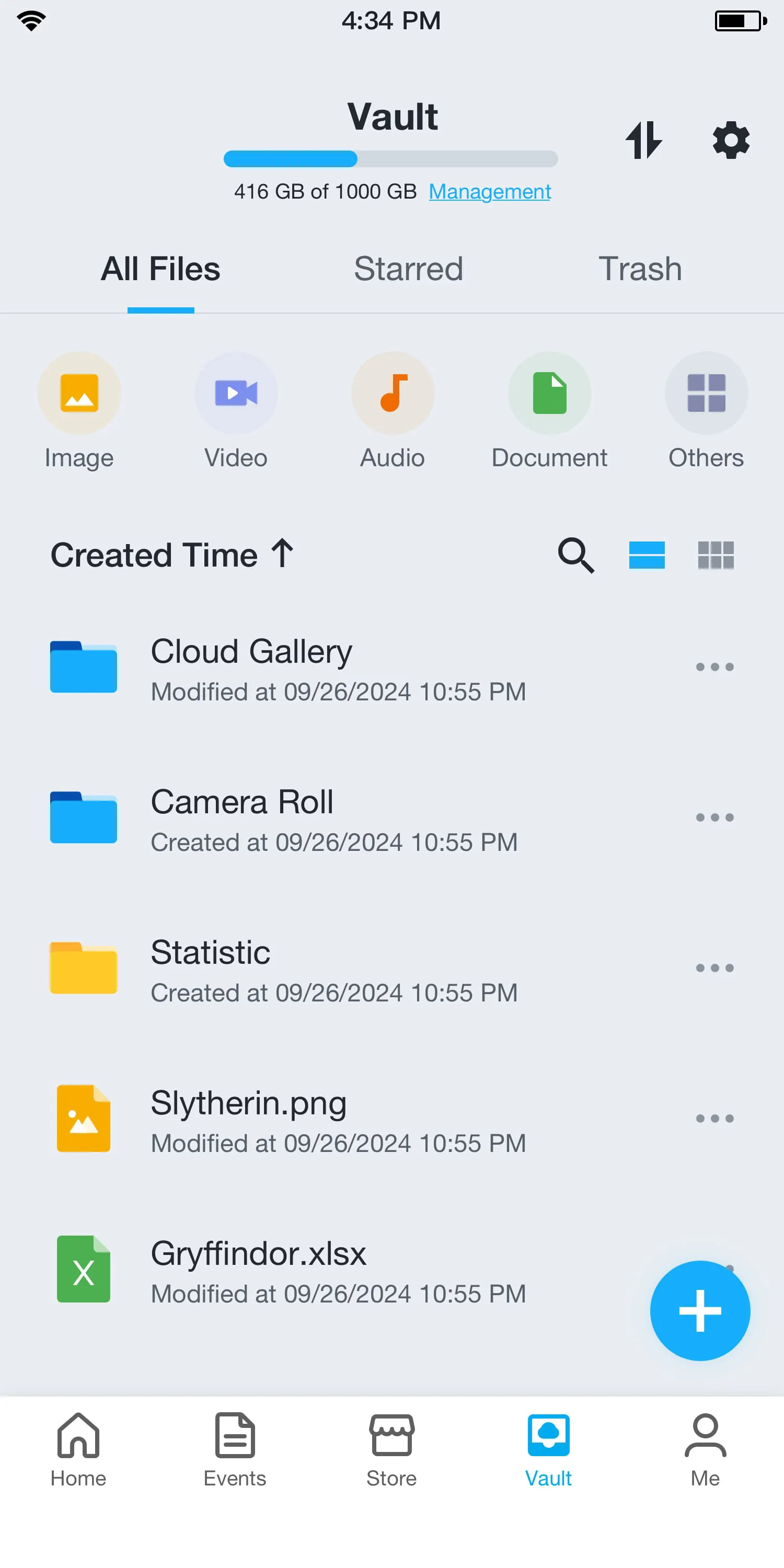
- Storage Configuration: Manage settings for cloud recording plans or local storage via microSD cards.
How to Use
Click the button "Check All Versions" below to download and install it. Once the app is installed on your smartphone, launch it and create a new account using your email address. Follow the in-app prompts to add your first device; this typically involves scanning a QR code on the camera or device itself and connecting it to your home Wi-Fi network. After setup, you can customize your motion detection zones, adjust notification preferences, and explore other settings like video quality and night vision. To view footage, simply tap on the camera's feed from the main screen. For review, access the timeline or event history tab to see all recorded clips, which can be filtered by date and time.




 APK
APK  Google Play
  iOS
iOS  3.10
3.10