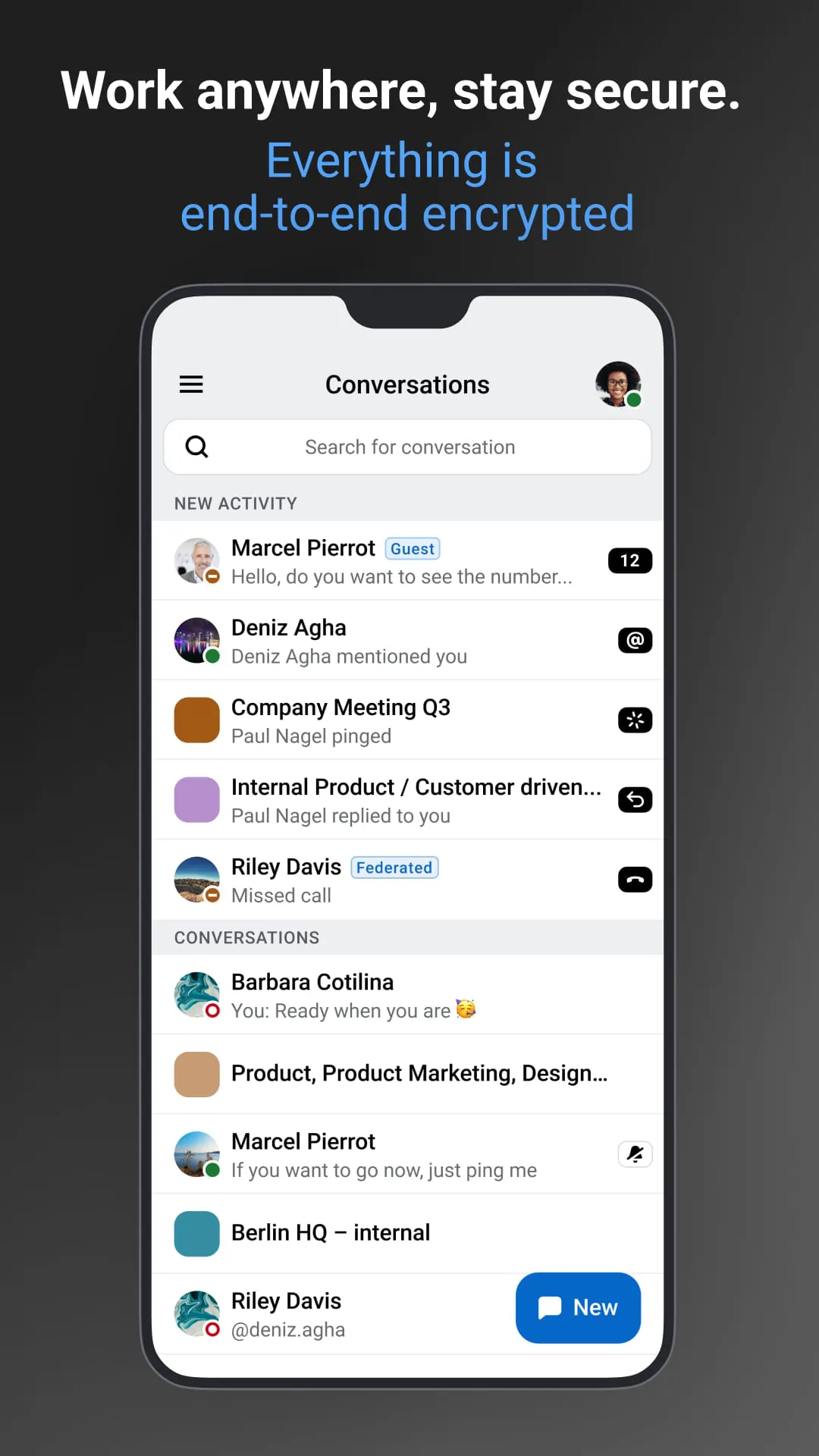
Wire is the developer behind the official Wire application, a premier collaboration platform that prioritizes privacy and security. The app seamlessly combines messaging, file sharing, video conferencing, and collaborative document editing into a single, unified workspace. It is designed for both professional teams and personal use, offering end-to-end encryption across all its features to ensure that conversations, calls, and shared data remain confidential and protected from external access.
Key Features
The Wire application distinguishes itself with a robust set of capabilities centered on secure and efficient teamwork. Its core architecture is built on open-source software, allowing for greater transparency and community audit of its security protocols. The platform supports real-time collaboration with features like secure screen sharing and high-quality group video calls. A unique aspect is its ability to create temporary guest rooms for external partners, enabling secure collaboration without requiring them to have a full Wire account. Furthermore, it offers cross-platform synchronization, ensuring your conversations and files are up-to-date whether you access the service from a desktop, web browser, or mobile device.
Pros & Cons
Like any software solution, Wire presents a balanced mix of strengths and potential limitations that users should consider.
- Pros: The strongest advantage is its unwavering commitment to security, with independently audited end-to-end encryption for all content. The clean, intuitive user interface makes it easy for teams to adopt without extensive training. Its open-source nature fosters trust and allows for self-hosting on private servers, which is a critical feature for organizations with strict data sovereignty requirements. The inclusion of high-fidelity audio and video calling enhances the quality of remote meetings.
- Cons: As a service that emphasizes privacy, some advanced automation or third-party bot integrations commonly found in other platforms may be more limited. While the feature set is robust, it can sometimes have a slightly steeper learning curve for users only familiar with basic consumer messaging apps. The need for a consistently strong internet connection is paramount to leverage all its real-time collaboration features effectively.
Functions
Wire Swiss GmbH’s application is engineered to be a comprehensive hub for modern communication and project coordination. Its functions extend far beyond simple text chat.
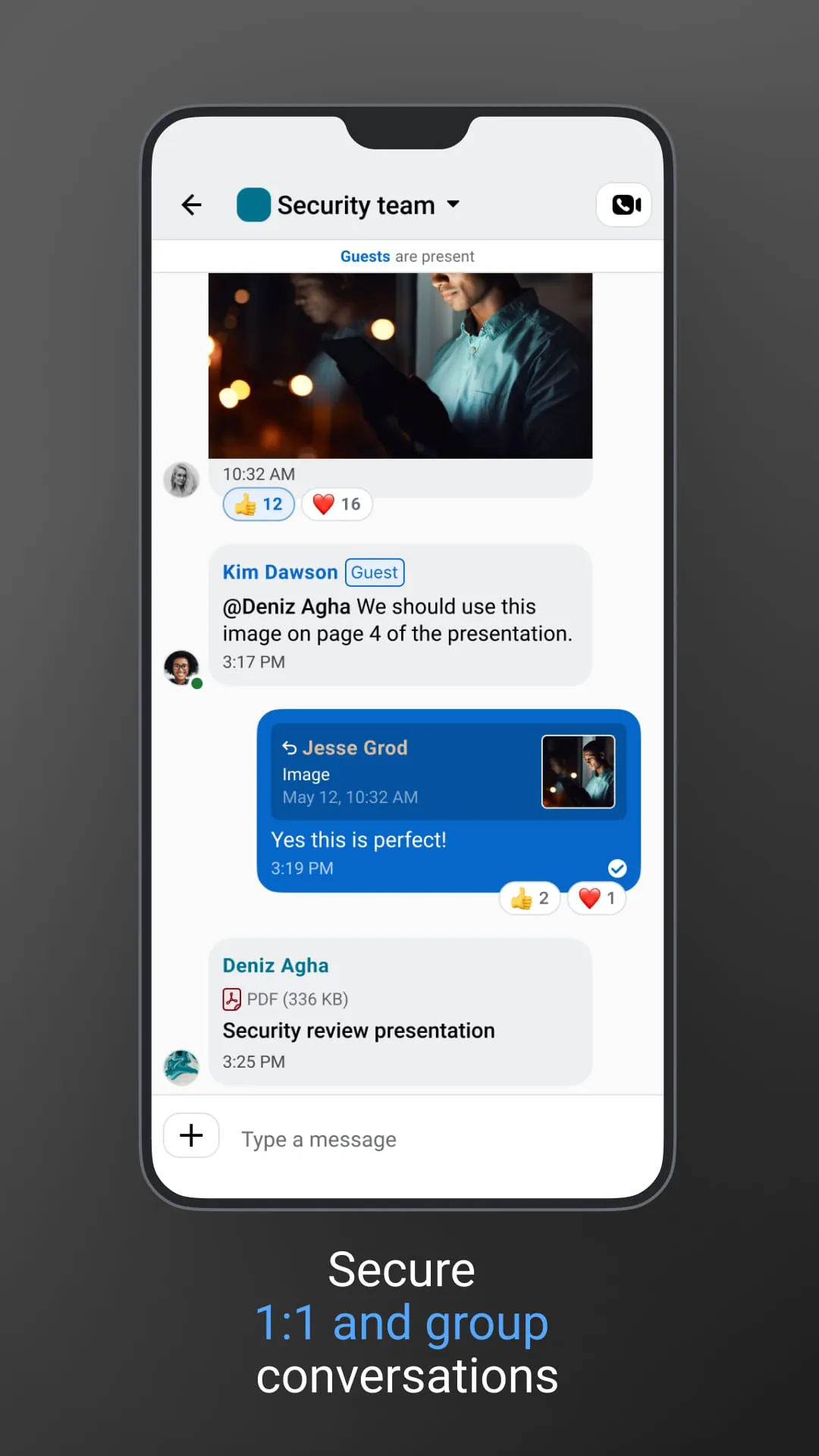
- Secure Messaging: Send private and group messages with end-to-end encryption, featuring edit/delete options and ephemeral messages that disappear after a set time.
- High-Definition Conferencing: Host crystal-clear voice and video calls with multiple participants, complete with screen sharing and live captioning capabilities.
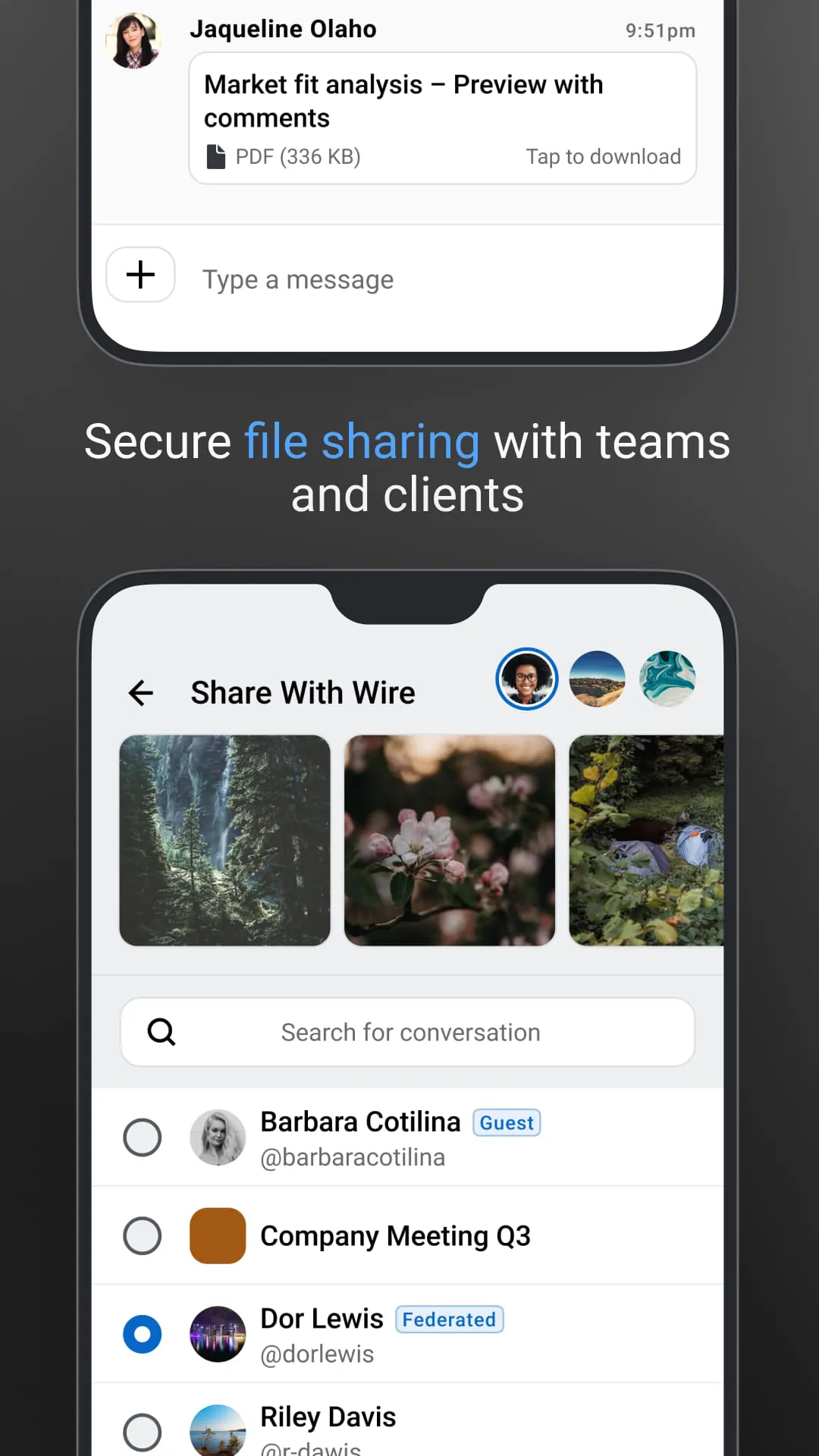
- File & Collaboration: Securely share documents, images, and videos of various sizes directly within conversations. Collaboratively mark up images and preview documents without leaving the app.
- External Collaboration: Create encrypted guest rooms to invite clients, contractors, or partners into specific conversations or projects without complicating their access.
- Administrative Control: For organizational accounts, administrators have tools to manage team members, enforce security policies, and control data retention rules.
How to Use
Click the button "Check All Versions" below to download and install it. The process is straightforward: after downloading the correct version for your operating system (Windows, macOS, Linux, iOS, or Android), run the installer and follow the on-screen prompts. Upon launching the app for the first time, you will be guided to create a new account using your email address and a password, or to log in if your organization has provided you with credentials. You can then start by personalizing your profile, exploring the interface to familiarize yourself with the layout, and beginning to create conversations or teams. To collaborate, simply use the clearly visible "+" or "Create" button to start a new group, invite colleagues via their email or username, and begin chatting, scheduling a call, or sharing files to initiate your first project.





 APK
APK  Google Play
  iOS
iOS  3.50
3.50