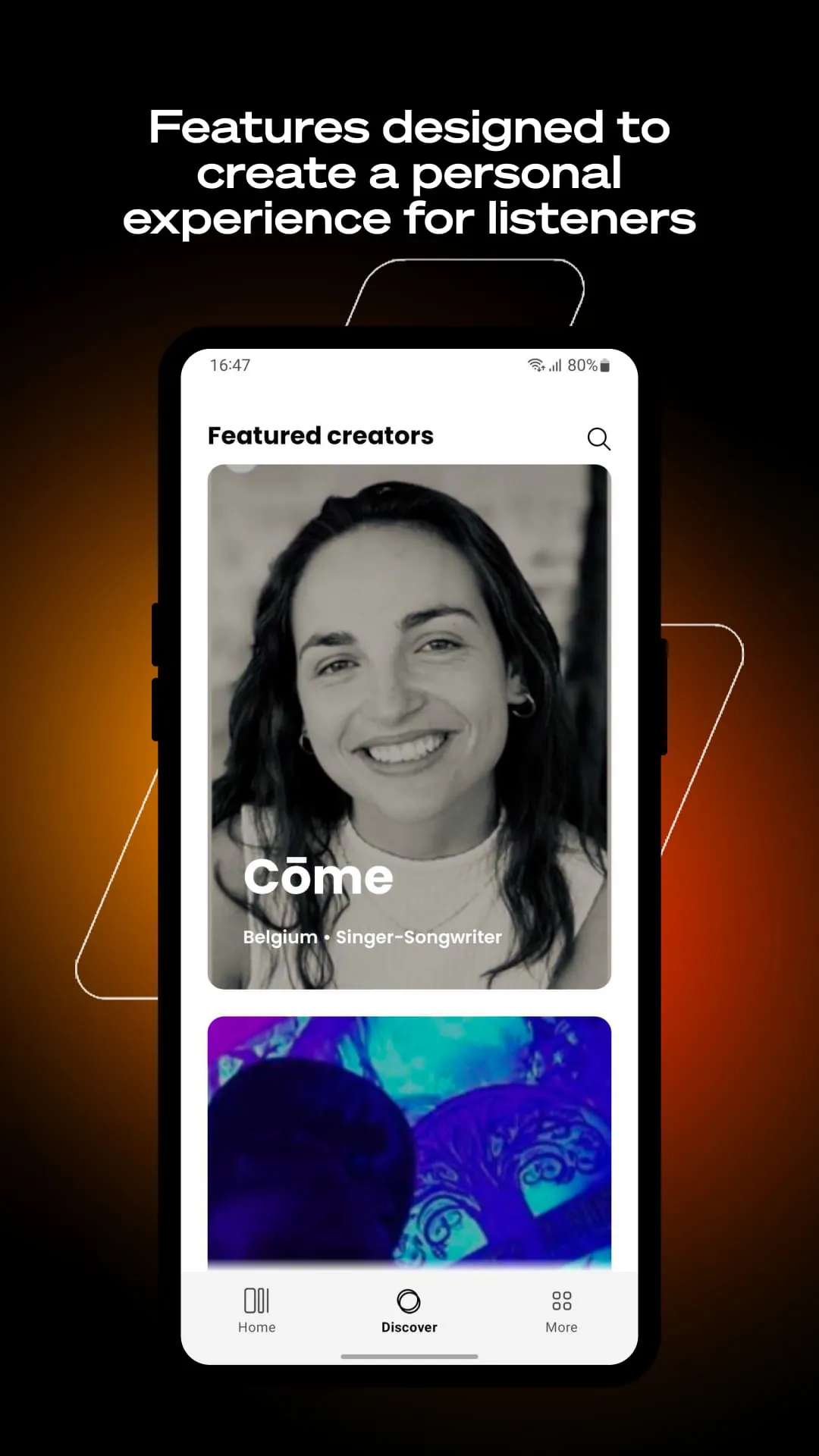
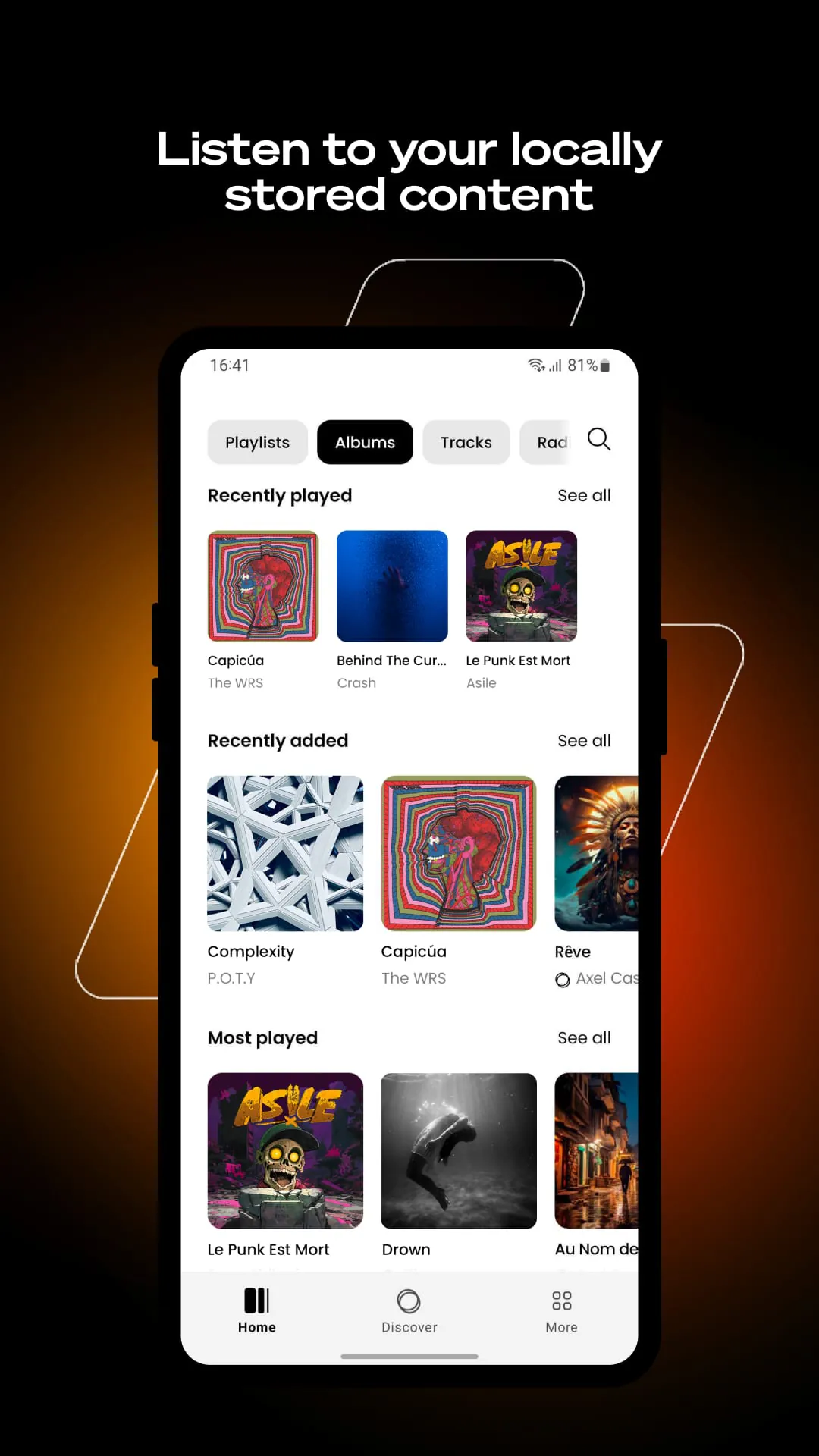
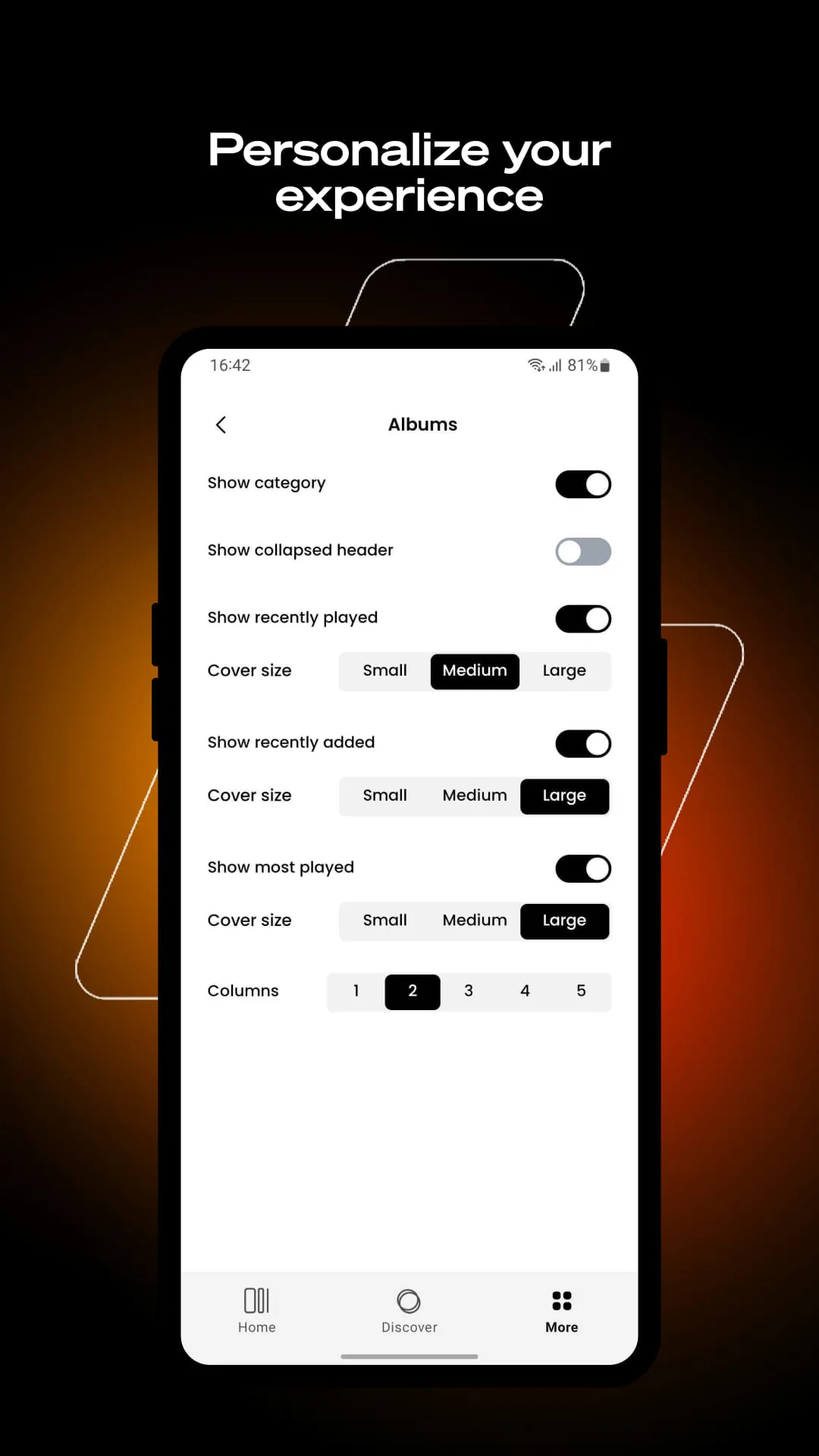
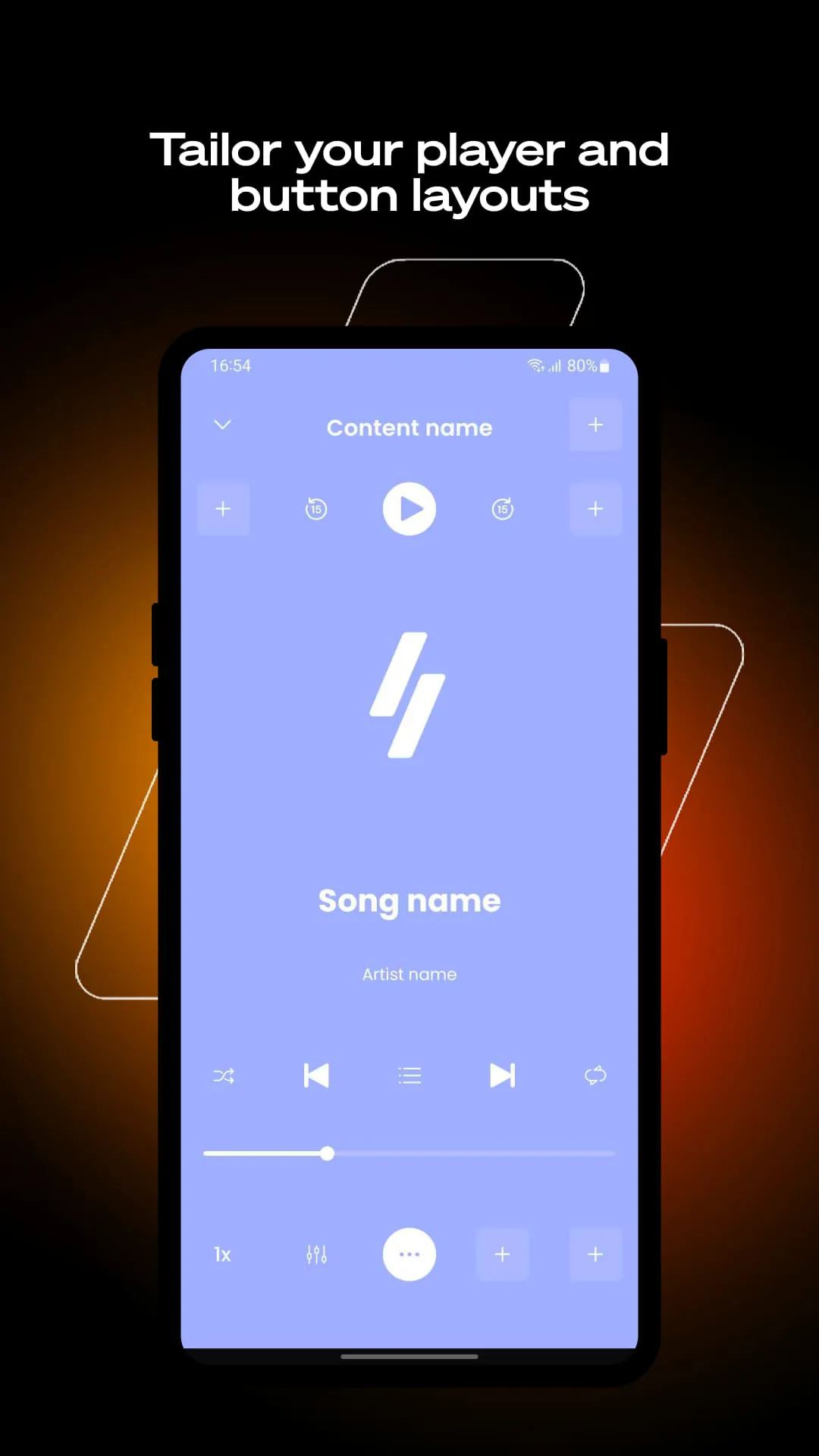
Winamp is a legendary and highly customizable media player for Windows, originally developed in the late 1990s. It gained iconic status for its efficient performance, support for a vast array of audio formats, and its signature skinnable interface, which allowed users to completely alter the player's visual appearance. Beyond simple playback, it evolved into a powerful multimedia application for managing extensive music libraries, syncing with portable devices, and even streaming internet radio, retaining a dedicated user base for its classic functionality and nostalgic appeal.
Key Features
Winamp stands out for its deep feature set that balances powerful functionality with user control. Its most famous characteristic is its extensive support for skins, allowing for a completely personalized look. It boasts a robust media library for organizing even very large collections of music and video files. Furthermore, it includes advanced features like a graphic equalizer with presets, support for a wide range of audio formats (including legacy ones), and plug-in architecture for extending functionality with visualizations, audio effects, and more.
Pros & Cons
- Extreme Customization: The vast library of user-created skins and plug-ins makes it one of the most personalized media players ever.
- Lightweight and Efficient: The core player uses minimal system resources, ensuring smooth playback even on older hardware.
- Wide Format Support: Plays almost any audio format you can find, from MP3 to FLAC and obscure legacy formats.
- Advanced Audio Tools: Features like a full-featured equalizer, replay gain, and plug-in effects appeal to audiophiles.
- Nostalgic and Classic Interface: The traditional interface is beloved by long-time users for its simplicity and efficiency.
- Dated Development: While updated, its core design can feel outdated compared to modern streaming-style apps.
- Limited Native Streaming: While it can handle internet radio, it is not natively integrated with popular modern streaming services.
- Complex for Beginners: The wealth of options and settings can be overwhelming for users seeking a simple, instant player.
- Primarily Windows-Focused: Its classic functionality is best experienced on Windows, with limited official support for other platforms.
Functions
- Advanced Audio Playback: Delivers high-fidelity playback for a comprehensive list of audio file formats with gapless support.
- Media Library Management: Provides powerful tools to catalog, sort, search, and create playlists from your local media collection.
- Audio Enhancement: Includes a 10-band graphic equalizer, pre-amplification, and support for audio effect plug-ins like DSP and VST.
- Visualization: Features built-in and plug-in visualizations that display animated graphics synchronized to the music's output.
- Portable Device Syncing: Historically allowed for syncing music to portable MP3 players and still offers relevant management functions.
- Internet Media: Can stream thousands of internet radio stations and TV stations through its integrated media guide.
How to Use
Click the button "Check All Versions" below to download and install it. Once installed, launch Winamp. You can begin by adding your music folders to the media library: go to the 'Library' section and add directories. Your music will be automatically cataloged. Use the main player window or the library to play files. Right-click on the player to access classic skins and options. Explore the Preferences menu (often by pressing Ctrl+P) to configure audio output, set up plug-ins, and customize the player's behavior to your liking. For visualizations, play a song and select 'Visualization' from the view options.





 APK
APK  Google Play
  iOS
iOS  2.60
2.60