WhatsApp Messenger is a widely used cross-platform instant messaging application that enables users to send text messages, make voice and video calls, share images, documents, and locations, as well as create group chats—all over an internet connection rather than traditional SMS services. Owned by Meta Platforms, WhatsApp has become one of the most popular communication tools worldwide due to its simplicity, reliability, and accessibility across smartphones, tablets, and desktop computers.
Key Features
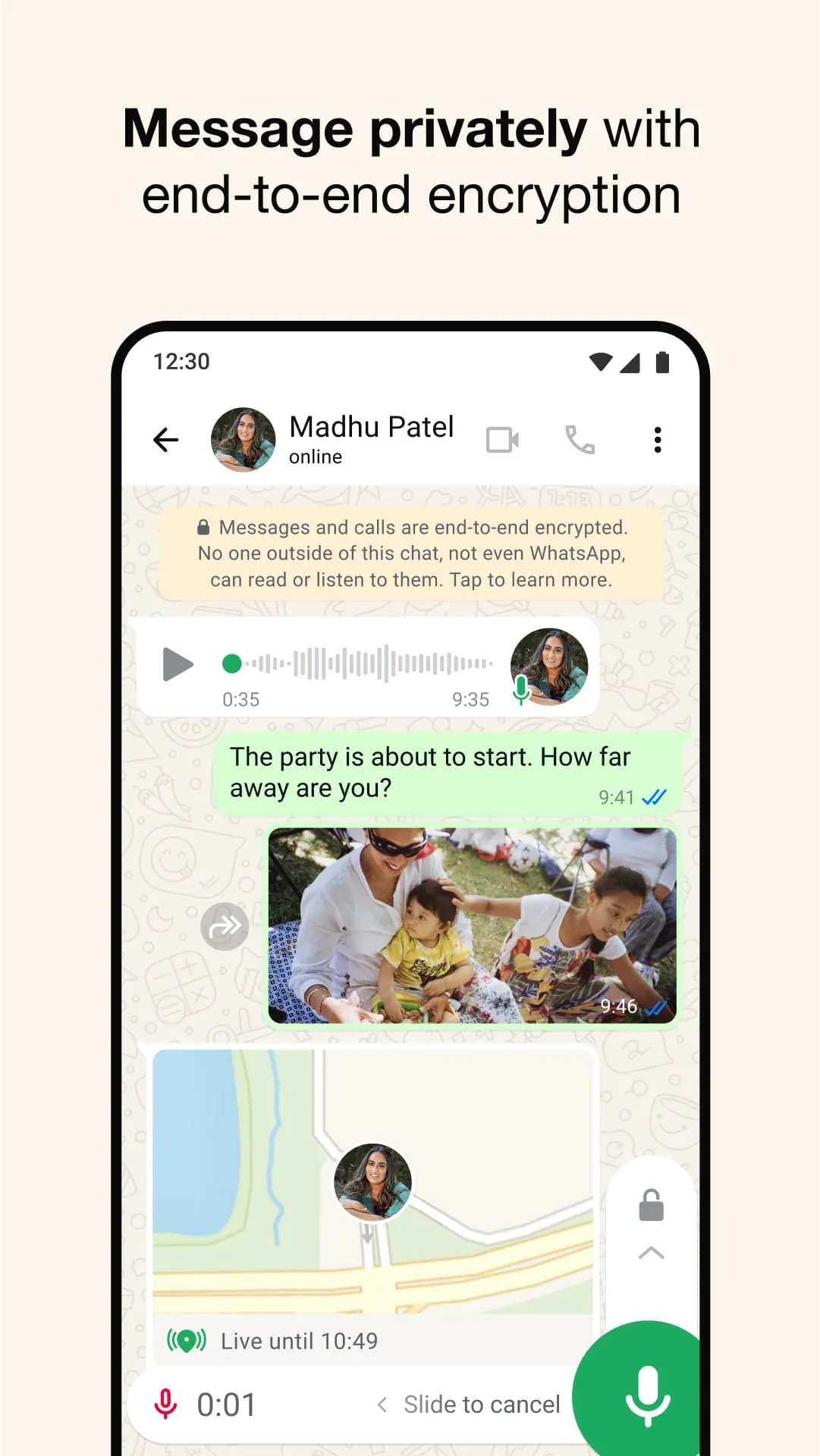
- End-to-end encryption for all personal messages and calls, ensuring privacy.
- Instant media sharing, including photos, videos, voice notes, and documents.
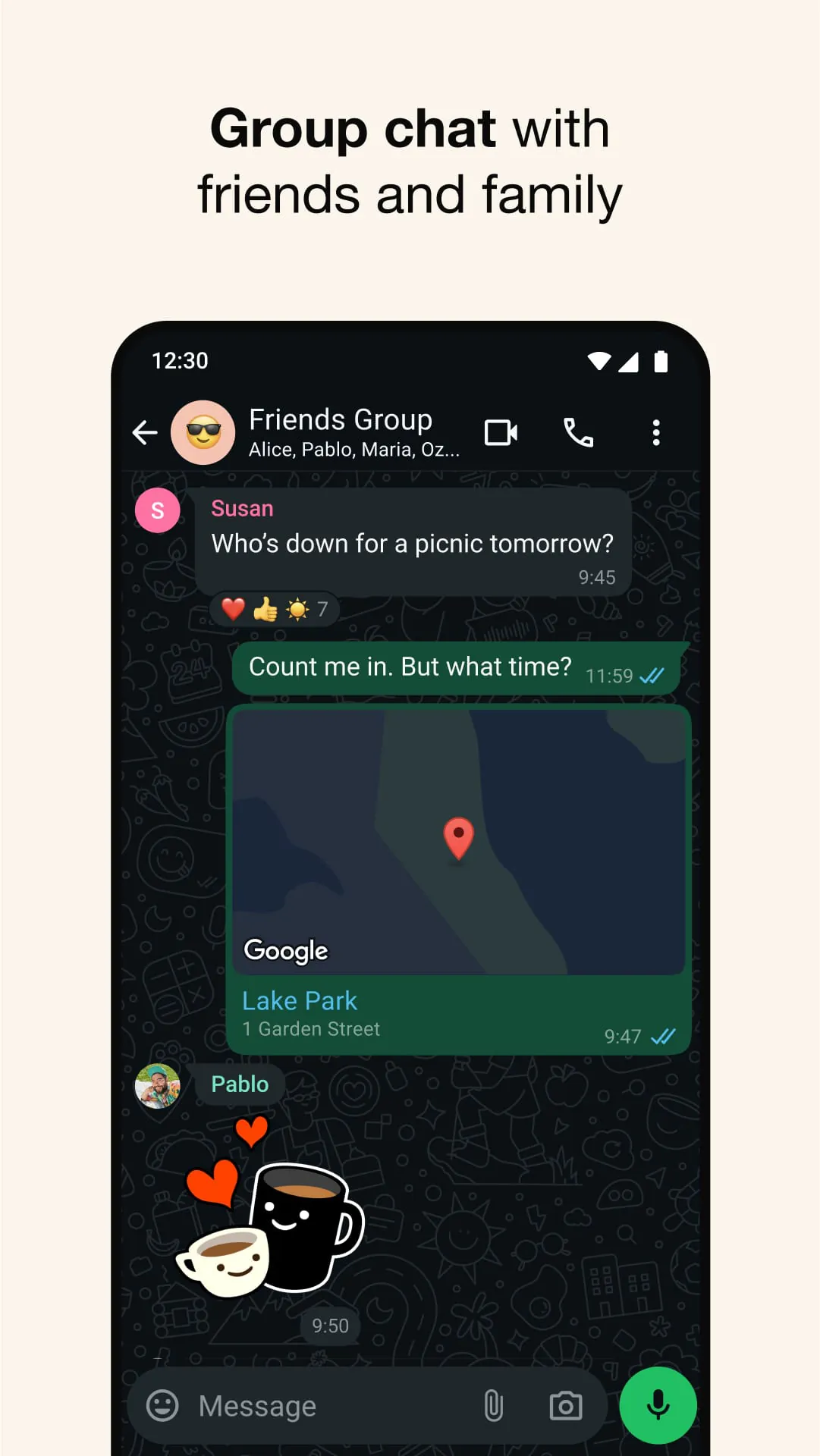
- Group chats with support for thousands of participants.
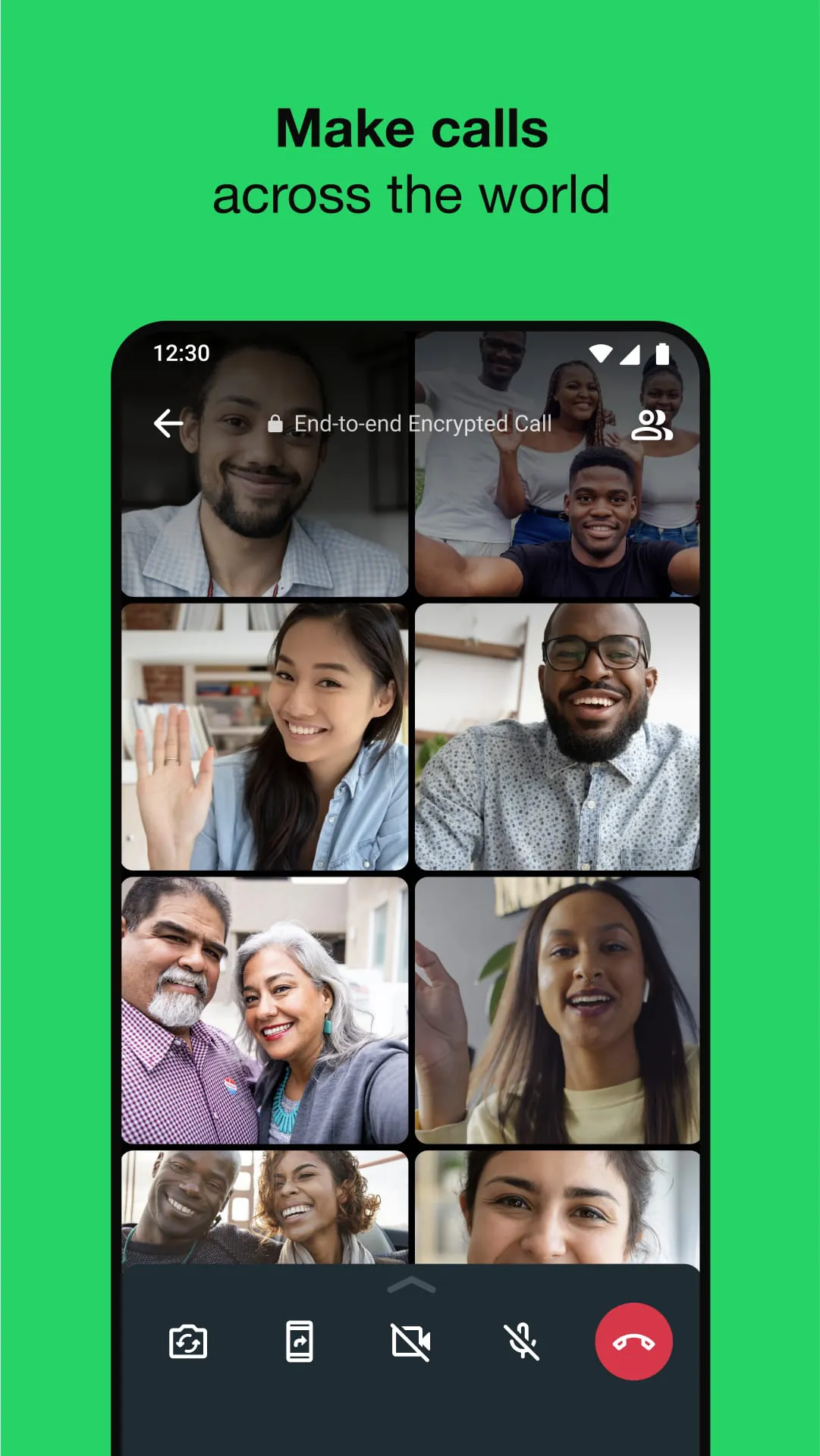
- Voice and video calling with high-quality audio and visuals.
- WhatsApp Web and Desktop for seamless syncing with mobile devices.
- Status updates similar to stories, visible for 24 hours.
- Business profiles and catalogs through WhatsApp Business integration.
Pros & Cons
- Pros:
- Free to use with no subscription fees.
- Works on multiple platforms with smooth synchronization.
- Strong security measures with end-to-end encryption.
- User-friendly interface suitable for all age groups.
- Low data usage compared to many competitors.
- Cons:
- Requires a phone number for registration.
- Limited customization options for chat appearance.
- No official iPad version available yet.
- Backup files can consume significant device storage.
Functions
WhatsApp functions as both a personal and professional communication tool. It supports direct messaging between individuals, broadcasting messages to multiple contacts at once, and hosting large group conversations. Users can exchange multimedia files instantly, send their real-time location, and make crystal-clear voice or video calls. Businesses can set up profiles, automate replies, and manage customer interactions efficiently. Additionally, WhatsApp integrates with cloud backup services, allowing users to restore chat histories when switching devices.
How to Use
Click the button "Check All Versions" below to download and install it. After installation, open the app and register using your phone number. You will receive a verification code via SMS to confirm your identity. Once verified, you can set up your profile name and photo, then start adding contacts. To begin chatting, simply select a contact from your list and type your message. For group conversations, tap the “New Group” option and add participants. Voice and video calls can be initiated directly from the chat window. To use WhatsApp on a computer, scan the QR code displayed on WhatsApp Web using your phone’s camera.





 APK
APK  Google Play
  iOS
iOS  4.70
4.70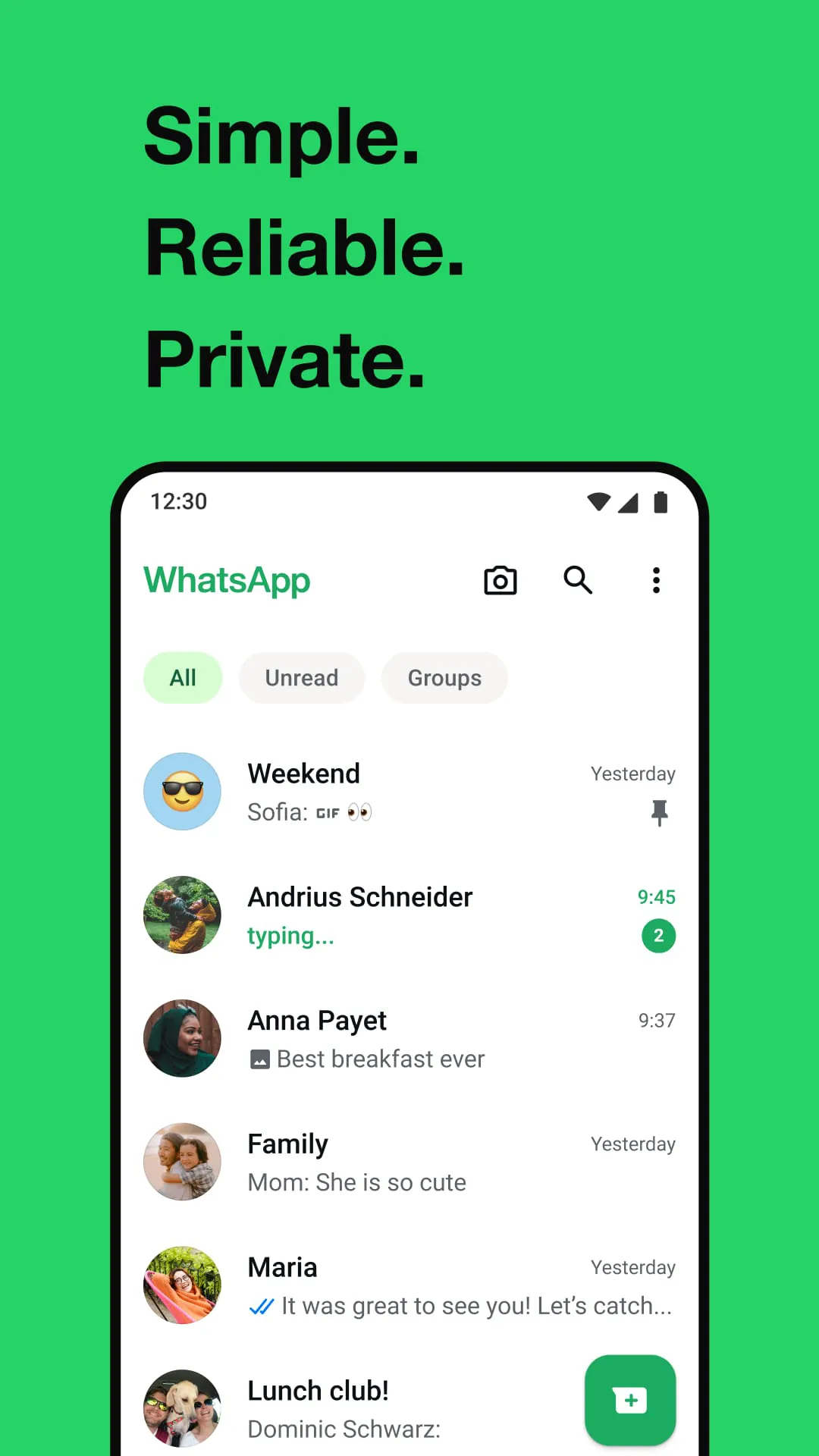
 Download








