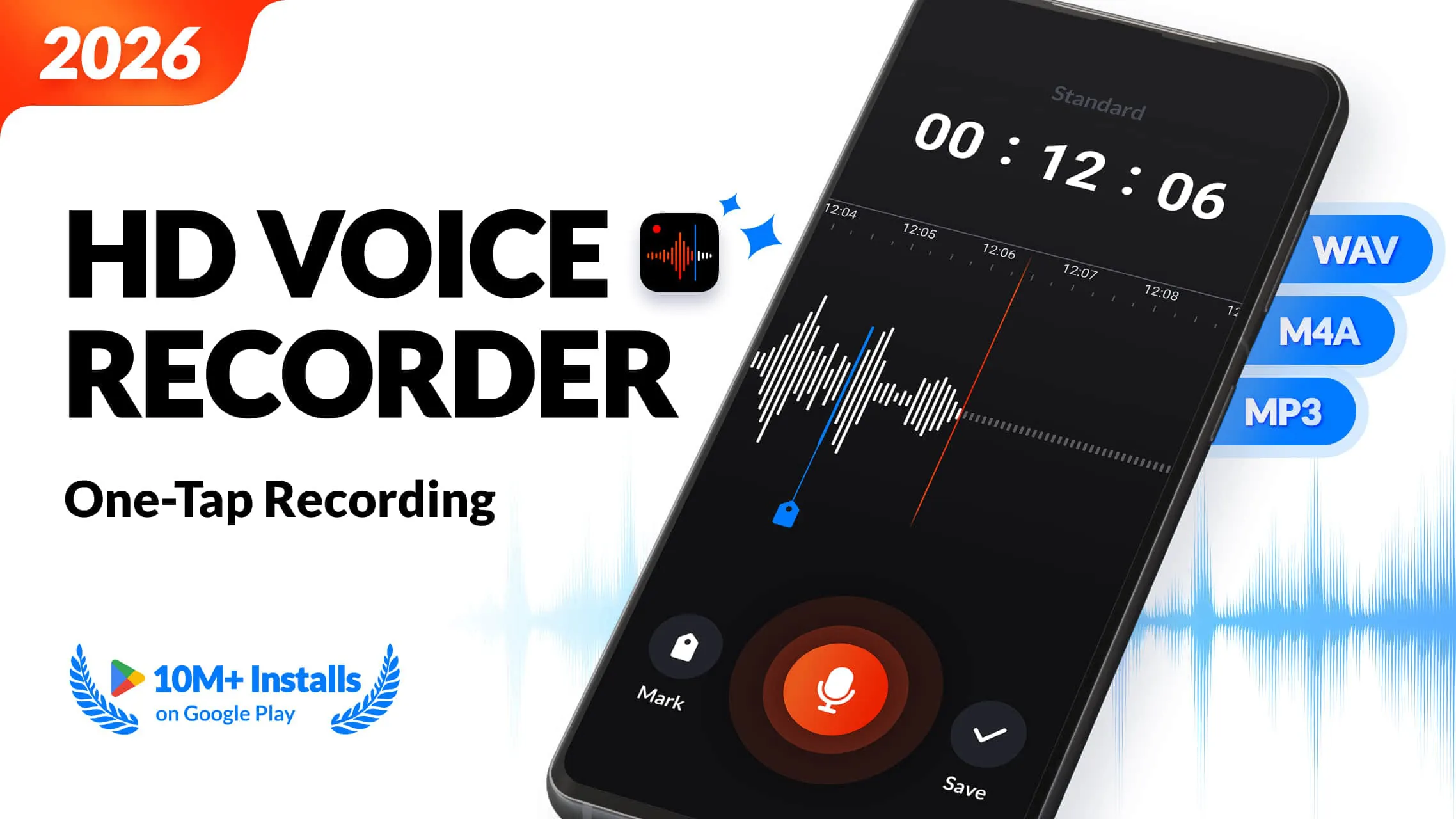
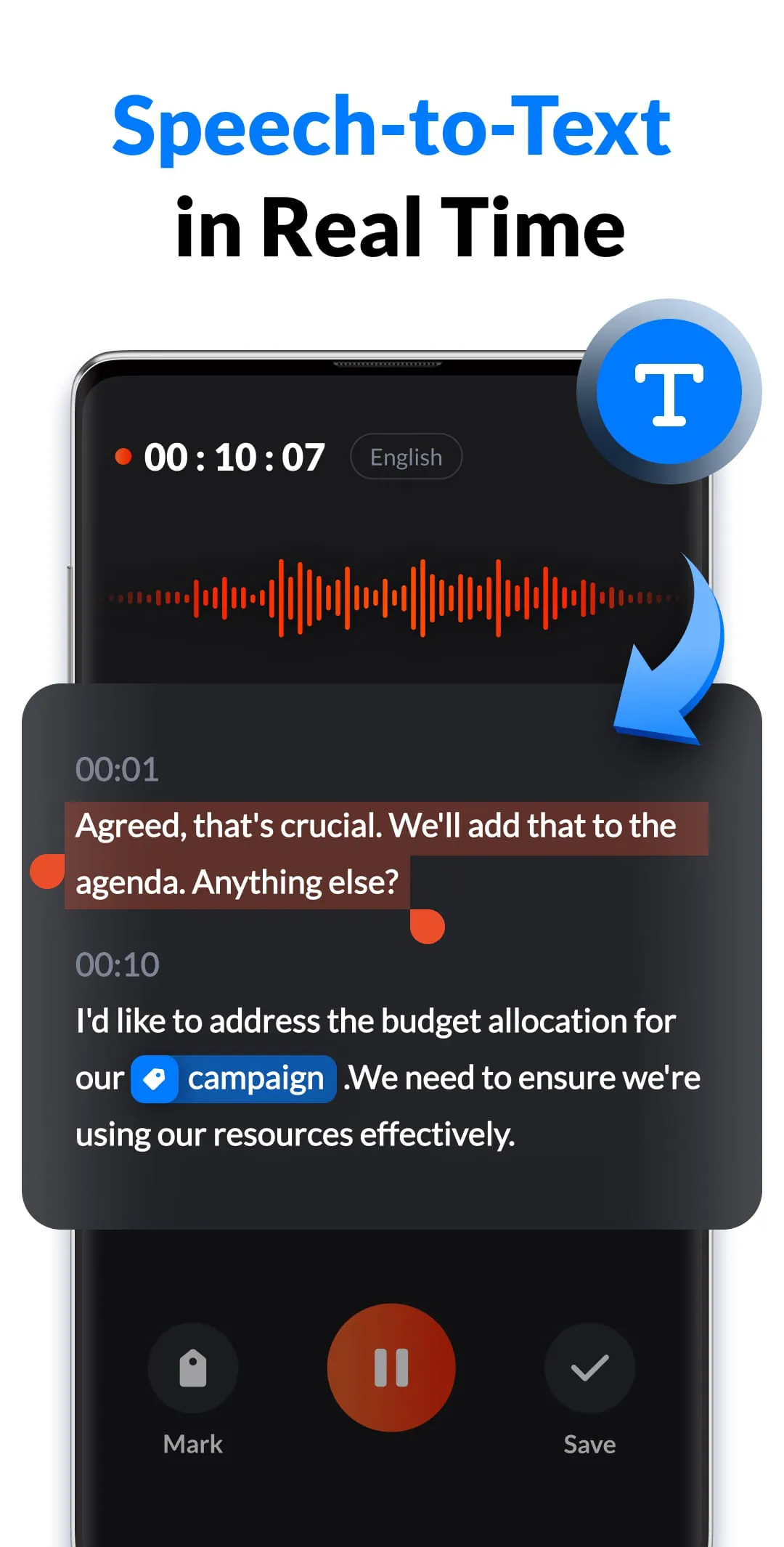
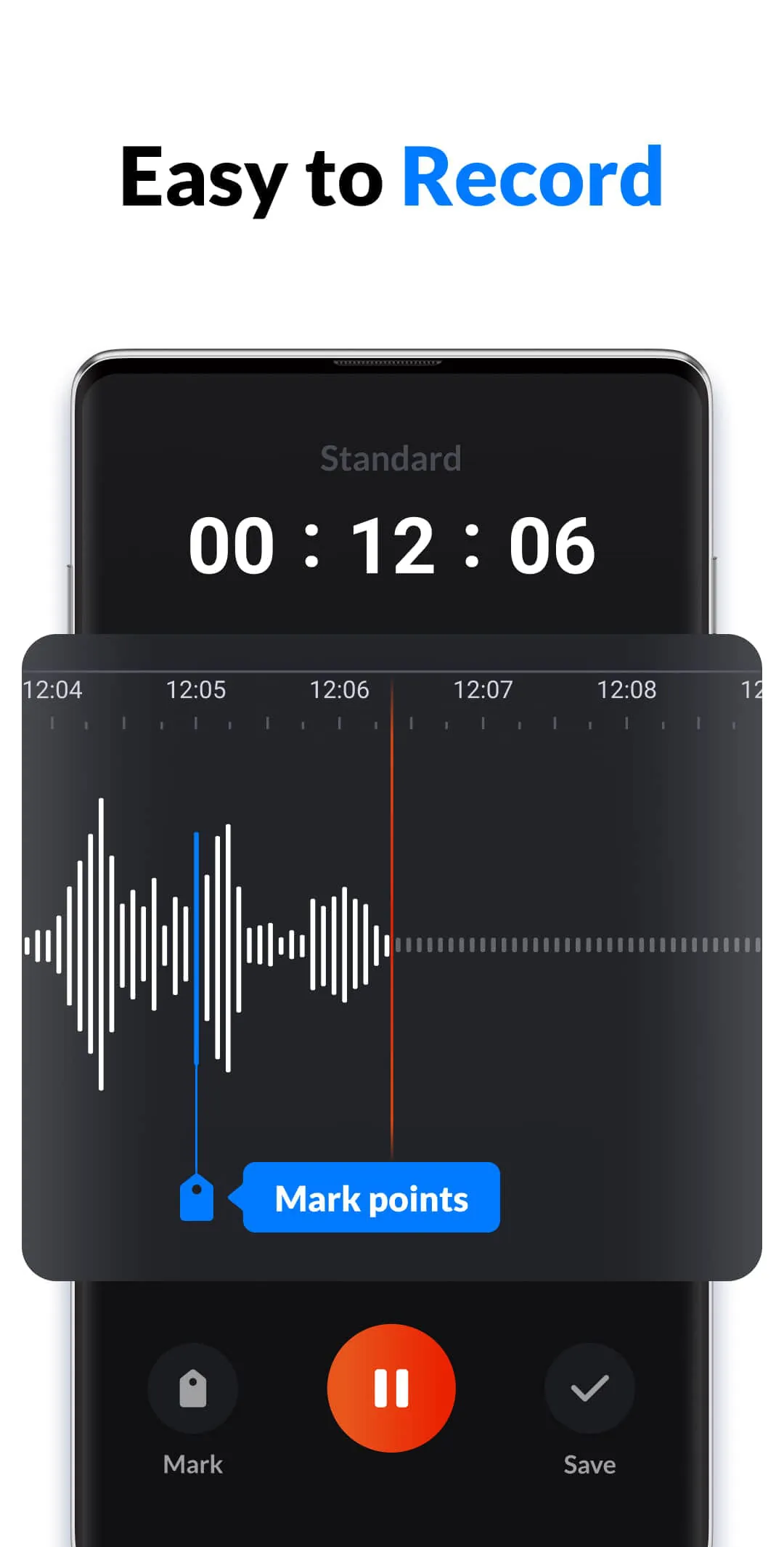
This application is a versatile and high-quality audio recorder designed for a variety of recording needs, from professional meetings to personal voice memos and musical inspiration. Developed by a top-tier team, the app emphasizes ease of use, enabling users to initiate recordings with a single click and without any time constraints. It supports high-fidelity sound capture, ensuring clear and detailed audio reproduction across different recording scenarios. The app's feature set is comprehensive, catering to both basic and advanced recording requirements. It includes functionalities such as customizable sample rates and bitrates, noise suppression, echo cancellation, and automatic gain control, which collectively enhance the audio quality by minimizing background disturbances and optimizing sound levels. For users who require quick access, the app offers convenient recording options through the notification center or via widgets, facilitating immediate capture of important moments without navigating through the app interface. It also accommodates both stereo and mono recording, providing flexibility based on the recording environment and desired audio output. A notable feature is the ability to add markers during recording, which allows users to quickly identify and revisit key points during playback. This is particularly useful for lengthy recordings where specific segments need to be easily located. Additionally, the app supports the addition of tags to recordings, enabling users to categorize and manage their audio files efficiently. This tagging system simplifies the organization process, making it easier to search for and retrieve specific recordings based on predefined categories. The app also supports background recording and screen-off recording, allowing users to continue recording audio while using other applications or when the device screen is turned off. This feature is particularly useful for discreet recordings or when conserving battery life during long recording sessions. The user interface is designed to be intuitive and user-friendly, ensuring that even novice users can easily navigate and utilize the app's extensive features. The controls are clearly labeled, and the settings are logically organized, minimizing the learning curve and allowing users to quickly adapt to the app's functionality. Regular updates and improvements are implemented based on user feedback, demonstrating the development team's commitment to continuously enhancing the app's performance and user experience. The app's robust feature set and user-centric design make it a valuable tool for anyone who needs a reliable and versatile audio recording solution.
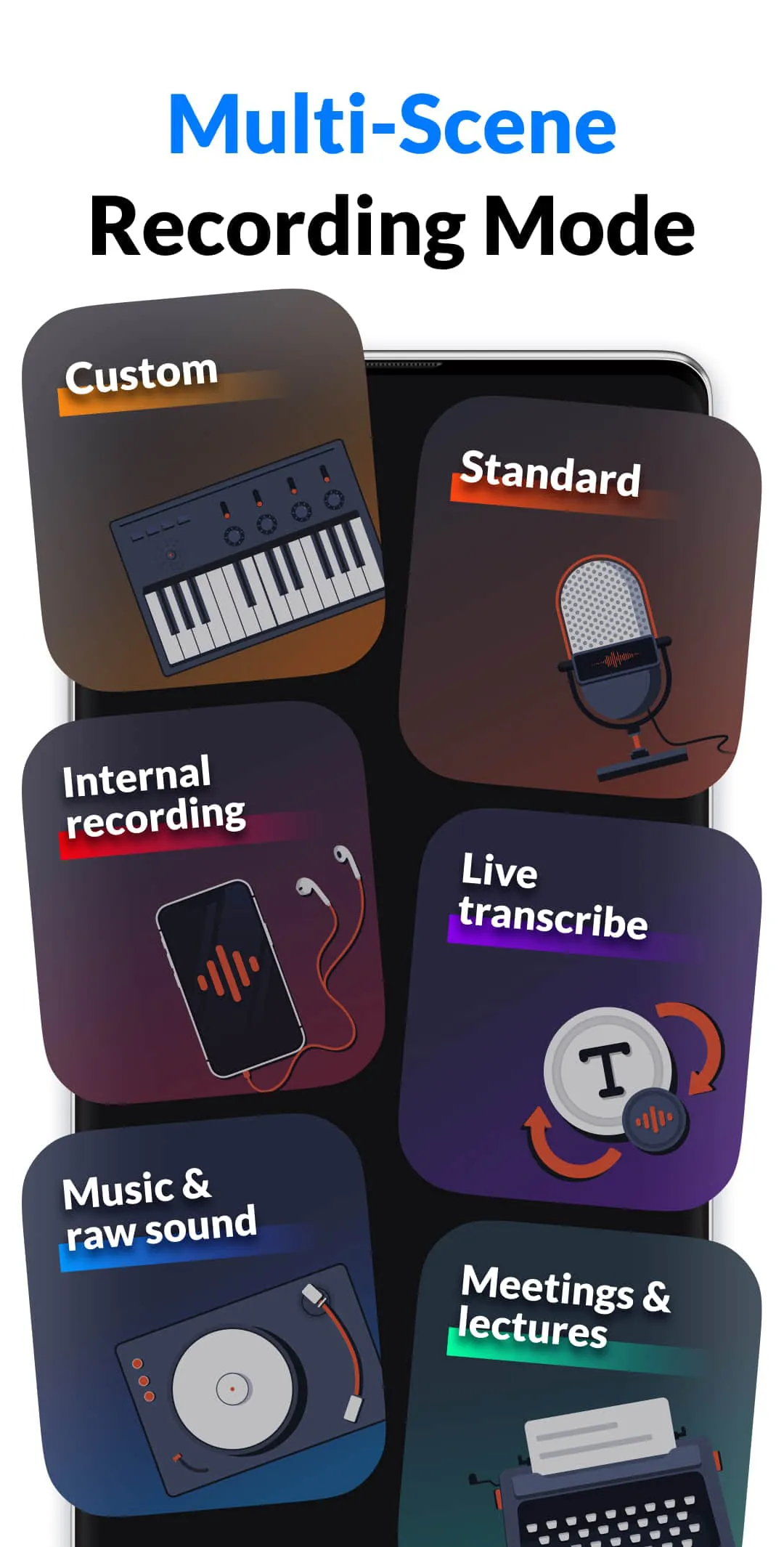
The app offers distinct recording modes tailored to different scenarios, including a meeting and lecture mode, a music and live sound mode, and a standard mode. The meeting and lecture mode is specifically designed for capturing clear audio in environments where note-taking may be challenging. This mode excels at noise reduction, ensuring that voice memos are recorded with minimal background interference. The ability to add markers during recording is particularly useful in this mode, allowing users to quickly pinpoint important moments during playback, such as key discussion points or critical decisions. The app also provides options for sorting recordings by name, time, size, and date, enhancing organizational efficiency and making it easier to locate specific audio files. This feature is especially beneficial for users who frequently record meetings or lectures and need to quickly access past recordings. The music and live sound mode is optimized for capturing high-quality audio during musical performances or jam sessions. It supports CD-quality recording, ensuring that the nuances of the music are accurately captured. The app also allows users to easily re-record sections that do not meet their satisfaction, providing flexibility and control over the final audio product. Support for both stereo and mono recording, along with customizable sample rates and bitrates, further enhances the app's versatility, allowing users to tailor the recording settings to their specific needs. The standard mode is designed for general-purpose recording, suitable for a wide range of scenarios, including lectures, interviews, speeches, and personal voice memos. This mode provides a balanced approach to audio capture, ensuring clear and reliable recordings in various environments. The app's ability to function as a versatile voice memo recorder makes it an indispensable tool for capturing spontaneous thoughts, ideas, or reminders. Its user-friendly interface and robust feature set make it an ideal choice for anyone who needs a reliable and convenient audio recording solution for everyday use. The app's adaptability to different recording scenarios, combined with its ease of use, makes it a standout option in the crowded market of audio recording applications.
Beyond its core recording capabilities, the application offers a range of additional features that enhance its functionality and user experience. It includes options for switching between different microphones, allowing users to select the optimal input source for their recording environment. This feature is particularly useful for users who may be using external microphones or need to switch between the device's built-in microphones. The app supports multiple recording formats, including .wav, .m4a, and .mp3, providing flexibility and compatibility with various audio editing software and playback devices. This ensures that users can easily share and utilize their recordings across different platforms. The app also includes an automatic pause feature that temporarily halts recording when a call is received, preventing interruptions and ensuring that important audio is not missed. This feature is particularly useful for users who may be recording interviews or lectures and need to handle incoming calls without disrupting the recording process. Playback options include variable speed control, allowing users to listen to recordings at different speeds to quickly review content or focus on specific sections. The app also includes fast forward and rewind functions, providing further control over playback. Editing capabilities include trimming and cutting, allowing users to easily remove unwanted sections from their recordings and refine the final audio product. The app also provides a centralized location for managing all recordings, making it easy to access, organize, and share audio files. Users can set recordings as ringtones, share them with others, and rename them for easy identification. However, it is important to note that the app does not support call recording, which may be a limitation for some users. Overall, the application provides a comprehensive and user-friendly audio recording solution for a wide range of needs. Its robust feature set, combined with its ease of use and versatility, make it a valuable tool for anyone who needs to capture high-quality audio on the go. The app's continuous development and responsiveness to user feedback ensure that it remains a top contender in the audio recording market.




 APK
APK  Google Play
  iOS
iOS  4.80
4.80