VIP Access is a mobile application developed to provide users with secure and convenient login verification services, primarily functioning as a software token to generate time-based one-time passwords for protecting online accounts and authorizing transactions, thereby enhancing security against unauthorized access.
Key Features
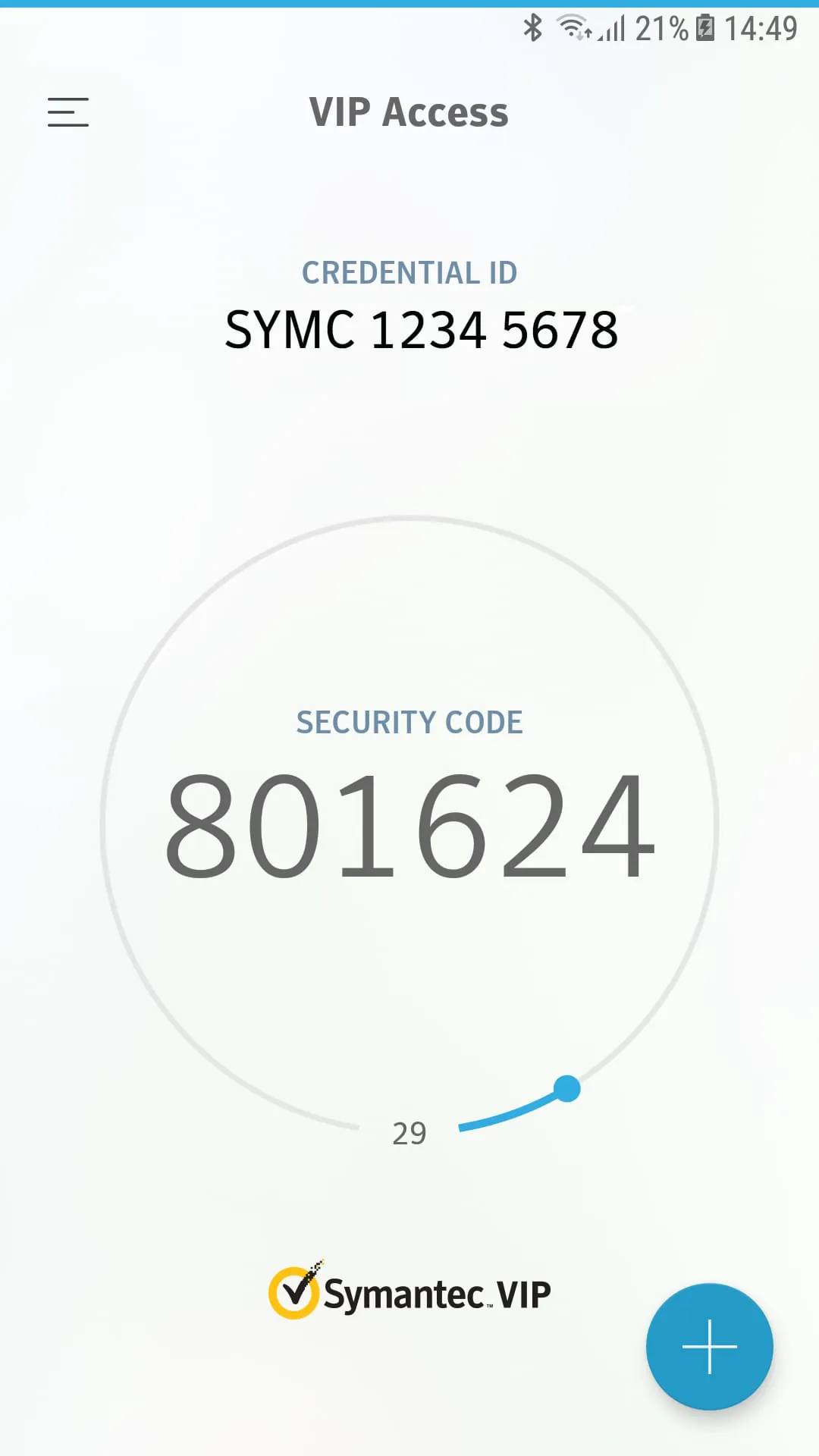
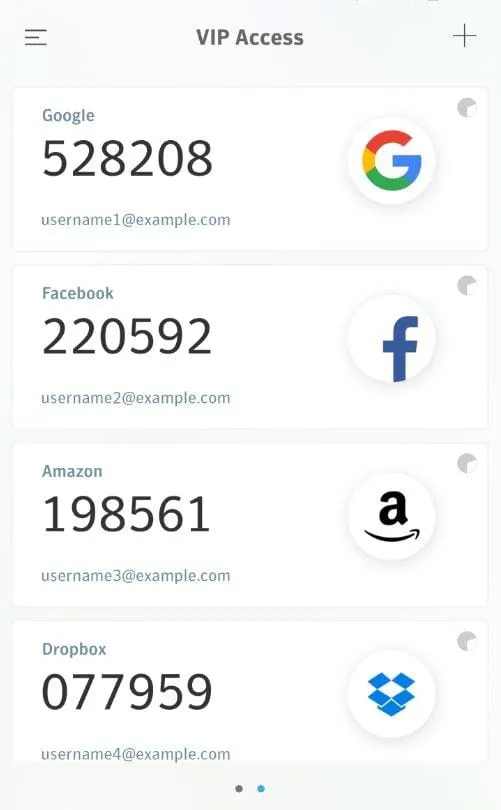
The application stands out by offering robust two-factor authentication directly from a user's personal device. Its core capability lies in generating secure, time-sensitive passcodes that refresh every 30 to 60 seconds, ensuring that each code is unique and can only be used once. It operates offline without requiring network connectivity for code generation and supports the protection of multiple accounts from various service providers within a single, streamlined interface, making it a centralized security tool for personal and professional use.
Pros & Cons
A balanced view of the application reveals several advantages and some limitations. The primary benefits are its significant enhancement of account security by adding an essential layer of protection beyond just a password, its widespread acceptance by major financial institutions and online platforms, and its high convenience as it eliminates the need for carrying a separate physical token. On the other hand, the drawbacks include a critical dependency on the user’s mobile device—if the phone is lost, damaged, or out of battery, access can be compromised—and the inherent complexity of the initial setup process, which can be challenging for less tech-savvy individuals to configure properly with their accounts.
Functions
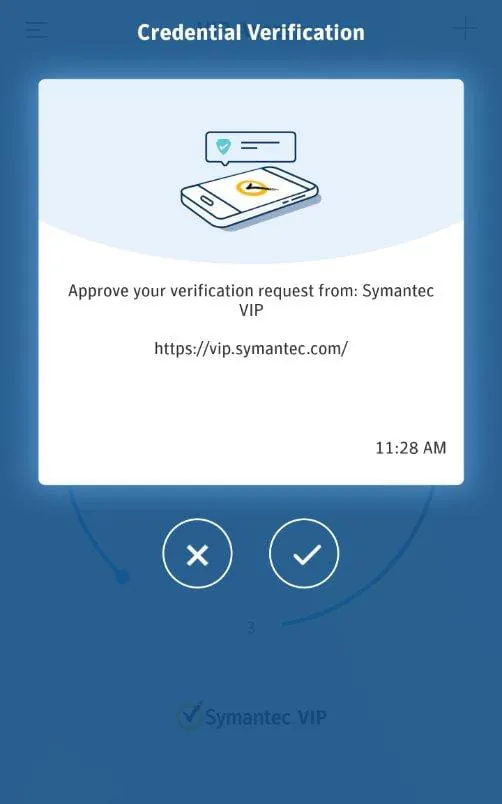
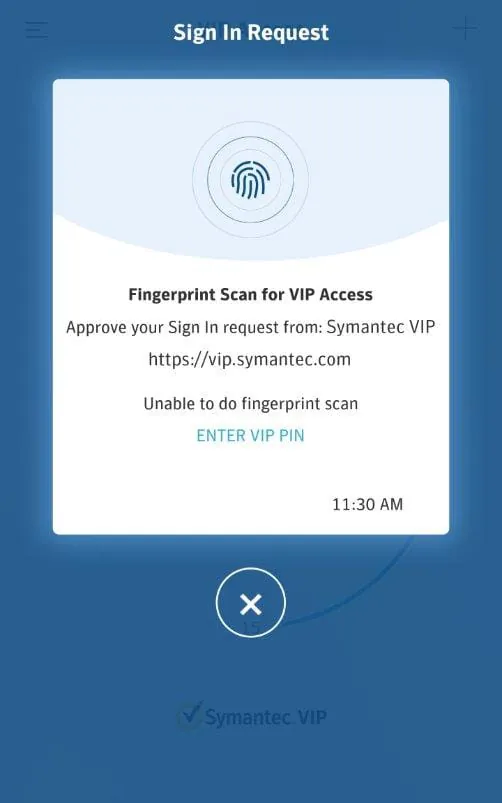
The application performs several critical security functions seamlessly. Its primary role is to act as a software-based security token, synchronizing with servers to produce synchronized one-time passwords. It securely stores the unique seed credentials for each enrolled account locally on the device. Furthermore, it provides a straightforward method for authorizing high-risk activities, such as bank transfers, by requiring a generated code for final confirmation, thus actively preventing fraudulent transactions.
How to Use
Click the button "Check All Versions" below to download and install it. After installation, open the app and begin the enrollment process by selecting the option to add a new account; this typically involves scanning a QR code provided by your bank or online service website or manually entering a provided activation code. Once enrolled, the account will appear in your app's list, and you can simply open VIP Access whenever a login prompts for a verification code, then enter the currently displayed 6-digit passcode for that account to complete a secure sign-in or transaction approval. It is crucial to follow your service provider’s specific instructions for linking the app to your account.





 APK
APK  Google Play
  iOS
iOS  3.40
3.40