VicoHome is a specialized mobile application designed to provide users with seamless remote access and intelligent control over their Vico brand smart home devices. It serves as a centralized hub, allowing individuals to monitor security cameras, manage smart lights, control thermostats, and interact with various other connected appliances from a single, user-friendly interface, turning any smartphone into a powerful remote for the modern connected home.
Key Features
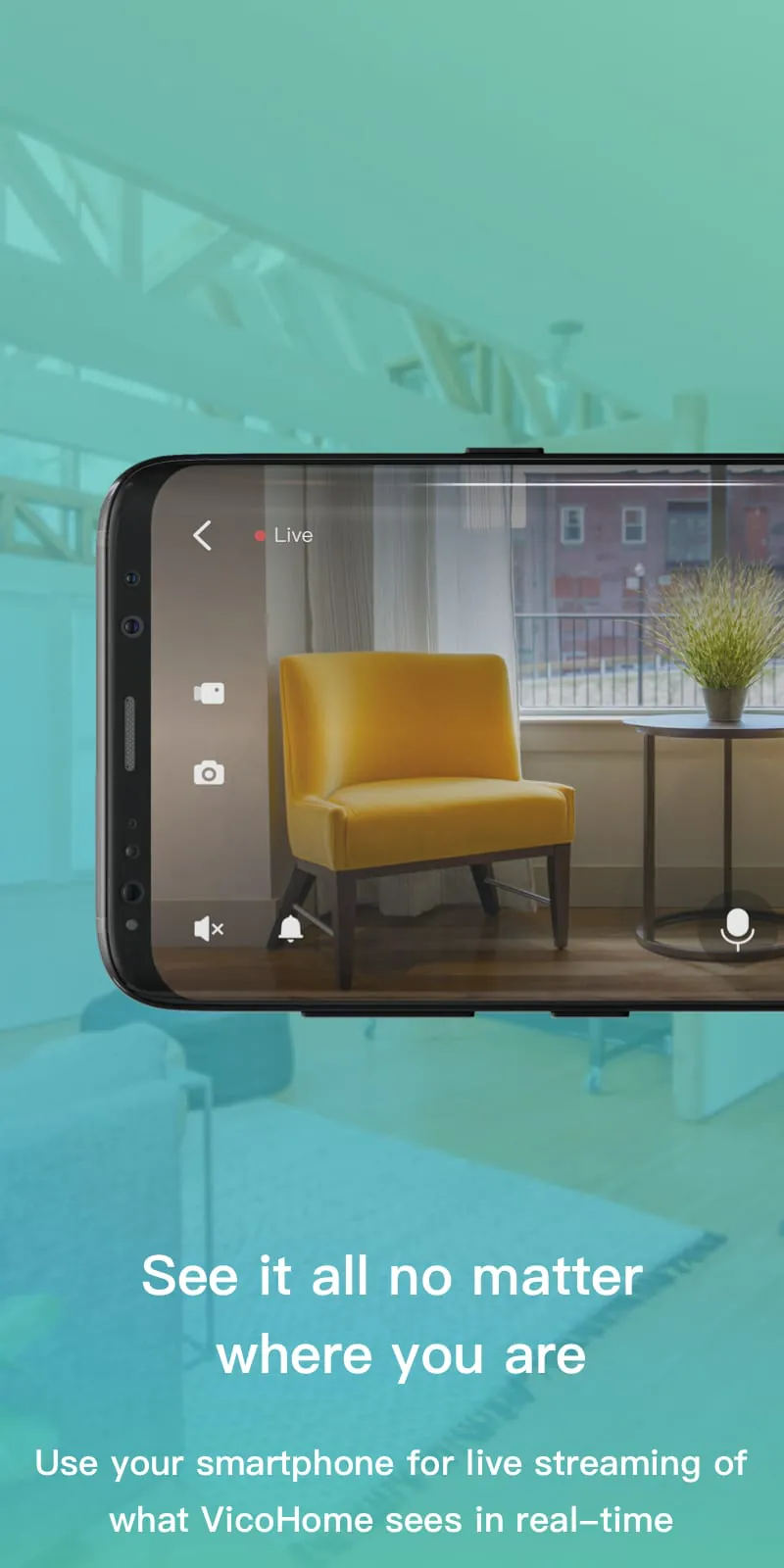
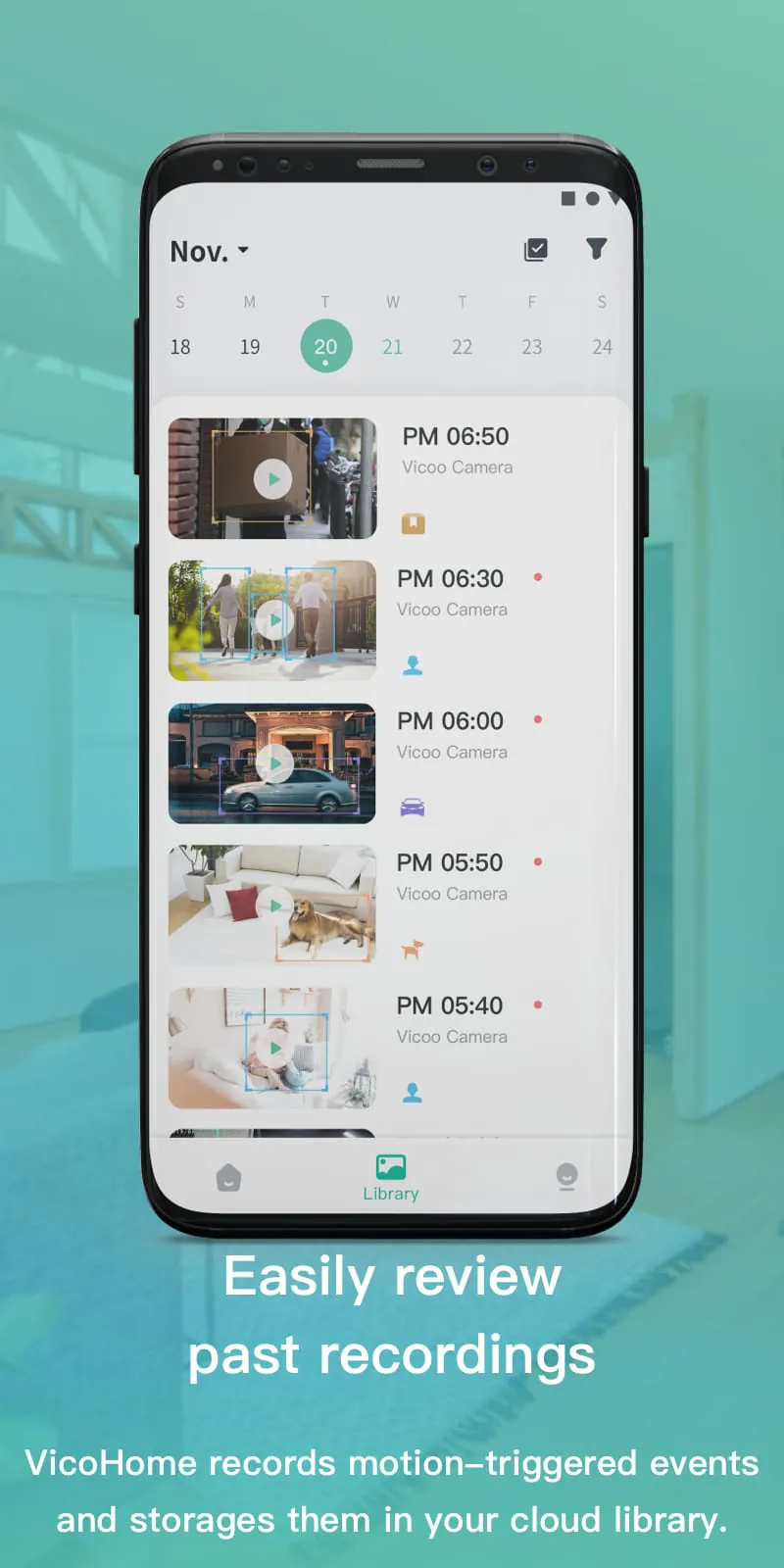
The application stands out by integrating a wide array of functionalities tailored for home automation. It delivers real-time video streaming with clear audio, supports two-way communication for speaking through camera devices, and sends instant alert notifications for detected motion or sound. Users can also create customized automation scenarios, such as scheduling lights to turn on at sunset, and review detailed historical activity logs from their devices, all protected by robust data encryption.
Pros & Cons
When evaluating VicoHome, users will find distinct advantages and some limitations.
- Intuitive and clean interface that is easy for beginners to navigate.
- Stable connection with low latency for real-time control.
- Supports a wide range of Vico products within one ecosystem.
- Useful automation and scheduling features.
- Primarily compatible only with Vico-branded hardware.
- Some advanced features may require a paid subscription.
- Performance can vary slightly based on local network strength.
Functions
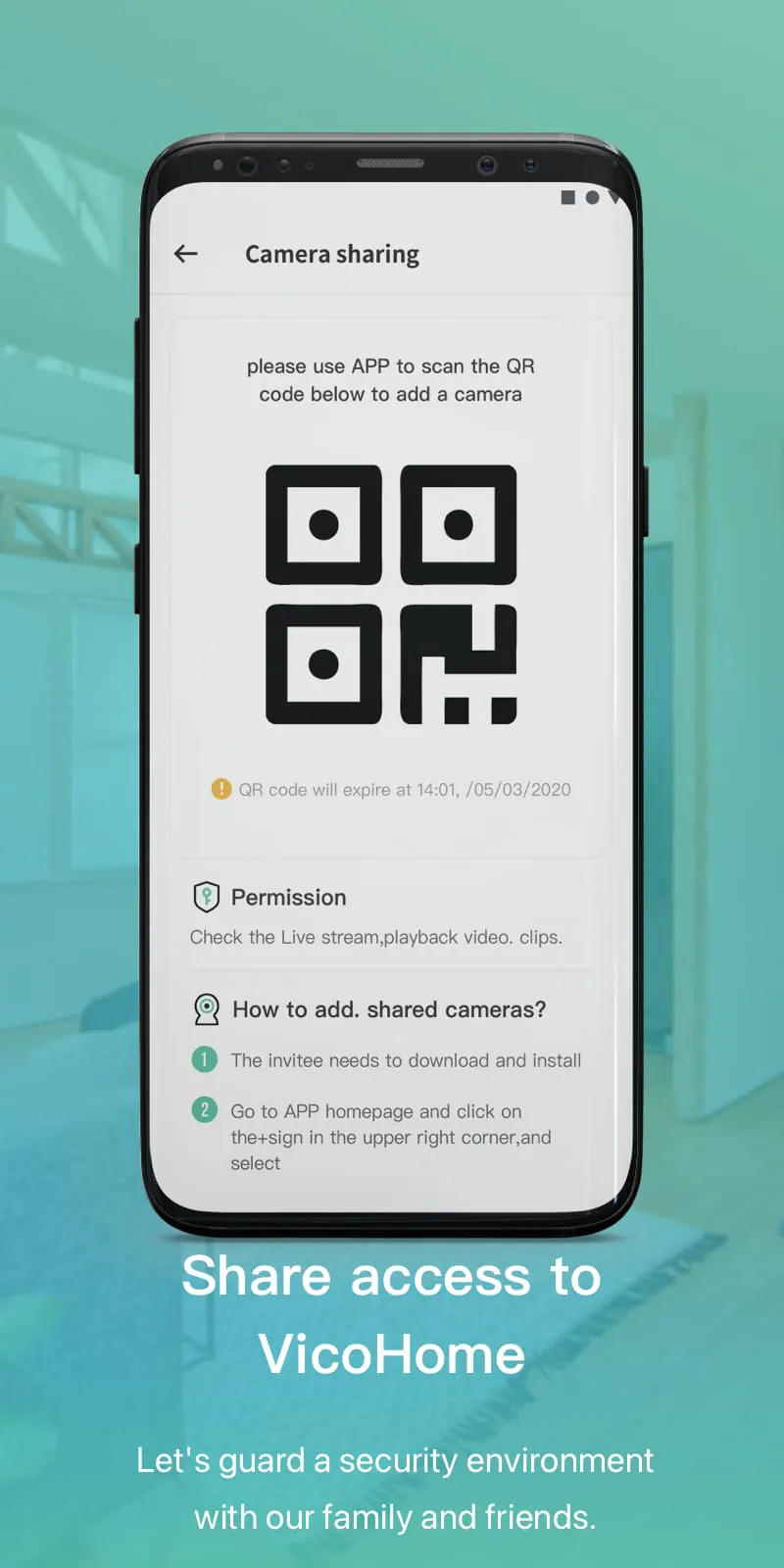
VicoHome encompasses a comprehensive set of functions to manage a smart home effectively. Its core capabilities include live viewing and playback of recorded video footage from multiple camera angles simultaneously. The app allows for precise adjustment of smart lighting color and brightness, as well as control over climate settings via compatible thermostats. Furthermore, it enables the grouping of devices for synchronized commands, offers cloud and local storage options, and includes a family sharing feature for granting access to other household members.
How to Use
Click the button "Check All Versions" below to download and install it. Once installed, open the app and create a new account or log in with your existing credentials. Follow the in-app instructions to add your Vico devices, typically by scanning a QR code or entering the device's unique ID. After successful pairing, your devices will appear on the main dashboard where you can tap on any item to access its live feed or control panel. Navigate through the menu to set up motion detection zones, configure notification preferences, and establish automated routines under the "Scenes" or "Automation" tab to fully customize your smart home experience.





 APK
APK  Google Play
  iOS
iOS  4.60
4.60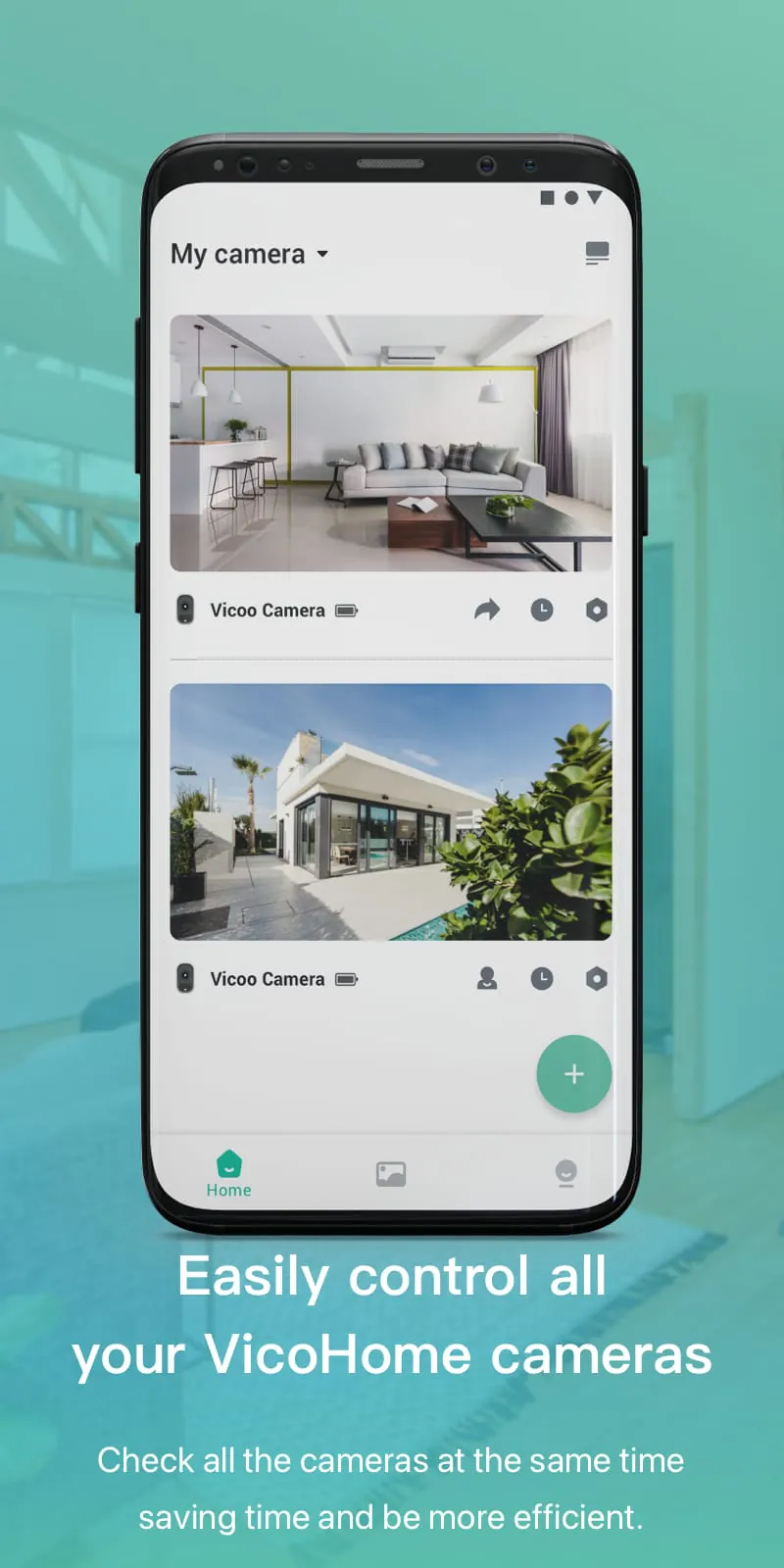
 Download








