Vaulty is a privacy-focused mobile application designed to help users securely store, organize, and access sensitive personal content such as private photos, videos, documents, and notes. It acts as a digital safe, keeping your most confidential files protected behind strong encryption and multiple layers of security, ensuring that only you can view them.
Key Features
- Encrypted storage for images, videos, notes, and documents
- Stealth mode to disguise the app icon and name
- Break-in alerts with intruder selfies
- Fake vault option for added misdirection
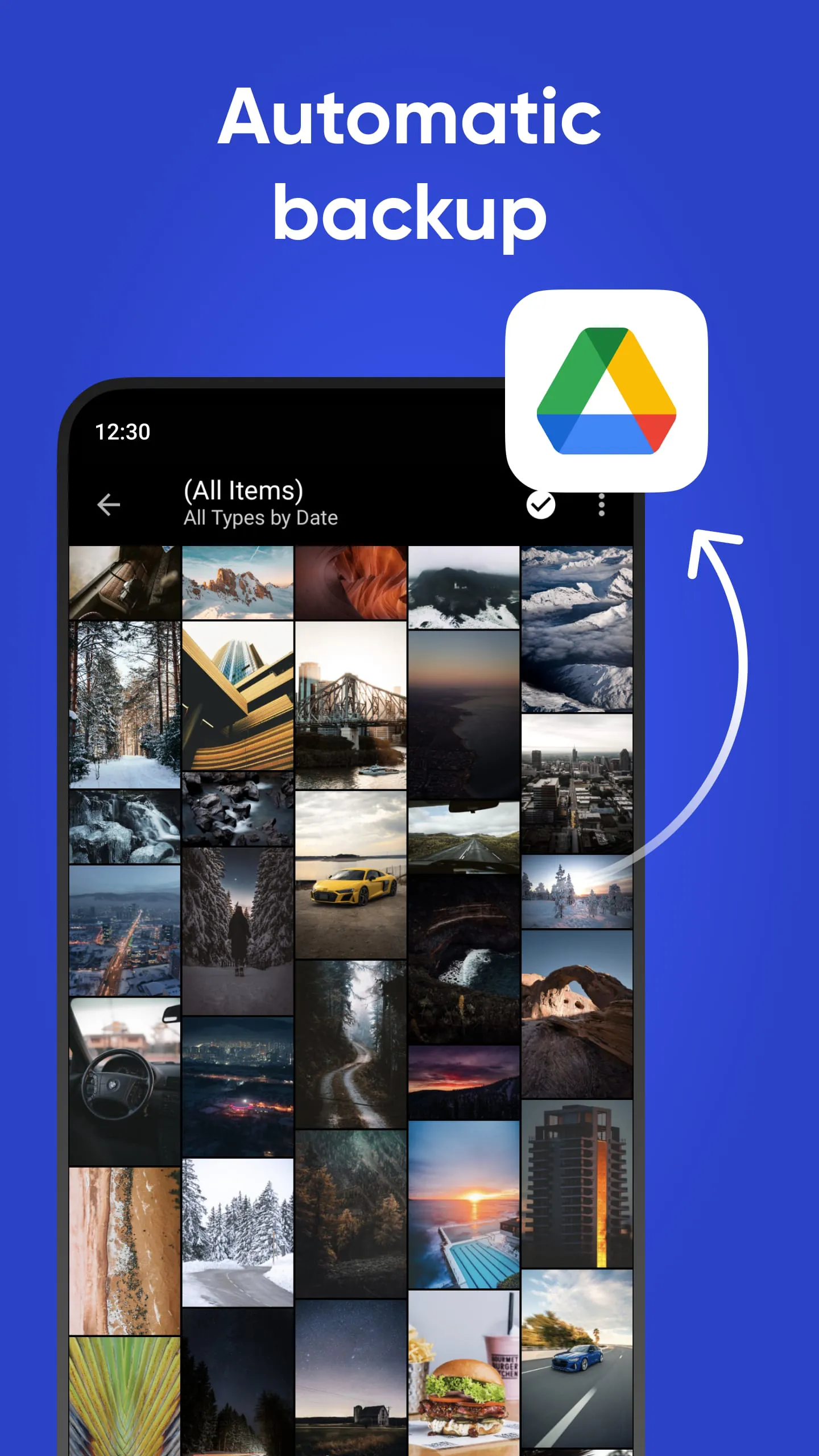
- Cloud backup support for secure data recovery
- Decoy passwords to show different content sets
Pros & Cons
- Pros: Strong encryption standards, intuitive interface, discreet operation, flexible storage options
- Cons: Some features require in-app purchases, no native desktop version, limited free cloud storage
Functions
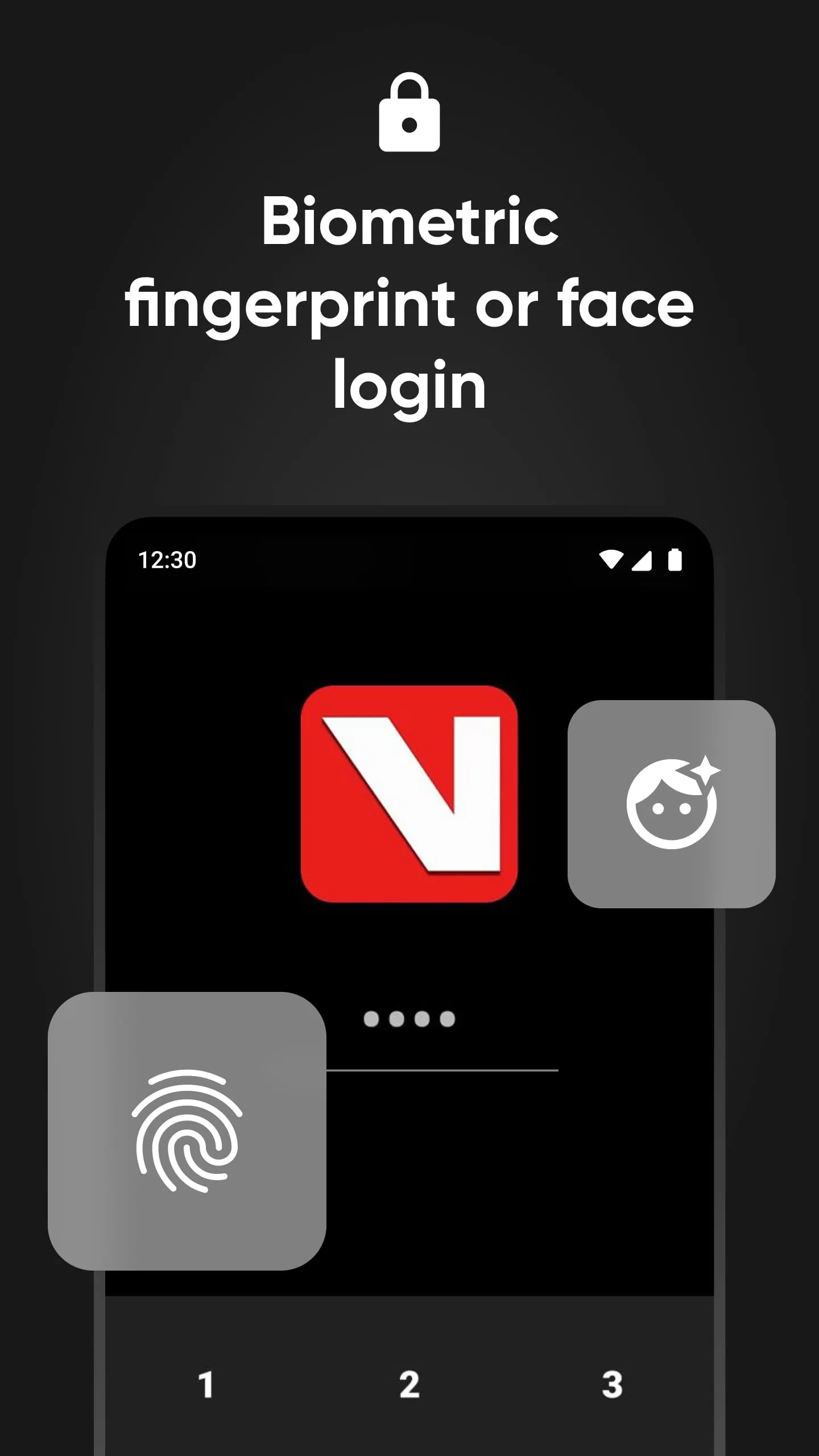
Vaulty operates like a secure digital locker where each file type is encrypted separately for optimized protection. It allows users to import media directly from their device gallery, take private photos within the app, and create text-based notes that remain hidden from other apps. The app also includes organizational tools such as custom folders, tagging systems, and search functionality. Security functions include automatic locking after inactivity, PIN or pattern entry, and optional fingerprint authentication. Vaulty’s stealth capabilities let users change its appearance entirely, making it look like another harmless application to anyone else using the phone.
How to Use
Click the button "Check All Versions" below to download and install it. After installation, open Vaulty and set up your primary password or biometric lock. You can then begin importing files into the vault by selecting items from your device or capturing new ones directly in the app. Organize your stored content into folders for easier navigation. Enable stealth mode if you want the app to appear as something else on your home screen. Regularly back up your vault to prevent data loss, and update your security settings to match your preferences.





 APK
APK  Google Play
  iOS
iOS  4.50
4.50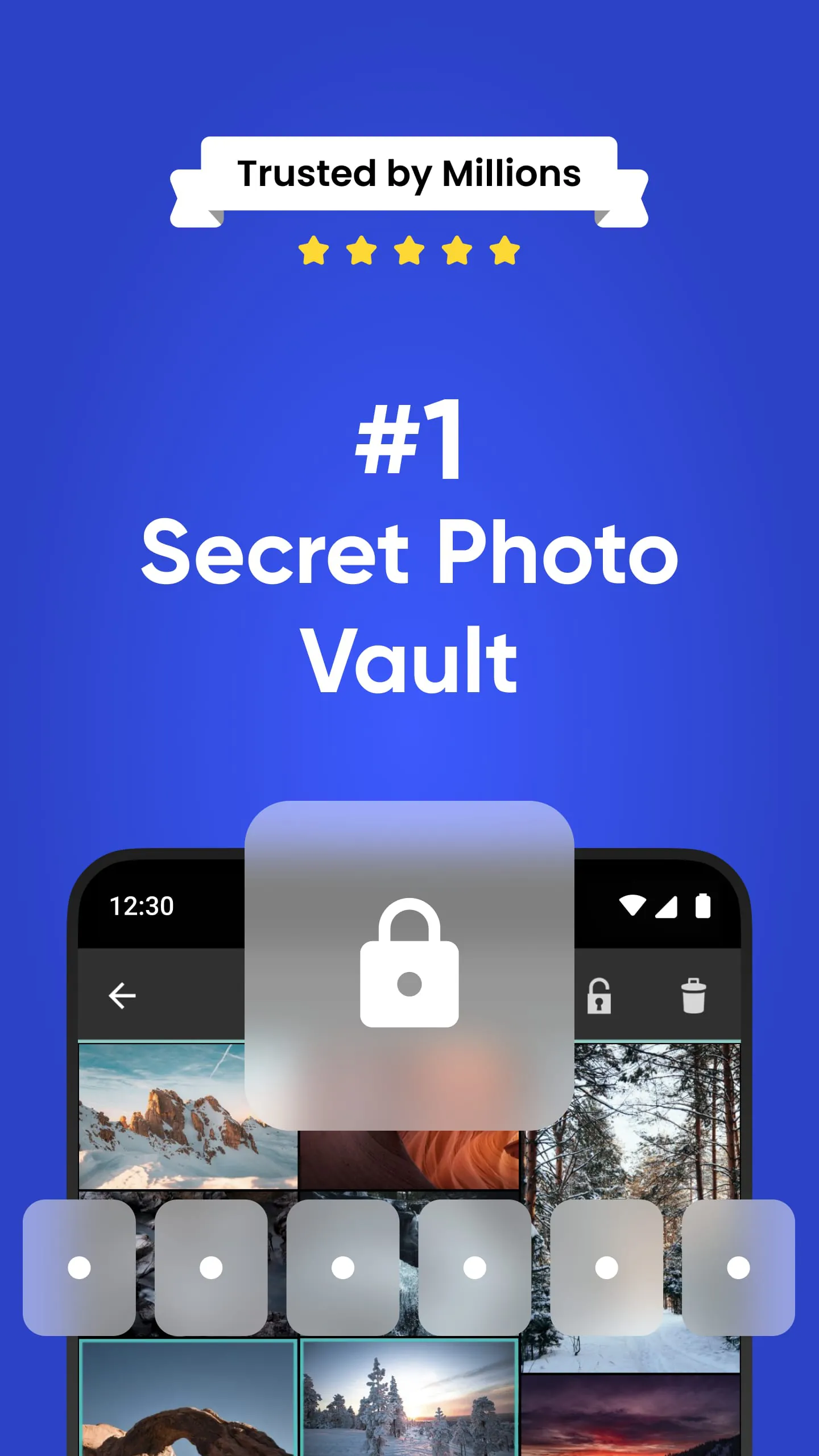
 Download








