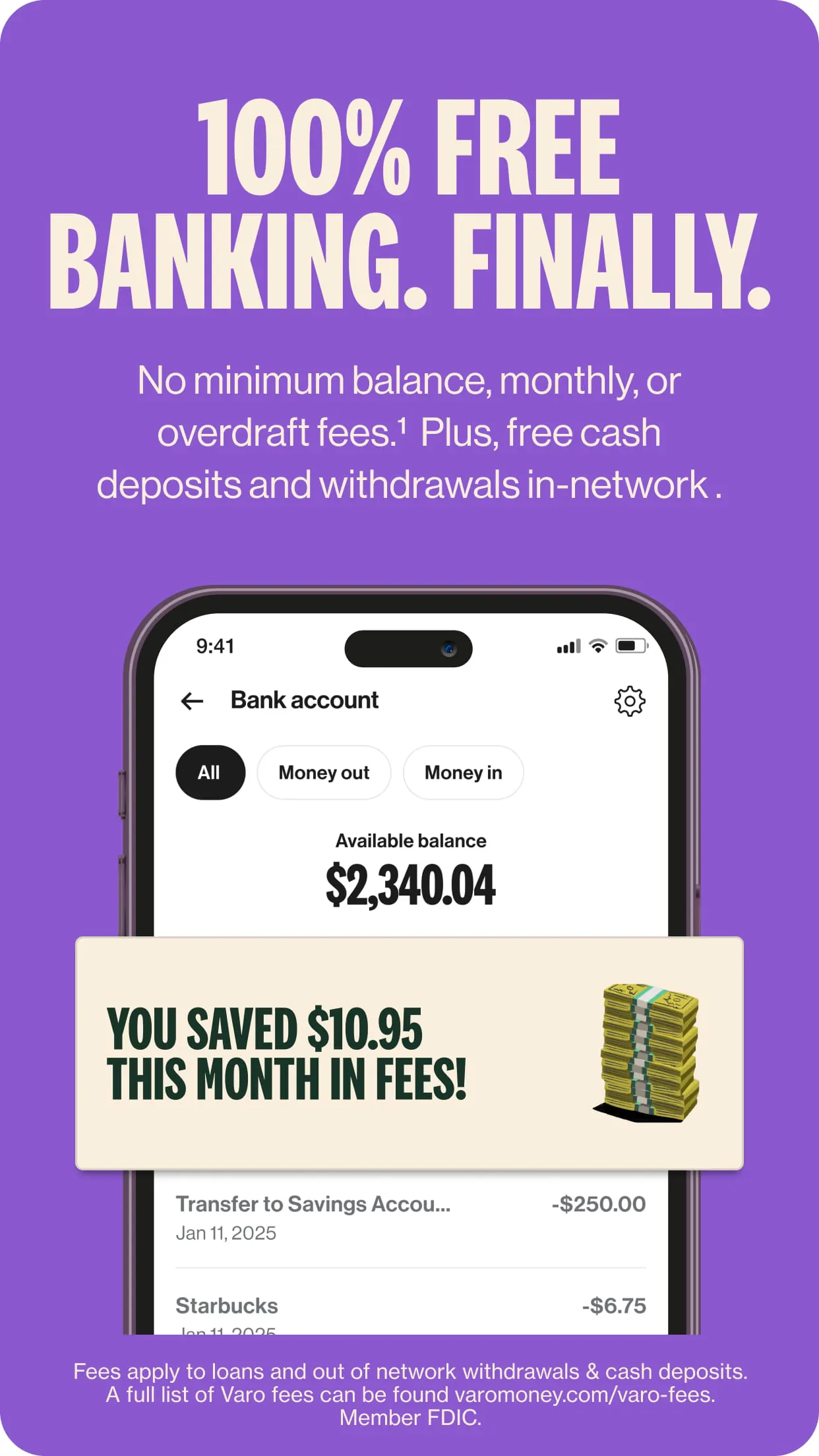
Varo Bank is a comprehensive mobile banking application that provides users with a full suite of digital financial services, operating as an all-digital, FDIC-insured national bank. Through its app, individuals can manage a checking account, a high-yield savings account, and access tools for budgeting, saving, and building credit, all designed to offer a modern alternative to traditional brick-and-mortar banking without monthly fees.
Key Features
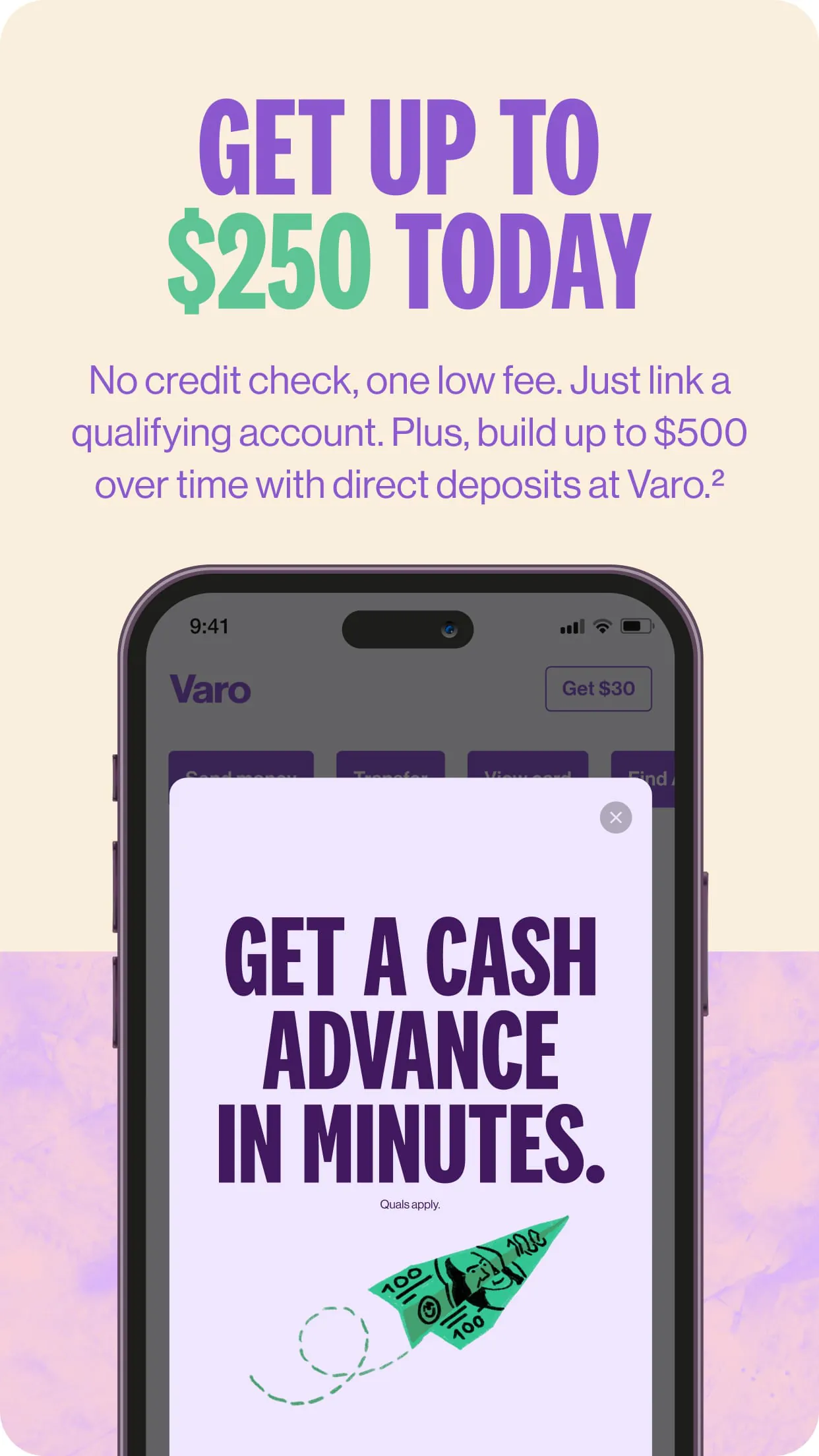
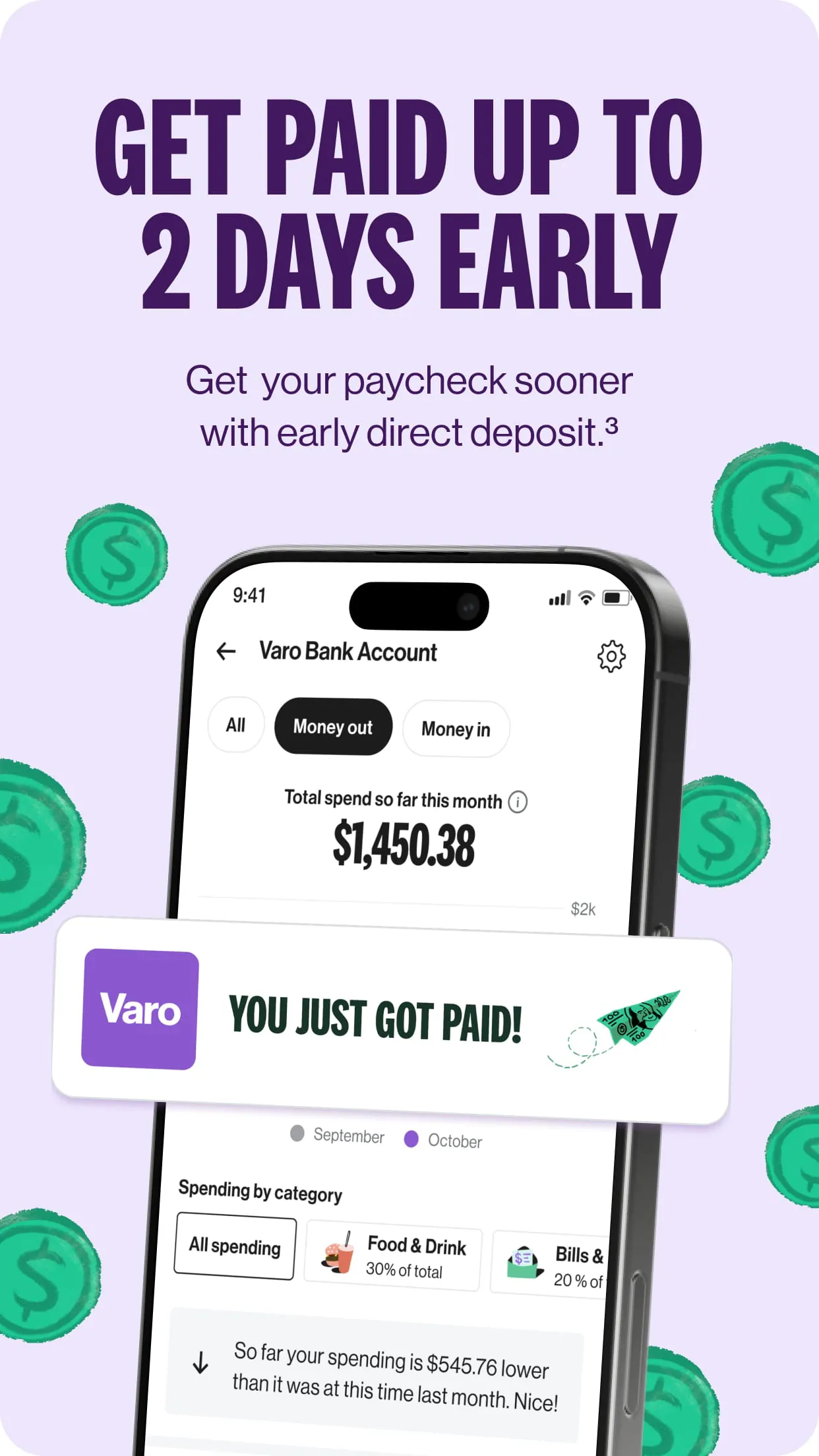
The Varo Bank app distinguishes itself with a set of consumer-centric features focused on accessibility and financial health. It offers early direct deposit, giving customers access to their paychecks up to two days in advance. The app’s savings tools are particularly notable, featuring automatic savings programs and a high-yield savings account that earns competitive interest when certain monthly requirements are met. Additionally, it provides real-time transaction alerts, a no-fee overdraft program called Varo Advance, and fee-free access to a large network of ATMs, creating a streamlined and cost-effective banking experience.
Pros & Cons
Adopting Varo Bank comes with several advantages and some limitations to be aware of. Its strengths are centered around convenience and value.
- Pros: No monthly maintenance fees or minimum balance requirements; competitive interest rates on savings accounts; useful early direct deposit feature; robust automated savings tools; strong mobile check deposit; and excellent customer support directly within the app.
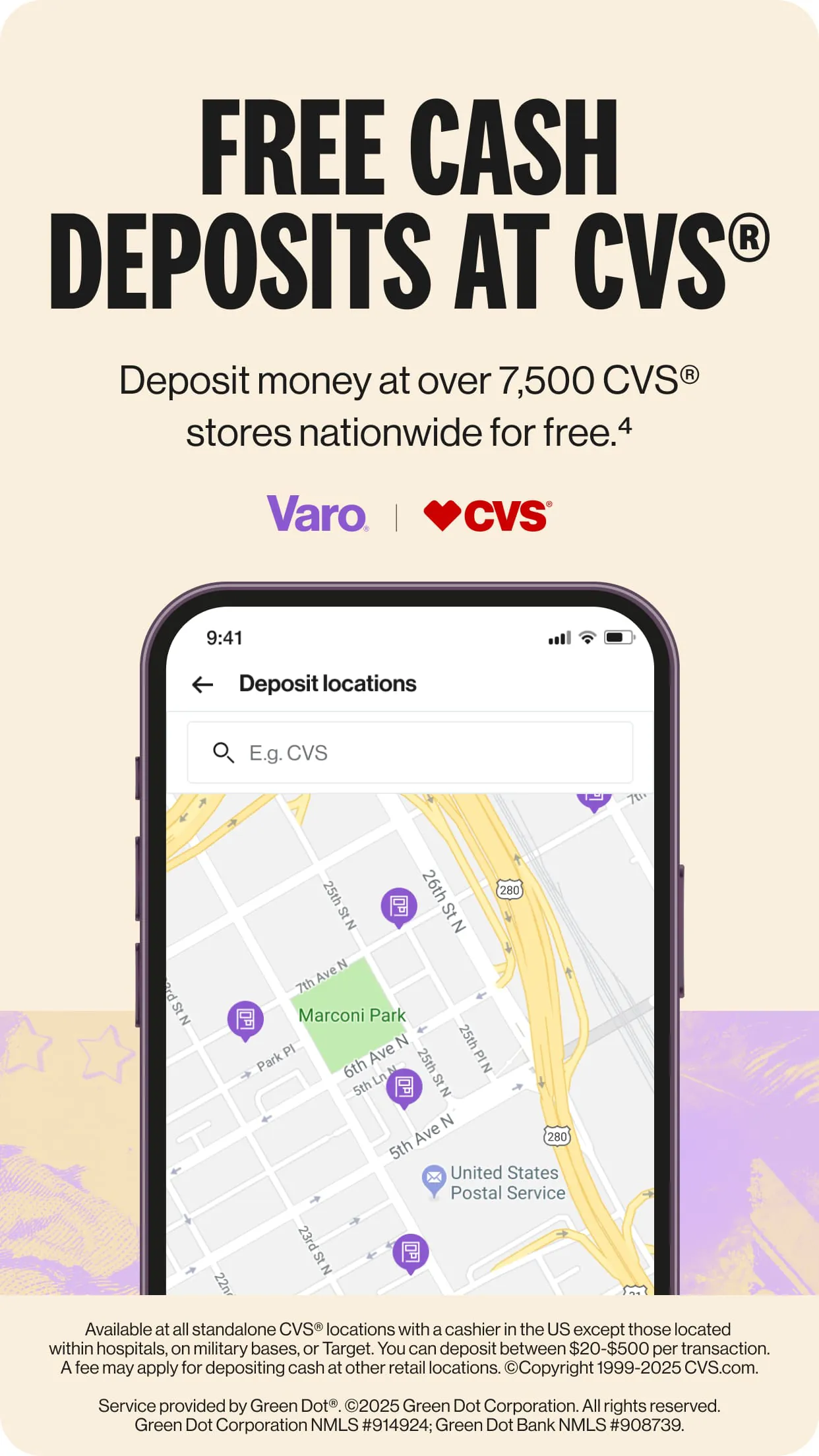
- Cons: Lack of physical branches for in-person service; the high-yield savings rate requires meeting specific qualifications each month; cash deposits are inconvenient, requiring third-party retail partners; and joint accounts are not currently supported.
Functions
The app integrates a wide range of banking functions into a single platform, moving beyond simple account management. Core functions include opening and fully managing checking and savings accounts digitally. It also handles bill payments, peer-to-peer transfers, and mobile check deposits. Beyond transactional activities, the app actively promotes financial wellness through functions like spending insights and categorization, "Save Your Pay" automatic transfers, and a credit-building secured credit card option. Security functions are robust, featuring instant transaction notifications, the ability to lock and unlock your debit card instantly, and biometric login options.
How to Use
Click the button "Check All Versions" below to download and install it. Once installed, open the app and follow the guided sign-up process, which will involve verifying your identity with a government-issued ID and Social Security Number. After your account is approved, you can fund it via direct deposit, mobile check deposit, or a transfer from an external bank account. Navigate the intuitive dashboard to view your accounts, transfer money, set up savings goals, and manage your card settings. For optimal use, enable notifications for transactions, set up direct deposit to benefit from early pay access, and explore the automatic savings rules to help grow your funds effortlessly.





 APK
APK  Google Play
  iOS
iOS  4.60
4.60