The USB diagnostics application is a tool designed to facilitate the diagnosis and analysis of USB devices that are connected to a mobile phone, either through the use of an OTG (On-The-Go) cable or via a USB hub. This application provides users with the capability to perform comprehensive tests and generate detailed reports on any USB device that is connected to the mobile phone, offering insights into the device's functionality and specifications. The primary purpose of the application is to ensure that users can effectively monitor and manage the performance of their USB devices, particularly when these devices are connected via USB OTG, which is a common method for expanding the connectivity options of mobile devices. The application supports a wide range of USB devices, including those connected via USB Type-C, which is a prevalent connector type in modern mobile phones. By offering features such as detailed device information, diagnostic reports, and thorough testing procedures, the USB diagnostics application aims to provide a user-friendly interface for managing and troubleshooting USB connections. This can be especially valuable for users who frequently rely on USB connections for data transfer, device charging, or connecting peripherals to their mobile devices. The application's ability to list all available devices and provide in-depth diagnostic reports allows users to quickly identify any potential issues or performance bottlenecks. Furthermore, the application emphasizes the importance of connecting USB devices before initiating a scan, ensuring that the diagnostic process is accurate and reliable. This attention to detail and focus on user experience makes the USB diagnostics application a useful tool for anyone who needs to maintain and optimize their USB connections on a mobile device. The application’s comprehensive approach to USB device management includes not only the ability to diagnose issues but also to provide users with a clear understanding of the connected devices’ capabilities and limitations. This information can be crucial for making informed decisions about device compatibility and usage, ultimately enhancing the overall mobile experience. The combination of diagnostic tools, detailed reporting, and user-friendly design positions the USB diagnostics application as a valuable asset for both casual and power users alike.
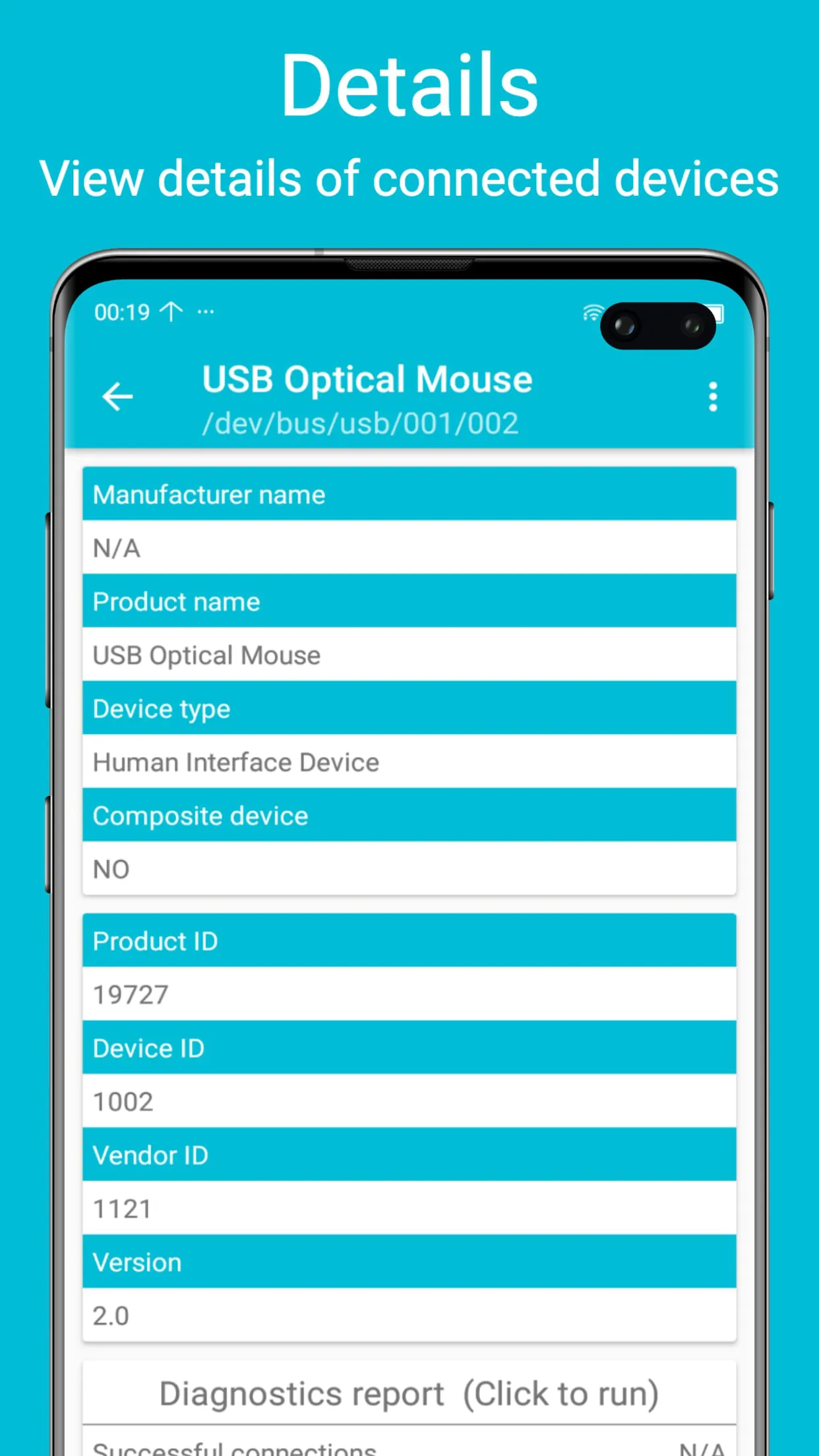
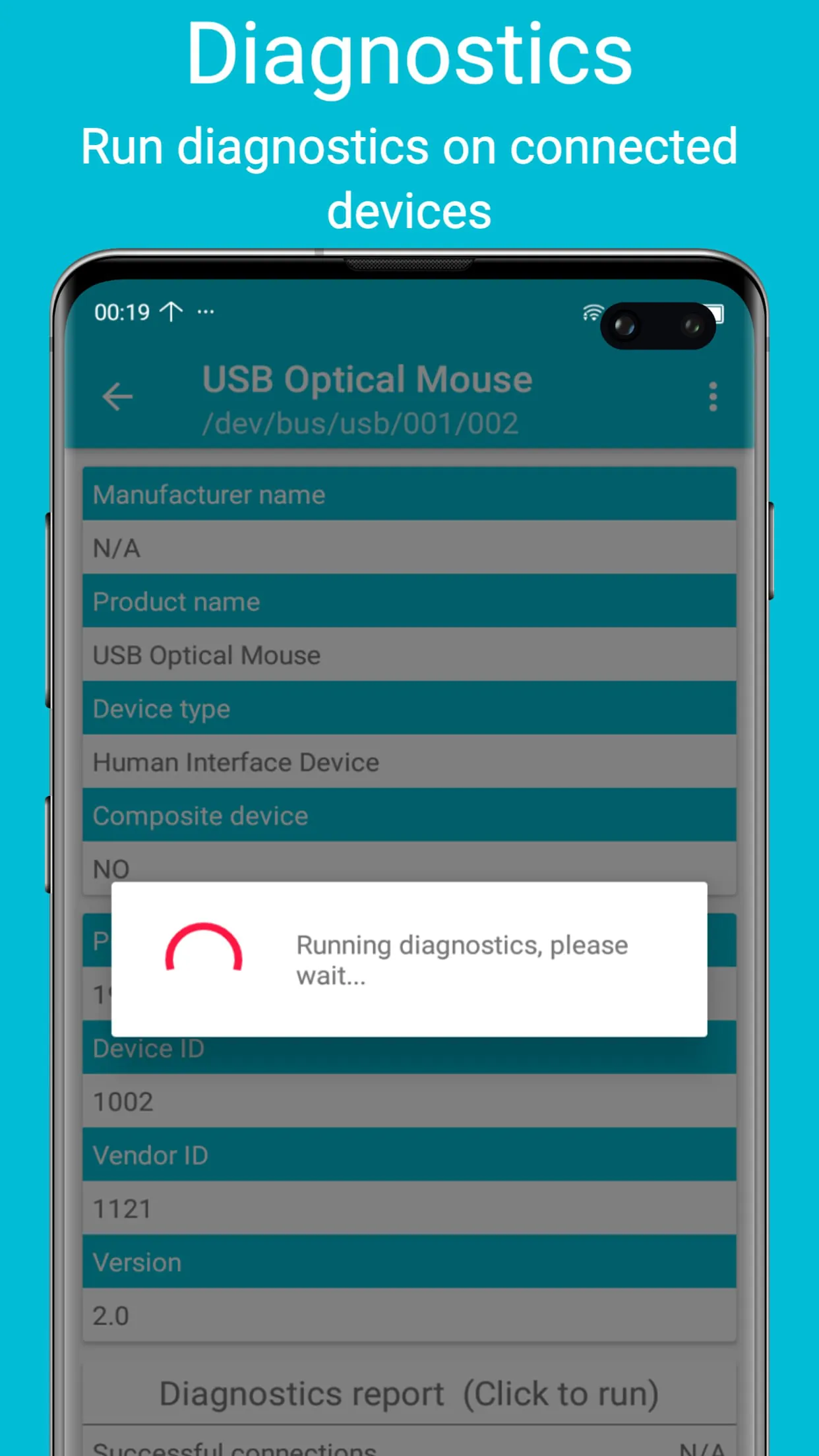
The USB diagnostics application offers a range of features that are specifically designed to provide users with detailed information and diagnostic reports on connected USB devices. One of the key features of the application is its ability to display comprehensive details of connected USB devices. This includes information such as the device name, manufacturer, serial number, and other relevant specifications. By providing this detailed information, the application allows users to quickly identify and verify the devices that are connected to their mobile phone. Another important feature of the application is its ability to generate diagnostic reports on connected devices. These reports provide users with insights into the performance and functionality of the USB devices, highlighting any potential issues or areas of concern. The diagnostic reports may include information such as data transfer speeds, power consumption, and error rates, allowing users to assess the overall health and performance of their USB devices. The application also lists all available devices that are connected to the mobile phone, providing a convenient way for users to view and manage their USB connections. This feature is particularly useful when multiple USB devices are connected via a hub, as it allows users to easily identify and select the desired device. Furthermore, the application offers thorough testing procedures to ensure that USB devices are functioning properly. These tests may include checks for data integrity, power delivery, and device compatibility, providing users with a comprehensive assessment of their USB devices. By performing these tests, users can identify any potential issues and take corrective actions to ensure optimal performance. The application's emphasis on thorough testing and detailed reporting underscores its commitment to providing users with a reliable and informative tool for managing their USB connections. The combination of these features makes the USB diagnostics application a valuable asset for anyone who relies on USB connections for data transfer, device charging, or connecting peripherals to their mobile phone. The application's user-friendly interface and comprehensive diagnostic capabilities make it an essential tool for maintaining and optimizing USB device performance.
The USB diagnostics application is designed to support a wide range of USB devices and connection types, including USB OTG and USB Type-C. USB OTG (On-The-Go) cables are commonly used to connect USB devices to mobile phones, allowing users to expand the functionality of their devices by connecting peripherals such as keyboards, mice, and external storage devices. The USB diagnostics application supports USB OTG connections, enabling users to diagnose and analyze USB devices that are connected via OTG cables. This is particularly useful for users who frequently use USB OTG to connect devices to their mobile phones, as it allows them to ensure that the connections are functioning properly and that the devices are compatible. In addition to USB OTG, the application also supports USB Type-C, which is a prevalent connector type in modern mobile phones. USB Type-C offers several advantages over older USB standards, including faster data transfer speeds, increased power delivery, and a reversible connector design. The USB diagnostics application is compatible with USB Type-C devices, allowing users to diagnose and analyze these devices to ensure optimal performance. The application's support for both USB OTG and USB Type-C reflects its commitment to providing a versatile and comprehensive tool for managing USB connections on mobile devices. By supporting a wide range of connection types, the application ensures that users can diagnose and analyze virtually any USB device that is connected to their mobile phone. The application's ability to support various USB types underscores its adaptability and relevance in the ever-evolving landscape of mobile technology. The combination of diagnostic tools, detailed reporting, and broad compatibility makes the USB diagnostics application a valuable asset for both casual and power users alike, enabling them to maintain and optimize their USB connections with ease. The application's continuous adaptation to new USB standards ensures its long-term utility and relevance in the mobile device ecosystem.





 APK
APK  Google Play
  iOS
iOS  3.60
3.60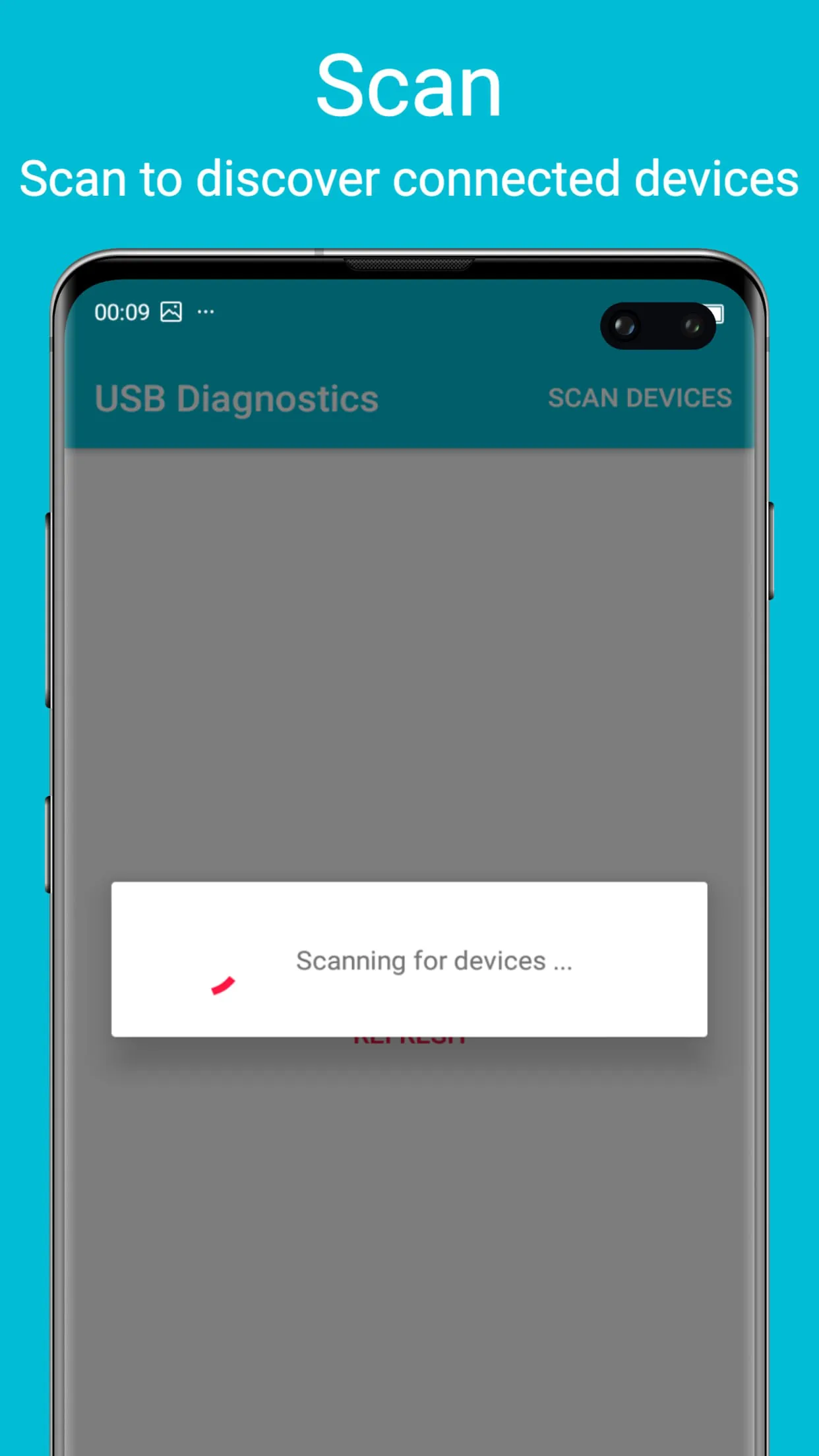
 Download








