



ADVERTISEMENT
ADVERTISEMENT

Store App Store App
Category
BusinessTag
Order Management App | Business Owner Credentials | Order Receiving Machine | Customer Order Details | Delivery/Pickup Time
Rate
3.70
★★★★★
Reviews
500 +
Installs
100k +
Developer
Ordering, Inc
Content Rating
Everyone
Manage every incoming order from one app, orders, menus, drivers, and more.
 APK
APK  Google Play
  iOS
iOS  3.70
3.70ADVERTISEMENT
ADVERTISEMENT
Author's Review
appspicked Review
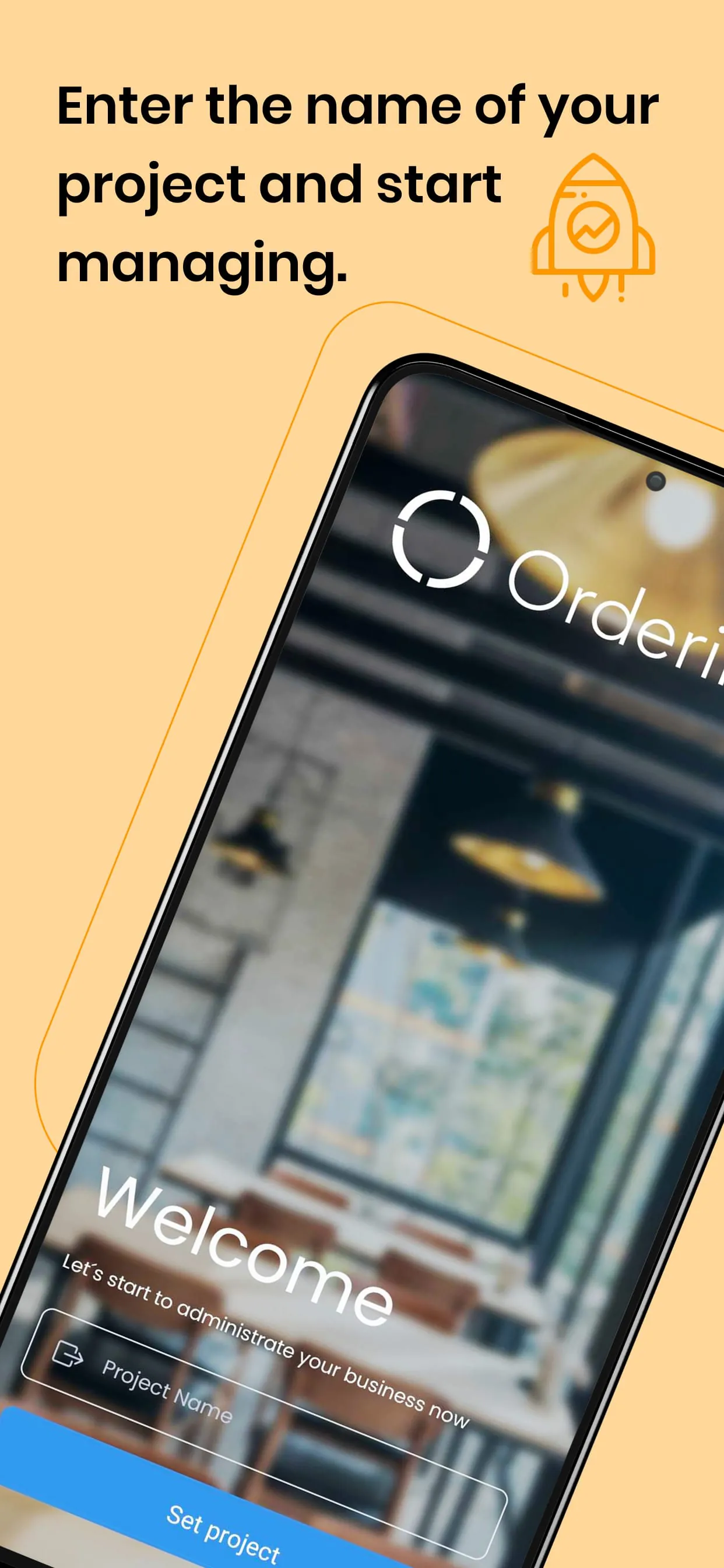
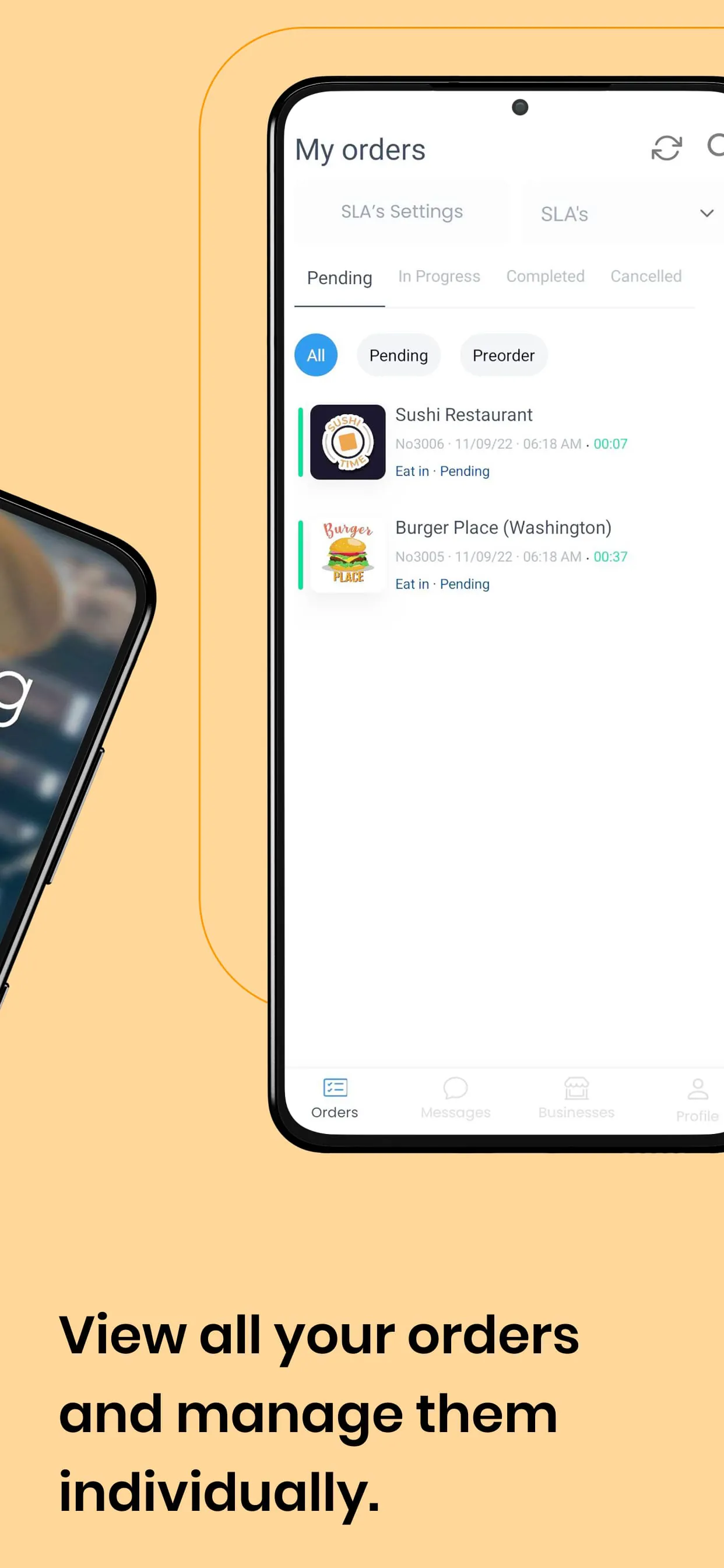
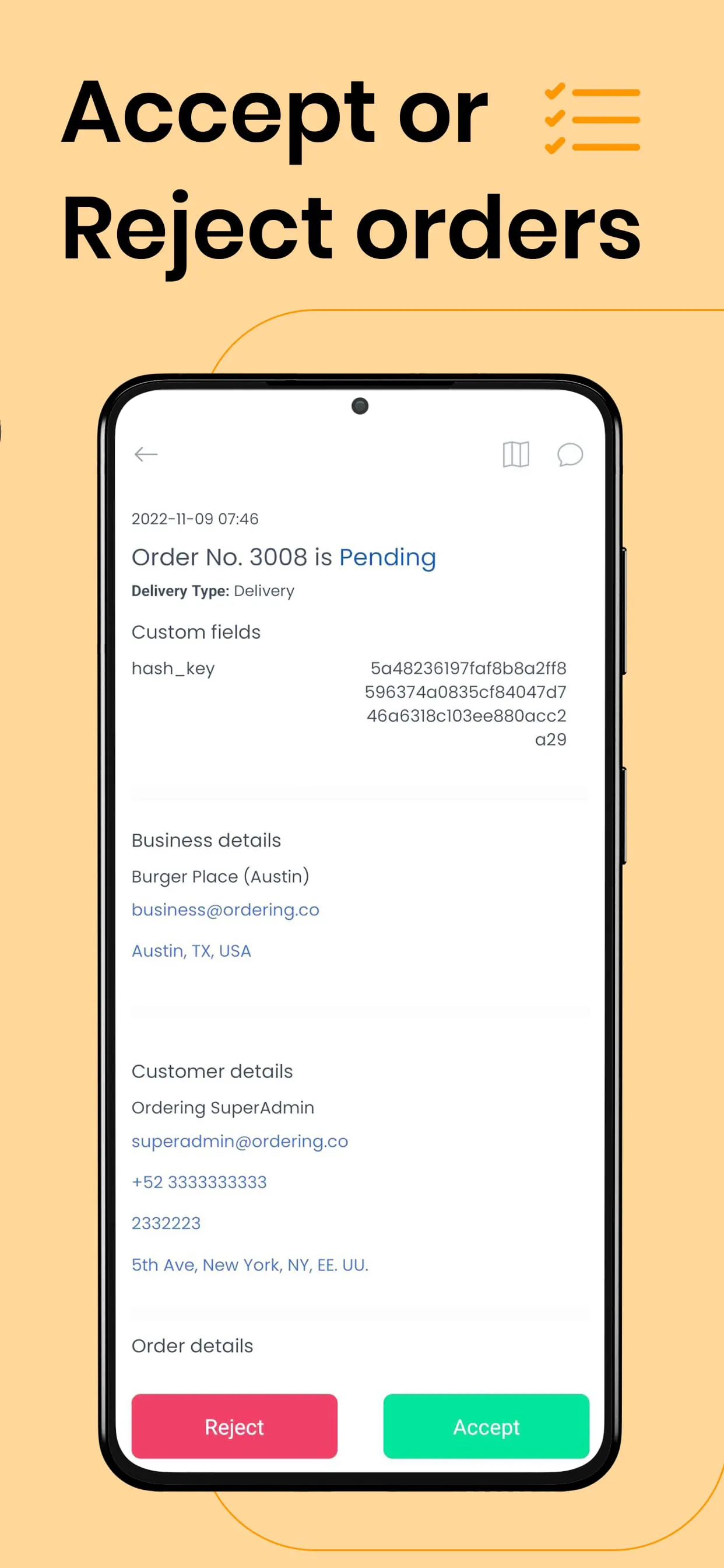
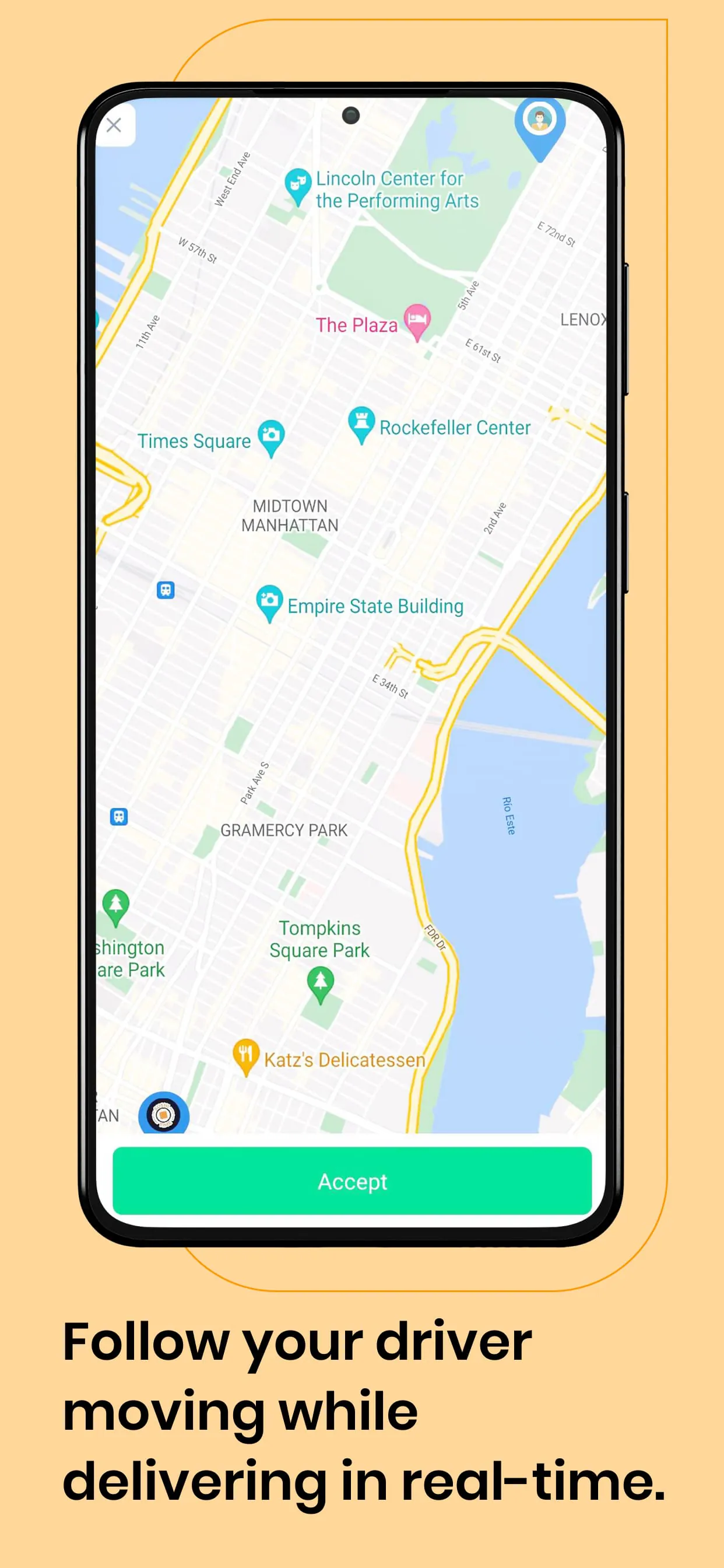
This document details the functionality and features of a white-labeled Orders Manager application designed to streamline order processing for restaurants and other businesses. The core concept is to empower business owners to receive and manage customer orders directly through a dedicated app on their smartphones or tablets, branded with the platform provider's identity at no additional cost. This is achieved by leveraging the existing business owner credentials already in use on the platform's dashboard, creating a seamless integration process. The app transforms a standard tablet or smartphone into a dedicated order-receiving machine, eliminating the need for manual order taking or reliance on third-party services. When a customer places an order through the platform's website or native apps, the order is instantly transmitted to the business owner's device. Upon receiving a pending order, the app displays a comprehensive set of details, including customer information such as name, phone number, and address, as well as specific delivery details. This centralized view enables the business owner to quickly assess the order and make informed decisions. A key feature of the app is the ability for the business to set an estimated order pickup or delivery time. Once the business owner has determined this timeframe, they can accept the order through the app. This action triggers an automated email notification to the customer, confirming the order and providing the estimated pickup or delivery time. This immediate feedback loop enhances the customer experience and reduces uncertainty. The app also supports special requests from customers, such as dietary restrictions (e.g., gluten-free) or ingredient preferences (e.g., no pepper). These requests are clearly displayed within the order details, allowing the business owner to accommodate customer needs. Furthermore, the app handles special delivery instructions, such as non-functional buzzers or specific drop-off locations. The app is designed to be user-friendly, presenting all relevant order information on a single screen for easy access and quick decision-making. This includes order details such as product name, quantity, price, payment method, and any delivery or pickup instructions. The app also provides visual and sound notifications when new orders arrive, even when the app is running in the background. This ensures that businesses never miss an order, regardless of their activity. The app integrates with mapping services to display the customer's location, aiding in efficient delivery route planning. Overall, the Orders Manager app provides a comprehensive solution for businesses to manage their orders, improve customer satisfaction, and streamline their operations. By centralizing order information, automating notifications, and facilitating communication between businesses and customers, the app enhances efficiency and reduces the risk of errors. The white-labeling option further allows platform providers to reinforce their brand identity and provide a value-added service to their business partners. The ability to handle special requests and delivery instructions demonstrates a commitment to customer satisfaction and personalized service. The user-friendly interface and real-time notifications ensure that businesses can quickly and easily manage their orders, even in busy environments. The integration with mapping services streamlines the delivery process and improves efficiency. In summary, the Orders Manager app is a powerful tool for businesses seeking to optimize their order management process and enhance the customer experience. The app also provides visual and sound notifications when new orders arrive, even when the app is running in the background. This ensures that businesses never miss an order, regardless of their activity. The app integrates with mapping services to display the customer's location, aiding in efficient delivery route planning.
The application's features are designed to create a streamlined and efficient order management system for both the business and the customer. The primary function is to transform a standard tablet or smartphone into a dedicated order-receiving machine, eliminating the need for manual order taking or reliance on third-party services. This is achieved through a user-friendly interface that displays all relevant order information on a single screen, allowing for quick and easy access. When a customer places an order through the platform's website or native apps, the order is instantly transmitted to the business owner's device, complete with customer details such as name, phone number, and address, as well as specific delivery instructions. This centralized view enables the business owner to quickly assess the order and make informed decisions. A key feature of the app is the ability for the business to set an estimated order pickup or delivery time. Once the business owner has determined this timeframe, they can accept the order through the app. This action triggers an automated email notification to the customer, confirming the order and providing the estimated pickup or delivery time. This immediate feedback loop enhances the customer experience and reduces uncertainty. The app also supports special requests from customers, such as dietary restrictions (e.g., gluten-free) or ingredient preferences (e.g., no pepper). These requests are clearly displayed within the order details, allowing the business owner to accommodate customer needs. Furthermore, the app handles special delivery instructions, such as non-functional buzzers or specific drop-off locations. The app is designed to be user-friendly, presenting all relevant order information on a single screen for easy access and quick decision-making. This includes order details such as product name, quantity, price, payment method, and any delivery or pickup instructions. The app also provides visual and sound notifications when new orders arrive, even when the app is running in the background. This ensures that businesses never miss an order, regardless of their activity. The app integrates with mapping services to display the customer's location, aiding in efficient delivery route planning. Overall, the Orders Manager app provides a comprehensive solution for businesses to manage their orders, improve customer satisfaction, and streamline their operations. By centralizing order information, automating notifications, and facilitating communication between businesses and customers, the app enhances efficiency and reduces the risk of errors. The white-labeling option further allows platform providers to reinforce their brand identity and provide a value-added service to their business partners. The ability to handle special requests and delivery instructions demonstrates a commitment to customer satisfaction and personalized service. The user-friendly interface and real-time notifications ensure that businesses can quickly and easily manage their orders, even in busy environments. The integration with mapping services streamlines the delivery process and improves efficiency. The app also provides visual and sound notifications when new orders arrive, even when the app is running in the background. This ensures that businesses never miss an order, regardless of their activity.
In conclusion, the white-labeled Orders Manager app is presented as a comprehensive solution for businesses to efficiently manage their orders, enhance customer satisfaction, and streamline their overall operations. The emphasis is placed on its ability to transform a simple tablet or smartphone into a dedicated order-receiving machine, eliminating the need for traditional manual order processing methods. This transformation is achieved through a combination of user-friendly design and powerful features. The app consolidates all relevant order information onto a single screen, providing business owners with a clear and concise view of each order. This includes customer details such as name, phone number, and address, as well as specific delivery instructions. The app also facilitates seamless communication between the business and the customer by automating notifications and allowing for the inclusion of special requests and delivery instructions. The ability to set an estimated order pickup or delivery time is a key feature that enhances the customer experience by providing transparency and managing expectations. The automated email notification system further streamlines the process by keeping customers informed of their order status. The visual and sound notifications ensure that businesses never miss an order, even when the app is running in the background. The integration with mapping services improves the efficiency of the delivery process by providing businesses with real-time location information. The white-labeling option allows platform providers to offer a customized solution that aligns with their brand identity. This adds value to their service offering and strengthens their relationships with business partners. The overall design of the app focuses on ease of use and efficiency. The intuitive interface allows businesses to quickly and easily manage their orders, even in busy environments. The centralized management system reduces the risk of errors and improves accuracy. The comprehensive feature set provides businesses with the tools they need to deliver a superior customer experience. The app's ability to handle special requests and delivery instructions demonstrates a commitment to personalized service. The combination of functionality, ease of use, and customization options makes the Orders Manager app a valuable asset for businesses of all sizes. By centralizing order information, automating notifications, and facilitating communication, the app empowers businesses to operate more efficiently, reduce costs, and improve customer satisfaction. The app's integration with mapping services further enhances its value by streamlining the delivery process and improving efficiency. The Orders Manager app stands out as a powerful tool for businesses seeking to optimize their order management process and provide a seamless customer experience. The app's integration with mapping services further enhances its value by streamlining the delivery process and improving efficiency.
Screenshots
 Download
 Additional Information
Category
BusinessVersion
Unknown
Tag
Order Management App | Business Owner Credentials | Order Receiving Machine | Customer Order Details | Delivery/Pickup Time
Rate
3.70
★★★★★
Reviews
500 +
Installs
100k +
Developer
Ordering, Inc
Content Rating
Everyone
Manage every incoming order from one app, orders, menus, drivers, and more.
ADVERTISEMENT
ADVERTISEMENT
Previous Versions
ZIP files require a Split APKs Installer (e.g., SAI) from Google Play to install. Steps: 1. Download SAI from Google Play; 2. Open SAI and tap "Install APKs"; 3. Select the ZIP file; 4. Complete installation.
ADVERTISEMENT
You Might Like









