The State Farm mobile app is a comprehensive digital tool designed for policyholders to manage their insurance portfolios and financial services conveniently from their smartphones, providing a centralized platform for handling auto, home, life, and other insurance products with secure access to policy details, billing information, and claims assistance.
Key Features
The application stands out by integrating a wide array of customer services into a single, user-friendly interface. Notable aspects include:
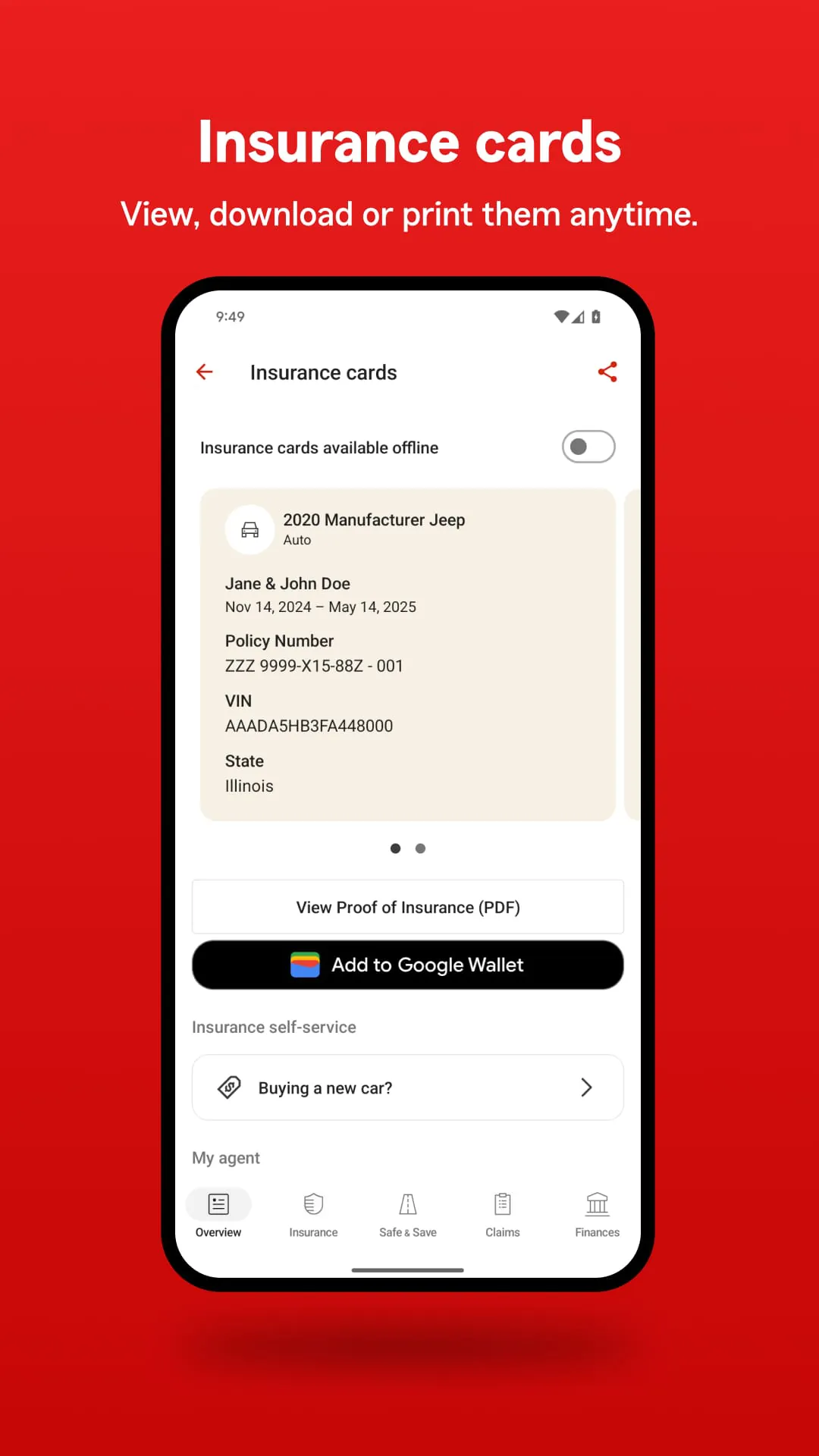
- Instant access to digital ID cards and policy documents.
- Direct and secure payment options for managing premiums.
- A streamlined process for reporting and tracking claims.
- Tools for contacting a local agent or requesting a quote.
- Driving safety and discount tools like the Drive Safe & Save feature.
- Helpful resources for home inventory and disaster preparedness.
Pros & Cons
Evaluating the app reveals distinct advantages and some limitations. Users often highlight its convenience but also note areas for improvement.
- Pros: The interface is highly intuitive and reliable; filing and tracking a claim is remarkably efficient; the integration of multiple policy types simplifies management; the security features for login and data are robust.
- Cons: Some specialized policy changes may still require an agent call; occasional app updates can temporarily affect functionality; the full feature set might vary slightly by state due to regulations.
Functions
The app’s functionality extends beyond basic viewing, enabling users to perform critical insurance tasks actively. Core functions encompass:
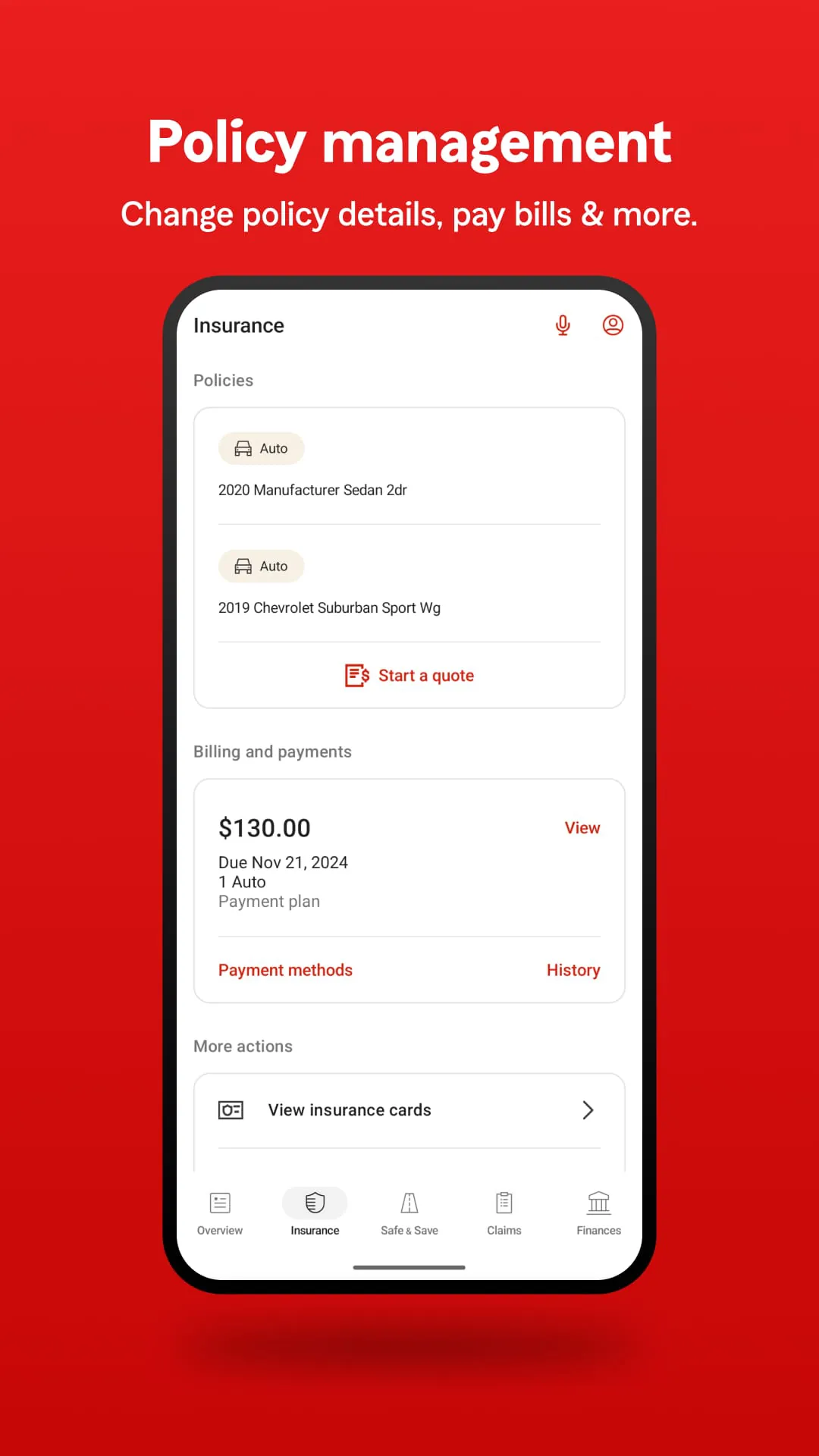
- Viewing and managing all insurance policy details in one place.
- Reporting a new claim instantly with photo and video uploads.
- Making payments, viewing billing history, and setting up automatic payments.
- Requesting roadside assistance and tracking service arrival.
- Accessing insurance cards digitally for proof of coverage.
- Using the Pocket Agent® feature to get common questions answered quickly.
How to Use
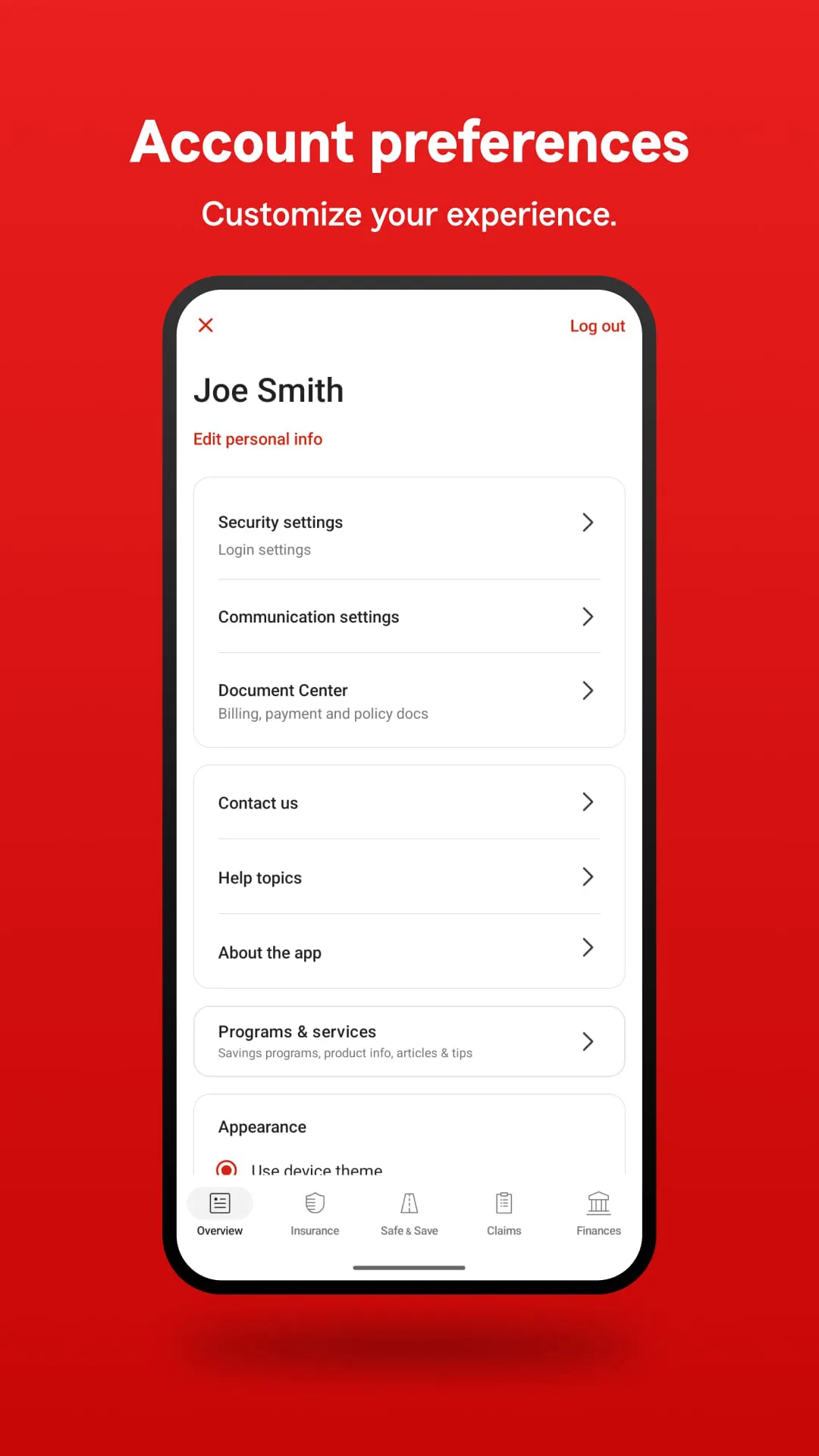
Click the button "Check All Versions" below to download and install it. To begin, download the official State Farm app from your device’s app store. Once installed, log in using your existing State Farm online account credentials; if you are a new user, you can register directly through the app. The home dashboard will present a clear overview of your policies. You can tap on any policy to see its details, make a payment by navigating to the billing section, or start a claim by selecting the “Claims” menu and following the guided steps. For specific help, the “Contact” section provides direct options to call your agent or use in-app messaging.





 APK
APK  Google Play
  iOS
iOS  4.60
4.60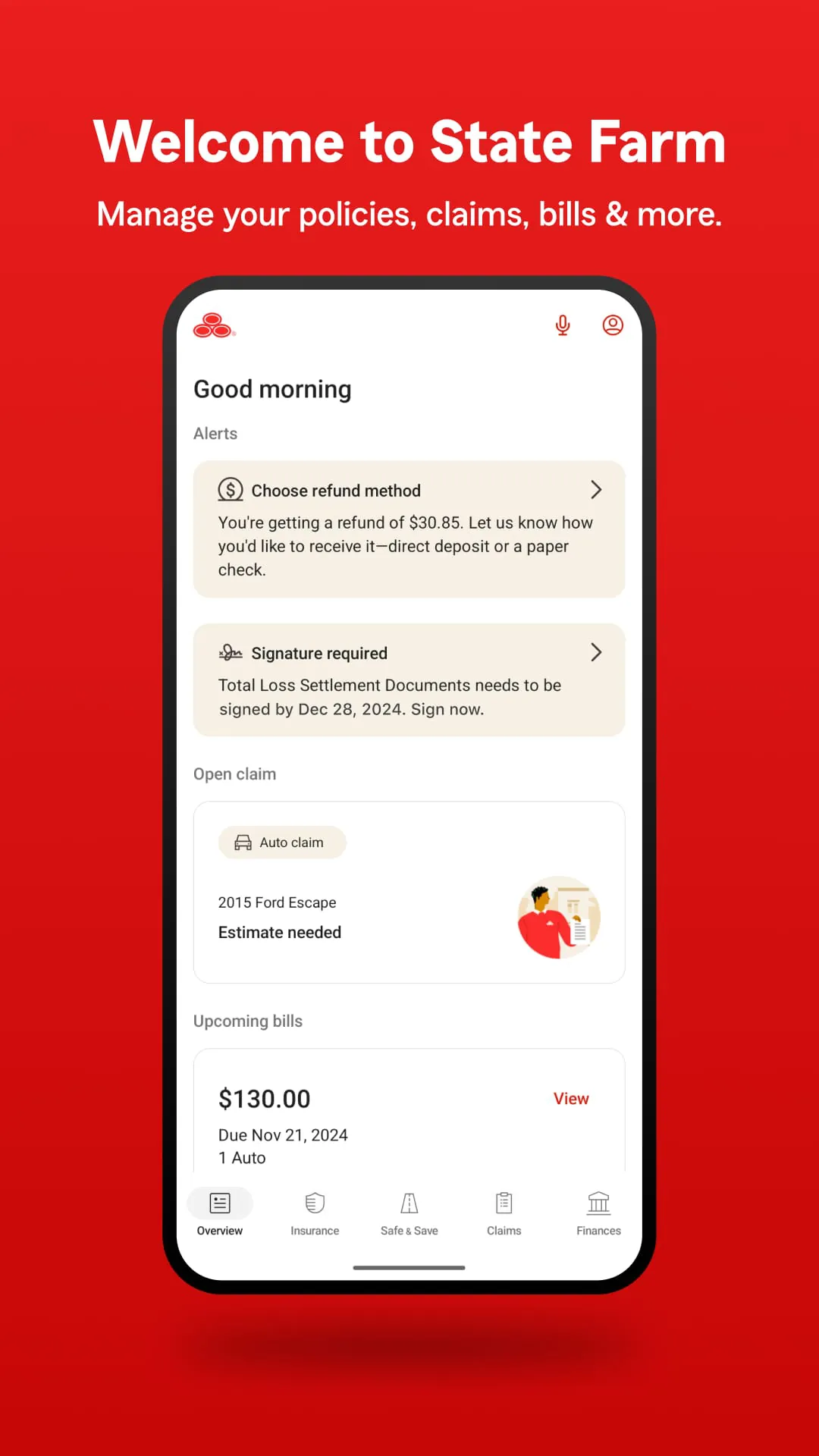
 Download








