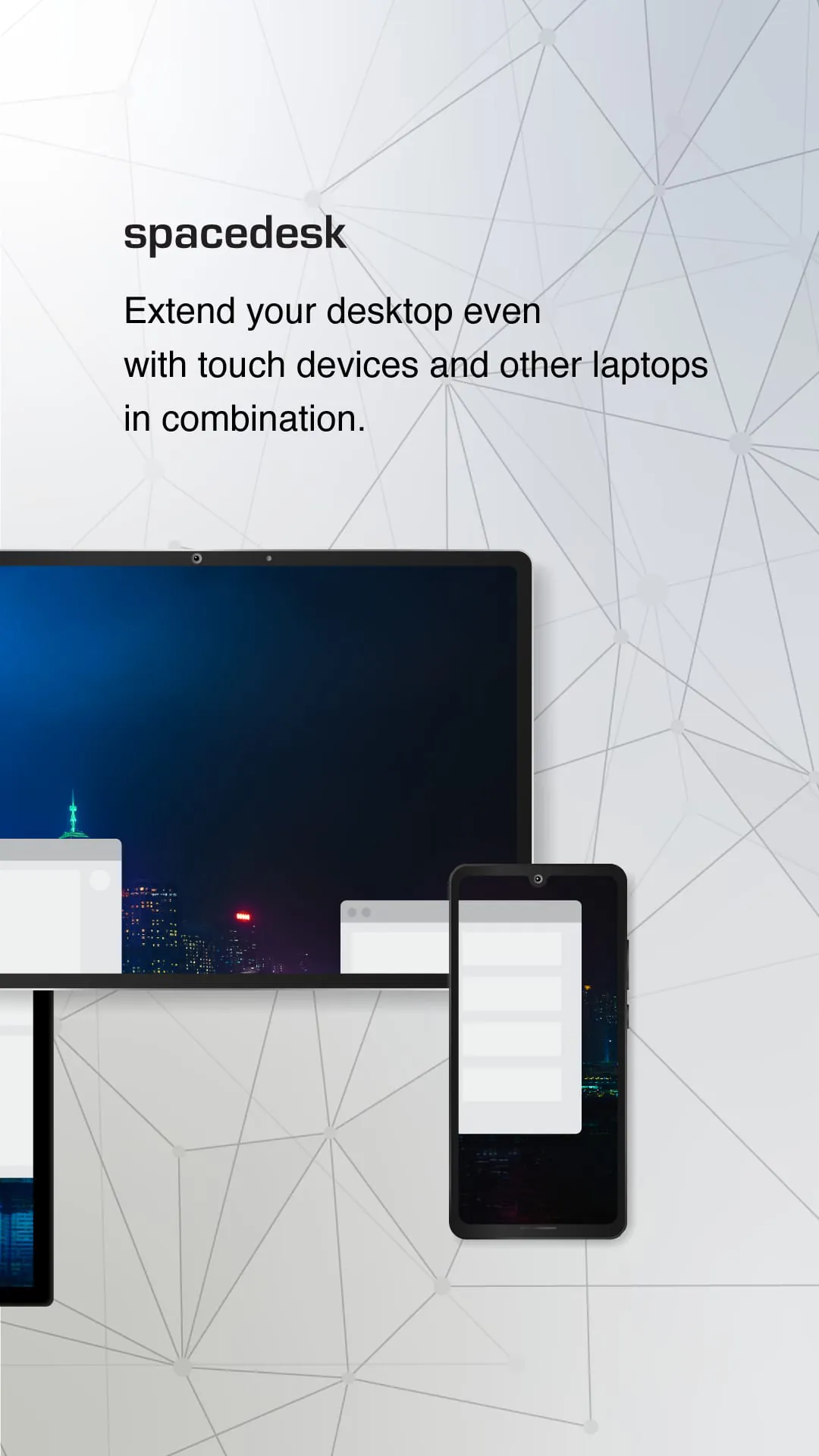
Spacedesk is a versatile software solution that transforms Windows computers into a hub for screen extension, mirroring, and remote access, supporting connectivity via WiFi, USB, or LAN. It caters to a broad spectrum of applications, enhancing productivity and flexibility for users seeking to optimize their desktop experience. The software enables screen casting to various devices, including televisions, tablets, and smartphones, making it ideal for presentations, entertainment, and collaborative work. Its desktop remoting viewer functionality facilitates access to the primary computer over USB and local area networks, offering a seamless remote control experience. Furthermore, Spacedesk empowers artists and designers by turning tablets into drawing tablets, allowing them to create digital artwork with digitizer pens. As a wireless display monitor, Spacedesk mirrors the capabilities of technologies like Miracast, RDP, AirPlay, and Sidecar, while its USB display monitor function emulates DisplayLink, providing users with multiple options for extending their display. The software supports both remote access and control, allowing users to interact with their main computer wirelessly or via cable. Screen streaming and mirroring are also key features, enabling users to share their screens over the air or through a wired connection. Spacedesk facilitates screen cloning and extension, allowing for a duplicated or expanded desktop workspace. It effectively turns a personal computer into a desktop presenter and offers a virtual monitor for desktop PCs, creating an additional display monitor or a second display on the go. This is particularly useful for users who need a portable multimonitor setup for travel. Spacedesk also enables access to the main computer from a mobile device, serving as a software KVM-switch, display hub, and display switch. It can transform a tablet into an input device, a Windows graphics tablet app, or a sketchbook for drawing artwork. Additionally, Spacedesk supports creative video wall applications with any angle rotation, broadening its utility in various professional settings. The software's comprehensive functionality makes it a valuable tool for anyone looking to expand their desktop capabilities and improve their workflow, providing alternatives to traditional mirroring and display extension methods. The ease of setup, coupled with the flexibility of connection options, makes Spacedesk a user-friendly solution for both novice and experienced users alike. Whether for professional presentations, creative endeavors, or simply enhancing personal productivity, Spacedesk offers a robust set of features that cater to a wide range of needs, establishing itself as a powerful tool in the realm of desktop enhancement software. The capacity to utilize a TV, mobile, or tablet screen as a side-by-side display greatly enhances multitasking and provides a larger workspace, essential for complex tasks that require multiple applications to be open simultaneously. Furthermore, the wireless capabilities offer a clean and clutter-free workspace by eliminating the need for numerous cables. Spacedesk consistently evolves, incorporating user feedback to improve its features, compatibility, and performance, solidifying its place as a leading solution for desktop extension and remote access. Its comprehensive support for various input and output peripherals further enhances its appeal, making it a versatile choice for users looking to optimize their computing environment. The ability to create creative video walls with adjustable rotation angles is particularly useful in settings such as retail displays, presentations, and art installations, where dynamic visual presentations are essential. The software also provides comprehensive documentation and a support forum, ensuring users have access to the resources they need to troubleshoot issues and maximize their use of the application.
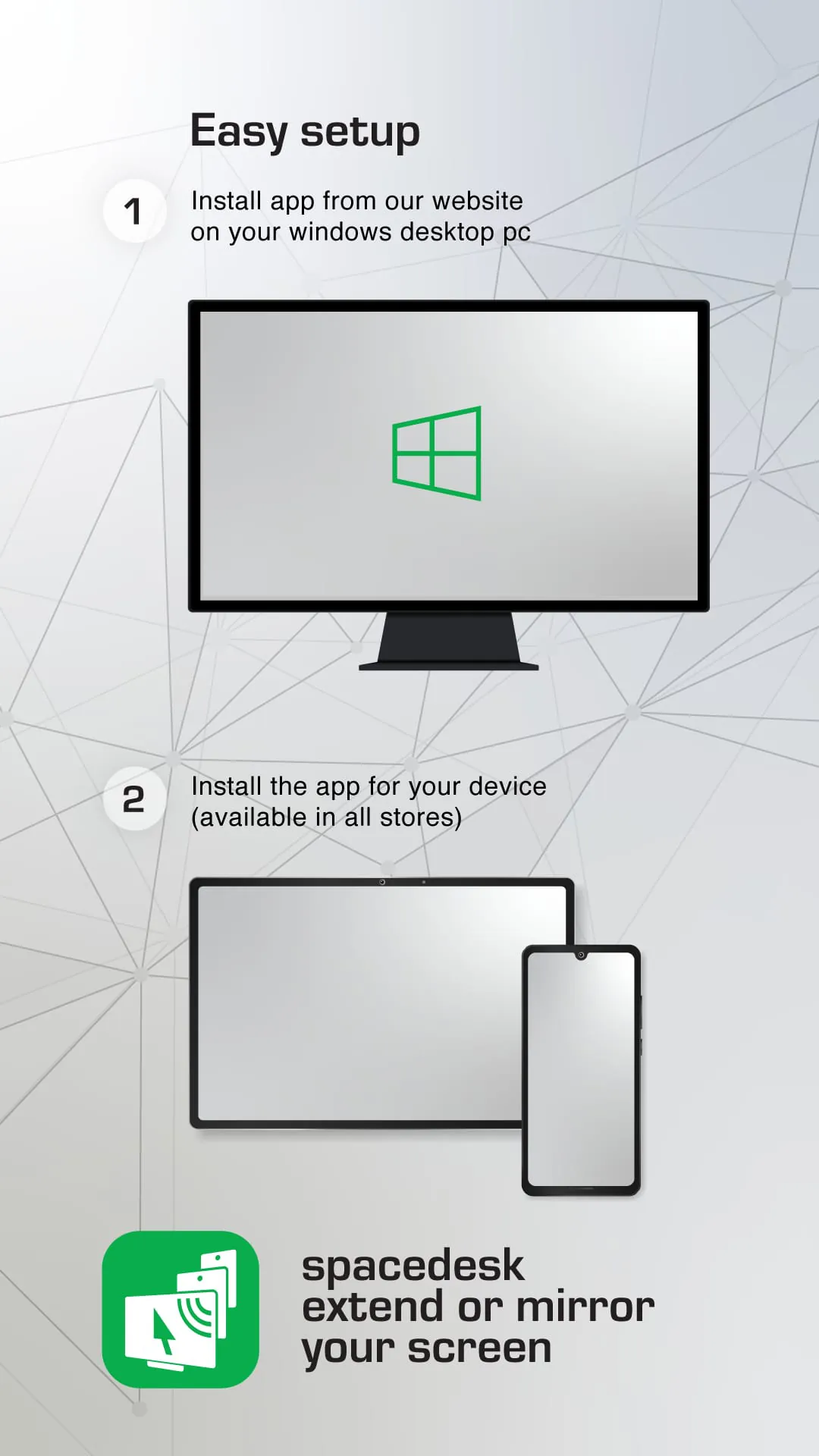
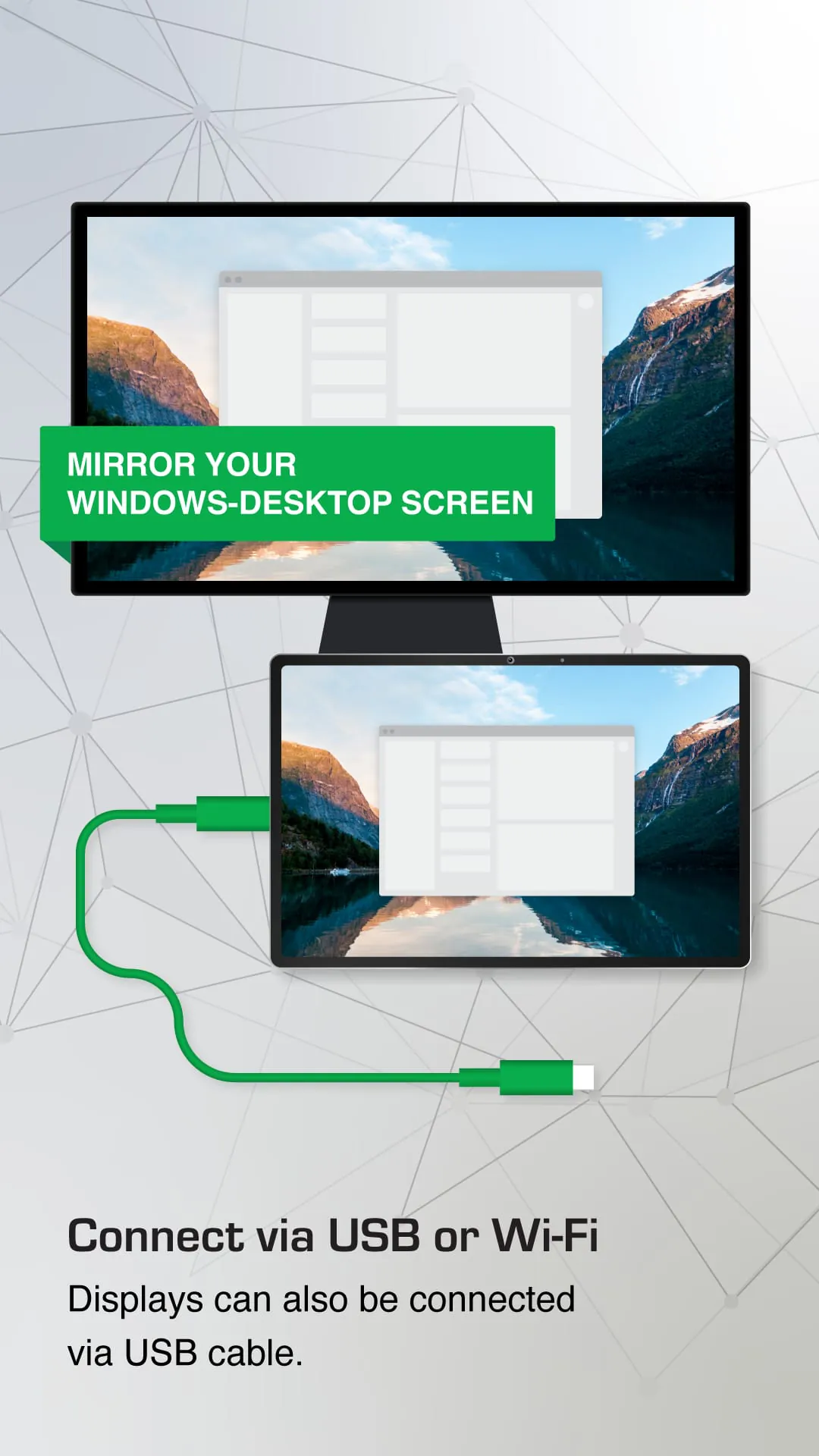
The spacedesk software operates through a two-part system involving a driver installed on the primary Windows PC and a viewer application installed on the secondary device, such as an Android tablet or phone. The primary machine, running the spacedesk driver, supports Windows 11, Windows 10, and Windows 8.1, while the secondary device functions as an Android network display client, requiring the spacedesk Android app. The connection between these devices can be established wirelessly or via wired cables, utilizing USB, LAN (Local Area Network), and/or WLAN (Wireless Local Area Network). The software requires a TCP/IP network protocol for the Local Area Network connection, which can be wired or over WiFi. Notably, Spacedesk does not require an internet connection to function, as it can operate via a mobile hotspot, ensuring that the driver and viewer are on the same network. To optimize performance, particularly in achieving zero lag and high display quality, a cable connection over USB or Local Area Network is recommended. Circumventing WiFi and network routers can further enhance performance. Users can configure their Windows PC or Android device as a WiFi Access Point (Hotspot) and connect directly before launching spacedesk. The software supports a variety of remote control input and output peripheral accessories, including touchscreens (multitouch and single touch), touchpads, mouse pointer control, keyboards, pressure-sensitive stylus pens, and audio speakers. These features collectively enhance the user experience by providing versatile control options for interacting with the extended display. Spacedesk also offers settings and options for landscape and portrait views, catering to different user preferences and application requirements. Supported Android versions include 4.1 and above, ensuring compatibility with a wide range of devices. The software's design focuses on ease of use and flexibility, enabling users to quickly set up and customize their extended display configurations. By providing a seamless connection and supporting various input methods, spacedesk enhances productivity and allows for a more interactive and dynamic computing environment. The detailed setup instructions and comprehensive documentation further contribute to its user-friendliness, making it accessible to both novice and experienced users. The software effectively transforms ordinary devices into versatile tools for display extension and remote control, offering a cost-effective alternative to purchasing additional monitors or specialized hardware. Its ability to function without an internet connection also makes it ideal for use in environments where network access is limited or unavailable. Spacedesk continuously evolves to incorporate user feedback and improve its features, ensuring that it remains a leading solution for desktop extension and remote access.
Spacedesk's functionality extends beyond simple screen mirroring and encompasses a range of features designed to enhance user productivity and creativity. The ability to use a tablet as a graphics tablet with pressure sensitivity opens up new possibilities for digital artists and designers, allowing them to create detailed artwork directly on their Windows PC. The software's support for various input devices, such as touchpads and stylus pens, further enhances its versatility, making it suitable for a wide range of applications. The option to configure the display in either landscape or portrait mode allows users to optimize their workspace for different tasks, whether it's writing documents, editing photos, or watching videos. Spacedesk also serves as a valuable tool for presentations, enabling users to easily share their screen with others via a projector or large display. The software's ability to create video walls with adjustable rotation angles is particularly useful in retail and advertising, allowing for the creation of eye-catching displays that capture attention. The remote control capabilities of spacedesk also make it a useful tool for IT professionals, allowing them to remotely access and control computers for troubleshooting and maintenance. The software's comprehensive documentation and support forum provide users with the resources they need to troubleshoot issues and get the most out of the application. The spacedesk team is also actively engaged in the community, responding to user feedback and incorporating new features and improvements based on user suggestions. By continuously evolving and adapting to the needs of its users, spacedesk has established itself as a leading solution for desktop extension and remote access. Its versatility, ease of use, and robust feature set make it a valuable tool for anyone looking to enhance their productivity and creativity. The lack of Apple Mac support is a notable limitation, restricting its use to Windows-based systems. However, within the Windows ecosystem, Spacedesk offers a compelling solution for extending display capabilities and enabling remote access, making it an indispensable tool for many users.




 APK
APK  Google Play
  iOS
iOS  4.60
4.60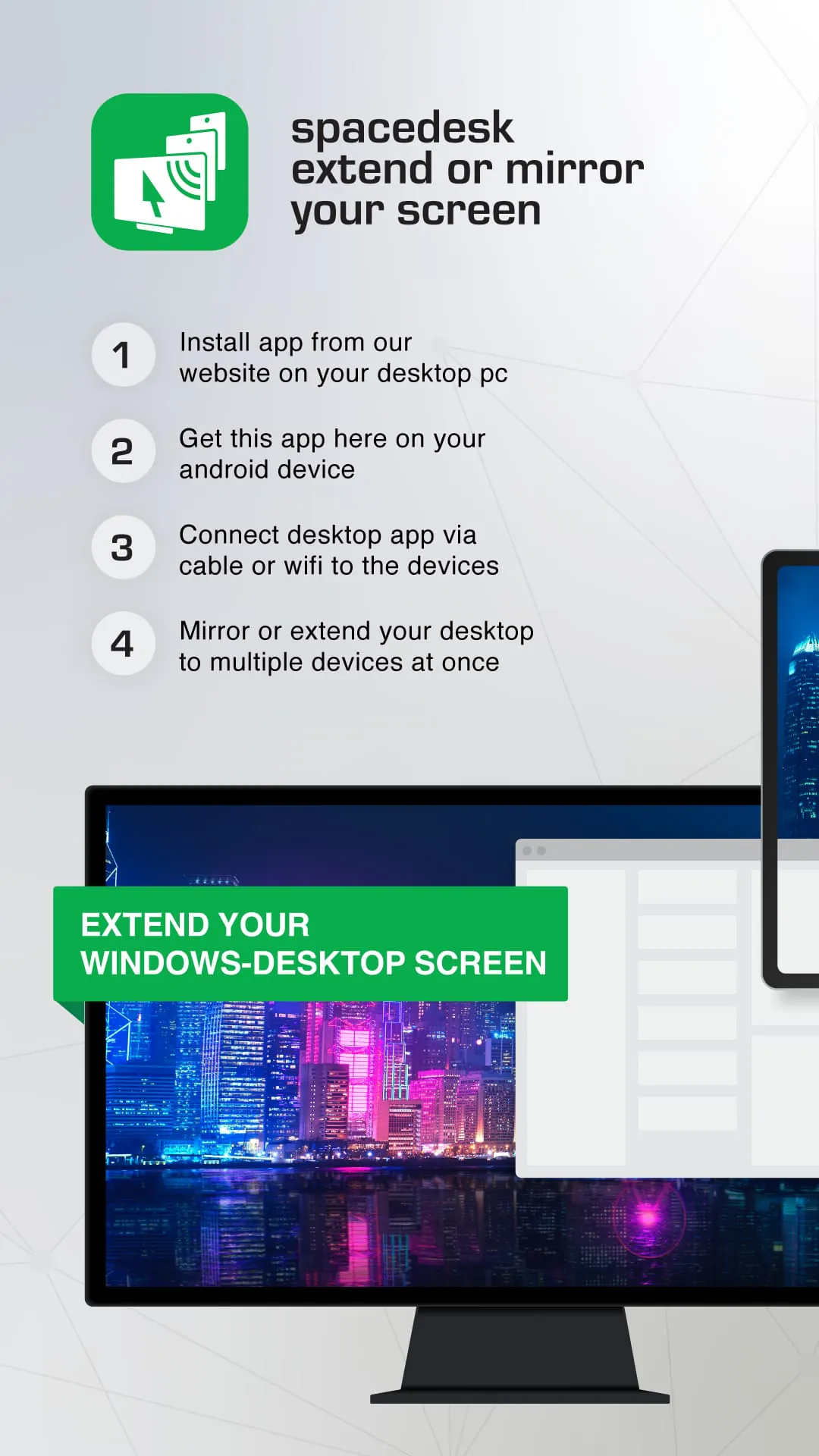
 Download








