



ADVERTISEMENT
ADVERTISEMENT
Software Update for All Apps Software Update for All Apps
Category
ToolsTag
Software Update app | Android updates | App updates | System updates | Manage apps
Rate
4.20
★★★★★
Reviews
500 +
Installs
1M +
Developer
Art & Tool Studio
Content Rating
Everyone
Get live app updates & monitor Android info with this updater app
 APK
APK  Google Play
  iOS
iOS  4.20
4.20ADVERTISEMENT
ADVERTISEMENT
Author's Review
appspicked Review
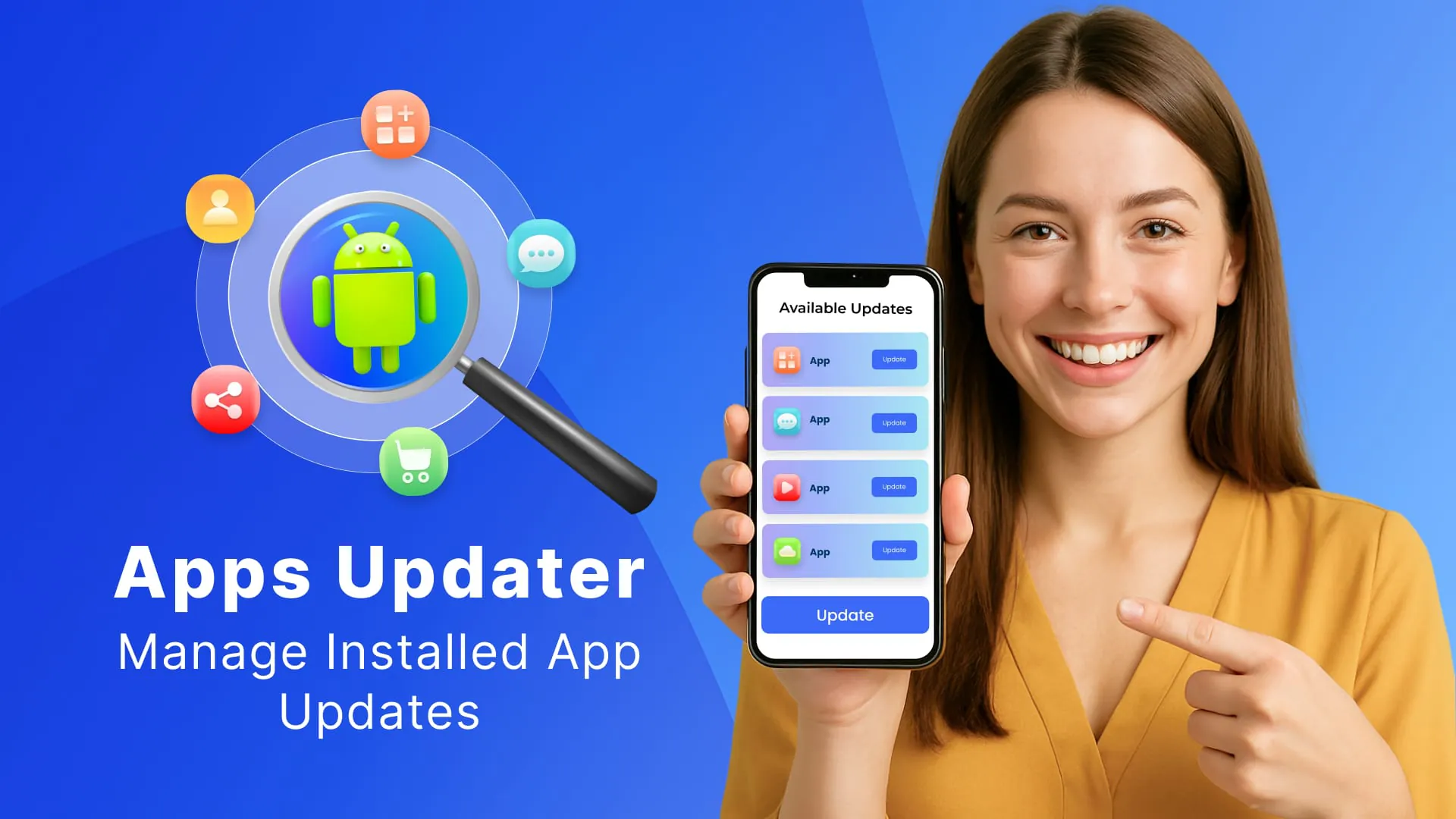
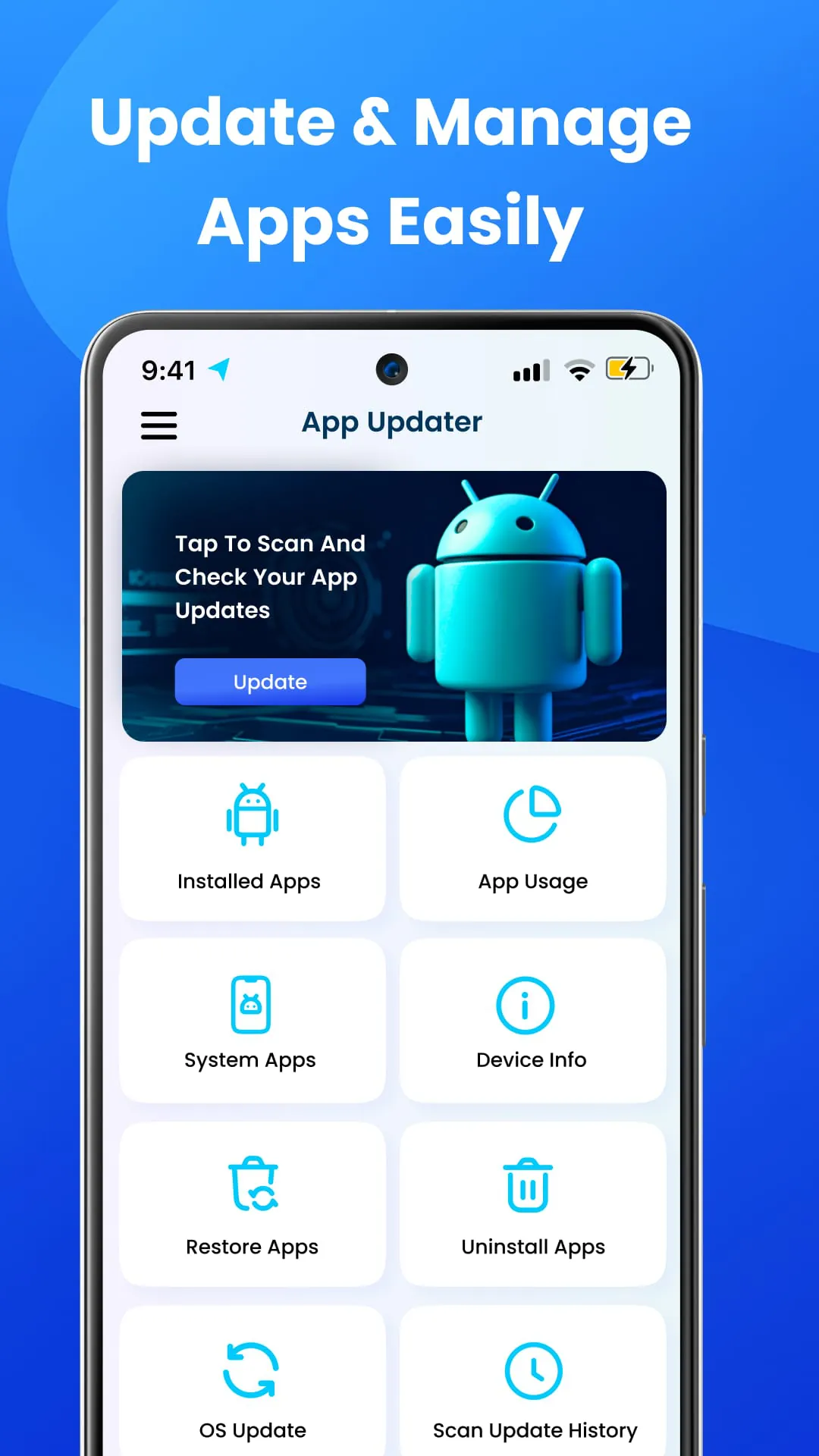
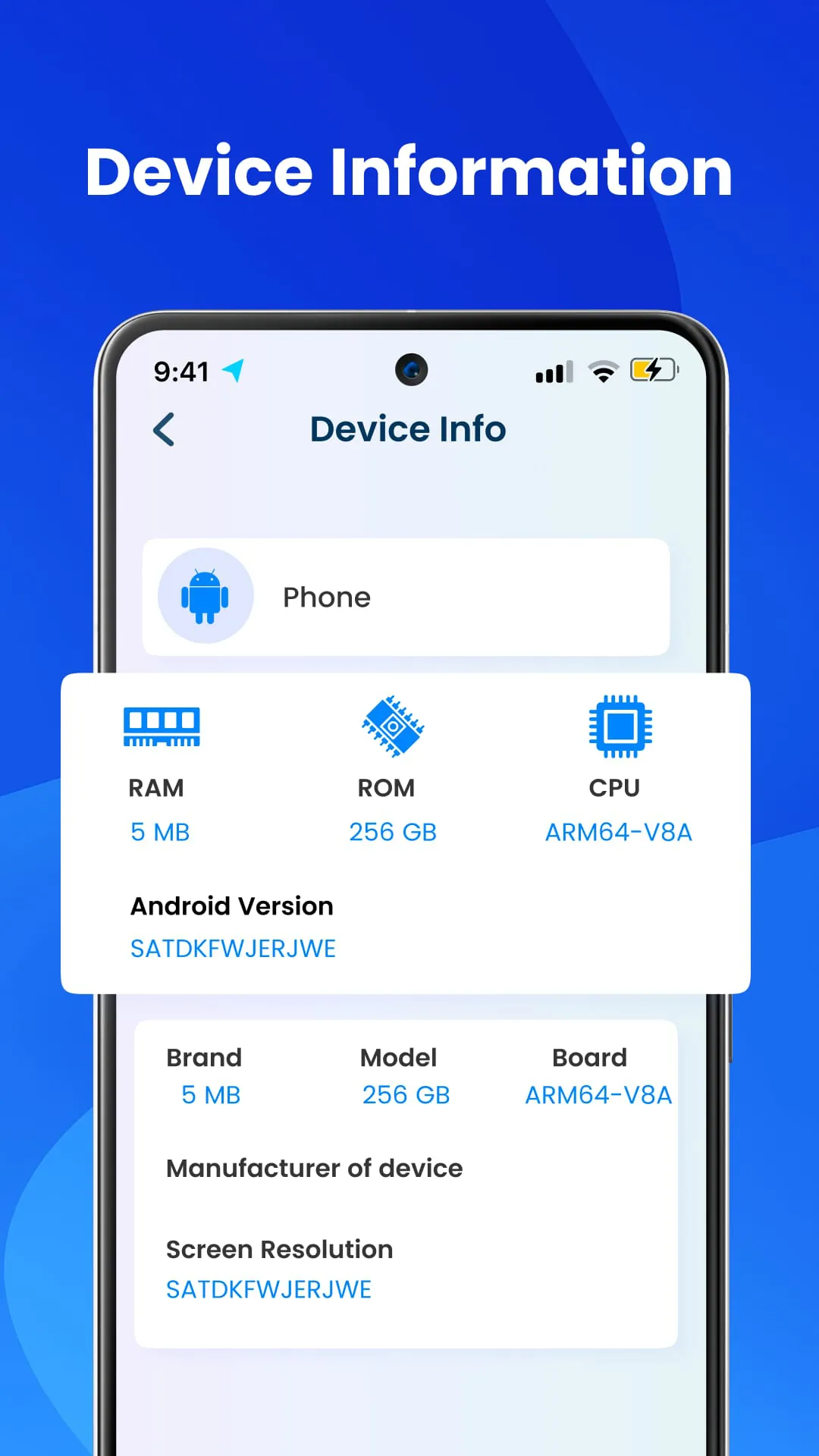
The Software Update app is a utility designed to streamline the process of keeping Android devices current with the latest versions of installed applications and the operating system itself. This application addresses a common user need: ensuring that their Android games and applications are up-to-date, thereby benefiting from performance improvements, bug fixes, and new features. The core functionality revolves around simplifying the update process, which can often be cumbersome and time-consuming if managed manually through the Google Play Store. The app offers a centralized interface where users can quickly scan for pending updates and initiate the update process for individual apps or the entire system. This ease of use is a significant selling point, catering to both novice and experienced Android users who want to maintain their devices efficiently. The app's primary function is to scan the device for outdated applications. This is achieved through a 'Scan Now' button, which initiates a scan of all installed apps, identifying those with available updates. The results are then presented in a user-friendly list, allowing users to view and manage the pending updates. One of the notable features is the ability to update apps directly from the Google Play Store through the app's interface. This integration simplifies the update process by eliminating the need to navigate to the Play Store and search for individual apps manually. This centralized approach saves time and effort, making it easier for users to keep their apps current. In addition to app updates, the Software Update app also facilitates Android system updates. This feature allows users to check for and install updates to the Android operating system itself. Keeping the operating system up-to-date is crucial for maintaining device security, stability, and compatibility with the latest apps and services. The app simplifies this process by providing a direct link to the system update settings, where users can check for and install available updates. The user interface of the Software Update app is designed for simplicity and ease of use. The app features a clean and intuitive layout that makes it easy for users to navigate and access its various functions. The main screen typically displays the status of app updates, system updates, and other relevant information. The app also includes clear and concise instructions on how to use its features, making it accessible to users of all technical levels. The app is designed to be lightweight and efficient, minimizing its impact on device performance and battery life. It is optimized to run smoothly on a wide range of Android devices, ensuring that users can update their apps and system without experiencing slowdowns or other issues. The app's resource-friendly design makes it a practical choice for users who want to keep their devices up-to-date without sacrificing performance. The Software Update app includes a 'Manage Apps' feature, which provides users with a comprehensive overview of all installed applications on their device. This feature categorizes apps into 'User Apps' (apps installed by the user) and 'System Apps' (apps pre-installed by the device manufacturer). This categorization helps users to easily identify and manage their installed apps. The 'Manage Apps' feature also provides detailed information about each app, such as its size, version number, installation date, and permissions. This information can be useful for managing storage space, troubleshooting issues, and understanding the app's functionality. The app also includes a feature that tracks the history of app updates. This feature allows users to view a log of all previous app updates, including the date and time of each update. This history can be useful for tracking changes to apps over time and identifying potential issues that may have arisen after an update. The update history feature provides a valuable record of app updates, allowing users to stay informed about the changes made to their apps. The app provides device information, such as the device name, model number, hardware specifications, and operating system version. This information can be useful for troubleshooting issues, ensuring compatibility with apps and services, and understanding the device's capabilities. The device information feature provides a convenient way to access important details about the device. The Software Update app simplifies the process of keeping Android devices up-to-date, ensuring that users can benefit from the latest features, bug fixes, and security enhancements. Its user-friendly interface, comprehensive features, and efficient design make it a valuable tool for Android users who want to maintain their devices effectively. The app's focus on simplicity and ease of use makes it accessible to users of all technical levels, while its comprehensive features cater to the needs of more advanced users. The app's ability to scan for pending updates, update apps directly from the Google Play Store, and facilitate Android system updates streamlines the update process, saving time and effort. The app's 'Manage Apps' feature provides users with a comprehensive overview of their installed apps, while the update history feature allows them to track changes to apps over time. The app's device information feature provides a convenient way to access important details about the device.
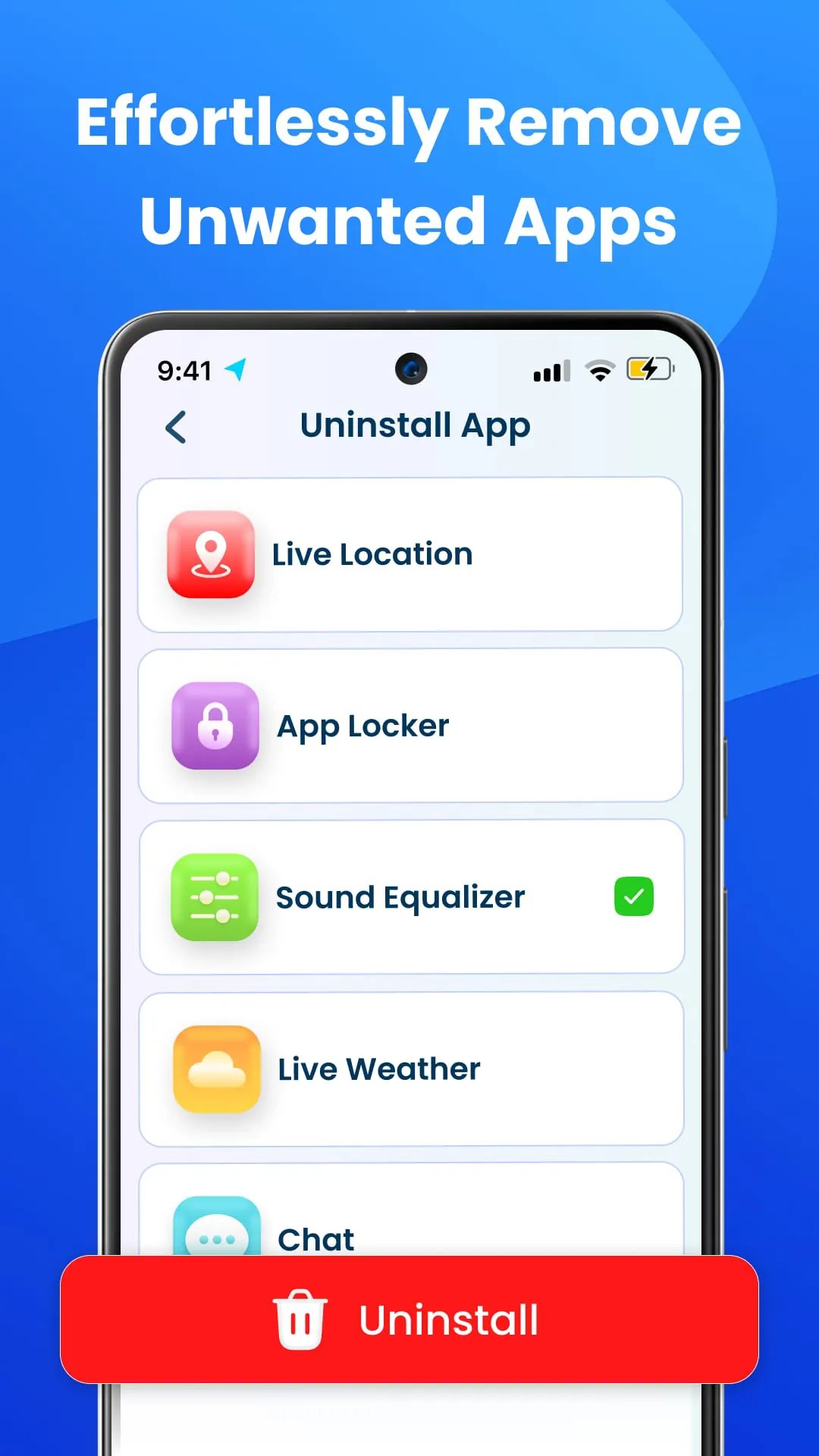
The Software Update app distinguishes itself by providing a streamlined and user-centric approach to managing software updates on Android devices. Beyond merely identifying pending updates, it focuses on delivering a seamless and informative experience. The 'Scan Now' functionality is central to its operation, quickly assessing the update status of all installed applications. This feature saves users the time and effort of manually checking each app individually through the Google Play Store. The results are presented in a clear and organized manner, allowing users to easily identify and prioritize updates. The app integrates directly with the Google Play Store to facilitate the update process. When an update is available, the app provides a direct link to the app's page on the Play Store, simplifying the process of initiating the update. This integration eliminates the need for users to search for the app manually, reducing the steps required to update each application. This focus on convenience and efficiency is a key differentiator for the Software Update app. In addition to individual app updates, the Software Update app provides a dedicated feature for managing Android system updates. System updates are crucial for maintaining device security, stability, and performance. The app simplifies this process by providing a direct link to the system update settings, where users can check for and install available updates. This feature ensures that users are aware of and can easily access the latest system updates, helping them to keep their devices secure and up-to-date. The app's user interface is designed to be intuitive and accessible to users of all technical levels. The app features a clean and uncluttered layout, with clear and concise instructions. The app uses visual cues, such as color-coded icons, to indicate the status of updates, making it easy for users to quickly identify and prioritize updates. The app is also designed to be responsive and efficient, minimizing its impact on device performance and battery life. The 'Manage Apps' feature provides users with a comprehensive overview of all installed applications on their device. This feature allows users to view a list of all installed apps, sorted by name, size, or installation date. Users can also filter the list to show only user-installed apps or system apps. This feature provides a convenient way to manage and organize installed applications. The 'Manage Apps' feature also provides detailed information about each app, such as its version number, size, installation date, and permissions. This information can be useful for managing storage space, troubleshooting issues, and understanding the app's functionality. Users can also use this feature to uninstall apps directly from the app's interface. The Software Update app includes a feature that tracks the history of app updates. This feature allows users to view a log of all previous app updates, including the date and time of each update. This history can be useful for tracking changes to apps over time and identifying potential issues that may have arisen after an update. The update history feature provides a valuable record of app updates, allowing users to stay informed about the changes made to their apps. The app provides detailed device information, such as the device name, model number, hardware specifications, and operating system version. This information can be useful for troubleshooting issues, ensuring compatibility with apps and services, and understanding the device's capabilities. The device information feature provides a convenient way to access important details about the device. The app also includes a settings menu, where users can customize the app's behavior. The settings menu allows users to configure update notifications, set update schedules, and choose whether to automatically check for updates. This customization allows users to tailor the app to their individual needs and preferences. The app's settings menu provides a convenient way to manage the app's behavior. The Software Update app stands out for its user-friendly interface, comprehensive features, and efficient design. Its focus on simplicity and ease of use makes it accessible to users of all technical levels, while its comprehensive features cater to the needs of more advanced users. The app's ability to scan for pending updates, integrate with the Google Play Store, and facilitate Android system updates streamlines the update process, saving time and effort.
In summary, the Software Update app is a valuable tool for Android users seeking to simplify and streamline the process of keeping their devices up-to-date. By providing a centralized interface for managing app and system updates, the app eliminates the need for manual checks and simplifies the update process. The 'Scan Now' feature quickly identifies pending updates, while the integration with the Google Play Store allows users to initiate updates directly from the app. The app's user-friendly interface and comprehensive features make it accessible to users of all technical levels. The 'Manage Apps' feature provides a convenient way to manage installed applications, while the update history feature allows users to track changes to apps over time. The app's device information feature provides a convenient way to access important details about the device. The app's settings menu allows users to customize the app's behavior. The Software Update app is a well-designed and efficient tool that can help Android users keep their devices secure, stable, and up-to-date. Its focus on simplicity and ease of use makes it a valuable addition to any Android device. The app's ability to scan for pending updates, integrate with the Google Play Store, and facilitate Android system updates streamlines the update process, saving time and effort. The app's user-friendly interface and comprehensive features make it accessible to users of all technical levels. The 'Manage Apps' feature provides a convenient way to manage installed applications, while the update history feature allows users to track changes to apps over time. The app's device information feature provides a convenient way to access important details about the device. The app's settings menu allows users to customize the app's behavior. One of the key strengths of the Software Update app is its focus on providing a seamless and intuitive user experience. The app's interface is clean, uncluttered, and easy to navigate. The app uses visual cues, such as color-coded icons, to indicate the status of updates, making it easy for users to quickly identify and prioritize updates. The app is also designed to be responsive and efficient, minimizing its impact on device performance and battery life. The app's focus on user experience makes it a pleasure to use and encourages users to keep their devices up-to-date. Another key strength of the Software Update app is its comprehensive set of features. The app provides a wide range of features, including the ability to scan for pending updates, integrate with the Google Play Store, facilitate Android system updates, manage installed applications, track the history of app updates, provide device information, and customize the app's behavior. This comprehensive set of features makes the app a valuable tool for Android users who want to keep their devices secure, stable, and up-to-date. The Software Update app is a well-designed and efficient tool that can help Android users keep their devices secure, stable, and up-to-date. Its focus on simplicity and ease of use makes it a valuable addition to any Android device. The app's ability to scan for pending updates, integrate with the Google Play Store, and facilitate Android system updates streamlines the update process, saving time and effort. The app's user-friendly interface and comprehensive features make it accessible to users of all technical levels. The 'Manage Apps' feature provides a convenient way to manage installed applications, while the update history feature allows users to track changes to apps over time. The app's device information feature provides a convenient way to access important details about the device. The app's settings menu allows users to customize the app's behavior.
Screenshots
 Download
 Additional Information
Category
ToolsVersion
Unknown
Tag
Software Update app | Android updates | App updates | System updates | Manage apps
Rate
4.20
★★★★★
Reviews
500 +
Installs
1M +
Developer
Art & Tool Studio
Content Rating
Everyone
Get live app updates & monitor Android info with this updater app
ADVERTISEMENT
ADVERTISEMENT
Previous Versions
ZIP files require a Split APKs Installer (e.g., SAI) from Google Play to install. Steps: 1. Download SAI from Google Play; 2. Open SAI and tap "Install APKs"; 3. Select the ZIP file; 4. Complete installation.
ADVERTISEMENT
You Might Like









