Nikon cameras are capable of taking high-quality photos that can be easily shared via e-mail or social media, just like photos taken with a smart device. However, users may encounter issues when connecting their camera to a smart device if WPA2-PSK/WPA3-SAE is selected for authentication/encryption. In this case, users should switch the camera authentication/encryption setting to WPA2-PSK-AES. It is also important to update the camera firmware to the latest version, which can be downloaded from the Nikon Download Center using a computer. Supported digital cameras include Z 9, D6, Z 7II, Z 6II, Z 7, Z 6, Z 5, Z fc, Z 50, Z 30, D850, D780, D500, D7500, D5600, D3500, D3400, COOLPIX P1000, P950, A1000, A900, A300, B700, B500, B600, W300, W150, W100, KeyMission 80, D750, D7200, D7100, D5500, D5300, D3300, Df, J5, P900, S7000, S3700, and AW130.
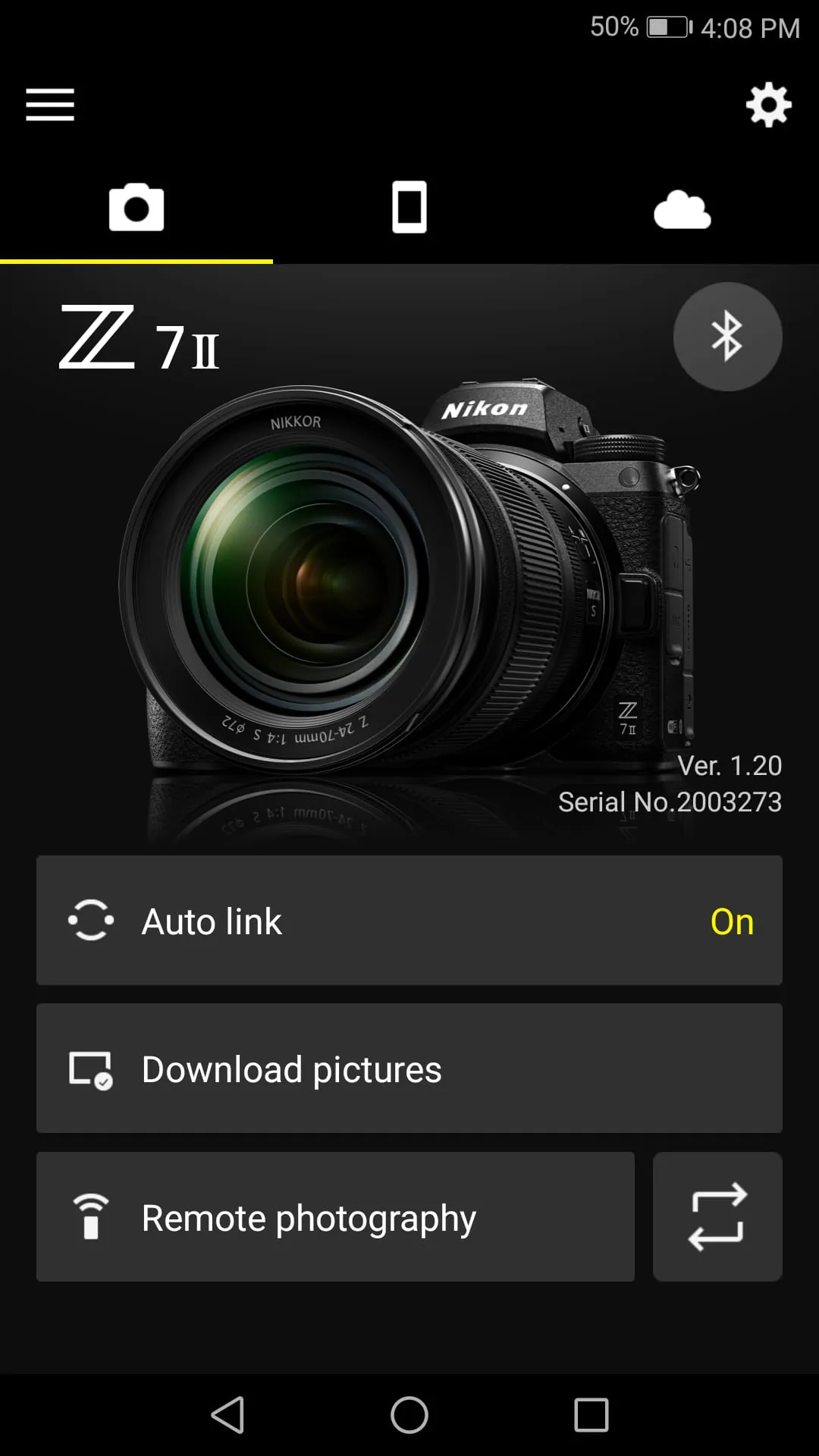
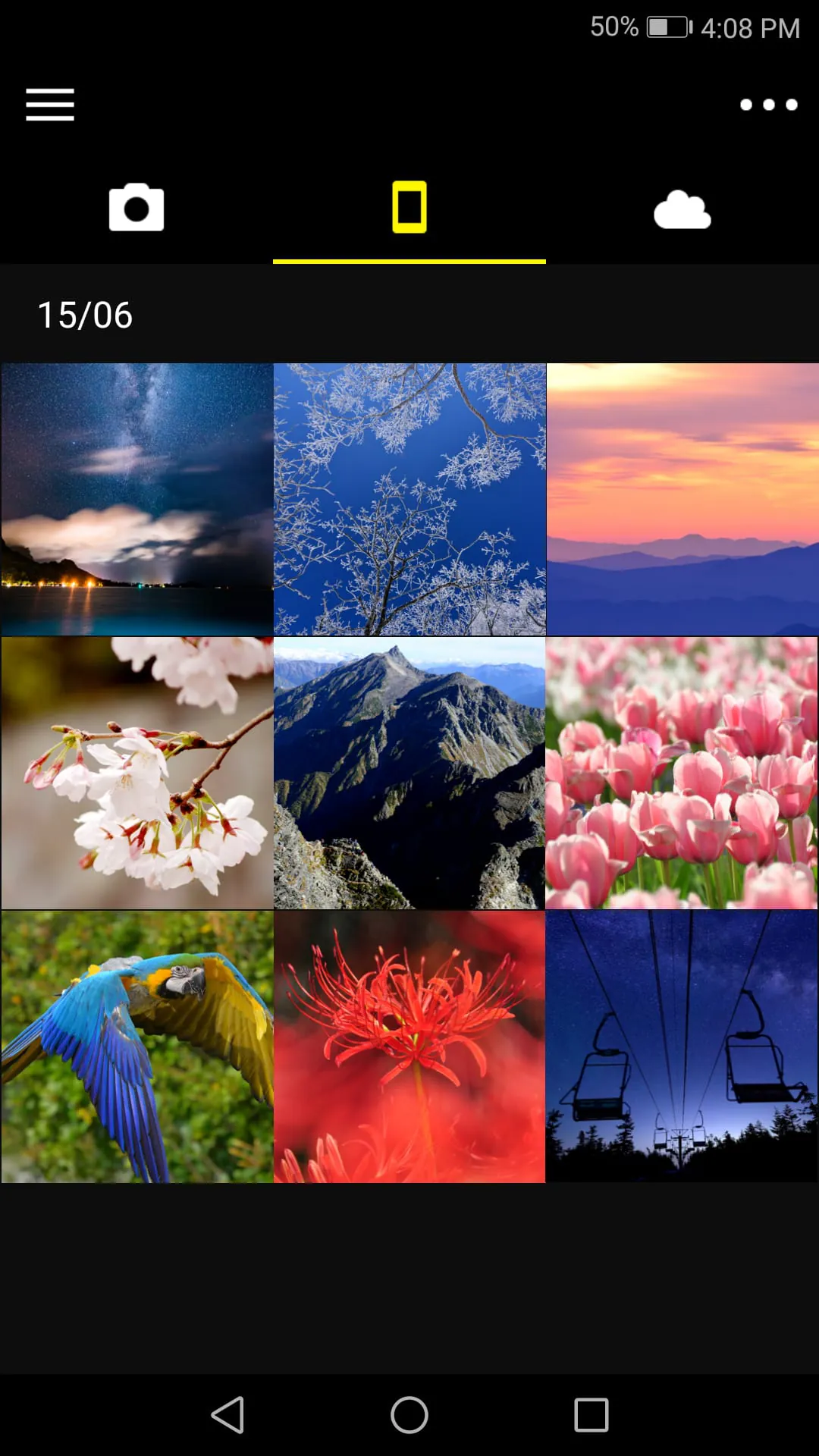
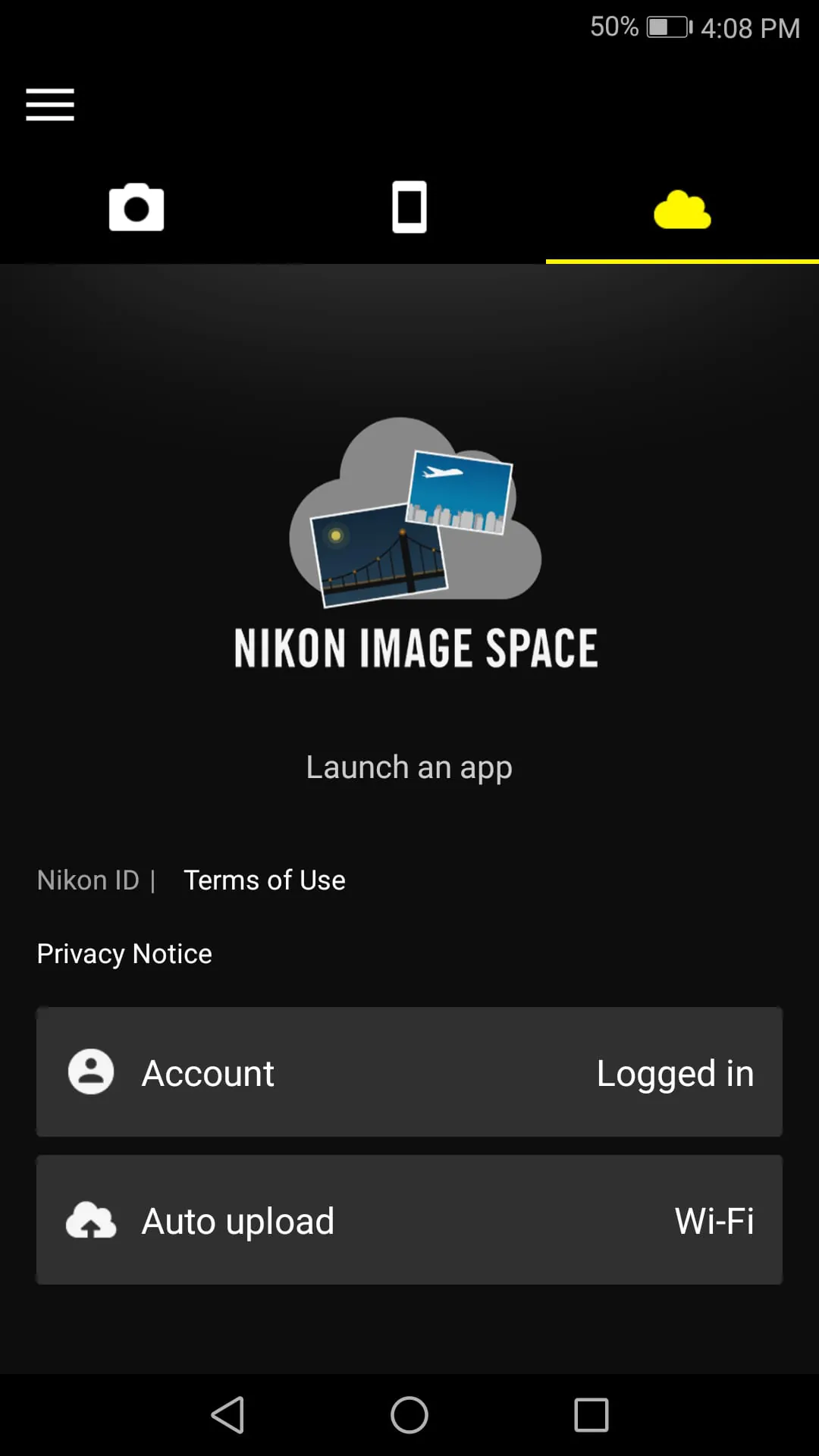
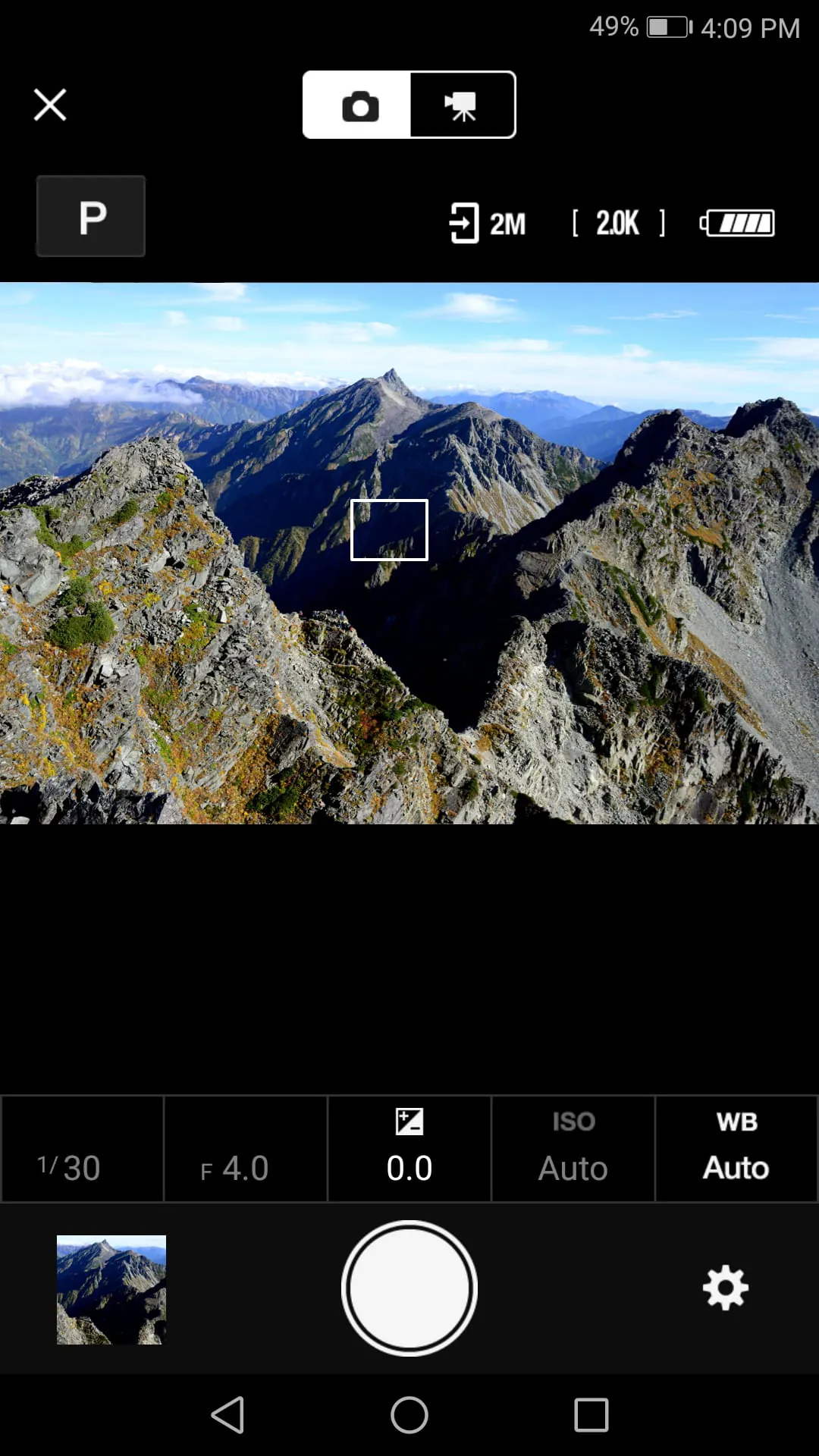
The SnapBridge app allows users to download new photos automatically once the camera is paired with a smart device, adjust camera settings and take photos, view and download pictures from the camera, pair the device with up to five cameras, automatically upload pictures taken with the camera to NIKON IMAGE SPACE, view downloaded photos or share them via e-mail or social media, add photo info or text to uploaded photos, download location data to the camera, set the camera clock to the time reported by the smart device, and receive notifications of firmware updates for paired cameras. The app requires Android 9.0 or later, 10.0 or later, 11, 12, 13, and a device with Bluetooth 4.0 or later. However, there is no guarantee that the app will run on all Android devices. Users should also keep in mind that upload to NIKON IMAGE SPACE requires a Nikon ID, the GPS function runs continuously in the background and can drain the battery, and if there are issues with downloading images or connecting via Bluetooth or Wi-Fi after pairing, turning the paired camera off and on again, switching tabs in SnapBridge, or exiting and relaunching SnapBridge may help.
To use the SnapBridge app, users can register for a Nikon ID using the app, and Bluetooth and Wi-Fi must be enabled when using the app. Remote movie recording is not supported on some cameras, and movies can be downloaded by switching to Wi-Fi and selecting the files manually. NFC must be enabled on the smart device before attempting to launch the app or connect via NFC, and remote photography and movie download are available only if the camera has Wi-Fi. The app may not perform as expected depending on the environment and network conditions, and a smart device with a display resolution of WVGA (960 × 540 pixels) or better is required. The app cannot be used to view movies, and a movie-viewing app must be used instead. Finally, the app requires 100 MB or more of free memory on the smart device.
For more information on using the SnapBridge app, users can refer to the "Help" option within the app.