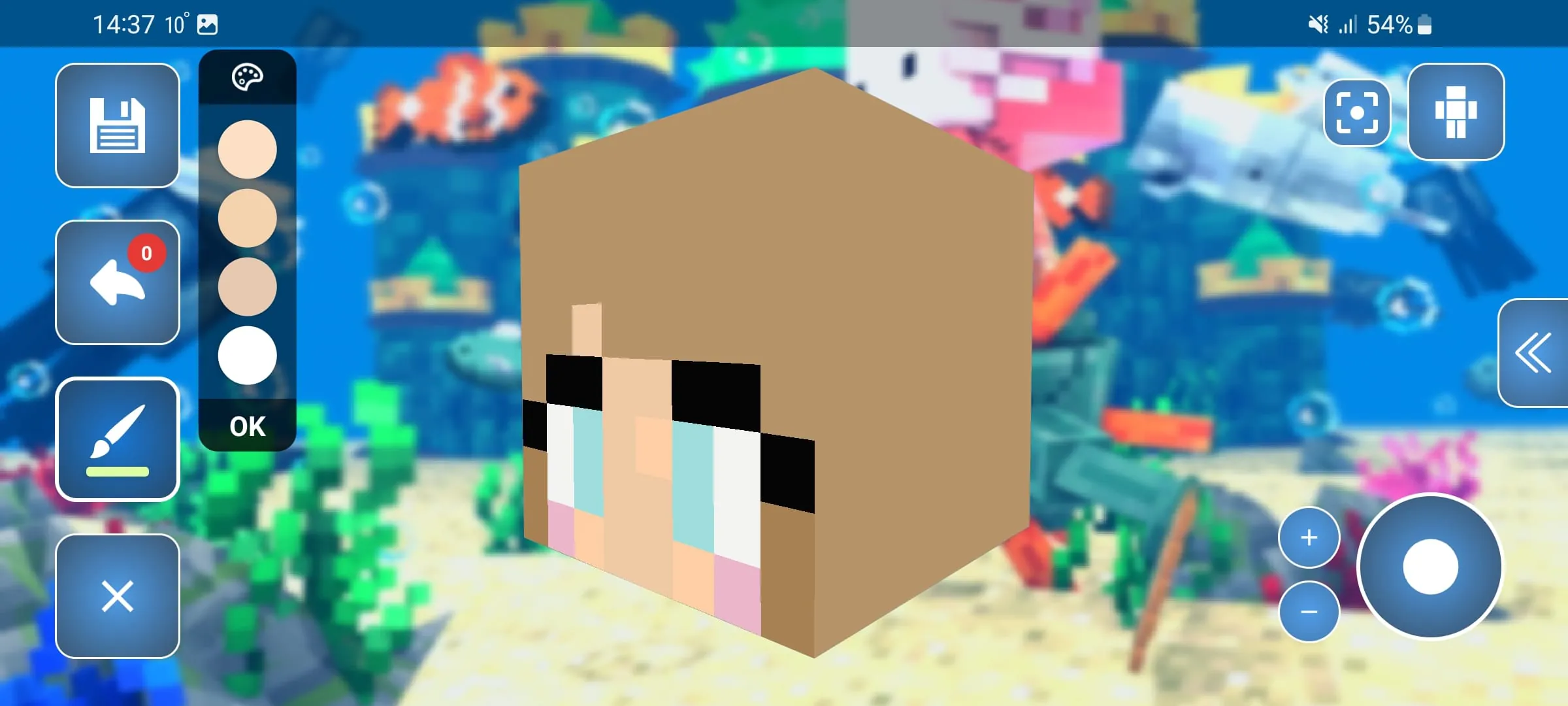
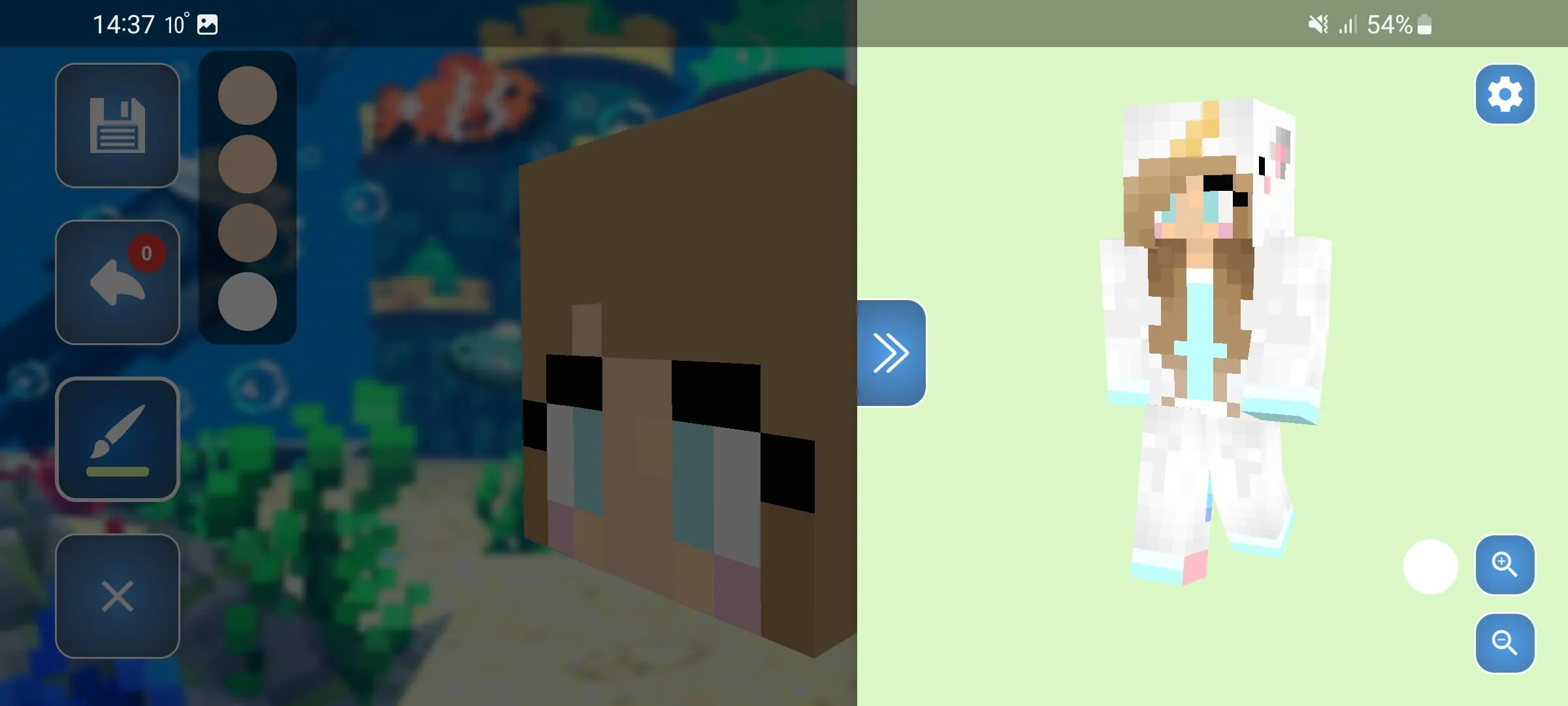
Skin Editor 3D for Minecraft is a highly popular and intuitive mobile application developed by Remoro Studios that allows Minecraft players to design, edit, and fully customize their character skins in a real-time three-dimensional environment. Instead of struggling with confusing flat 2D templates, users can paint directly onto a rotatable 3D character model, seeing exactly how their designs wrap around the limbs and torso instantly. The app supports both the classic 64x32 and the newer 64x64 skin resolutions, making it a versatile tool for players who want to express their creativity and stand out on multiplayer servers with unique, personalized avatars.
Key Features
The app is packed with a comprehensive set of tools that cater to both beginners and advanced skin creators, ensuring a smooth and detailed design process. Its standout features include:
- A true 3D interactive painting canvas where you can rotate, zoom in, and view your skin from all angles.
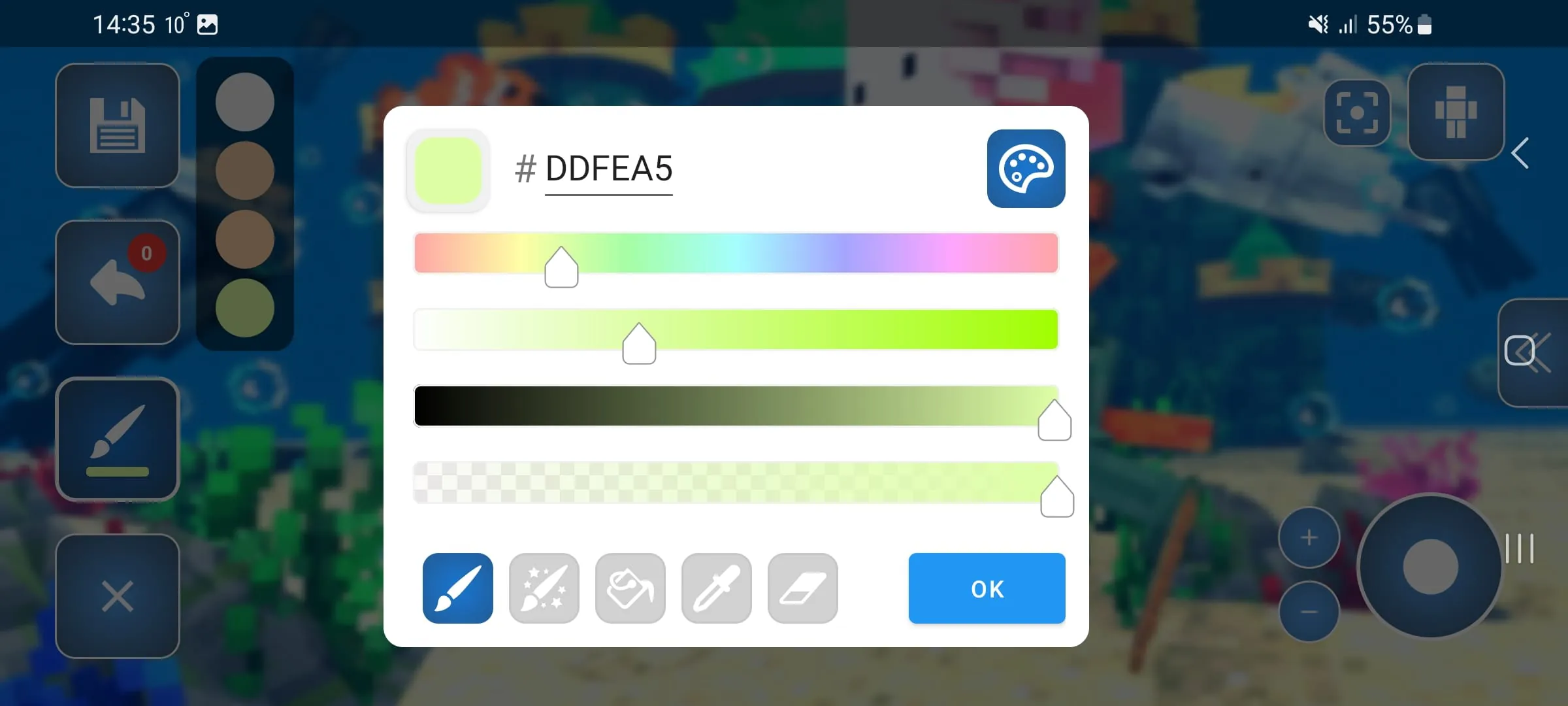
- A wide variety of pixel-precision tools such as a paint brush, paint bucket (fill tool), color gradient selector, and an eyedropper tool to pick existing colors.
- The ability to toggle the visibility of individual body parts, making it super easy to paint the inner areas of the character without obstruction.
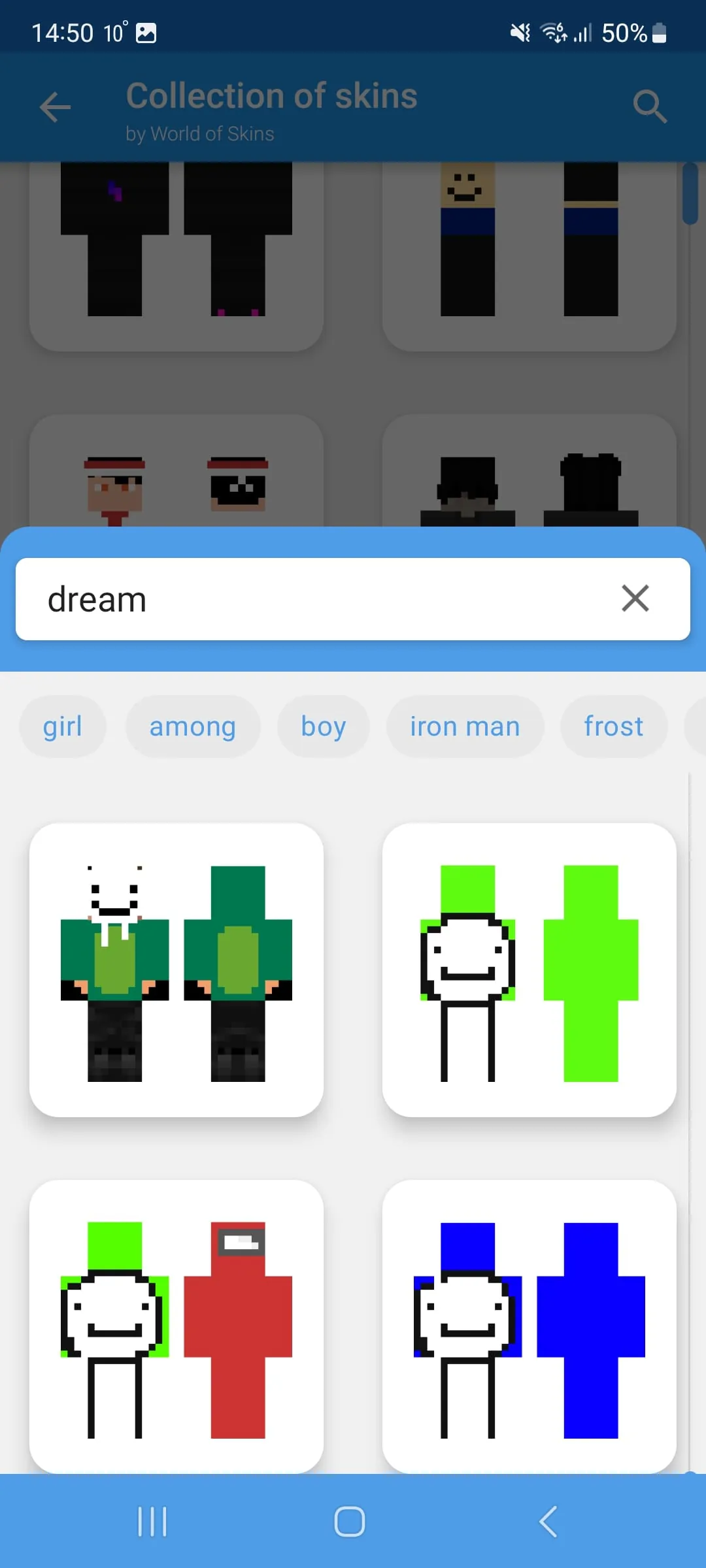
- A massive online gallery with over 20,000 browsable community skins, plus the option to copy any online player's skin just by typing their username.
- Practical editing aids like undo and redo buttons, zoom in/out functions, and a random skin generator for quick inspiration.
- Flexible export options that allow you to save your finished skin directly to your device's gallery or export it straight into Minecraft Pocket Edition (Bedrock) for immediate use.
Pros & Cons
Like any creative utility, Skin Editor 3D for Minecraft comes with its own set of strengths and drawbacks that users should consider. Pros:
- The genuine 3D workspace is far more intuitive and accurate than traditional 2D grid editors, eliminating the guesswork of how a design will look in-game.
- It has a very user-friendly and clean interface, making it highly accessible for children and beginners while still offering depth for pros.
- The core functionality is completely free, allowing you to create, edit, and export unlimited skins without paying.
- It offers offline editing capabilities, meaning you can work on your skin designs anywhere without needing an internet connection.
- Direct integration and export to Minecraft save a lot of time compared to manually converting and importing skin files.
Cons:
- The free version is ad-supported, and video advertisements can sometimes appear at frequent intervals, potentially disrupting the creative flow.
- Certain advanced template packs, special brushes, and the option to remove watermarks may be locked behind a premium paywall.
- It lacks a native symmetry or mirror painting tool, meaning users have to manually draw both arms and legs to keep the design balanced.
- Some users have reported occasional minor bugs, such as pixel layers deleting when the app is minimized or closed without saving properly.
Functions
The application serves as a fully functional mobile art studio tailored specifically for Minecraft's unique skin format and specifications. Its primary functions allow users to create brand new skins starting from the default Steve or Alex bases, or to import existing skins from their device, Minecraft PE, or the online community gallery for further modification. You can utilize pixel-level painting functions to apply base colors, shading, and intricate details, while the layer management system lets you add overlay details like flowing hair, hats, or armor without altering the base texture. Additionally, the app manages your personal skin library, autosaves your progress to prevent losing work, and handles all the technical formatting required to export a perfectly sized .png file that is immediately compatible with Minecraft Java and Bedrock editions.
How to Use
Click the button "Check All Versions" below to download and install it. Once the app is installed and opened, you start by choosing whether to create a new skin from scratch, use a random generated skin, or browse the extensive online gallery for an existing design to edit. After selecting your base, use the touch-based tools on the interface to pick colors from the RGB color palette and paint directly onto the 3D character model on your screen. You can pinch to zoom in for detailed pixel work on the face or fingers, and swipe to rotate the model to access the back, sides, and legs. If you want to paint the inner areas, simply toggle off the visibility of the body part you are working on using the layer options. When your design is complete, simply hit the save button to store it in your personal library, or use the export function to either save the PNG to your phone's gallery or send it directly into your Minecraft Pocket Edition app to wear immediately.





 APK
APK  Google Play
  iOS
iOS  4.30
4.30