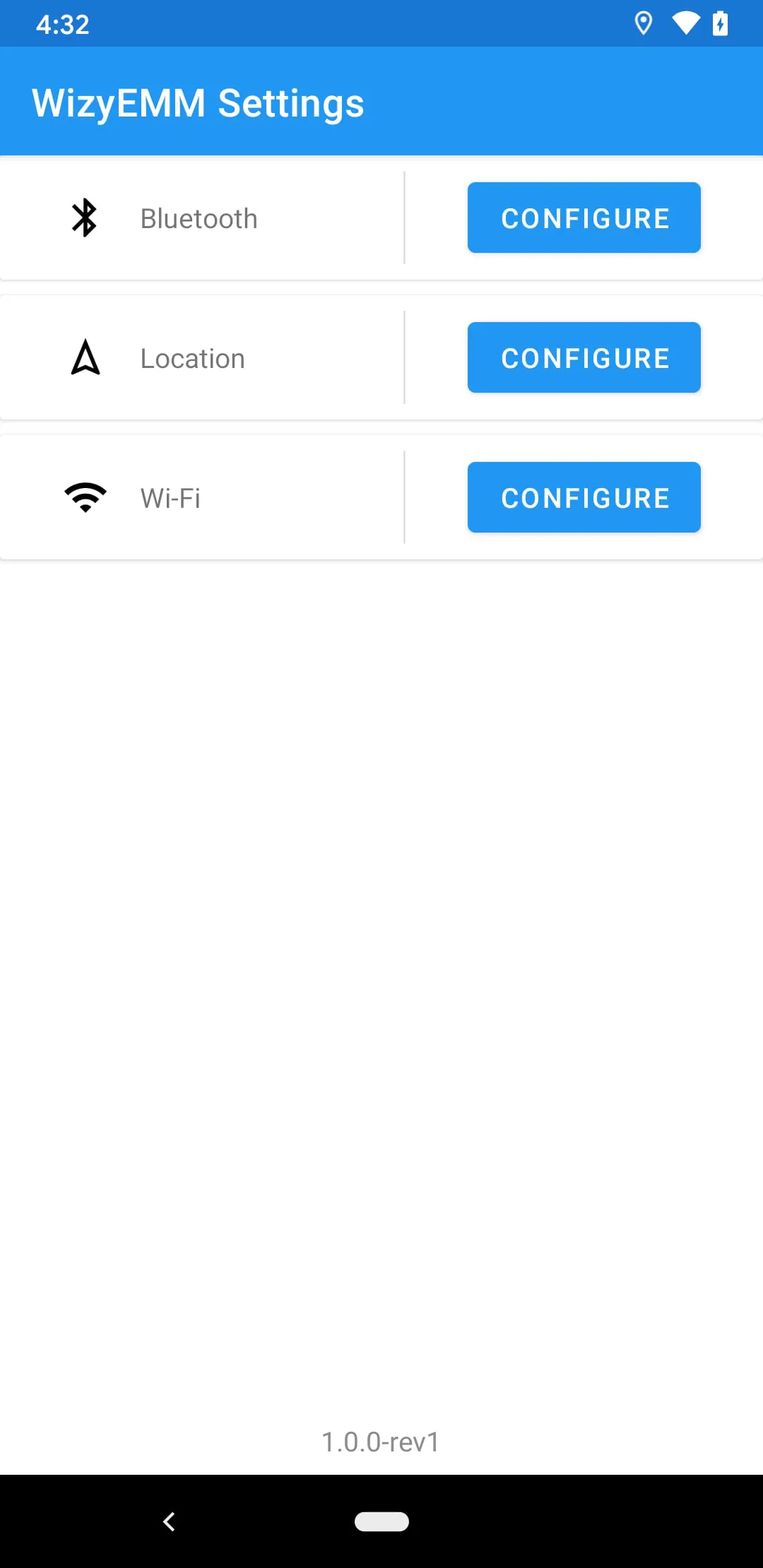
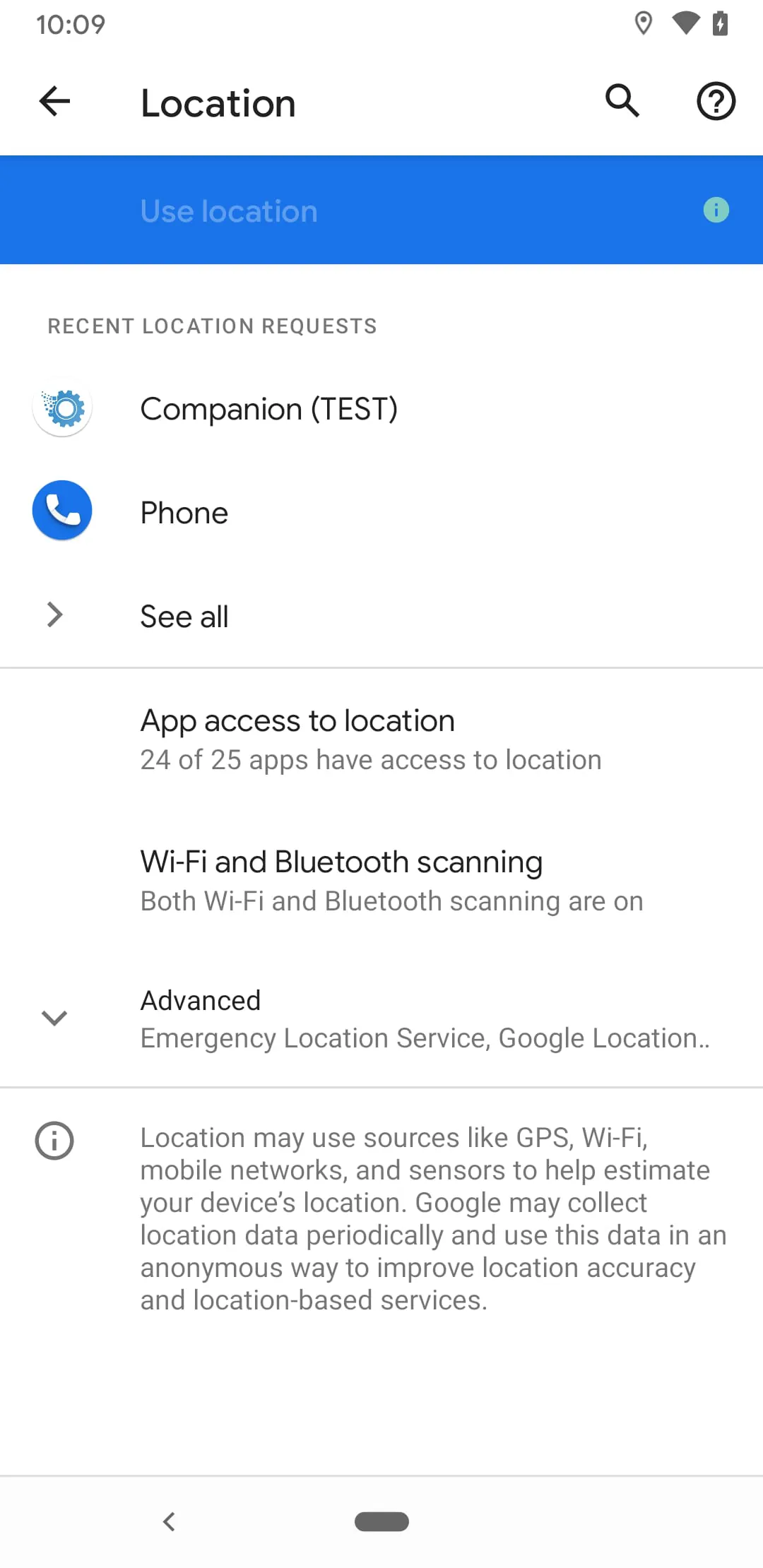
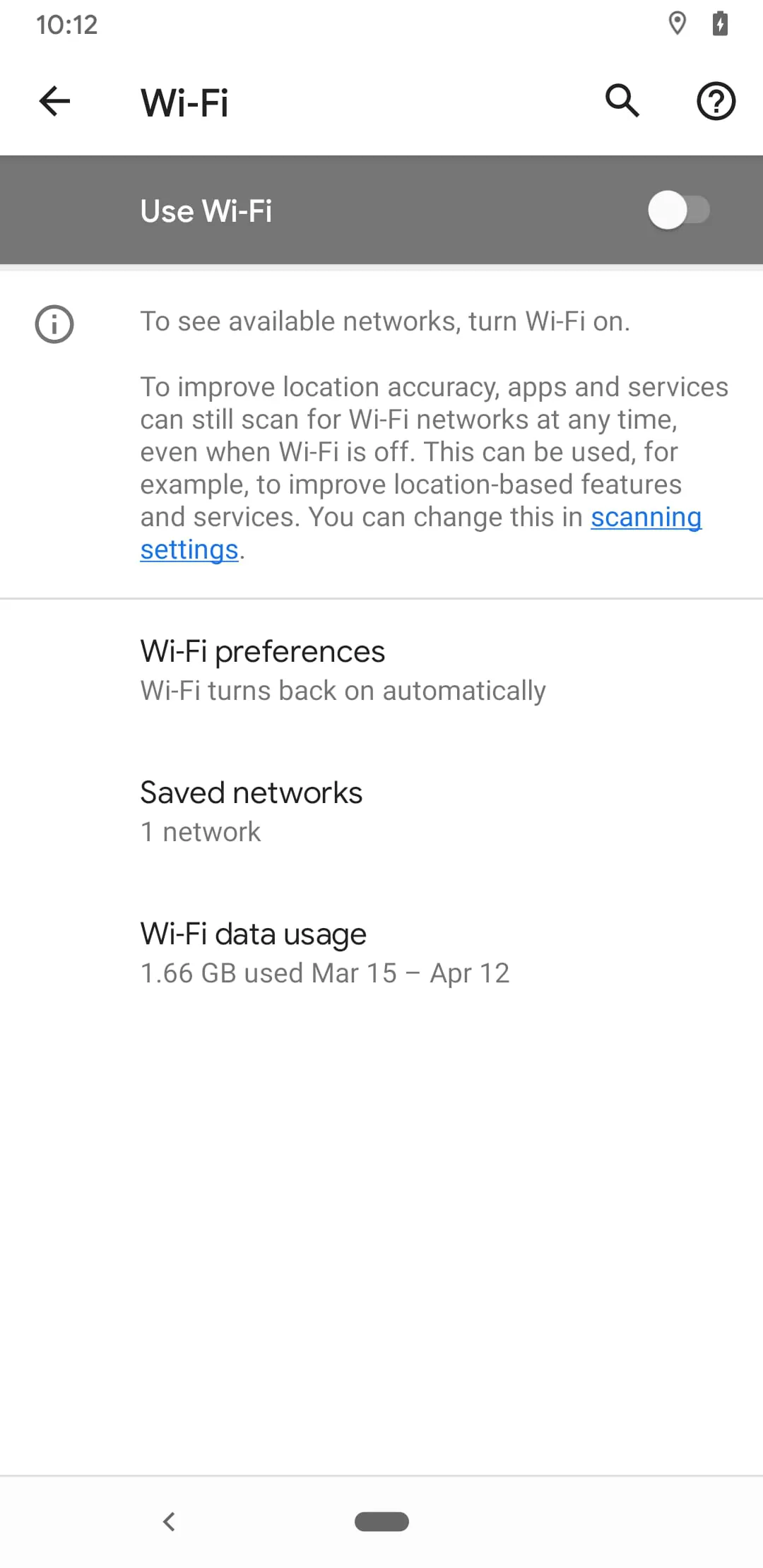
Settings is the central system application on your device, serving as the control panel for nearly all configurable options. It allows users to personalize their experience, manage device security and connectivity, adjust system preferences, and oversee installed applications and accounts. This essential app provides a structured interface to fine-tune everything from display brightness and sound settings to complex network configurations and privacy controls, ensuring your device operates exactly how you need it to.
Key Features
The Settings app is designed for comprehensive device management. It consolidates a wide array of controls into a searchable, often categorized menu. Key aspects include its deep integration with the operating system, enabling changes that affect the core functionality of the device. It also typically offers personalized profiles, automated rule-setting for certain conditions, and extensive backup and restore functionalities. The ability to sync settings across devices using the same account is a fundamental feature for ecosystem users.
Pros & Cons
Using the native Settings application offers several advantages and a few limitations.
- Centralized Control: All system and app configurations are accessible from one location, eliminating the need to hunt through multiple applications.
- Enhanced Security: It provides protected access to sensitive options like passwords, device administration, and privacy permissions.
- Deep System Integration: It can modify low-level system behavior that third-party apps cannot.
- Official and Reliable: Being a pre-installed system component, it is stable and secure.
- Potential Overwhelming: For new users, the sheer number of options can be intimidating and confusing.
- Varied Layouts: The structure and naming of sections may differ between device brands and OS versions, causing slight learning curves.
- Limited Customization of the App Itself: The layout and features of the Settings app itself are generally not customizable by the user.
Functions
The Settings app is organized into logical categories that group its vast functions. Common sections include:
- Network & Connectivity: Manages Wi-Fi, Bluetooth, Mobile Data, Hotspot, and VPN settings.
- Sound & Display: Controls volume, ringtones, screen brightness, wallpaper, and font size.
- Apps & Notifications: Oversees installed applications, their permissions, and notification behaviors.
- Battery & Device Care: Provides battery usage statistics and optimization features.
- Accounts & Backup: Handles account synchronization and data backup/restore procedures.
- Security & Privacy: Sets up screen locks, app permissions, and security updates.
- System: Covers language, date/time, software updates, and reset options.
How to Use
Click the button "Check All Versions" below to download and install it. Once installed, the Settings app is usually accessible from your device's app drawer or by swiping down the notification shade and tapping the gear icon. Navigate by scrolling through the main list or using the search bar at the top to find a specific option quickly. Tap on any menu item to enter its submenu and adjust the toggles or select from the available choices. Remember to confirm or save changes if prompted, though most adjustments are applied immediately. For major changes, like a system reset, it is advisable to ensure your data is backed up first.





 APK
APK  Google Play
  iOS
iOS  4.30
4.30