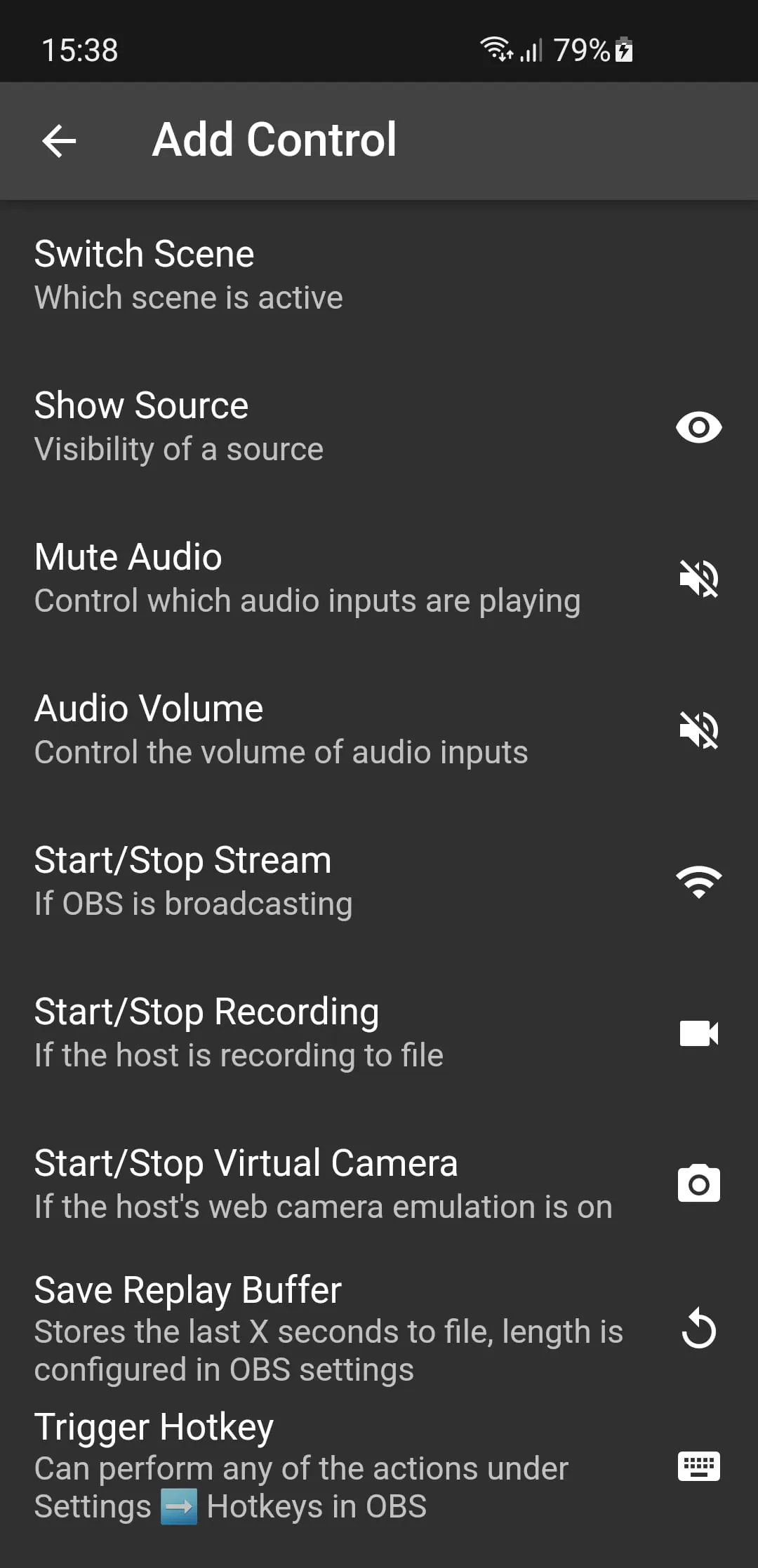
This application provides a simplified approach to mobile scene switching within OBS (Open Broadcaster Software), streamlining the process for content creators who want greater control over their live streams and recordings. The app prioritizes ease of use, offering a straightforward interface for managing scenes and controlling various aspects of an OBS broadcast from a mobile device. Its compatibility with OBS v28 and later versions means that users can often get started without additional plugins, making it a convenient solution right out of the box. However, for those using earlier versions of OBS, the obs-websocket plugin is a necessary component, ensuring seamless communication between the mobile app and the OBS software on a desktop or laptop. The availability of this plugin, easily accessible through the OBS project forum, ensures that users of older OBS versions can still take advantage of the app's features. The app's core functionality revolves around providing a mobile-based scene switcher, giving users the freedom to transition between different scenes within their OBS project remotely. This can be particularly useful for streamers who want to maintain a dynamic and engaging broadcast without being tethered to their computer. By offering a user-friendly mobile interface, the app makes scene switching more accessible, allowing content creators to focus on their performance and audience interaction. Beyond basic scene switching, the application offers a range of controls designed to enhance the overall streaming experience. Users can hide scenes that they don't want to accidentally activate, preventing unintended transitions during a live broadcast. The ability to control stream, recording, and virtual camera output directly from the app provides a centralized hub for managing the technical aspects of a stream. Furthermore, the app allows users to show or hide individual scene elements, giving them granular control over the visual composition of their broadcast. This level of control is essential for creating polished and professional-looking streams. Muting audio sources is another valuable feature, enabling users to quickly silence unwanted audio during a broadcast. This can be particularly useful for handling unexpected noises or preventing audio feedback. The app's comprehensive control options empower streamers to fine-tune their broadcasts and maintain a high level of audio-visual quality. The inclusion of a configurable delay for commands adds another layer of sophistication to the app. This feature allows users to synchronize scene switches with camera delays, ensuring a seamless transition between different camera angles or visual elements. By adjusting the delay, streamers can create visually appealing transitions that enhance the viewing experience and maintain a professional presentation. This level of customization demonstrates the app's commitment to providing users with the tools they need to create high-quality content.
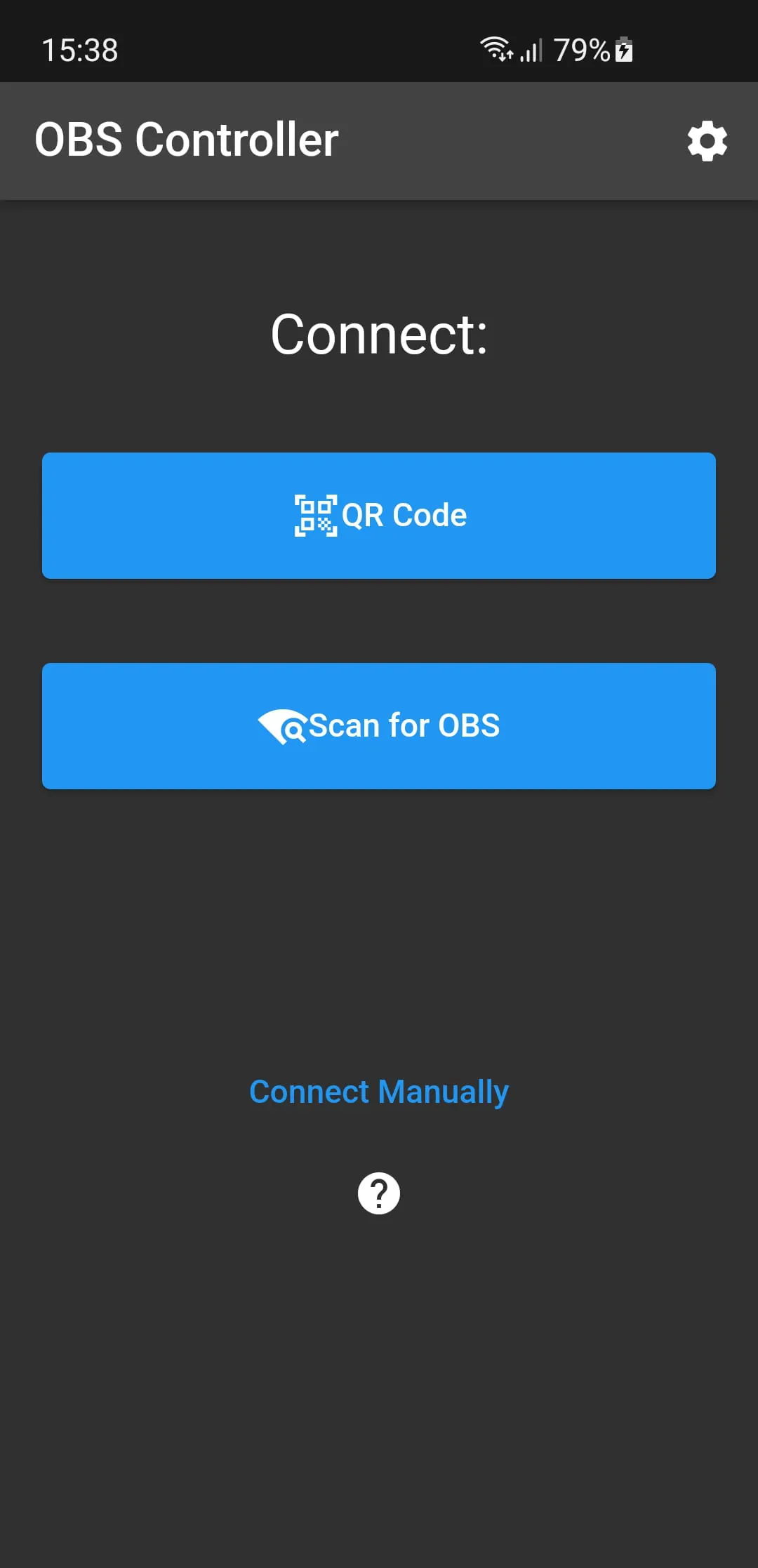
The functionality of this OBS mobile scene switcher hinges on its ability to communicate effectively with the OBS software running on a computer. For OBS v28 and later, this communication is typically seamless, as the app is designed to work with the software's built-in capabilities. However, for users with older versions of OBS, the obs-websocket plugin serves as a crucial bridge, enabling the mobile app to send commands and receive status updates from the OBS software. The installation of this plugin is straightforward, with clear instructions available on the OBS project forum, ensuring that users can quickly set up the necessary communication link. Once the plugin is installed and configured, the mobile app can communicate with the OBS software, allowing users to control various aspects of their stream remotely. This remote control capability is a key benefit of the app, providing content creators with the flexibility to manage their broadcasts from anywhere within their studio or performance space. The ability to hide scenes provides a safety net for streamers, preventing accidental activation of unintended scenes during a live broadcast. This feature is particularly useful in situations where multiple scenes are set up, and the risk of accidentally selecting the wrong one is high. By hiding scenes that are not currently needed, users can simplify their scene selection process and avoid potential errors. The app's control over stream, recording, and virtual camera output offers a centralized hub for managing the core functions of an OBS broadcast. Users can start and stop their stream, initiate and terminate recordings, and control the output of their virtual camera, all from the convenience of their mobile device. This level of control streamlines the streaming process and makes it easier for content creators to manage their broadcasts without being tied to their computer. The ability to show or hide individual scene elements provides a level of granular control that is essential for creating polished and professional-looking streams. Users can selectively display or hide text overlays, images, video sources, and other scene elements, allowing them to customize the visual composition of their broadcast in real-time. This feature is particularly useful for creating dynamic and engaging streams that adapt to the changing needs of the content. The app's mute audio sources feature offers a quick and easy way to silence unwanted audio during a broadcast. This can be particularly useful for handling unexpected noises, preventing audio feedback, or muting audio sources that are not currently needed. By providing a simple mute button, the app empowers streamers to maintain a high level of audio quality and prevent distractions during their broadcasts. The configurable delay for commands adds a layer of sophistication to the app, enabling users to synchronize scene switches with camera delays or other visual elements. This feature is particularly useful for creating seamless transitions between different camera angles or visual elements, enhancing the viewing experience and maintaining a professional presentation. By adjusting the delay, streamers can fine-tune their broadcasts and create visually appealing transitions that capture the attention of their audience.
In summary, this mobile OBS scene switcher provides a valuable tool for content creators who want greater control over their live streams and recordings. Its focus on simplicity and ease of use makes it accessible to a wide range of users, while its comprehensive feature set offers the control and flexibility needed to create high-quality broadcasts. The app's compatibility with OBS v28 and later versions, along with the availability of the obs-websocket plugin for earlier versions, ensures that users can easily integrate the app into their existing streaming workflow. The ability to hide scenes, control stream and recording output, show or hide scene elements, mute audio sources, and configure command delays provides streamers with a comprehensive set of tools for managing their broadcasts from a mobile device. This remote control capability is a key benefit of the app, allowing content creators to move freely around their studio or performance space without being tethered to their computer. The app's user-friendly interface and intuitive controls make it easy for streamers to manage their broadcasts, even while on the go. The ability to customize scene transitions, control audio sources, and manage visual elements provides streamers with the flexibility to create engaging and dynamic content that captures the attention of their audience. The app's focus on simplicity does not come at the expense of functionality. It offers a robust set of features that are designed to meet the needs of both novice and experienced streamers. Whether you are a seasoned content creator or just starting out, this mobile OBS scene switcher can help you take your streams to the next level. By providing a convenient and accessible way to manage your broadcasts, the app empowers you to focus on your performance and audience interaction. The app's ability to streamline the streaming process and provide a higher level of control makes it an invaluable tool for anyone who is serious about creating high-quality content. This mobile OBS scene switcher represents a significant step forward in the evolution of streaming technology. Its focus on simplicity, functionality, and remote control capabilities makes it a must-have tool for content creators who want to stay ahead of the curve. By providing a user-friendly interface and a comprehensive set of features, the app empowers streamers to create engaging and dynamic content that captures the attention of their audience. Whether you are streaming on Twitch, YouTube, or any other platform, this mobile OBS scene switcher can help you elevate your broadcasts and achieve your streaming goals.





 APK
APK  Google Play
  iOS
iOS  4.40
4.40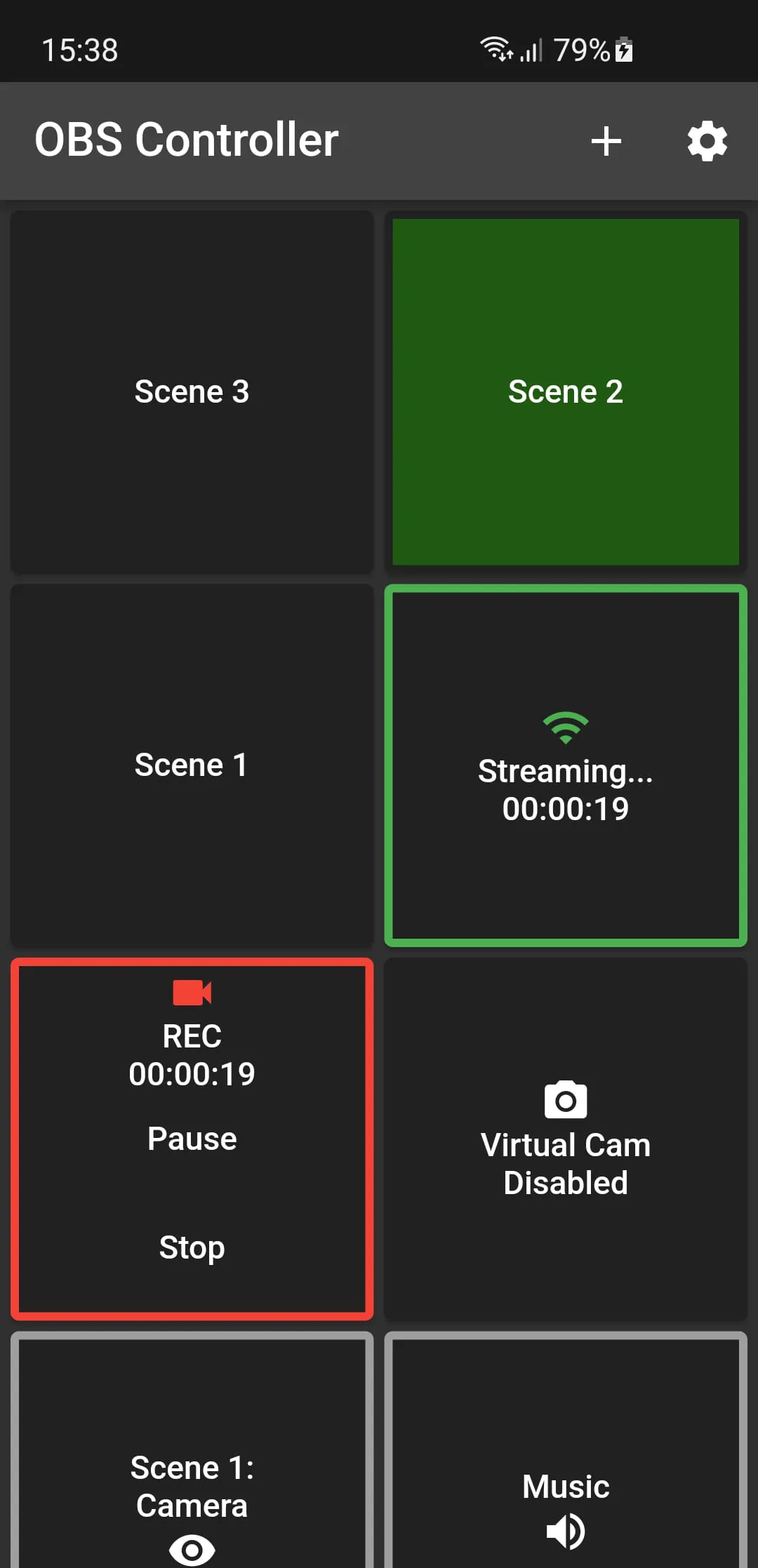
 Download








