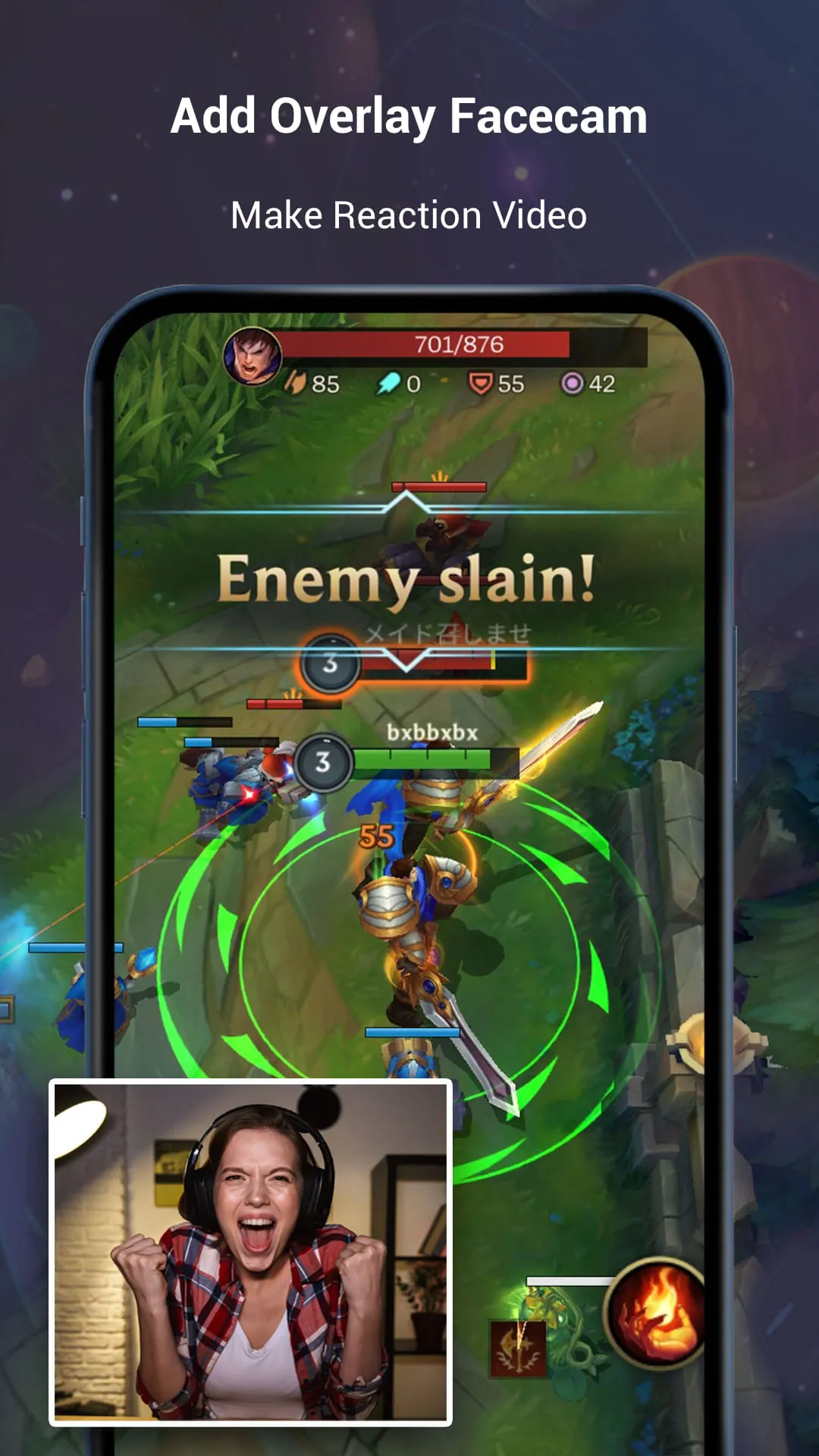
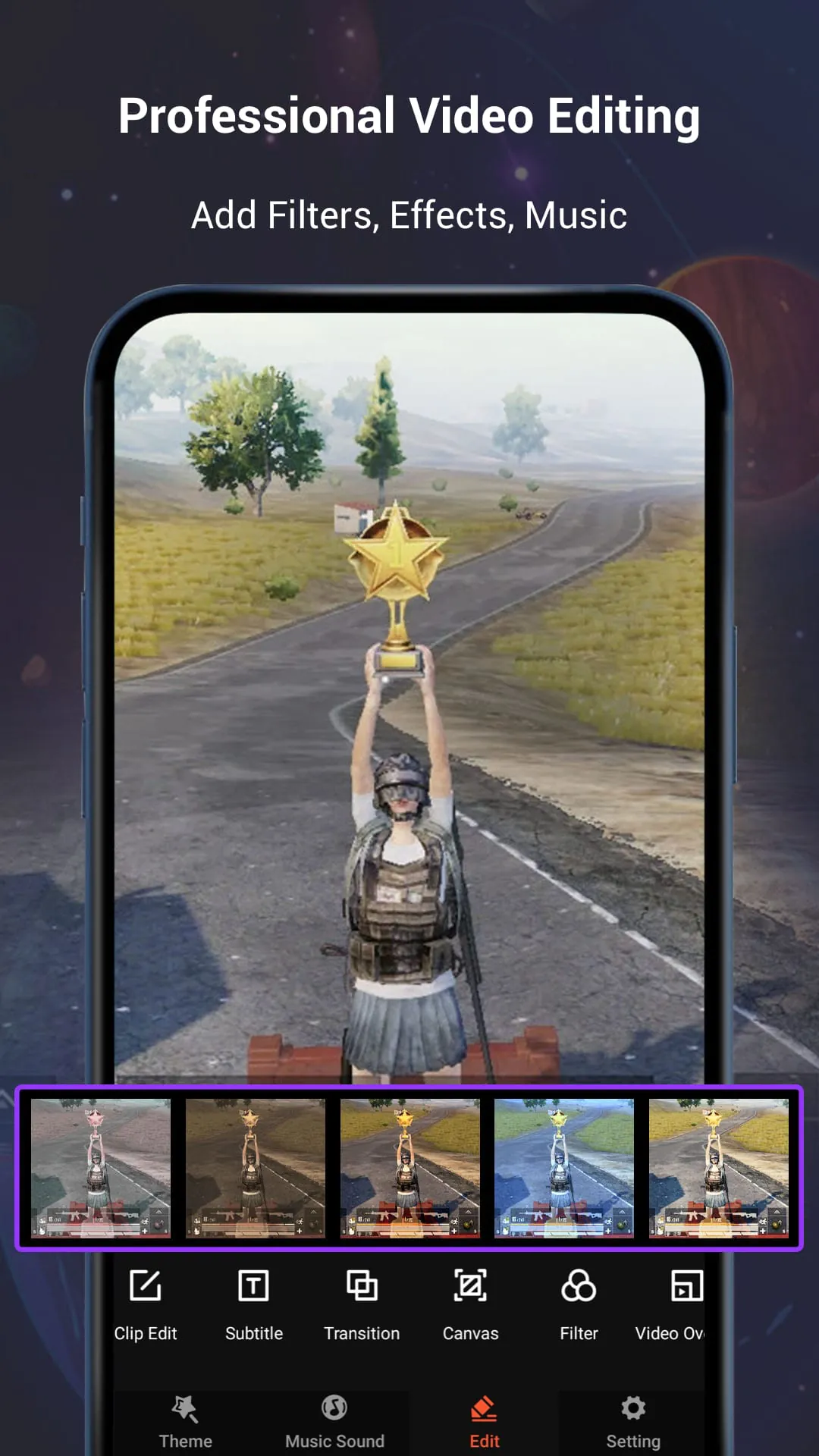
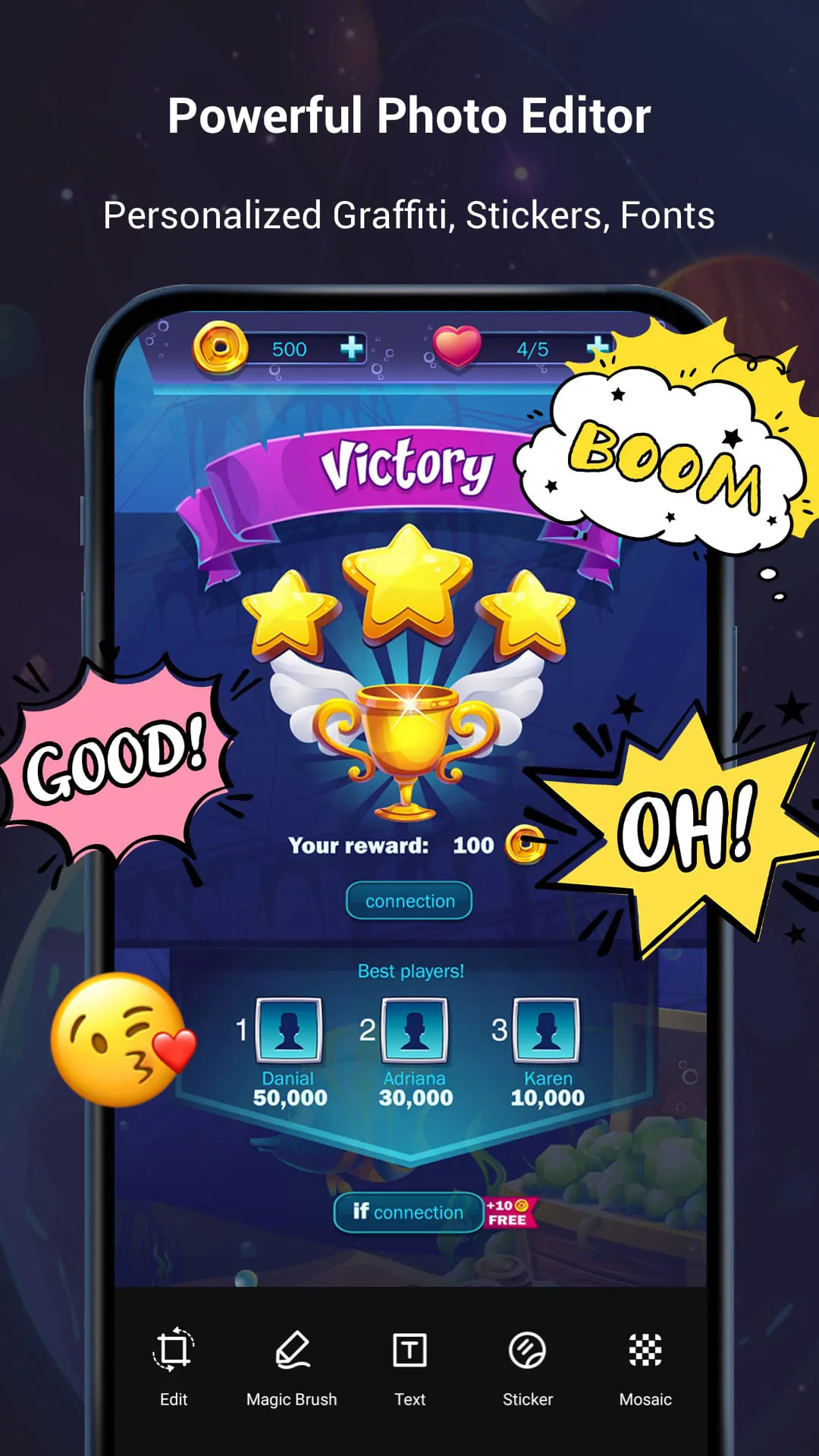
V Recorder is an Android app that serves as a stable screen recorder, game recorder, and video saver. It also functions as a powerful video editor and photo editor. With V Recorder, users can easily record their gameplay, capture their screen, and edit videos with filters, effects, and music. The app does not require rooting and has no recording time limit. It also allows users to draw on the screen while recording and record phone screen with internal or external sound. V Recorder offers a customizable floating window and features like GIF recording and facecam recording. It provides a simple interface and high-quality video settings, supporting both portrait and landscape orientations. In addition to its recording capabilities, V Recorder also offers professional video editing and photo editing features. Users can apply trendy filters, add cute stickers and GIFs, and choose from various themes. The app provides fully licensed music that can be downloaded online or added from the device. It also offers a powerful video editor with features like reverse, rotate, trim, and compress. Users can adjust the speed of their videos, add custom fonts, and rotate and crop screenshots. V Recorder even includes a magic brush tool for drawing and doodling on videos, as well as blurring or adding mosaic effects. Overall, V Recorder provides users with professional editing tools to create popular videos. Users can easily share their recording clips with friends using V Recorder. The app allows for recording in HD or fast mode and can also capture audio from the microphone. It is a stable screen video recorder that is suitable for recording tutorials on the phone. However, it is important to note that V Recorder is not related to YouTube and should be used in accordance with YouTube's platform terms. Users should also respect copyright laws and obtain permission before using the app for recording purposes. V Recorder is intended for personal study and research use, and the recorded content should not exceed the scope of personal use.





 APK
APK  Google Play
  iOS
iOS  4.40
4.40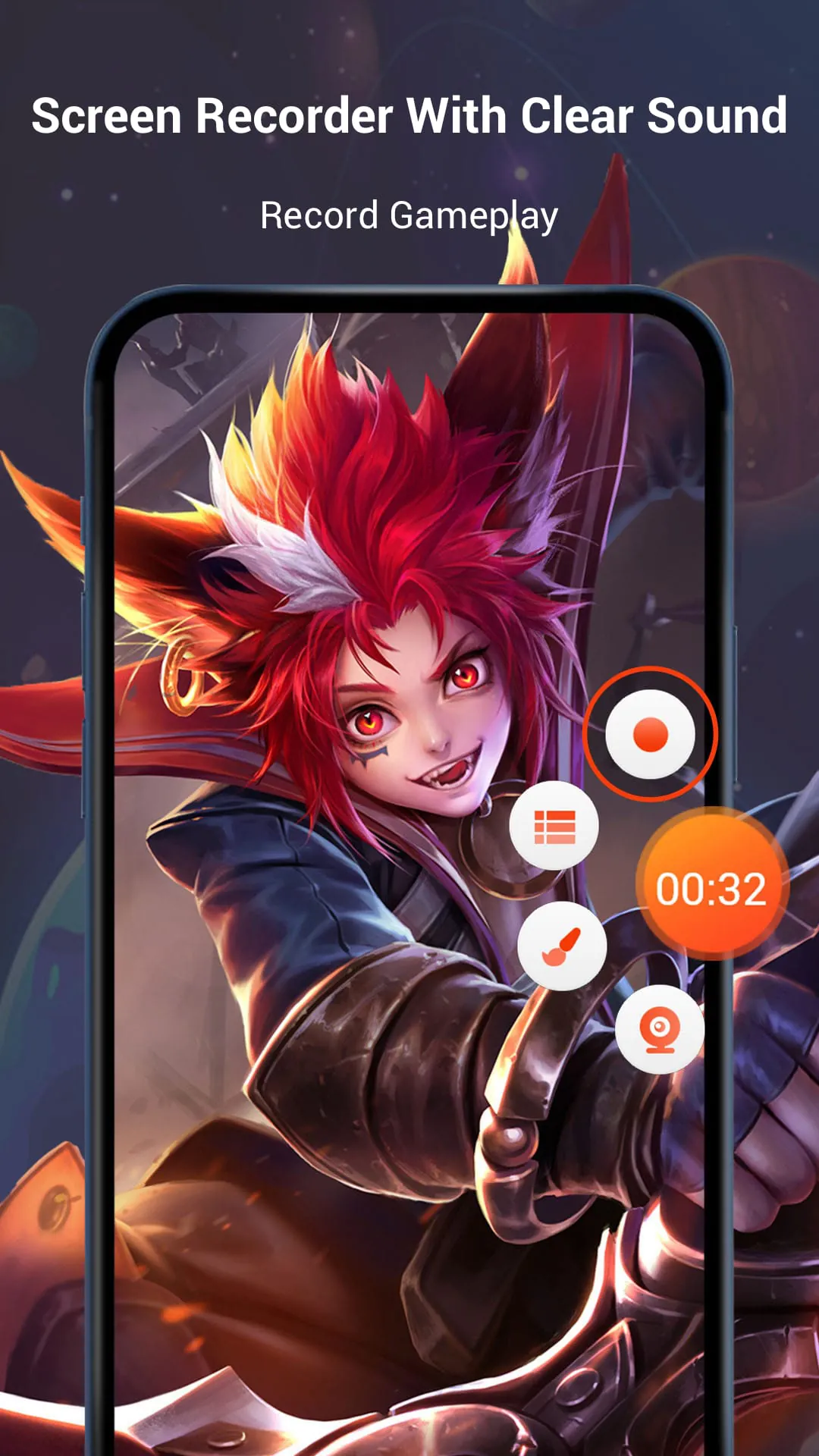
 Download








