Getting started with Santander Mobile Banking is designed to be a straightforward process, whether you are an existing customer or new to Santander. For current customers, the initial setup requires your Personal ID, the registered phone number or email address associated with your account, and your Security Number. The process begins by opening the app and selecting the 'Logon' option, after which you simply need to follow the on-screen instructions to complete the setup. It is highly recommended to enable push notifications to ensure you receive important messages from Santander directly on your phone’s home screen. This feature allows you to stay informed about account updates, security alerts, and other relevant communications without needing to constantly check the app. For new users, Santander has streamlined the process of opening a Personal Current Account directly through the app. By selecting the 'New to Santander' option, you will be guided through the application process, allowing you to set up your account immediately. This eliminates the need to visit a branch or complete lengthy paper applications, making it a convenient option for those looking to join Santander. Security is a top priority for Santander, and the bank emphasizes the importance of protecting your personal information. Customers are reminded never to share their One Time Passcode (OTP) or Security Number with anyone, including Santander employees. Santander has a strict policy against requesting customers to log on to their mobile devices or computers or asking them to download any type of software. Any such requests should be treated as suspicious and reported immediately. Additionally, it's important to note that the interest rates displayed within the Play Store images are for visual purposes only and may not reflect the latest rates. Users should always refer to the official Santander website or contact customer service for the most up-to-date information. The Santander Mobile Banking app is designed to function optimally on devices running Android version 8 or above. It is essential to ensure your device is updated to the latest Android software to ensure smooth app performance. If you are unable to update your device to this version, you can still access your accounts via Santander Online Banking. Please be aware that the Santander Mobile Banking app will not run on devices that have been rooted, as this can compromise the security of your account. Santander UK plc is a registered company in England and Wales, with its Registered Office at 2 Triton Square, Regent's Place, London, NW1 3AN, United Kingdom. The company is authorized by the Prudential Regulation Authority and regulated by the Financial Conduct Authority and the Prudential Regulation Authority. Its Financial Services Register number is 106054, which can be verified on the FCA’s website. Santander and the flame logo are registered trademarks, ensuring the authenticity and reliability of the services provided. For any inquiries or assistance, customers can contact Santander via telephone at 0800 389 7000. Please note that calls may be recorded or monitored for quality and training purposes.
The Santander Mobile Banking application provides a user-friendly interface to manage your finances efficiently and securely. To get started, existing customers must have their Personal ID, registered phone number or email address, and Security Number readily available. This information is crucial for verifying your identity and ensuring that only authorized users can access your account. Upon opening the app, selecting the 'Logon' option initiates the authentication process, guiding you through a series of on-screen instructions to securely log in. Once logged in, users can access a wide range of features, including checking account balances, transferring funds, paying bills, and viewing transaction history. To enhance user experience, enabling push notifications is highly recommended. Push notifications allow Santander to send important updates and alerts directly to your phone’s home screen, ensuring that you are always informed about your account activity. This feature can be particularly useful for receiving notifications about completed transactions, low balance alerts, and any suspicious activity detected on your account. New customers can take advantage of the app to open a Personal Current Account without the need to visit a physical branch. By selecting the 'New to Santander' option, the app provides a step-by-step guide to complete the application process. This streamlined process allows new users to set up their accounts quickly and conveniently, making it easier than ever to join the Santander community. The app collects necessary information, verifies your identity, and configures your account settings, all within a secure and user-friendly environment. Santander places a strong emphasis on security and protecting customer information. A key reminder is to never share your One Time Passcode (OTP) or Security Number with anyone, including individuals claiming to be Santander employees. Santander will never request you to log on to your mobile device or computer remotely or ask you to download any software. If you receive such a request, it is likely a fraudulent attempt and should be reported immediately to Santander’s customer service. To ensure the app runs smoothly, users should keep their Android software updated to the latest version. The Santander Mobile Banking app requires Android version 8 or above to function properly. If you are unable to update your device to this version, you can access your accounts through Santander Online Banking on a computer or other compatible device. Please be aware that the Santander Mobile Banking app is not compatible with devices that have been rooted, as this can compromise the security of your account and increase the risk of unauthorized access. Santander UK plc is a registered company with its headquarters located at 2 Triton Square, Regent's Place, London, NW1 3AN, United Kingdom. The company is registered in England and Wales under Registered Number 2294747. Santander is authorized by the Prudential Regulation Authority and regulated by both the Financial Conduct Authority and the Prudential Regulation Authority. The company’s Financial Services Register number is 106054, which can be verified on the FCA’s website. Santander and the flame logo are registered trademarks, ensuring the authenticity and reliability of the services provided. Customers can contact Santander by calling 0800 389 7000 for assistance. Calls may be recorded or monitored for quality assurance and training purposes.
Santander Mobile Banking offers a convenient and secure way to manage your finances on the go. The initial setup process is straightforward, catering to both existing and new customers. For those already with Santander, you will need your Personal ID, the phone number or email address registered with your account, and your Security Number to begin. Simply open the app and select 'Logon', then follow the prompts to complete the setup. Once you’re up and running, it’s highly recommended to enable push notifications. This feature allows Santander to send you important messages directly to your phone’s home screen, such as transaction alerts, security updates, and other crucial information, ensuring you stay informed without constantly checking the app. If you’re new to Santander, you can now open a Personal Current Account directly through the app. Just select 'New to Santander' and the app will guide you through the application process, allowing you to set up your account immediately. This eliminates the need for in-person visits or paper applications, making it a convenient option for new customers. Santander prioritizes the security of your personal and financial information. Always remember never to share your One Time Passcode (OTP) or Security Number with anyone, including individuals claiming to be Santander employees. Santander will never call you to request that you log in to your mobile device or computer, or ask you to download any type of software. If you receive such a request, it is likely a scam and should be reported immediately. Be aware that interest rates shown in Play Store images are for illustrative purposes only and may not reflect the current rates. Always refer to the official Santander website or contact customer service for the most accurate and up-to-date information. The Santander Mobile Banking app is designed to run smoothly on devices with the latest Android software. To use the app, your device must be running Android version 8 or above. If you cannot update to this version, you can still access your accounts through Santander Online Banking. It’s important to note that the Santander Mobile Banking app will not run on devices that have been rooted, as this can compromise the security of your account. Santander UK plc is a registered company in England and Wales, with its Registered Office at 2 Triton Square, Regent's Place, London, NW1 3AN, United Kingdom. The Registered Number is 2294747. Santander is authorized by the Prudential Regulation Authority and regulated by the Financial Conduct Authority and the Prudential Regulation Authority. The Financial Services Register number is 106054, which you can verify on the FCA’s website. Santander and the flame logo are registered trademarks, ensuring the authenticity and reliability of the services provided. If you need assistance, you can contact Santander at 0800 389 7000. Please note that calls may be recorded or monitored for quality and training purposes.





 APK
APK  Google Play
  iOS
iOS  4.70
4.70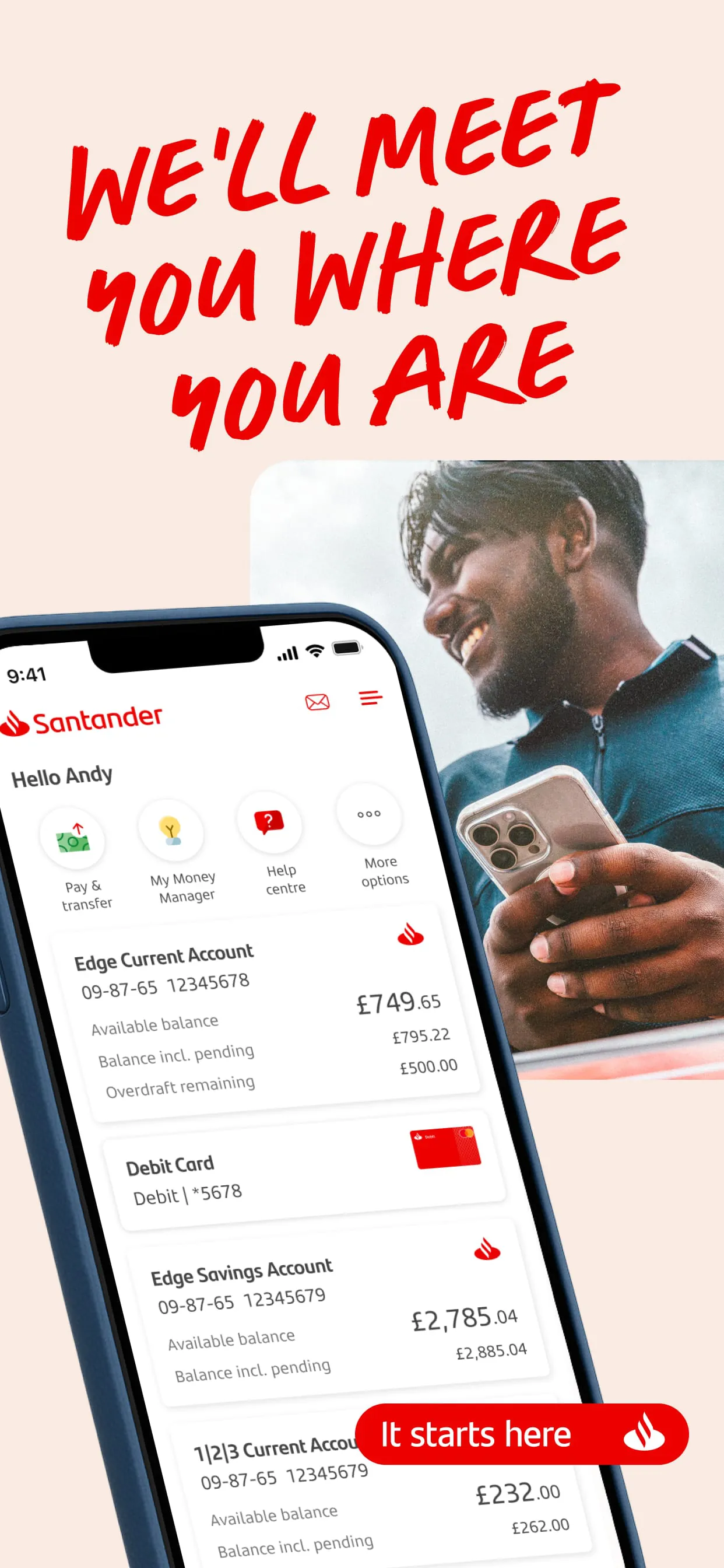


 Download








