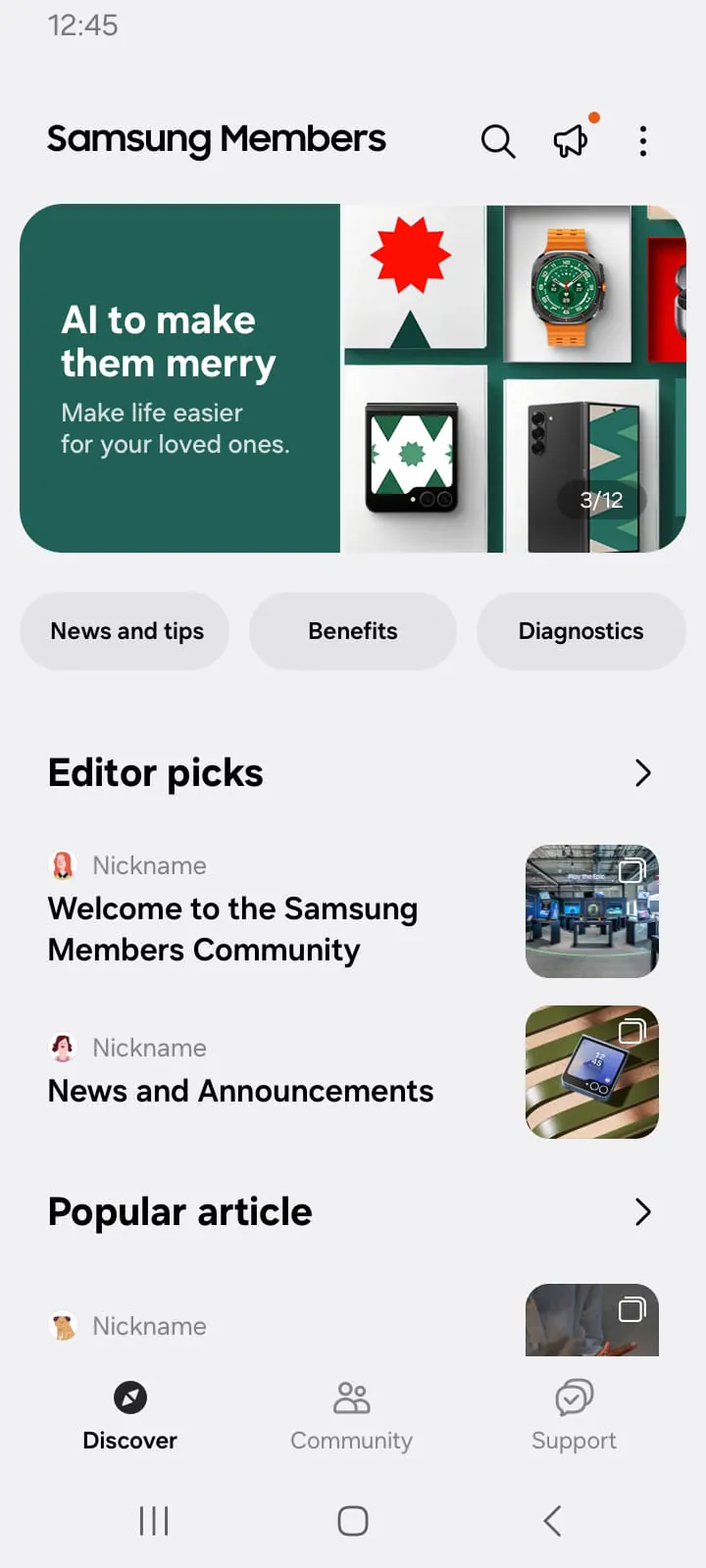
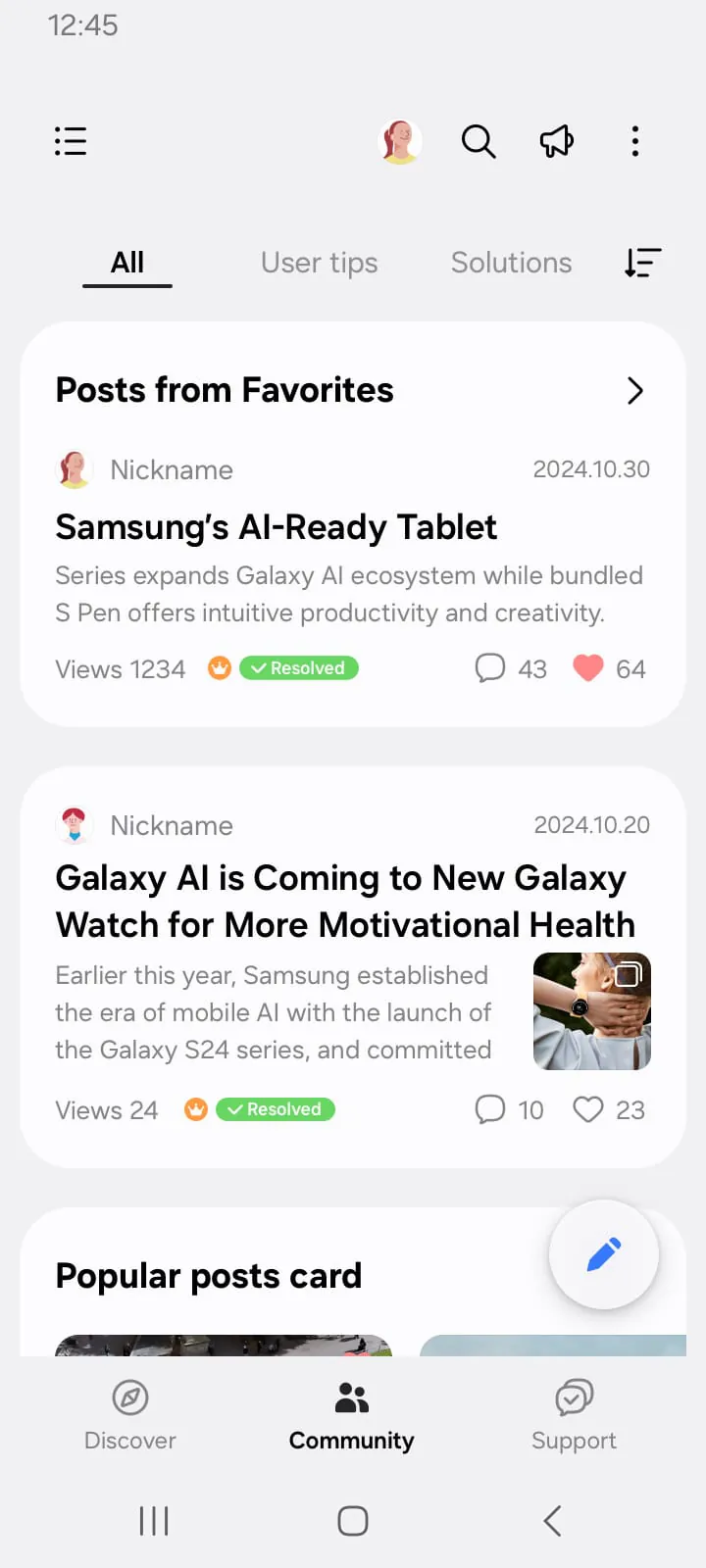
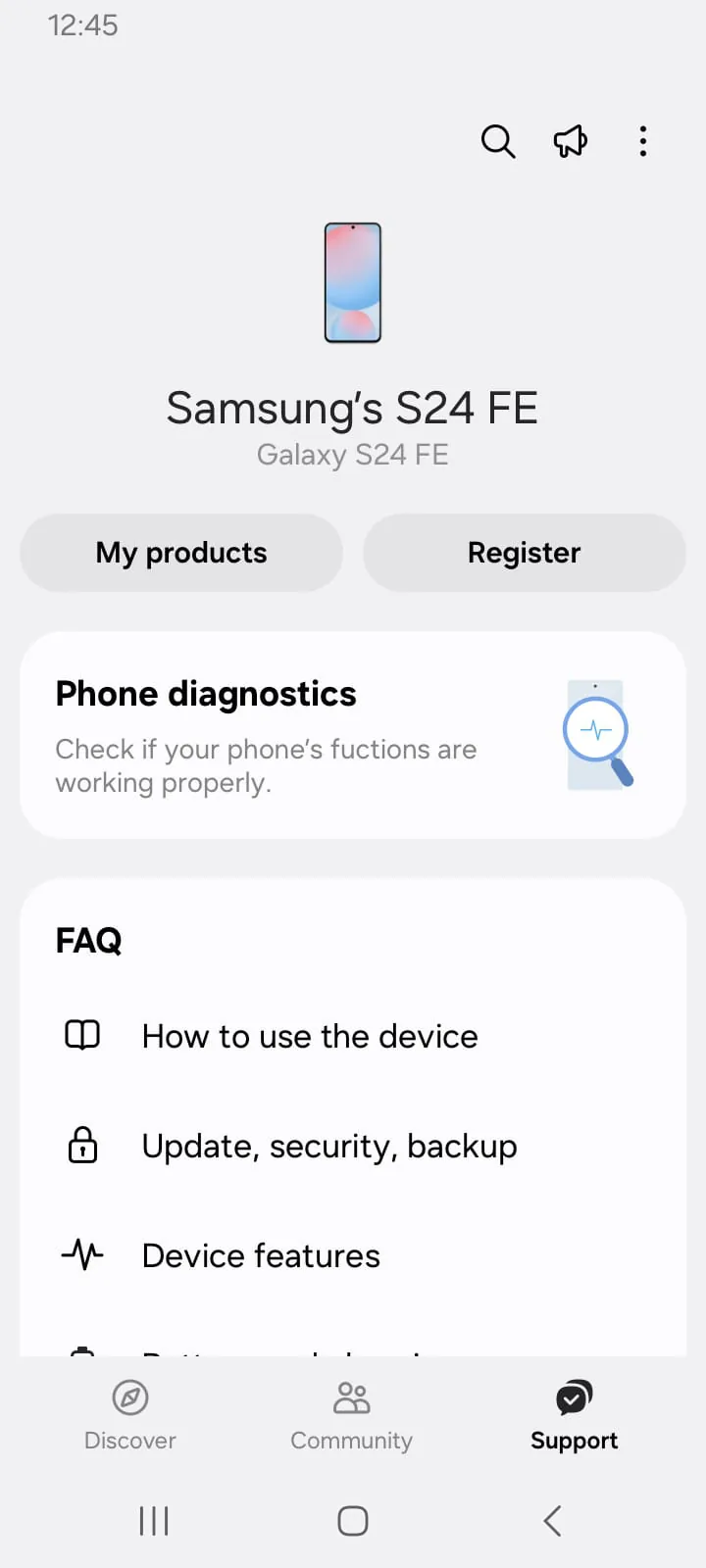
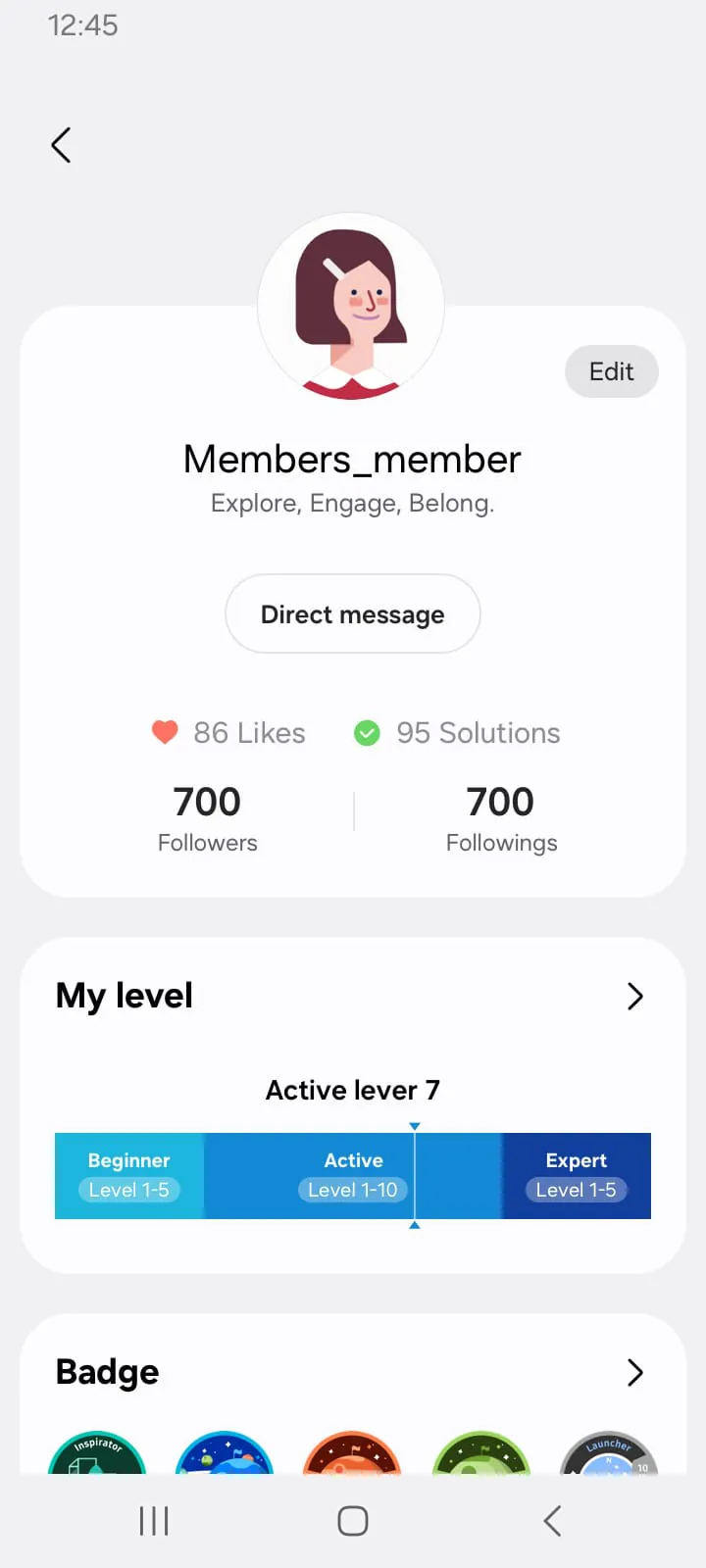
Samsung Members is an official application created by Samsung Electronics, designed specifically for users of its mobile devices, tablets, and wearables. It acts as a central hub for support, community, and exclusive benefits, providing users with a direct channel to the company for troubleshooting, device optimization, and accessing the latest news and promotions. The app integrates various services, from diagnostic tools to user forums, all aimed at enhancing the overall Samsung product experience and fostering a connection between the brand and its customers.
Key Features
The application stands out by consolidating several essential services into a single, user-friendly platform. It is not merely a support tool but a comprehensive ecosystem for device owners. Its design focuses on proactive care, community engagement, and rewarding user loyalty, making it a valuable pre-installed app on most Samsung Galaxy devices. The features are thoughtfully categorized to help users quickly find the assistance or information they need, whether they are facing a technical issue or looking to connect with other enthusiasts.
Pros & Cons
Evaluating Samsung Members reveals a mix of strong advantages and some limitations primarily tied to the Samsung ecosystem.
- Pros: Offers immediate, device-specific support and diagnostic tools; provides early access to beta software programs and exclusive content; features an active user community for peer-to-peer help; includes regular tips and tricks to unlock device potential; integrates direct contact with Samsung support agents.
- Cons: Functionality is largely restricted to Samsung device owners; some regions may have limited access to certain features like promotions or beta programs; the interface and available services can vary between device models and software versions; for basic users, some advanced features may seem unnecessary.
Functions
The app's functionality is divided into several core areas, each serving a distinct purpose to cover the full lifecycle of device ownership.
- Device Care & Diagnostics: Runs automatic checks and manual tests on hardware components (e.g., screen, sensors, battery) and software performance to identify problems.
- Support: Provides access to how-to guides, user manuals, and a troubleshooting wizard. Users can also live-chat with support, schedule a service repair, or find nearby service centers.
- Community: Hosts official and user forums where members can ask questions, share experiences, post photos, and get advice from other Samsung users and moderators.
- Benefits & Notices: Delivers exclusive member-only offers, early notifications about new software updates (including One UI beta programs), and official news from Samsung about products and events.
- Tips & Tricks: Offers curated tutorials and videos to help users master their device's features, from basic operations to hidden advanced settings.
How to Use
Click the button "Check All Versions" below to download and install it. For most new Samsung devices, the app comes pre-installed. Simply locate the "Samsung Members" icon in your app drawer and open it. You will typically need to sign in with your Samsung account to access all features. Upon launching, the main screen will present clear tabs or cards for the different functional areas like "Get help," "Community," and "Benefits." Navigate to the "Get help" section to run diagnostics or contact support. Join the "Community" to browse topics or post questions. Regularly check the "Benefits" or "Notices" tab for the latest updates and exclusive offers. Ensure your app is updated via the Galaxy Store for the latest features and improvements.





 APK
APK  Google Play
  iOS
iOS  4.50
4.50