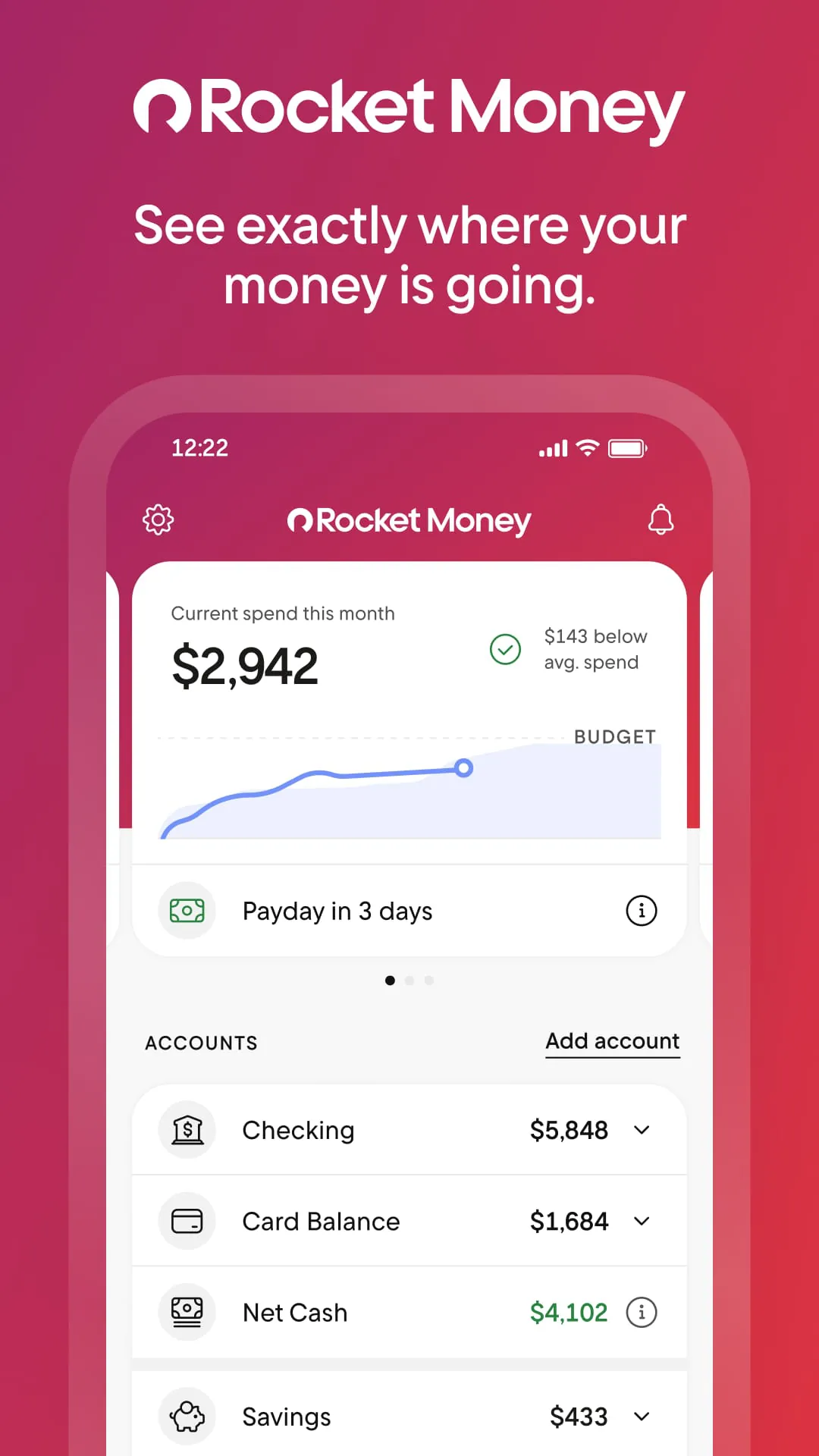
Rocket Money is a personal finance management app designed to help users take control of their money by tracking spending, managing subscriptions, lowering bills, and building savings—all from one streamlined platform. Originally launched as Truebill before rebranding, Rocket Money connects securely to your bank accounts, credit cards, loans, and investment accounts, giving you a real-time view of your financial health without jumping between multiple banking apps or spreadsheets.
Key Features
Rocket Money offers a robust set of tools aimed at simplifying everyday money management:
- Automatic transaction tracking and smart categorization
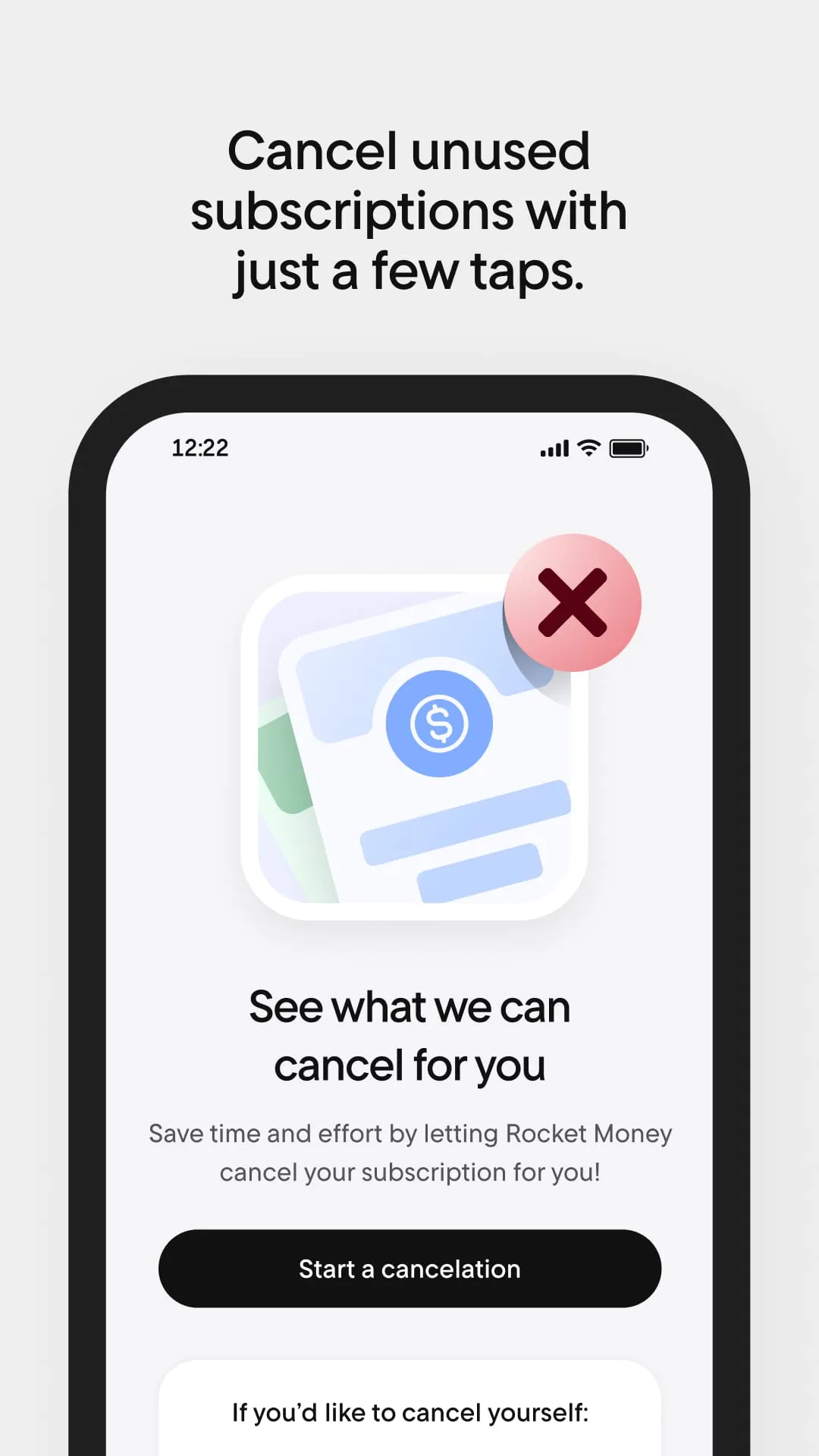
- Subscription monitoring with cancellation assistance
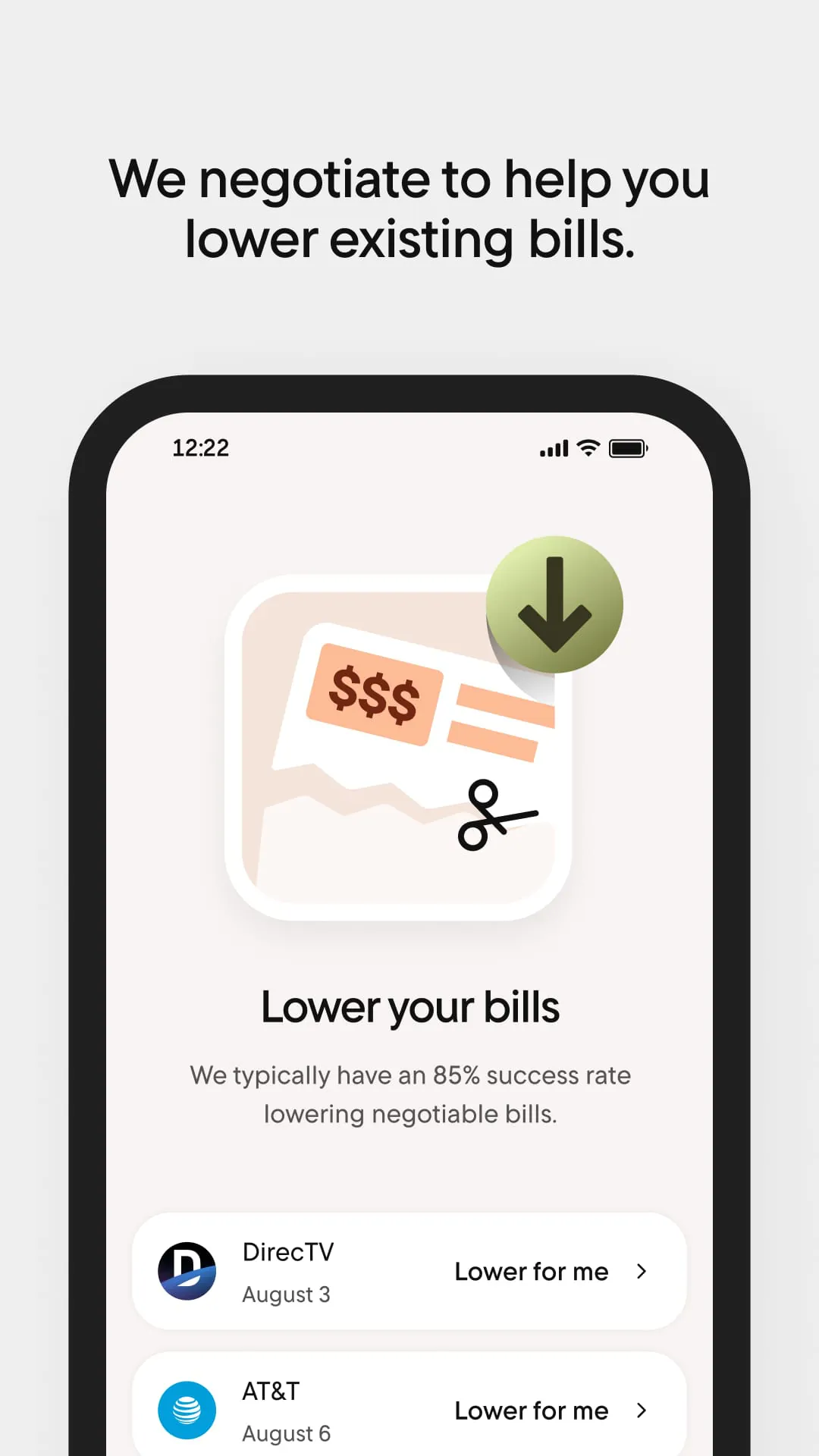
- Bill negotiation service to lower recurring costs
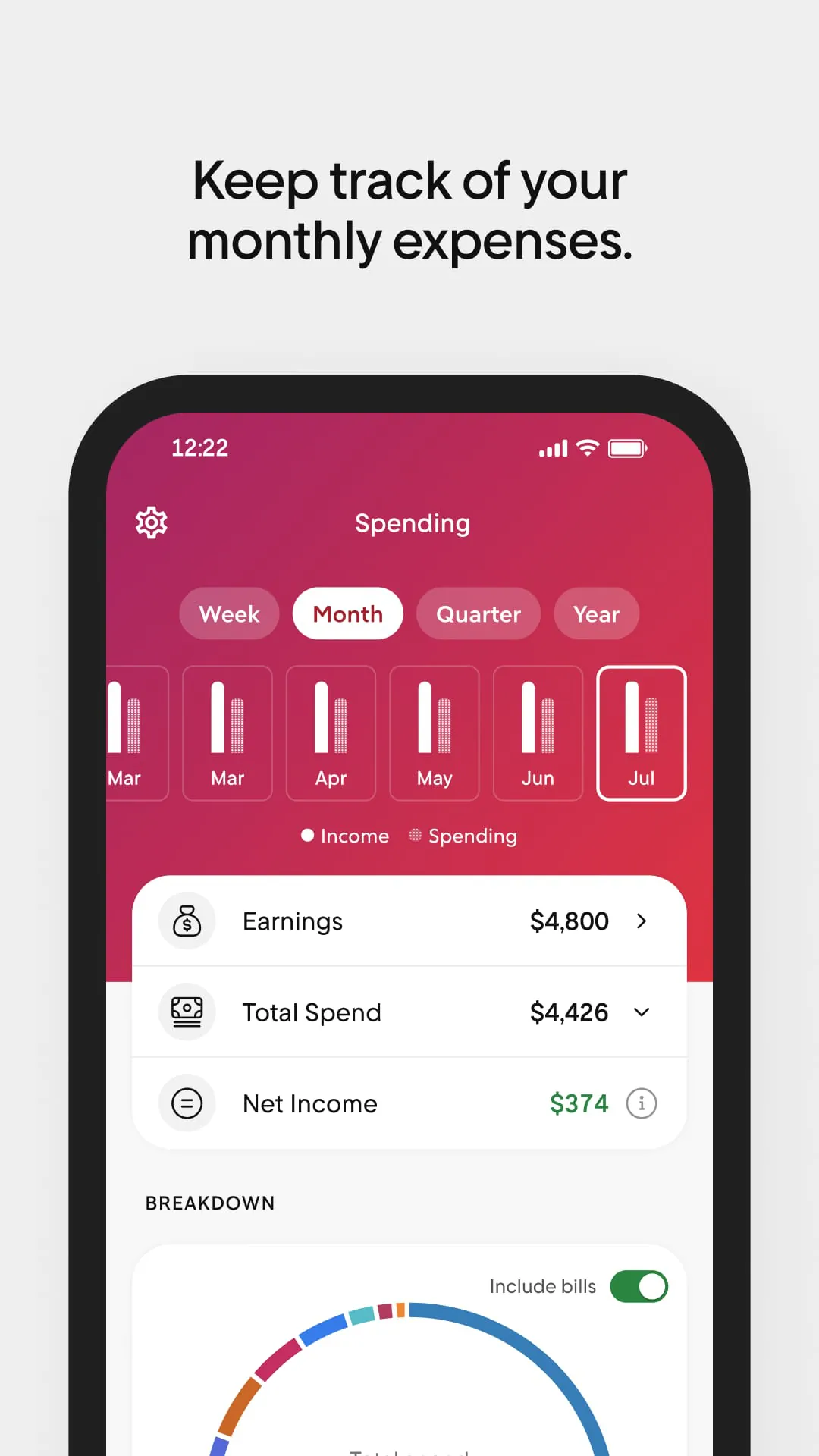
- Budget creation with customizable spending limits
- Credit score tracking and financial insights
- Savings account setup with automated transfers
These features work together to reduce financial clutter and make informed money decisions easier for users at any income level.
Pros & Cons
Like any financial tool, Rocket Money comes with advantages and drawbacks worth considering:
- Pros: Clean, intuitive interface; strong automation; effective subscription tracking; potential to save money through bill negotiation; free basic version available
- Cons: Premium features require a paid subscription; bill negotiation success isn’t guaranteed; some users may prefer more advanced investing tools; data security concerns common with fintech apps
Weighing these factors can help determine whether Rocket Money aligns with your personal finance goals.
Functions
Beyond basic budgeting, Rocket Money performs several practical functions that actively improve financial well-being:
- Identifies unused or forgotten subscriptions and helps cancel them
- Aggregates all financial accounts into one dashboard for quick oversight
- Provides spending reports and trend analysis over time
- Offers real-time alerts for unusual charges or low balances
- Automates savings contributions based on user preferences
These functions transform the app from a passive tracker into an active financial assistant.
How to Use
Click the button "Check All Versions" below to download and install it. After installation, open the app and create an account using your email or Apple ID. You’ll then be prompted to securely link your financial accounts—banking, credit cards, loans, and investments. Once connected, Rocket Money begins analyzing your transactions and categorizing spending automatically. From there, you can set monthly budgets, review subscriptions, request bill negotiations, and activate savings goals. Regular check-ins help you stay on track, adjust limits, and monitor progress toward long-term financial stability.





 APK
APK  Google Play
  iOS
iOS  4.60
4.60