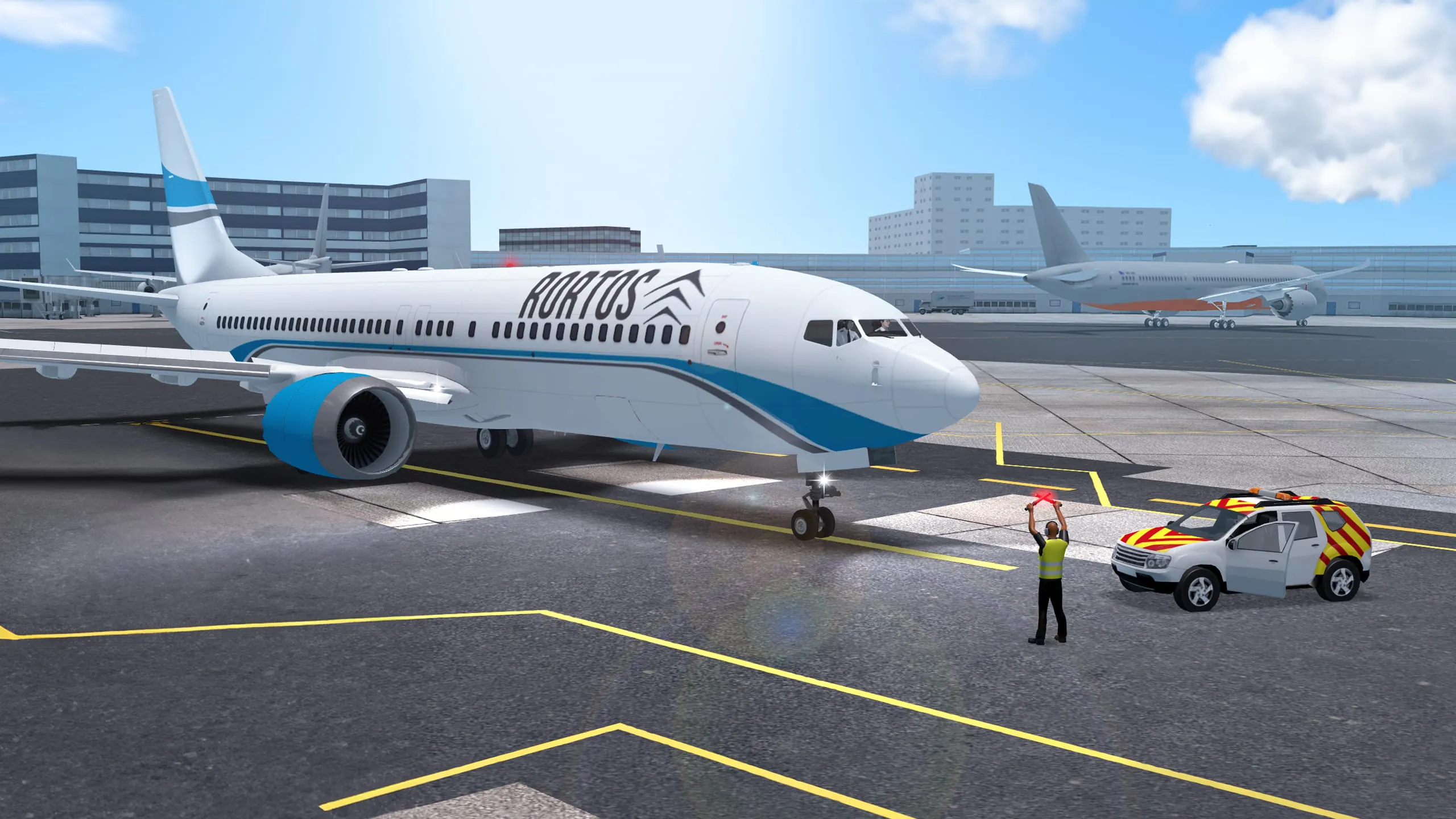
RFS - Real Flight Simulator is a premier mobile flight simulation application that delivers an incredibly detailed and realistic aviation experience. It allows users to pilot a wide variety of meticulously modeled aircraft, from small propeller planes to massive commercial jets, across a highly accurate global map. The app emphasizes true-to-life physics, authentic cockpit instrumentation, and real-world flight procedures, catering to both aviation enthusiasts seeking a deep simulation and casual players looking to explore the skies from their mobile devices.
Key Features
The application distinguishes itself through a combination of technical depth and accessibility. It is built around a professional flight model that realistically simulates aerodynamics, weather conditions, and aircraft systems. Beyond just flying, the app provides a comprehensive ecosystem that mimics real-world aviation operations, creating an engaging and educational experience for anyone fascinated by flight.
- A vast and ever-expanding fleet of licensed aircraft, including airliners from Boeing and Airbus, private jets, and cargo planes.
- A full 3D world map with over 20,000 real airports, navigational aids, and detailed cityscapes for global navigation.
- Advanced flight management system (FMS) for programming complete routes, managing fuel, and executing precise instrument approaches.
- Real-time global weather simulation with live conditions, including wind, turbulence, and diverse visibility scenarios.
- Multiple camera views, including a fully interactive 3D cockpit, external chase views, and a passenger cabin perspective.
- Robust multiplayer mode allowing for shared flights, air traffic control roles, and formation flying with other pilots.
Pros & Cons
Every application has its strengths and areas for consideration. RFS excels in providing an unparalleled level of simulation fidelity on a mobile platform, though this depth comes with certain trade-offs in terms of complexity and device requirements.
- Pros: The graphical detail and aircraft modeling are exceptional for a mobile title. The flight physics are convincingly realistic, offering a true challenge. The scope of the world map and the number of real airports are massive. Regular updates continuously add new aircraft, liveries, and features, keeping the experience fresh.
- Cons: The steep learning curve can be daunting for complete beginners without any flight sim knowledge. The free version has limitations, and accessing the full fleet of premium aircraft requires in-app purchases or a subscription. It is a resource-intensive application that requires a relatively modern and powerful smartphone or tablet for optimal performance.
Functions
The core functions of RFS are designed to replicate the entire flight experience from pre-flight planning to landing and shutdown. It goes beyond simple point-to-point flying, offering tools for systematic flight operations. Key operational functions include comprehensive pre-flight checklists, weight and balance calculations, and detailed failure simulations for training purposes. The app also features a fully functional autopilot system, allowing for hands-off cruise control, and supports both visual flight rules (VFR) and instrument flight rules (IFR) navigation. For community engagement, it includes functions for creating and joining multiplayer sessions, sharing custom liveries, and tracking detailed flight statistics and logs.
How to Use
Click the button "Check All Versions" below to download and install it. Once installed, launch the app and complete the initial tutorial, which is highly recommended to understand the basic controls and interface. You can start by selecting a "Quick Flight" to jump into the cockpit of a default aircraft at a chosen airport. For a more structured experience, use the "Flight Setup" menu to select your aircraft, configure the weather, plan a detailed route using the map, and set up your flight parameters. Utilize the interactive checklists in the cockpit to prepare your aircraft for departure. During flight, you can switch between different camera views by tapping the camera icon and adjust your controls and instrumentation through the settings menu for a personalized experience. Practice consistently, starting with simple patterns at a single airport before attempting long-haul flights with complex navigation.





 APK
APK  Google Play
  iOS
iOS  4.20
4.20


 Download








