



ADVERTISEMENT
ADVERTISEMENT

Recovery Pro Recovery Pro
Category
ToolsTag
Deleted Files | Data Recovery | File Restoration | Recovery Pro | Data Safety
Rate
4.40
★★★★★
Reviews
500 +
Installs
1M +
Developer
Makes Your Life Easier
Content Rating
Everyone
Quickly recover lost photos and videos. Never lose memories with photo recovery
 APK
APK  Google Play
  iOS
iOS  4.40
4.40ADVERTISEMENT
ADVERTISEMENT
Author's Review
appspicked Review
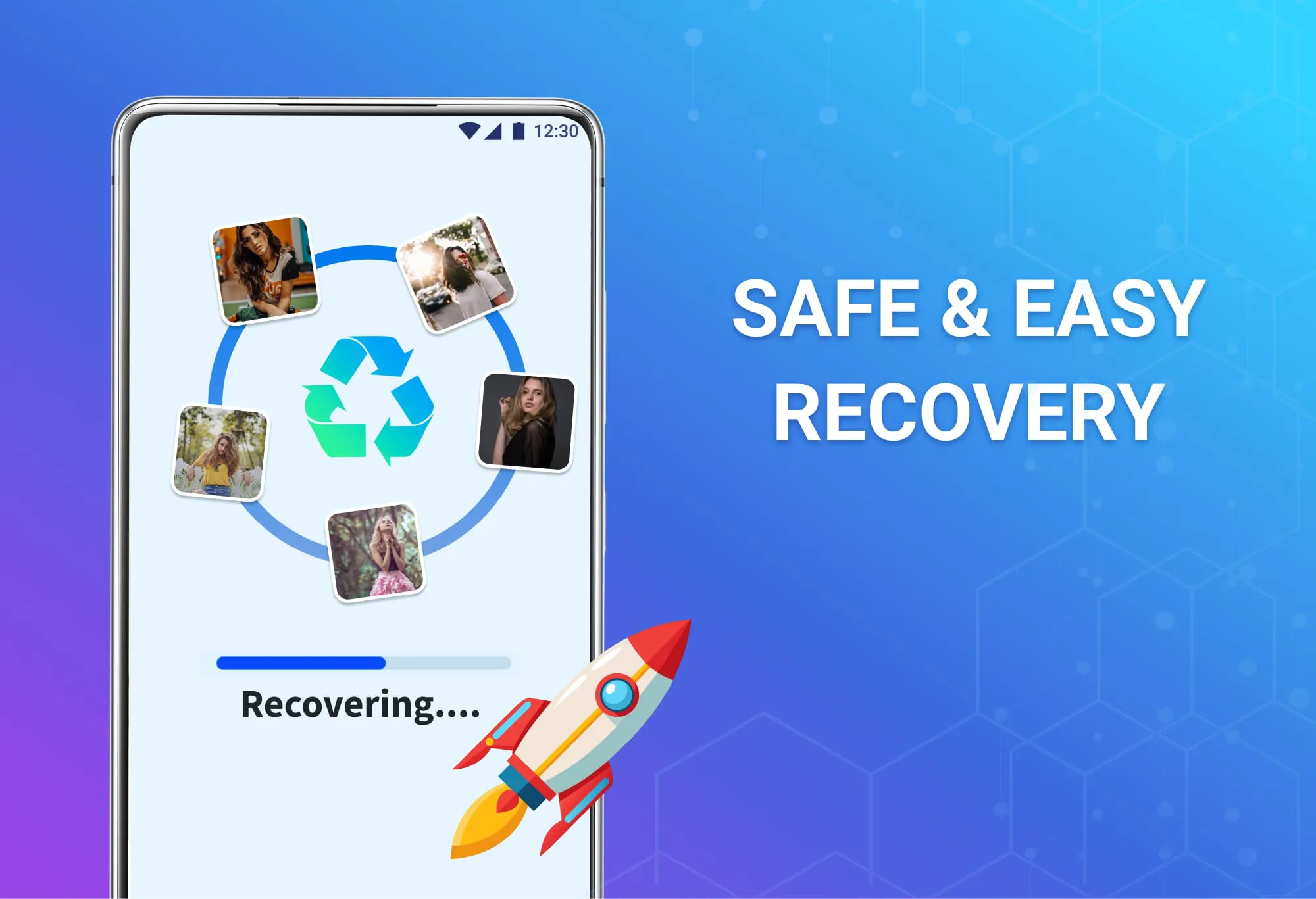
Recovery Pro is presented as a professional-grade solution designed to efficiently and effectively restore lost photos, videos, and other important files. The application boasts a one-click recovery feature, allowing users to restore deleted files in their original quality with a single tap. This simplicity is crucial for users who may not be technically savvy but need to recover their data quickly. The software incorporates advanced, high-speed, and deep scanning capabilities, ensuring a thorough search of the device to prevent any missed files. This dual-approach to scanning—both fast and deep—is a significant advantage, catering to different recovery needs. A quick scan can swiftly retrieve recently deleted files, while a deep scan is more suitable for older or more difficult-to-find data. Furthermore, Recovery Pro offers a high-quality file preview feature, enabling users to preview files before restoration, ensuring that only the necessary data is recovered. This feature not only saves time but also prevents the accidental restoration of unwanted files. The application supports a broad range of file types, including photos, videos, audio files, documents, compressed files, and APKs, making it a versatile tool for various data recovery scenarios. The user interface is designed to be intuitive and easy to use, simplifying complex recovery tasks. This is particularly beneficial for users who might be intimidated by data recovery processes. In addition to recovery, Recovery Pro also provides a secure file deletion function, allowing users to permanently and safely delete unwanted files, protecting their privacy. This feature is especially useful in situations where users need to ensure that sensitive data is completely removed from their devices, preventing potential privacy breaches. The combination of comprehensive data recovery and secure deletion capabilities makes Recovery Pro a well-rounded solution for data management. Recovery Pro’s ability to restore data without requiring root access is a major advantage, as rooting can compromise the device's security. Advanced filtering options, such as filtering by date, size, and folder, enable users to quickly locate specific files. This precision is essential when dealing with large amounts of data, saving time and effort in the recovery process. The batch recovery feature allows users to restore multiple files simultaneously, further enhancing efficiency. The application's offline operation capability means that users can recover deleted files anytime, anywhere, without needing an internet connection, which is particularly useful in situations where internet access is limited or unavailable. Overall, Recovery Pro aims to provide a reliable, efficient, and user-friendly solution for data recovery, ensuring that valuable memories and important files are not lost forever. The emphasis on professional-grade features combined with ease of use makes it an attractive option for a wide range of users. Whether dealing with recent data loss or trying to recover older files, Recovery Pro offers a comprehensive set of tools to address various data recovery needs, ensuring that users can confidently manage their digital memories.
The highlighted features and benefits of Recovery Pro emphasize its reliability and user-friendliness. The promise of professional-level recovery with a single click underscores the application's commitment to simplicity and efficiency. This is particularly appealing to users who may lack technical expertise but still require robust data recovery capabilities. The inclusion of advanced, high-speed, and deep scanning technologies ensures that no file is left undiscovered during the recovery process. This comprehensive approach caters to both immediate and long-term data recovery needs, providing users with the confidence that they can retrieve their lost files regardless of when they were deleted. The high-quality file preview feature allows users to selectively restore files, preventing unnecessary data from cluttering their devices. This feature not only saves storage space but also ensures that users only recover the files that are truly important to them. The wide range of supported file types, including photos, videos, audio files, documents, and compressed files, makes Recovery Pro a versatile tool for various data recovery scenarios. This versatility ensures that users can rely on a single application to recover all types of lost data, simplifying their data management process. The intuitive and easy-to-use professional interface further enhances the user experience, making complex recovery tasks straightforward and accessible to all users. This focus on user-friendliness is a key differentiator, as it allows users to navigate the application with ease and confidence. The secure file deletion function provides an additional layer of security, allowing users to permanently remove sensitive data from their devices. This feature is crucial for protecting privacy and ensuring that confidential information does not fall into the wrong hands. By offering both data recovery and secure deletion capabilities, Recovery Pro provides a complete solution for data management. The fact that Recovery Pro does not require root access is a significant advantage, as rooting can compromise the device's security and void its warranty. This ensures that users can enjoy the full functionality of the application without risking the integrity of their devices. Advanced filtering options, such as filtering by date, size, and folder, enable users to quickly locate specific files, saving time and effort in the recovery process. This precision is particularly useful when dealing with large amounts of data, allowing users to efficiently identify and recover the files they need. The batch recovery feature allows users to restore multiple files simultaneously, further enhancing efficiency and productivity. This feature is especially beneficial for users who need to recover large amounts of data quickly. The ability to operate offline provides users with the flexibility to recover deleted files anytime, anywhere, without the need for an internet connection. This is particularly useful in situations where internet access is limited or unavailable. Overall, Recovery Pro offers a comprehensive and user-friendly solution for data recovery, ensuring that users can confidently manage their digital memories and protect their important files. The application's emphasis on reliability, efficiency, and security makes it an attractive option for a wide range of users.
Recovery Pro distinguishes itself by offering a blend of professional-grade features and user-friendly design, making it accessible to both tech-savvy individuals and those less familiar with data recovery processes. The core promise of restoring lost photos, videos, and files quickly and efficiently is backed by several key features that enhance its appeal. The one-click recovery function simplifies the restoration process, allowing users to retrieve their deleted files with minimal effort. This ease of use is crucial for users who may feel overwhelmed by more complex data recovery tools. The advanced scanning technologies, including both high-speed and deep scans, ensure that Recovery Pro thoroughly searches the device to recover as much data as possible. This dual approach to scanning allows users to tailor the recovery process to their specific needs, whether they need a quick retrieval of recently deleted files or a more comprehensive search for older data. The file preview feature adds an extra layer of control, allowing users to selectively restore files and avoid cluttering their devices with unwanted data. This feature is particularly useful for users who want to ensure they are only recovering the files they need. The wide range of supported file types makes Recovery Pro a versatile solution for various data recovery needs. Whether it's photos, videos, documents, or other types of files, users can rely on Recovery Pro to recover their lost data. The intuitive user interface ensures that users can easily navigate the application and perform recovery tasks without confusion. This focus on user-friendliness makes Recovery Pro accessible to a wide range of users, regardless of their technical expertise. The secure file deletion function provides an additional layer of security, allowing users to permanently remove sensitive data from their devices. This feature is crucial for protecting privacy and ensuring that confidential information is not recovered by unauthorized individuals. The fact that Recovery Pro does not require root access is a significant advantage, as rooting can compromise the device's security and void its warranty. This allows users to enjoy the full functionality of the application without risking the integrity of their devices. The advanced filtering options, such as filtering by date, size, and folder, enable users to quickly locate specific files, saving time and effort in the recovery process. This is particularly useful when dealing with large amounts of data, allowing users to efficiently identify and recover the files they need. The batch recovery feature allows users to restore multiple files simultaneously, further enhancing efficiency and productivity. This feature is especially beneficial for users who need to recover large amounts of data quickly. The ability to operate offline provides users with the flexibility to recover deleted files anytime, anywhere, without the need for an internet connection. This is particularly useful in situations where internet access is limited or unavailable. Overall, Recovery Pro offers a robust and user-friendly solution for data recovery, ensuring that users can confidently manage their digital memories and protect their important files. The application's emphasis on reliability, efficiency, and security makes it an attractive option for a wide range of users.
Screenshots



 Download
 Additional Information
Category
ToolsVersion
Unknown
Tag
Deleted Files | Data Recovery | File Restoration | Recovery Pro | Data Safety
Rate
4.40
★★★★★
Reviews
500 +
Installs
1M +
Developer
Makes Your Life Easier
Content Rating
Everyone
Quickly recover lost photos and videos. Never lose memories with photo recovery
ADVERTISEMENT
ADVERTISEMENT
Previous Versions
ZIP files require a Split APKs Installer (e.g., SAI) from Google Play to install. Steps: 1. Download SAI from Google Play; 2. Open SAI and tap "Install APKs"; 3. Select the ZIP file; 4. Complete installation.
ADVERTISEMENT
You Might Like









