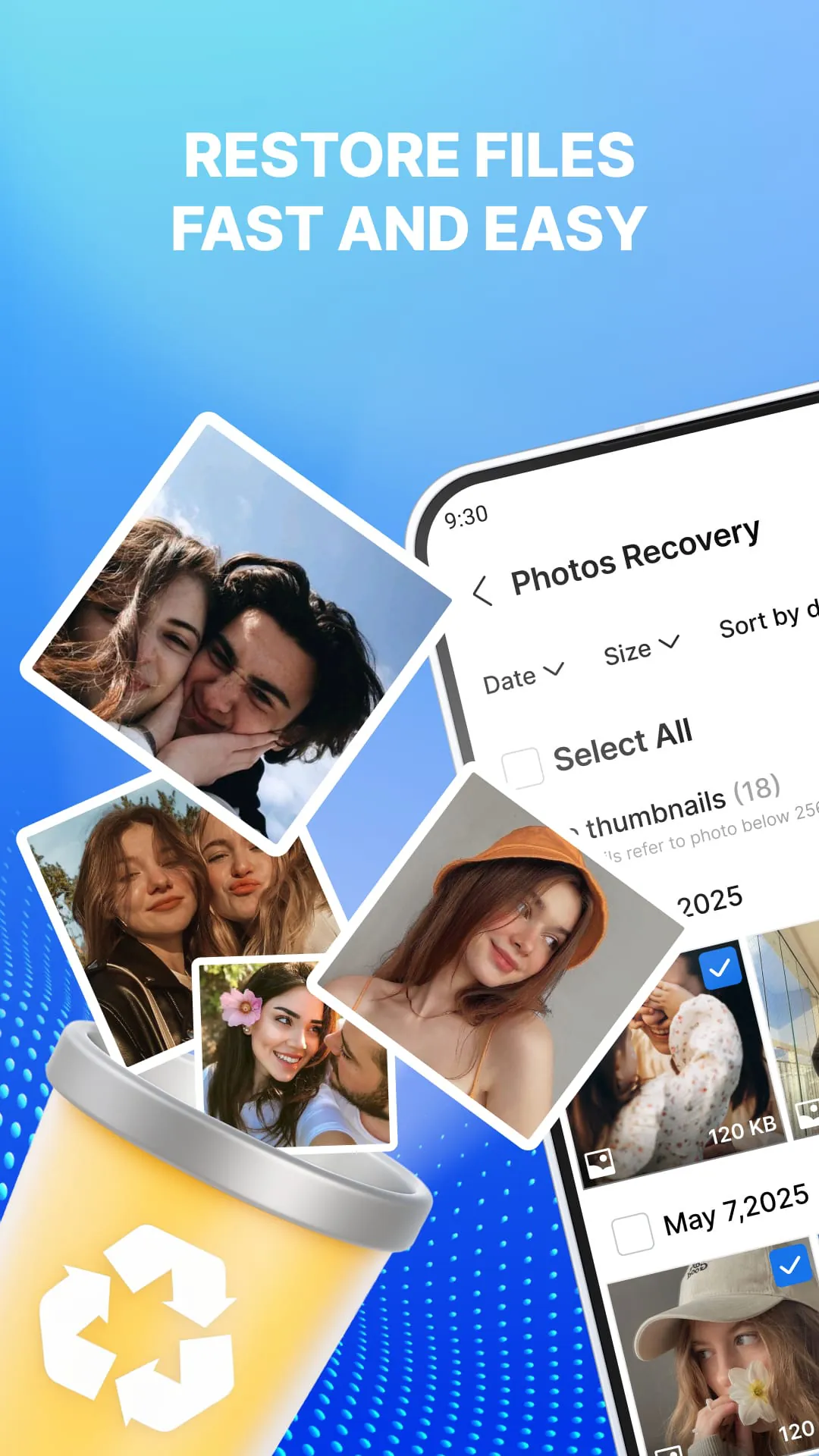
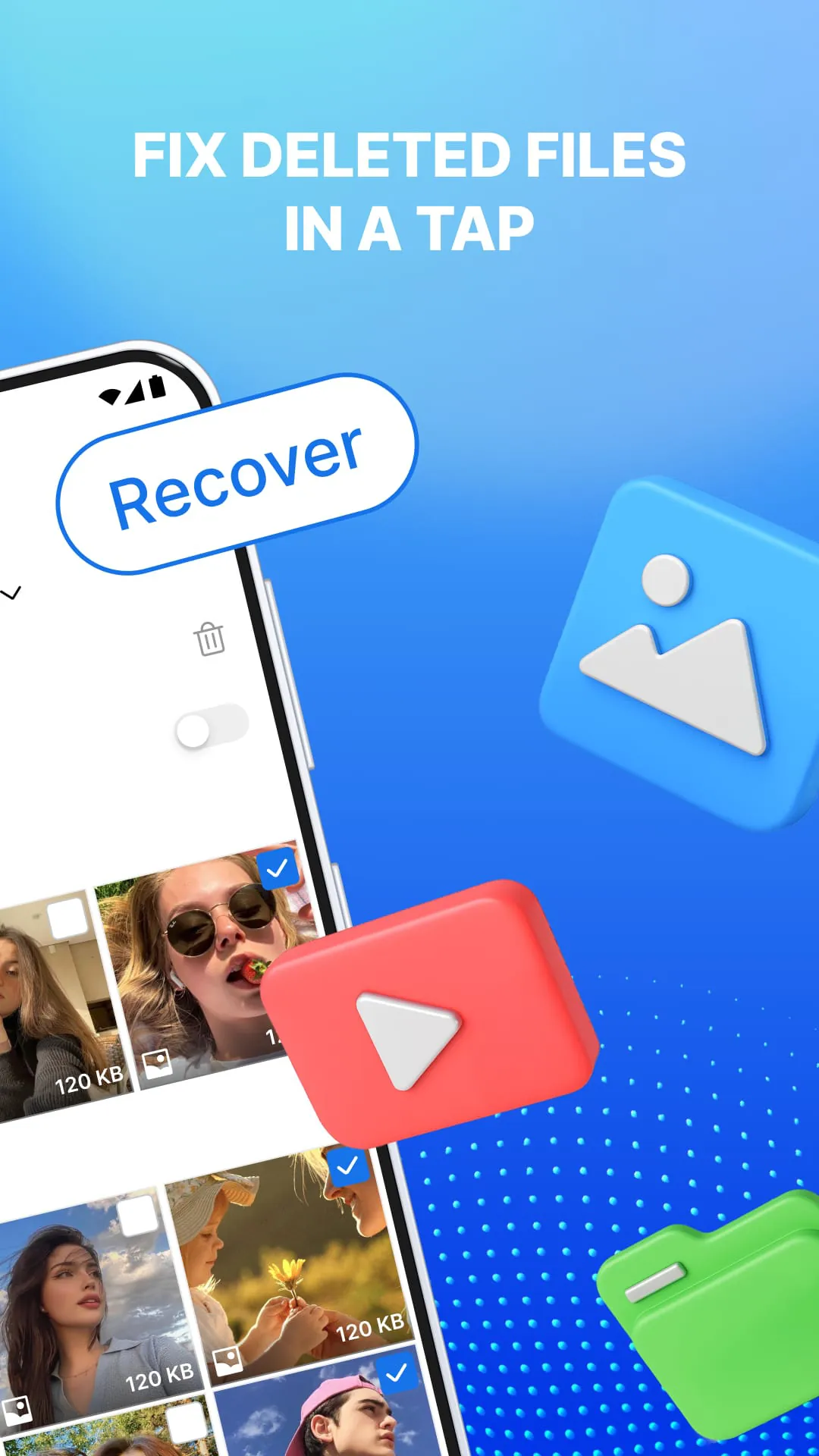
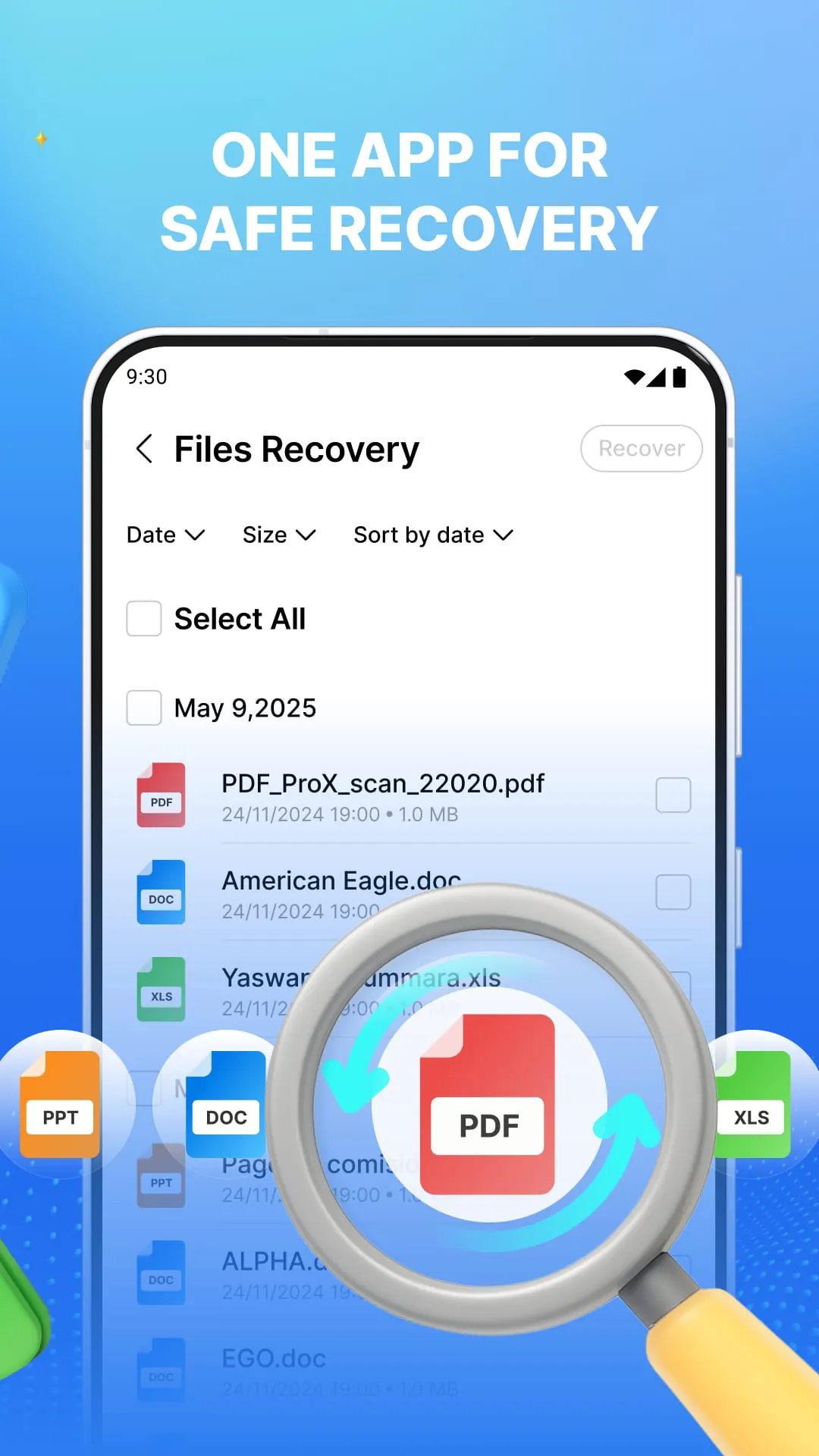
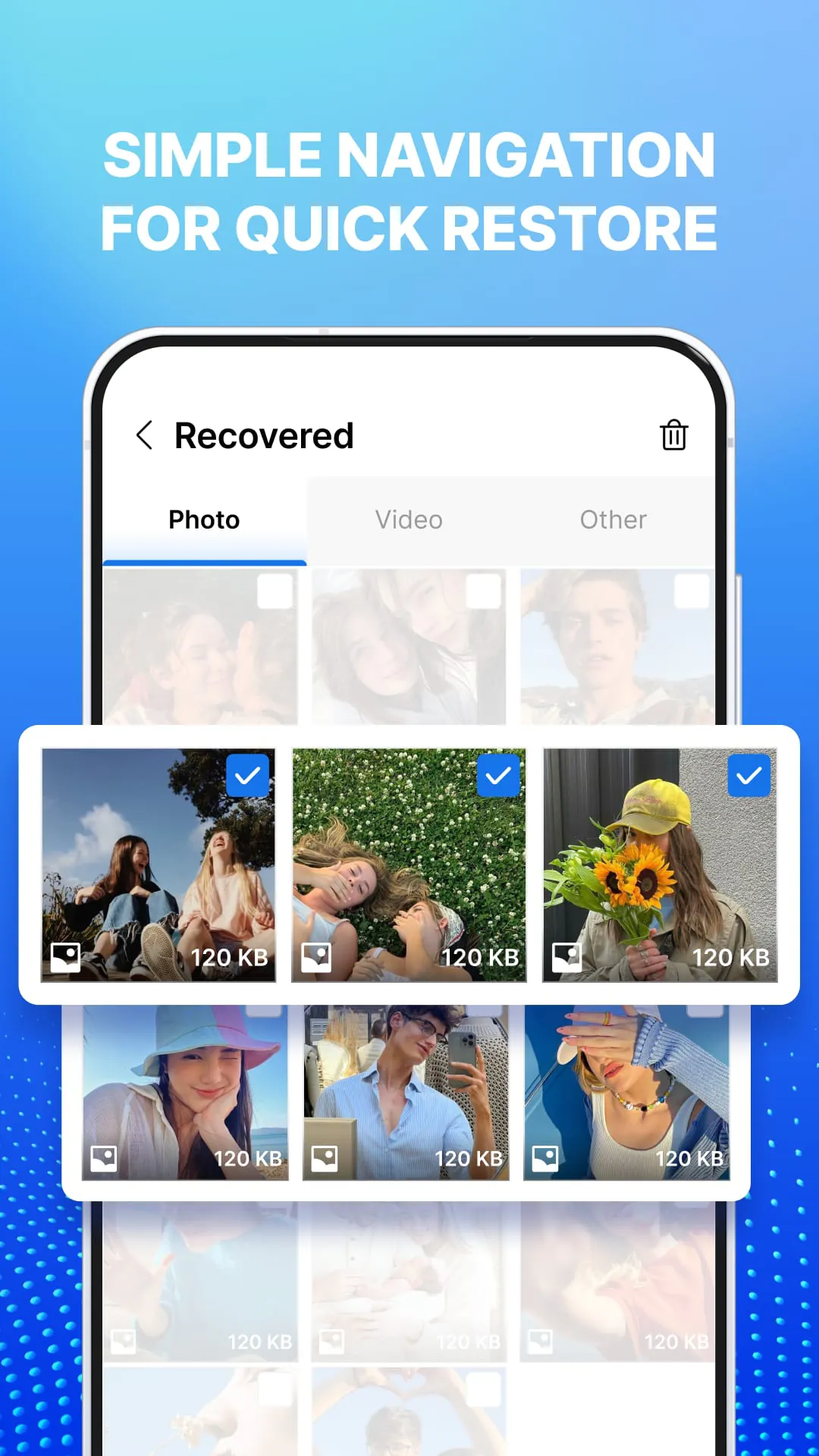
The application "Restore: Photos and Videos" is presented as a tool designed to recover accidentally deleted photos, videos, and important documents from a device's storage or SD card. The application operates by scanning the designated storage location for files that are still recoverable, providing users with the ability to preview and restore these files in a few steps. The primary function of the application is to salvage media and documents that have been unintentionally removed from the device. This functionality is crucial for users who may have accidentally deleted important files or experienced data loss due to unforeseen circumstances. The application emphasizes a user-friendly approach to data recovery, making it accessible to individuals with varying levels of technical expertise. The process is streamlined to guide users through the necessary steps, from granting storage access to previewing and restoring files. The initial step involves granting the application permission to access the device's storage. This permission is essential for the application to scan the internal storage or SD card for recoverable files. Once storage access is granted, users can select the specific location they want to scan, either the internal storage or the SD card, depending on where the deleted files were originally stored. After selecting the scan location, the application initiates the scanning process, searching for files that can be recovered. The duration of the scan may vary depending on the size of the storage and the number of files present. Upon completion of the scan, the application displays a list of recoverable items, allowing users to preview the files before initiating the restoration process. This preview feature enables users to selectively restore the files they need, avoiding the recovery of unwanted or unnecessary data. The application supports the recovery of multiple file formats, including photos, videos, audio files, and documents, making it a versatile tool for data recovery. The application also offers smart filter options that allow users to sort files by deletion date or file type, making it easier to locate specific files within the list of recoverable items. This feature is particularly useful when dealing with a large number of recoverable files, as it helps users quickly identify and restore the files they are looking for. The batch recovery option allows users to restore multiple files simultaneously, saving time and effort. Additionally, the application provides an optional cleanup feature that allows users to remove duplicate files after confirmation, helping to optimize storage space. Overall, the application offers a comprehensive set of features designed to facilitate the recovery of accidentally deleted files, providing users with a convenient and efficient way to restore their important data. The application is designed to be user-friendly, making it accessible to a wide range of users, regardless of their technical expertise. The application also offers a range of features to enhance the data recovery process, including smart filters, preview options, and batch recovery capabilities. These features contribute to the overall effectiveness and efficiency of the application, making it a valuable tool for anyone who has experienced data loss.
The application supports a wide range of file formats, encompassing photos, videos, audio files, and documents. Specifically, it supports common image formats such as JPG, PNG, GIF, HEIC, and RAW, ensuring compatibility with various types of photos. For videos, the application supports MP4, MOV, and MKV formats, although MKV support may vary depending on the device. In terms of audio files, the application supports common recording and music formats, enabling users to recover their audio recordings and music files. The application also supports document formats such as PDF, DOCX, XLSX, and PPT, allowing users to recover important documents that may have been accidentally deleted. The versatility of the application in supporting multiple file formats makes it a comprehensive solution for data recovery, catering to the diverse needs of users who may have lost various types of files. While the application offers a wide range of features, it also acknowledges certain limitations regarding the recovery of files. The application explicitly states that recovery is not guaranteed, particularly for files that have been overwritten, deleted through initialization, or completely erased. Overwritten files are those that have been replaced by new data, making them extremely difficult, if not impossible, to recover. Files deleted through initialization, such as a factory reset, are typically unrecoverable due to the thorough data erasure process. Similarly, files that have been completely erased using specialized data destruction tools are also beyond the scope of recovery. The application also notes that the results of the recovery process may vary depending on the device model, storage type, and Android version. Different device models may have different storage configurations and data management systems, which can affect the success of data recovery. The type of storage used, such as internal storage or SD card, can also influence the recovery process. Additionally, the Android version running on the device may impact the application's ability to access and recover deleted files. The application emphasizes that the scanning process is read-only, meaning that it does not modify any existing data on the device. This is an important consideration for users who are concerned about data integrity and want to avoid any potential data corruption. The application assures users that the recovered files are saved to a dedicated folder within the application, ensuring that the original data remains untouched. This approach minimizes the risk of accidental data modification or loss during the recovery process.
To maximize the chances of successful data recovery, the application recommends scanning the storage as soon as possible after deletion. This is because the longer the time that elapses between deletion and scanning, the greater the likelihood that the deleted files will be overwritten by new data. Overwriting occurs when new data is written to the same storage location as the deleted files, effectively erasing the original data and making it unrecoverable. The application also advises against saving new data to the same storage location after deletion, as this increases the risk of overwriting the deleted files. By minimizing the amount of new data written to the storage, users can increase the chances of successfully recovering their deleted files. The application is designed to recover local files only, meaning that it cannot recover data that is stored exclusively in the cloud. Cloud storage services store data on remote servers, and the application does not have access to these servers. Therefore, if a file is only stored in the cloud and not on the device's local storage, it cannot be recovered using this application. The application provides a helpful tip, suggesting that using the application immediately after deletion maximizes the chances of successful recovery. This underscores the importance of acting quickly to recover deleted files before they are overwritten. In summary, the application "Restore: Photos and Videos" is a data recovery tool designed to recover accidentally deleted files from a device's storage or SD card. The application supports multiple file formats, offers smart filter options, and provides a user-friendly interface. However, it is important to note that recovery is not guaranteed, and the results may vary depending on the device model, storage type, and Android version. To maximize the chances of successful recovery, users should scan the storage as soon as possible after deletion and avoid saving new data to the same storage location. The application is a valuable tool for users who have experienced data loss, providing a convenient and efficient way to restore their important files.





 APK
APK  Google Play
  iOS
iOS  4.40
4.40