Rec Room is a free-to-play social gaming platform that blends creativity, community, and immersive multiplayer experiences into one accessible app available on mobile devices, consoles, and VR headsets. It allows users to meet people from around the world, play user-generated games, and even design their own rooms and activities, making it both a game and a creation tool in one.
Key Features
Rec Room stands out for its wide range of features designed to engage players of all ages and skill levels:
- Cross-platform play supporting VR, PC, consoles, and mobile devices.
- A massive library of player-created games including paintball, quest adventures, and obstacle courses.
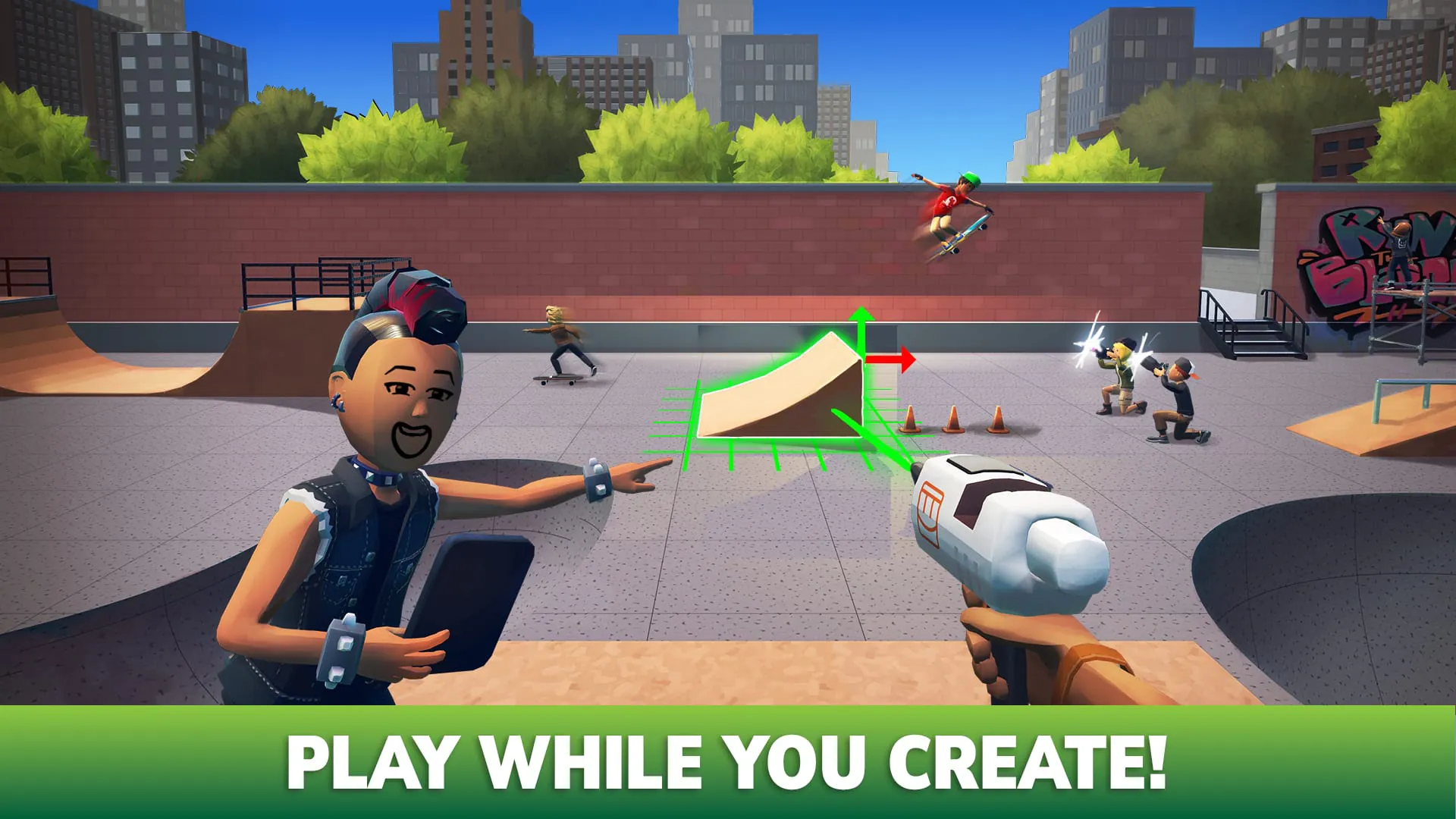
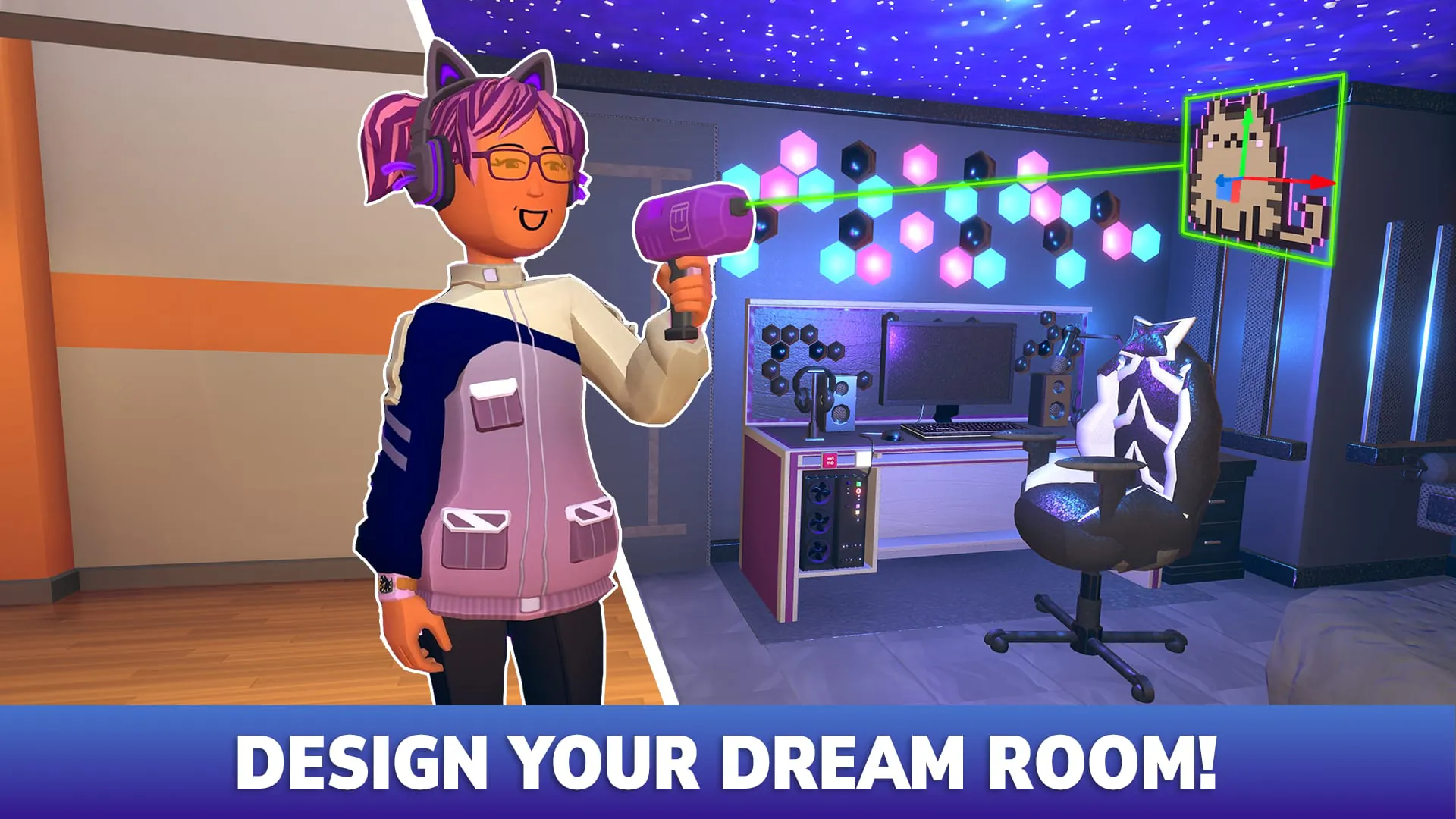
- In-app creation tools like the “Maker Pen” for building custom rooms and objects.
- Customizable avatars with extensive clothing, accessories, and animation options.
- Regular seasonal events, challenges, and themed updates.
Pros & Cons
Like any platform, Rec Room has strengths and weaknesses worth considering before diving in:
- Pros:
- Free to play with no pay-to-win mechanics.
- Encourages creativity and social interaction.
- Frequent updates keep the experience fresh.
- Beginner-friendly tutorials for new creators.
- Cons:
- Some user-generated content can vary in quality.
- Requires moderation vigilance due to open chat features.
- Performance may vary depending on device capability.
Functions
Rec Room serves multiple functions beyond just being a game:
- Social hub where friends can hang out in virtual spaces.
- Creative workshop for designing games, art installations, and interactive experiences.
- Educational tool used by schools for collaborative projects and coding basics.
- Event space hosting concerts, meetups, and community gatherings.
- Marketplace for trading and selling custom avatar items.
How to Use
Click the button "Check All Versions" below to download and install it. After installation, create an account or sign in with an existing one. You’ll start in the Rec Center, where you can explore different themed portals leading to games and activities. Use the Maker Pen from your inventory to start creating your own rooms, or join friends in multiplayer matches. Adjust settings like safety filters and display preferences in the menu, and don’t forget to check the Events tab for limited-time activities and rewards.





 APK
APK  Google Play
  iOS
iOS  4.60
4.60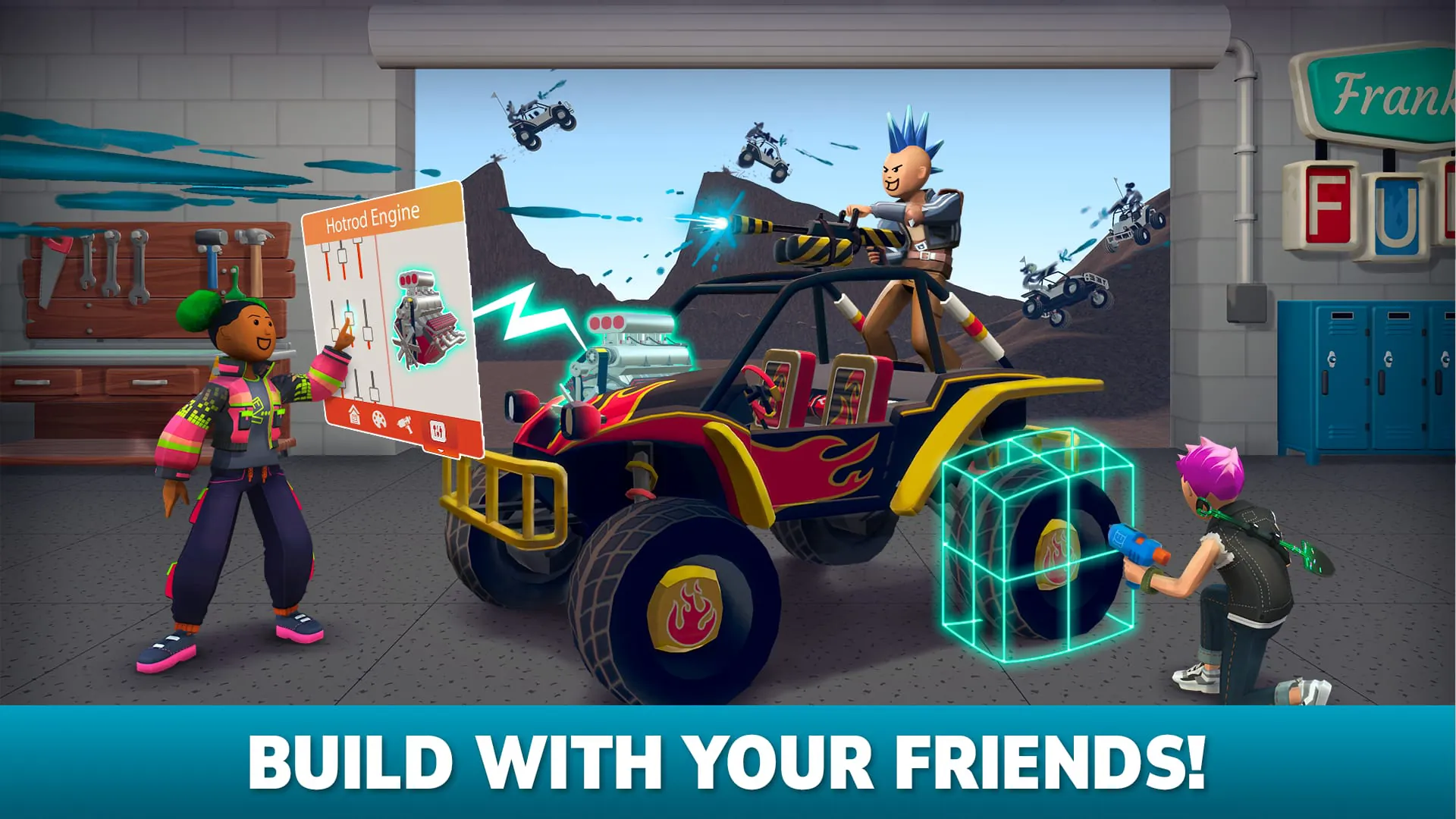

 Download








