



ADVERTISEMENT
ADVERTISEMENT

Read Aloud Read Aloud
Category
ToolsTag
Text-to-speech | Read Aloud | Google Wavenet | Learning disabilities | Chrome extension
Rate
4.20
★★★★★
Reviews
500 +
Installs
0 +
Developer
Business
Content Rating
Everyone
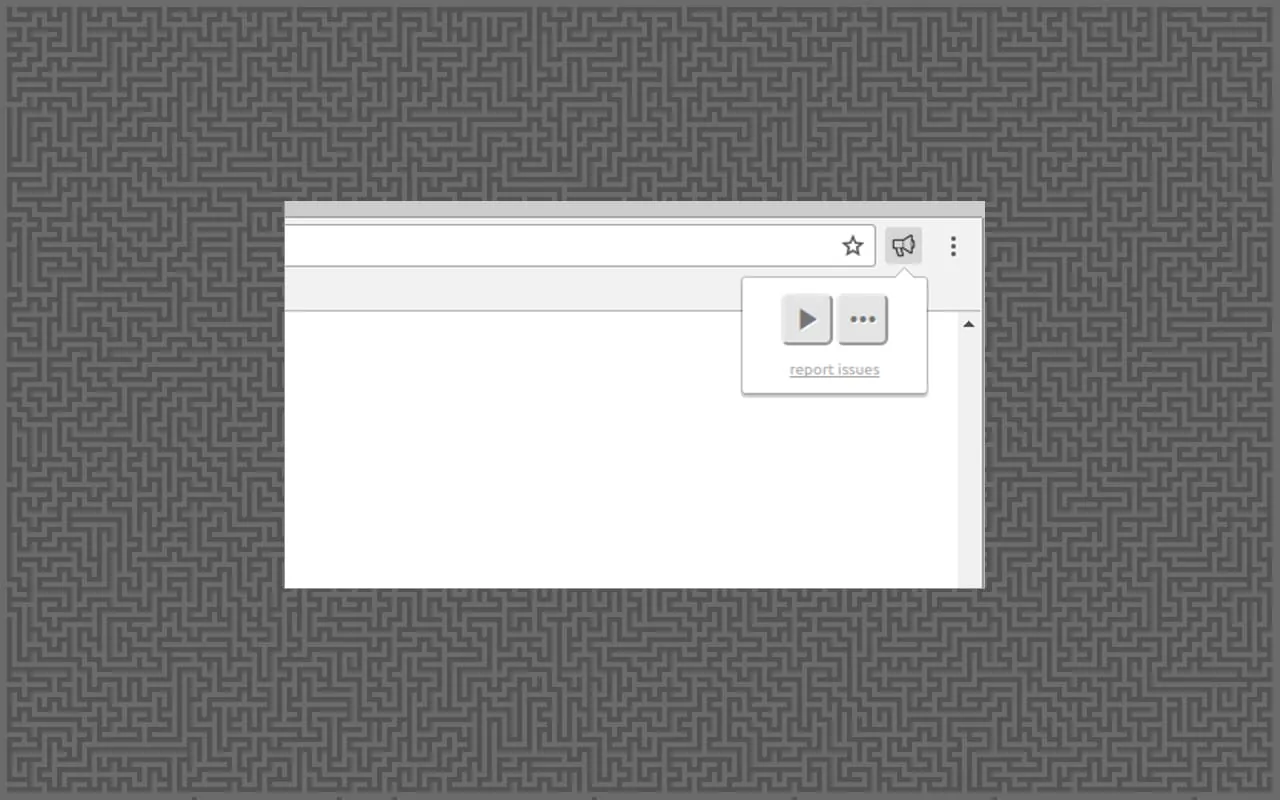
Read aloud the current web-page article with one click, using text to speech (TTS). Supports 40+ languages.
 APK
APK  Google Play
  iOS
iOS  4.20
4.20ADVERTISEMENT
ADVERTISEMENT
Author's Review
appspicked Review
Screenshots
 Download
 Additional Information
Category
ToolsVersion
Unknown
Tag
Text-to-speech | Read Aloud | Google Wavenet | Learning disabilities | Chrome extension
Rate
4.20
★★★★★
Reviews
500 +
Installs
0 +
Developer
Business
Content Rating
Everyone
Read aloud the current web-page article with one click, using text to speech (TTS). Supports 40+ languages.
ADVERTISEMENT
ADVERTISEMENT
Previous Versions
ZIP files require a Split APKs Installer (e.g., SAI) from Google Play to install. Steps: 1. Download SAI from Google Play; 2. Open SAI and tap "Install APKs"; 3. Select the ZIP file; 4. Complete installation.
ADVERTISEMENT
You Might Like









