QR & Barcode Scanner is a lightweight and efficient app available on the Google Play Store. It offers a fast and user-friendly experience for scanning QR codes and barcodes on Android devices. With this app, users can quickly scan and read QR codes and barcodes, helping them identify fake products and avoid purchasing low-quality or unknown origin items. Additionally, the app allows users to scan promotions and coupon codes in shops to avail discounts. It also provides additional information by scanning QR codes and barcodes, including results from popular online services like Amazon, eBay, and Google. Furthermore, the app serves as a QR code generator, allowing users to create their own QR codes.
The QR Code Scanner app supports all QR and barcode formats, making it versatile and compatible with various codes. It features an auto-detect scanning function, where users simply need to point and hold their device to scan codes. The app also offers a batch scan mode, enabling users to scan multiple QR codes at once. It includes a flashlight feature for scanning in low-light conditions and allows users to export their scans by CSV. The app also integrates a web browser and map view, providing a seamless experience for users. Privacy is protected, as the app requires camera permission only.
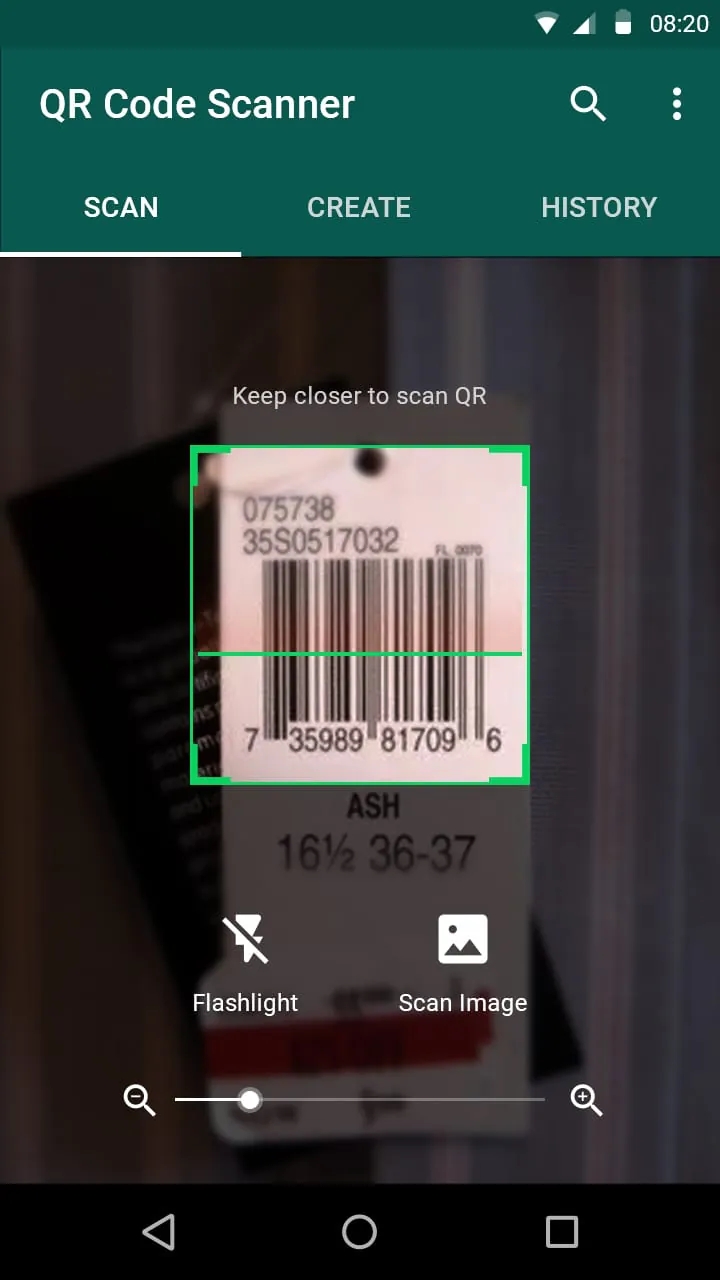
In addition to scanning QR codes, the app also functions as a barcode scanner. It supports all barcode formats and requires camera permission to operate. The barcode scanner is small in size and ensures quick and safe scanning of barcodes. Users can download this barcode reader for Android for free.
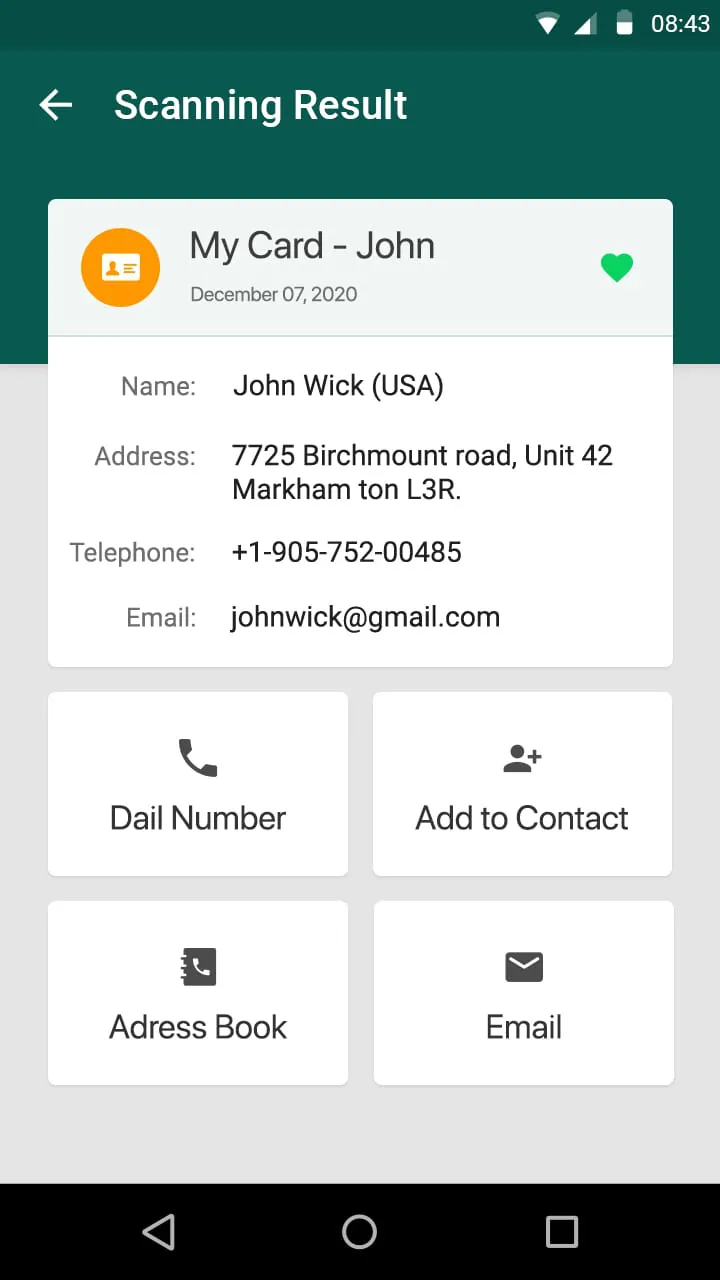
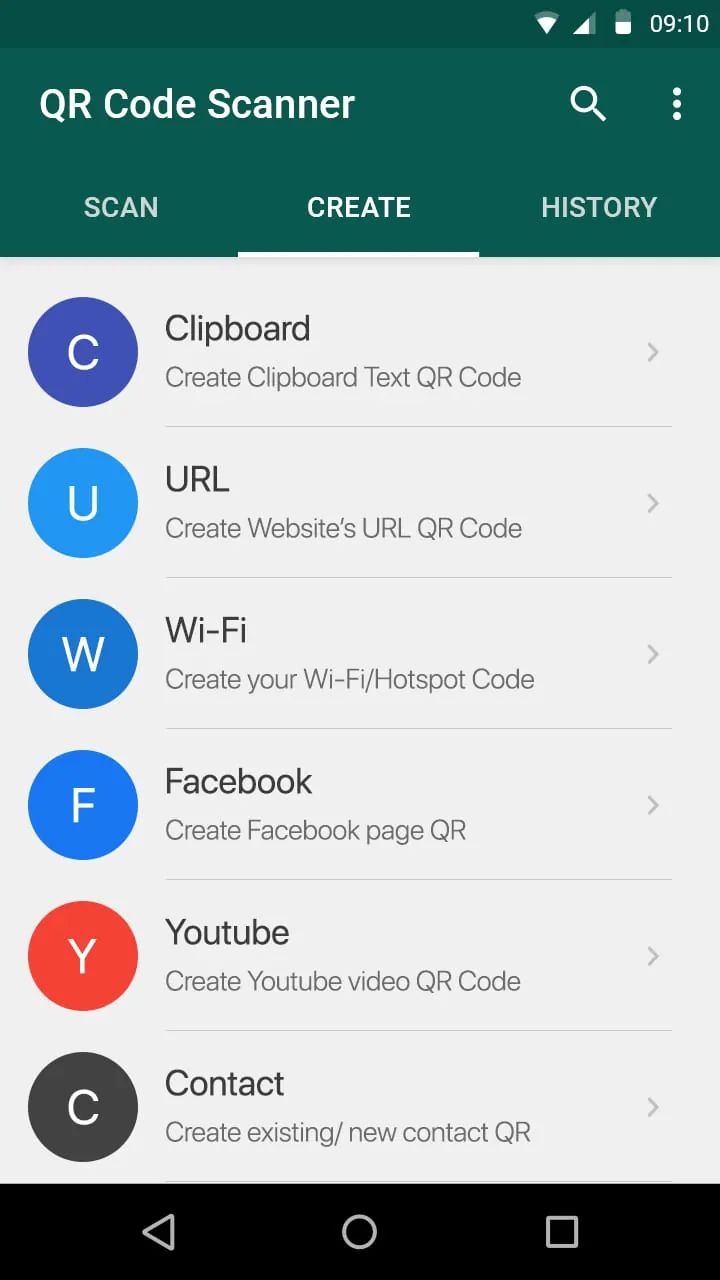
The QR Code Generator feature allows users to create their own QR codes or barcodes. This functionality serves various purposes, such as generating codes for social accounts, contact information, or business products. Users can generate a QR code and save or share it as needed. The app also offers additional functionality, including scanning QR codes from images, sharing contact information via QR codes, generating QR codes from clipboard content, and scanning QR codes for Wi-Fi passwords. The batch scan mode allows users to scan multiple QR codes simultaneously.
To use the QR Reader or QR Scanner, users simply need to point their device's camera at the QR code or barcode. The app will automatically recognize, scan, and decode the code, providing relevant results and options. The app requires camera permission, storage, and other permissions if users want to use the QR code generator feature, such as SMS, contact, and location permissions.
Overall, QR & Barcode Scanner is a comprehensive and versatile app that offers a fast and efficient scanning experience for QR codes and barcodes. It also includes a QR code generator feature and supports various functionalities like scanning QR codes from images and sharing contact information via QR codes. The app is free to use and ensures the privacy of users.





 APK
APK  Google Play
  iOS
iOS  4.50
4.50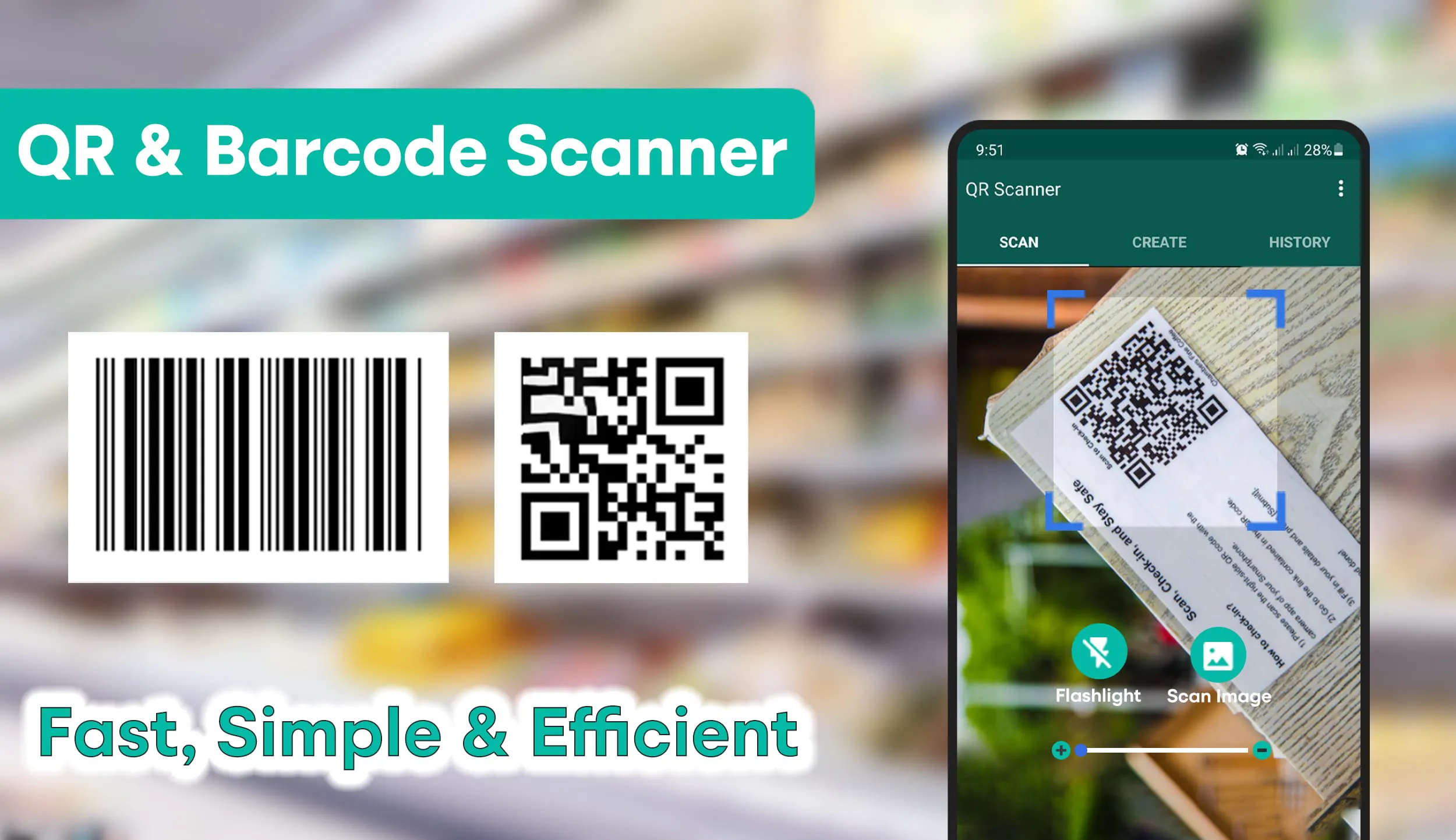
 Download








