Qatar Airways is the official mobile application developed by Qatar Airways to provide travelers with a seamless, all-in-one platform for managing their flights, bookings, and travel experiences. Designed for both iOS and Android devices, the app serves as a digital companion that simplifies everything from flight searches to boarding passes, ensuring passengers stay informed and in control throughout their journey.
Key Features
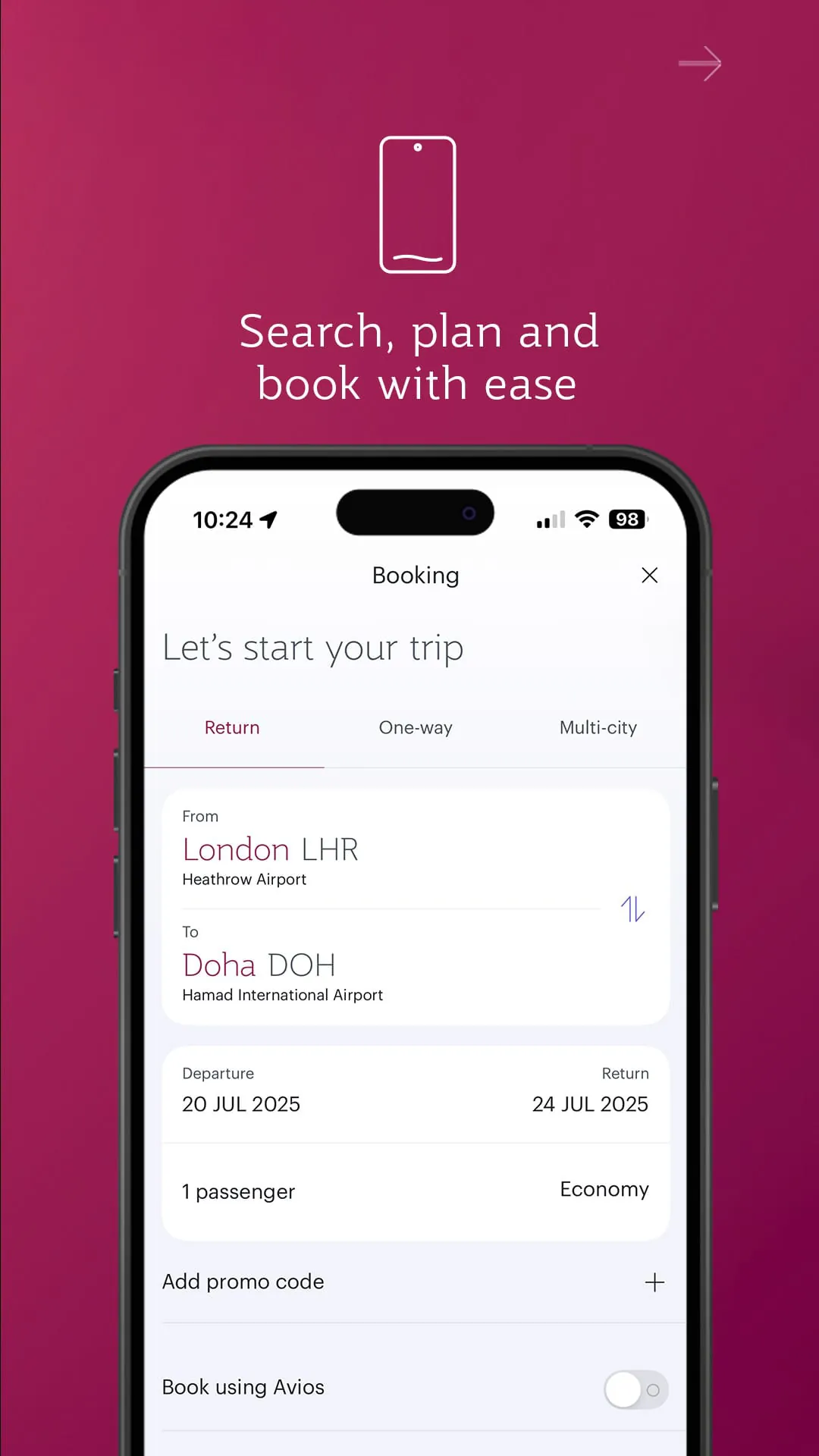
- Book flights quickly with an intuitive search and booking interface.
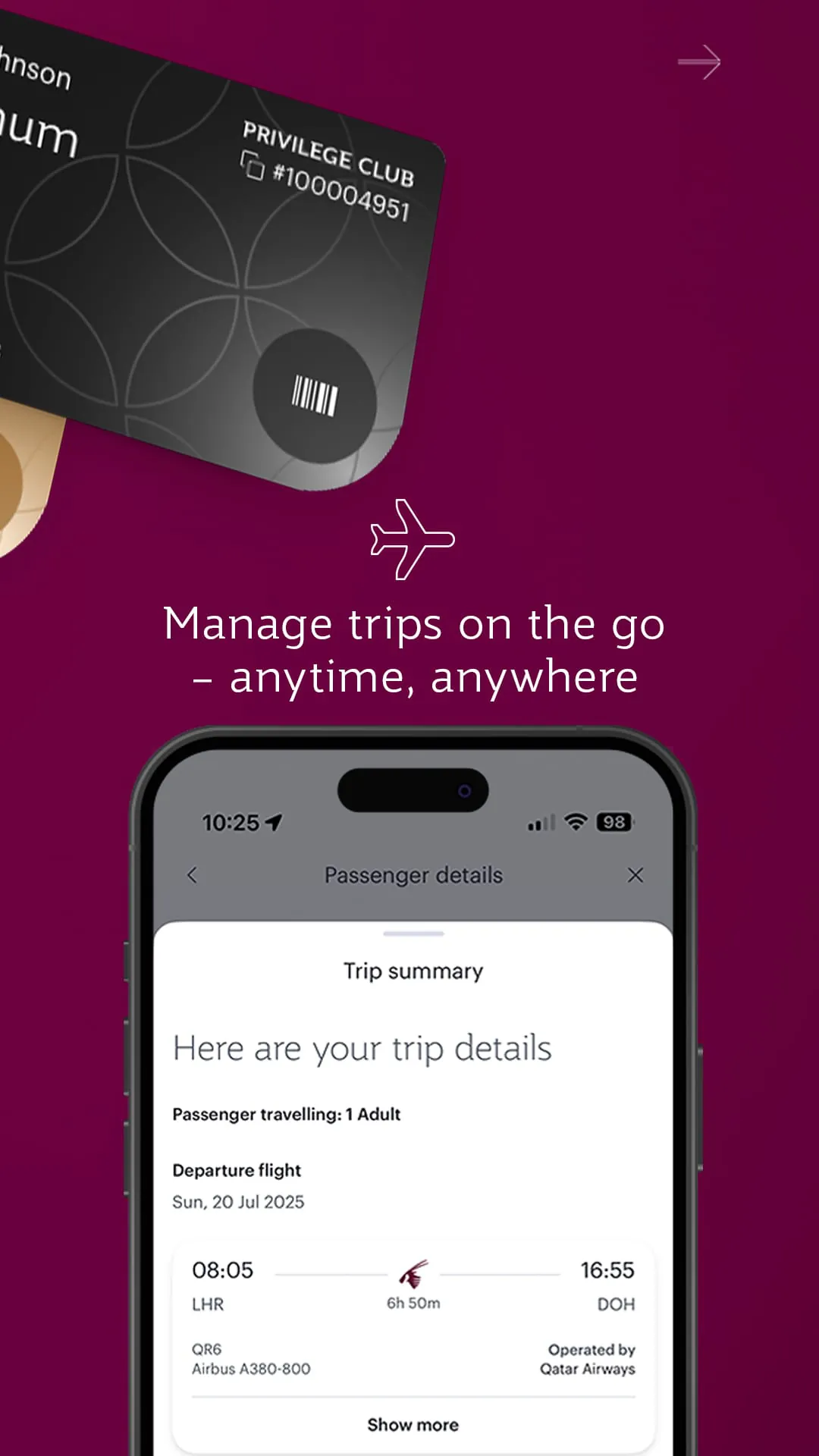
- Manage existing bookings, including seat selection and meal preferences.
- Access real-time flight status updates and gate information.
- Use mobile check-in and store digital boarding passes.
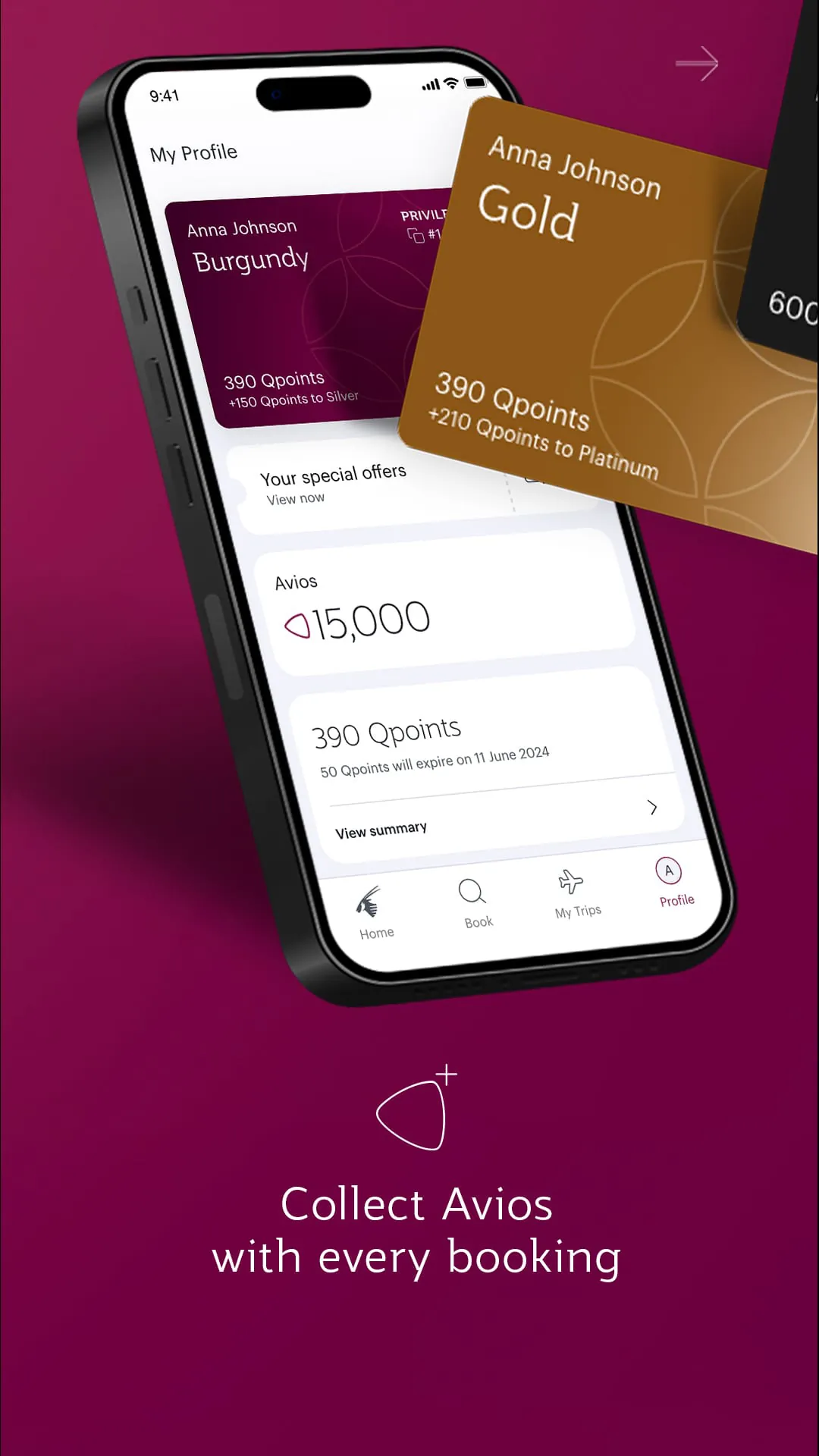
- Track Privilege Club rewards and Qmiles balance.
- Receive personalized travel notifications and offers.
Pros & Cons
- Pros: User-friendly design, fast booking process, reliable push notifications, integrated loyalty program management.
- Cons: Occasional slow loading during peak travel times, limited offline functionality, some features may vary depending on region.
Functions
- Flight search with flexible date options and fare comparisons.
- Interactive seat maps for choosing preferred seating.
- Real-time baggage tracking for peace of mind.
- Easy access to e-boarding passes for contactless airport experiences.
- Privilege Club account integration for earning and redeeming Qmiles.
- Travel alerts for schedule changes, delays, or cancellations.
How to Use
Click the button "Check All Versions" below to download and install it. After installation, open the app and create an account or log in with your existing Qatar Airways credentials. Enter your travel details to search for flights, select your preferred itinerary, and complete the booking securely. You can check in via the app, choose seats, order special meals, and save your boarding pass directly to your phone. Enable notifications to receive instant updates about your flight, and monitor your Qmiles balance if you’re a Privilege Club member.





 APK
APK  Google Play
  iOS
iOS  4.30
4.30
 Download








