Procore is a comprehensive construction management software application designed to streamline project coordination, enhance collaboration, and improve efficiency across all phases of construction projects. It serves as a centralized platform where contractors, architects, engineers, and owners can manage documents, schedules, budgets, and communications in real time from any device with internet access.
Key Features
- Project Management – Tools for managing tasks, schedules, RFIs, submittals, and meeting minutes.
- Quality & Safety – Track inspections, safety observations, and compliance requirements.
- Financials – Budget tracking, contract management, change orders, and payment processing.
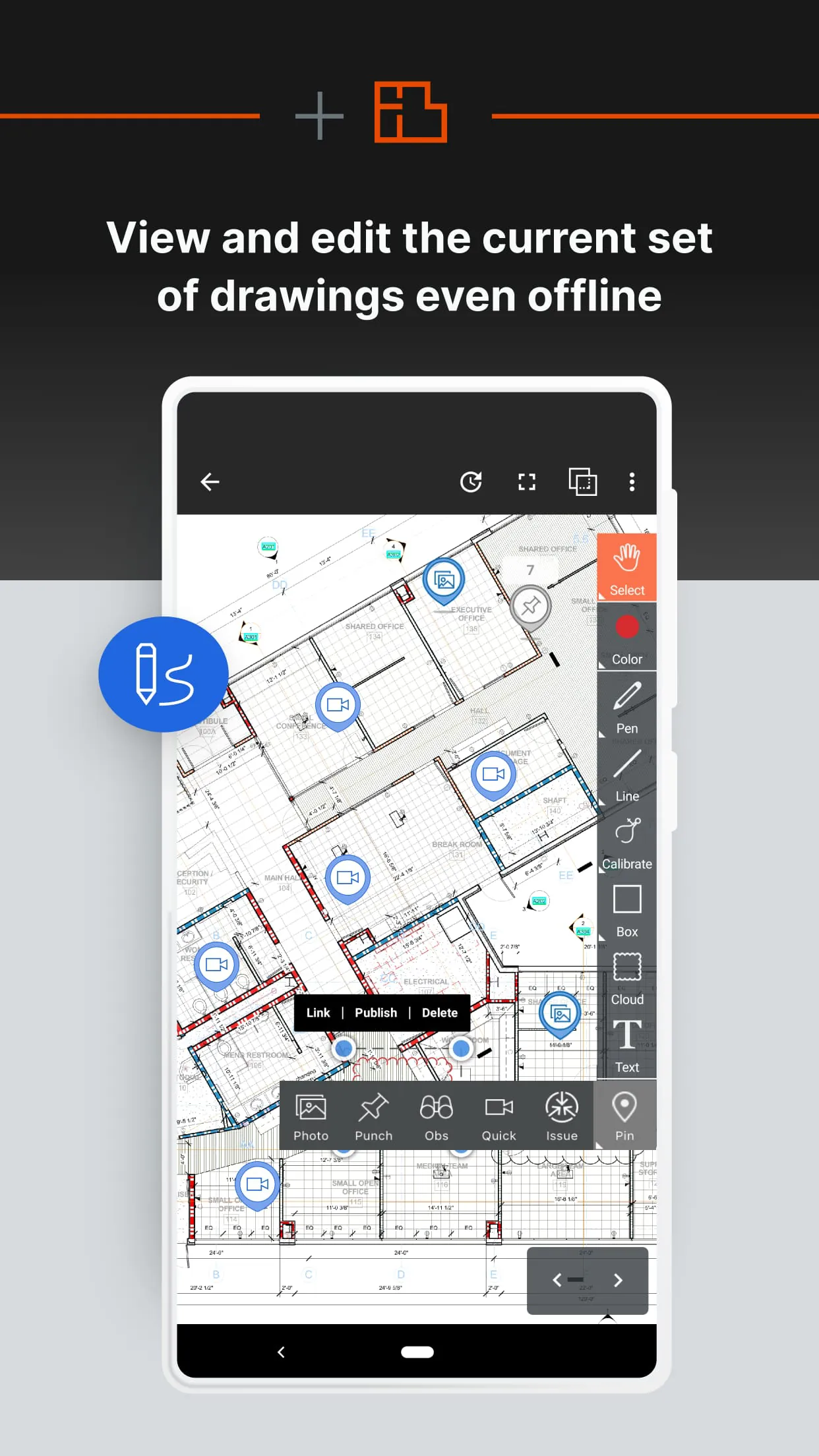
- Design Coordination – Centralized drawing management with version control and markup tools.
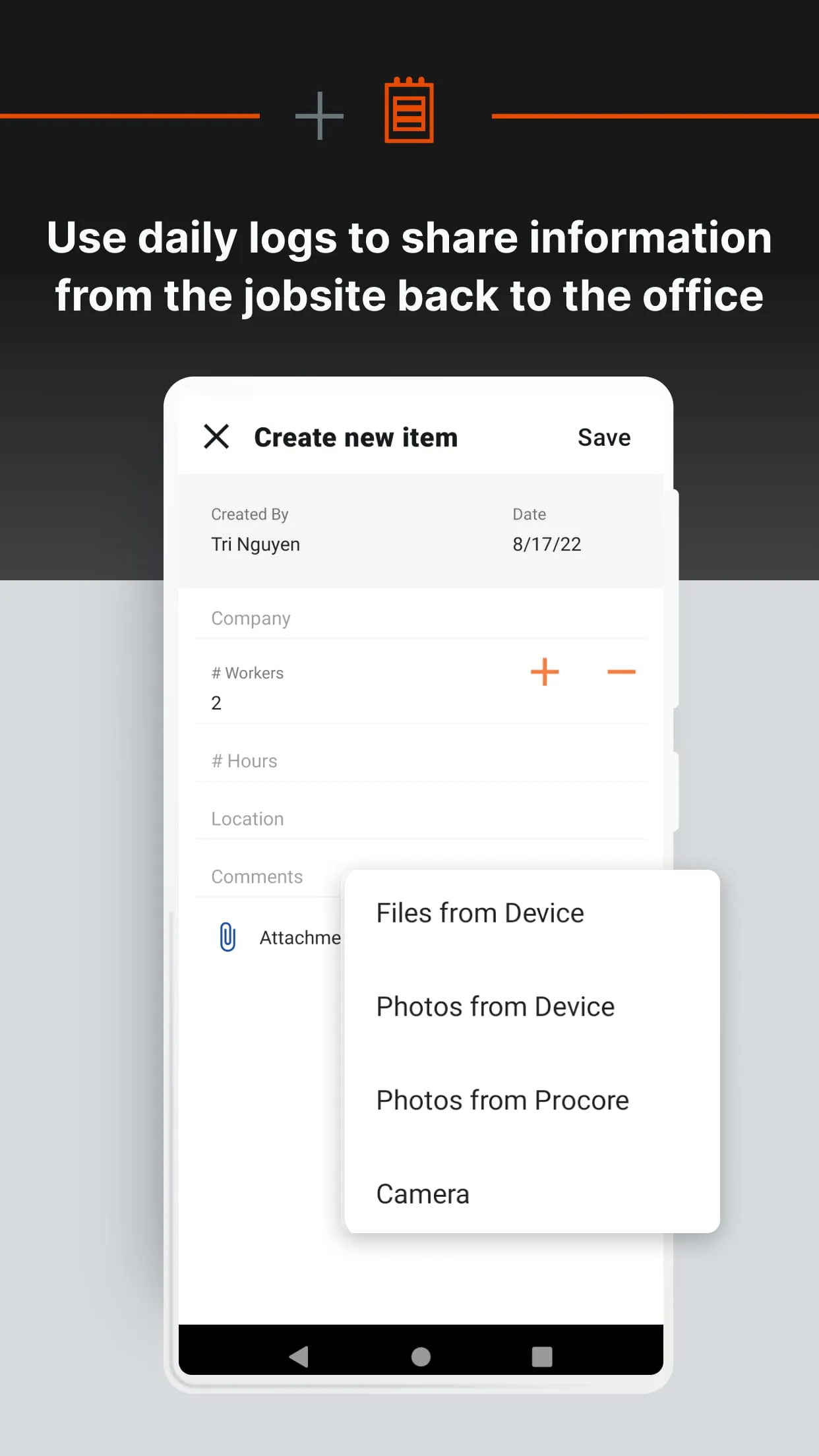
- Field Productivity – Mobile access for field teams to update progress, report issues, and share photos instantly.
Pros & Cons
- Pros:
- Highly intuitive interface with minimal learning curve.
- Robust mobile functionality for on-site teams.
- Strong integration capabilities with other construction software.
- Real-time updates reduce miscommunication and delays.
- Cons:
- Premium pricing may be challenging for smaller contractors.
- Advanced features may require additional training.
- Certain customization options are limited compared to niche solutions.
Functions
Procore functions as an all-in-one hub for construction operations. It enables users to create, assign, and track tasks while maintaining up-to-date documentation accessible to every stakeholder. Financial tools allow precise budget monitoring, cost forecasting, and expense approvals, ensuring projects remain profitable. Quality and safety functions help identify risks early, log incidents, and maintain compliance with regulations. The design coordination feature prevents costly errors by keeping everyone on the same page regarding drawings and revisions. Additionally, reporting tools provide actionable insights into productivity, costs, and timelines.
How to Use
Click the button "Check All Versions" below to download and install it. After installation, users can sign in or create an account. Once logged in, set up your company profile, invite team members, and start creating projects. From the dashboard, you can navigate between modules such as Project Management, Financials, or Field Tools depending on your role. Upload relevant documents, drawings, and schedules, then assign responsibilities to appropriate team members. Regularly update progress through the mobile app so that all stakeholders stay informed. Utilize Procore’s reporting features to review performance metrics and make data-driven decisions throughout the project lifecycle.





 APK
APK  Google Play
  iOS
iOS  4.10
4.10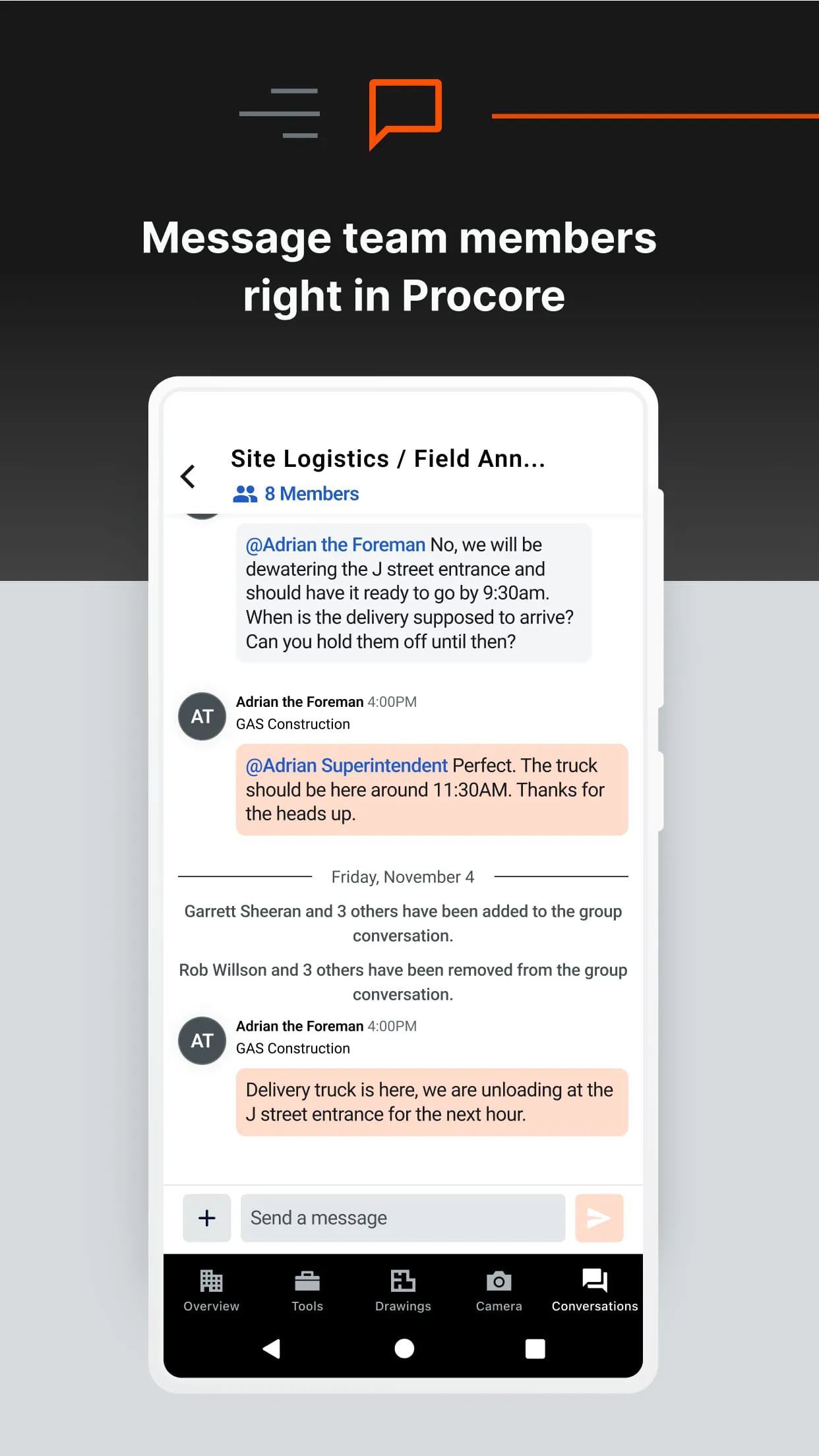
 Download








