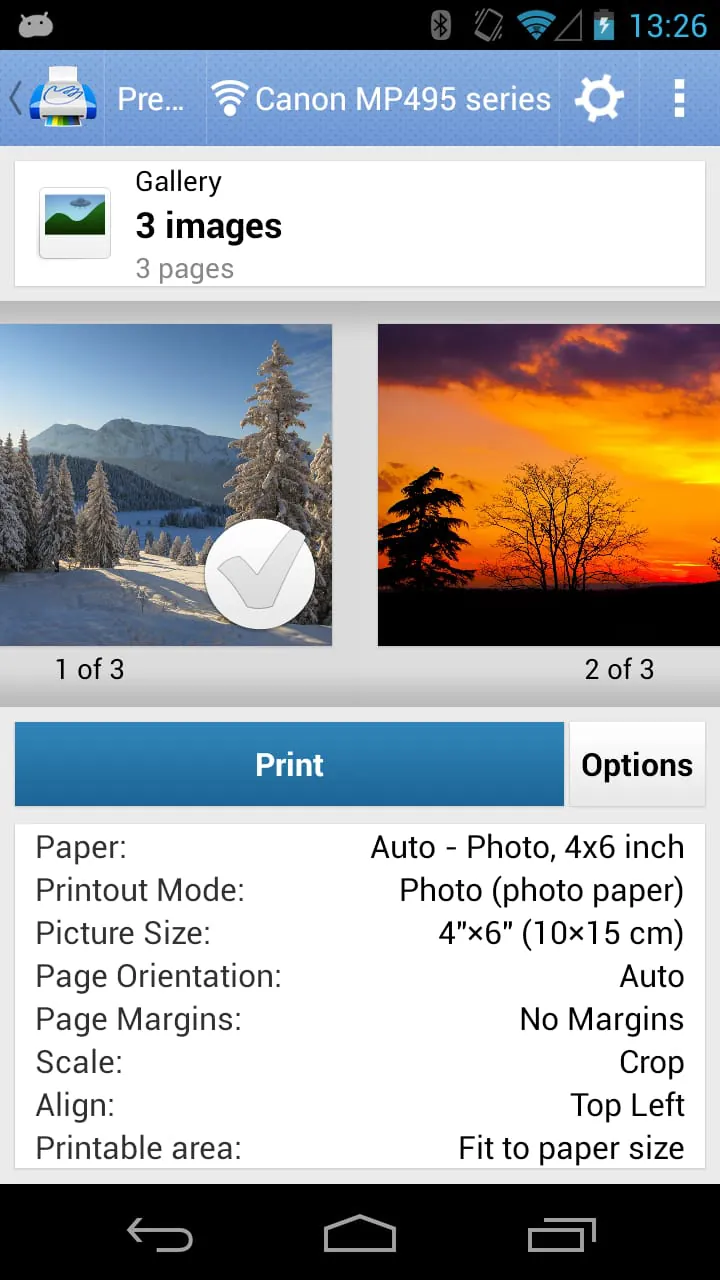
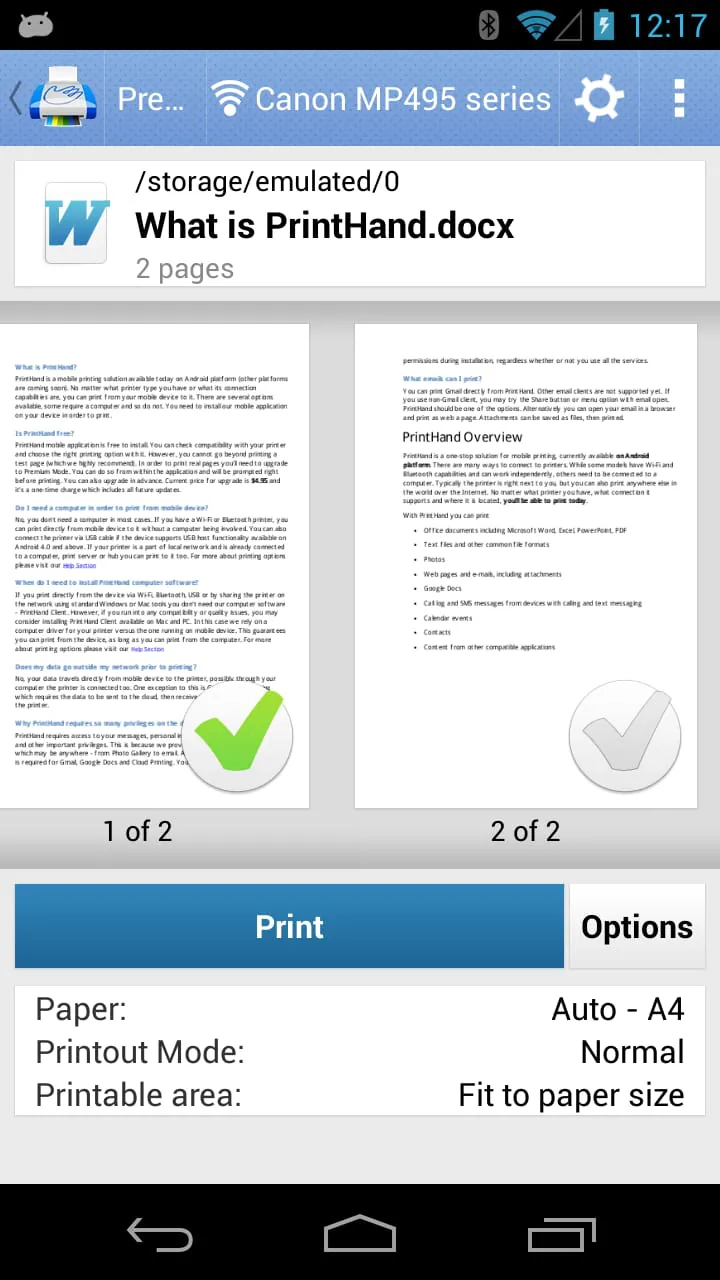
PrintHand is a versatile app that allows users to print directly from their mobile devices, such as phones or tablets, without the need for a computer. The app supports various printing methods, including WiFi, Bluetooth, and USB cable connections. While the app itself is not free, users can upgrade to Premium Mode through an in-app purchase to access real page printing capabilities. It is recommended to print a free test page before upgrading to ensure a smooth printing experience. Additionally, the app offers direct mobile scanning for selected multifunction printers, enhancing its functionality for users looking to digitize documents.
An important update regarding the PrintHand app is the removal of SMS and Call log printing features due to changes in Google Play's Permissions policy. The developers are actively working to address this issue and are committed to bringing back these features once the necessary permissions are obtained from Google. Users are encouraged to stay tuned for app updates to be informed about the resolution of this matter. Despite this setback, PrintHand remains a comprehensive printing solution, supporting a wide range of content for printing, including office documents, photos, web pages, emails, and more. The app also enables printing from various cloud storage services and platforms like Google Drive, Dropbox, and Evernote.
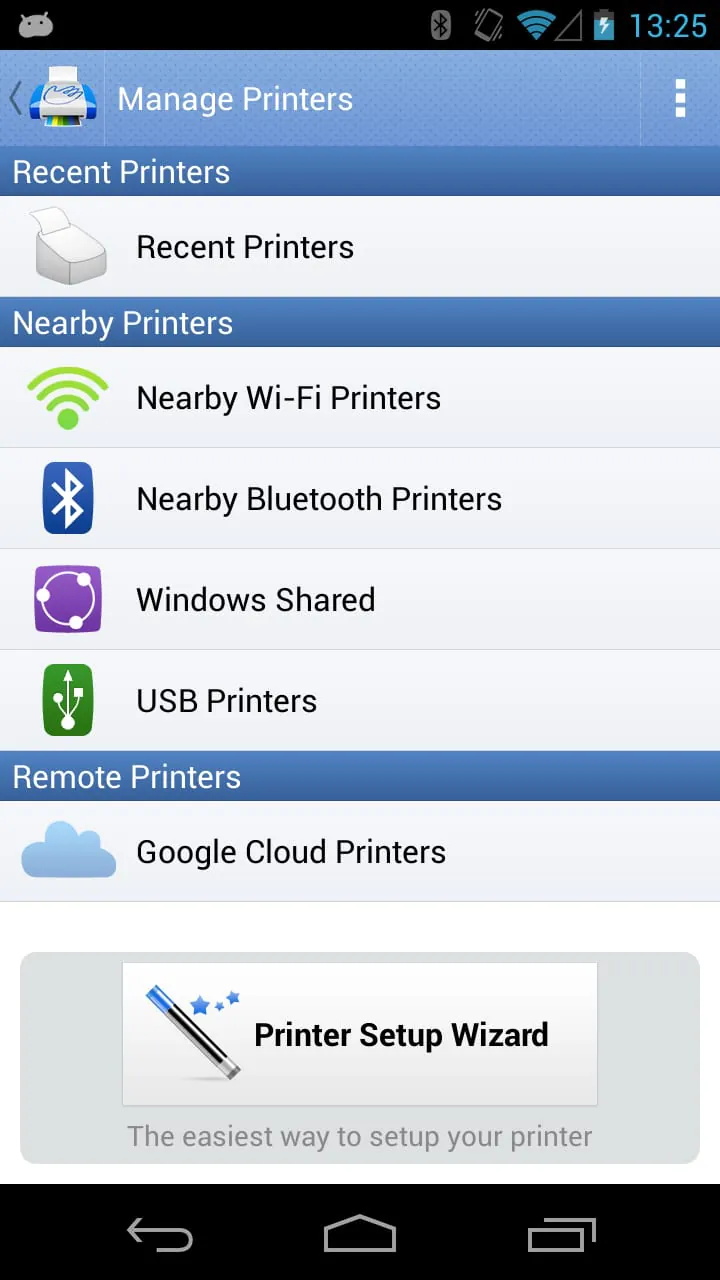
PrintHand offers compatibility with a variety of printers, including Mac or Windows shared printers, as well as support for printing via USB cable from Android 4.0 and above. Users can share printers using the free software provided by PrintHand for Mac and PC, allowing printing to any printer that can be accessed from a computer. The app supports printing via WiFi, Bluetooth, and USB connections, with the ability to print to printers shared through the PrintHand desktop client or standard tools on a computer's operating system. The Printer Setup Wizard simplifies the configuration process by automatically detecting printers and guiding users through the setup in just a few clicks, making printing hassle-free for users.
In addition to printing capabilities, PrintHand now offers the functionality to scan documents directly from selected multifunction printers to mobile devices. This feature is currently in beta mode, and users can contact
[email protected]
for more information. The app provides a list of supported devices for scanning on their website, ensuring compatibility with a wide range of multifunction printers. While the app offers a free version for users to test printing, unlimited printing requires upgrading to the premium version or making in-app purchases within the free app. With its comprehensive features and support for various printing methods, PrintHand aims to provide a convenient and efficient printing solution for mobile users.




 APK
APK  Google Play
  iOS
iOS  3.60
3.60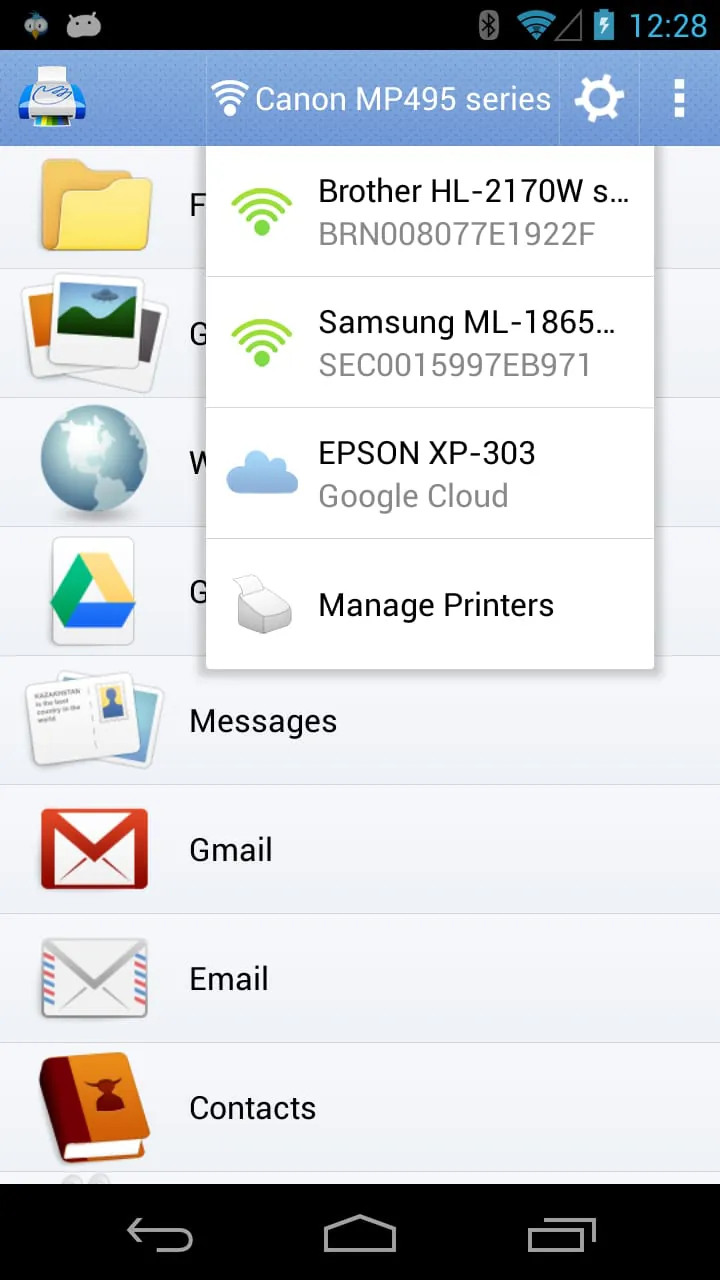
 Download








