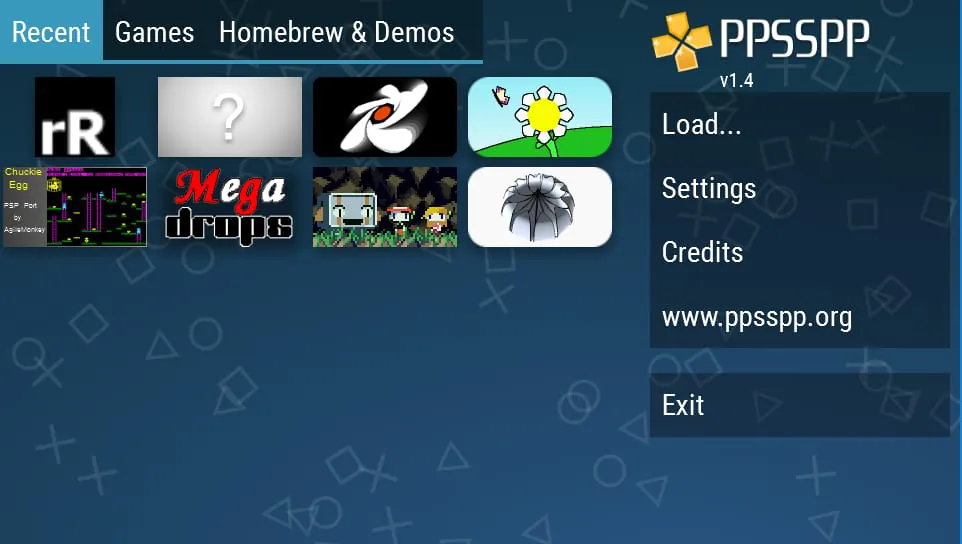
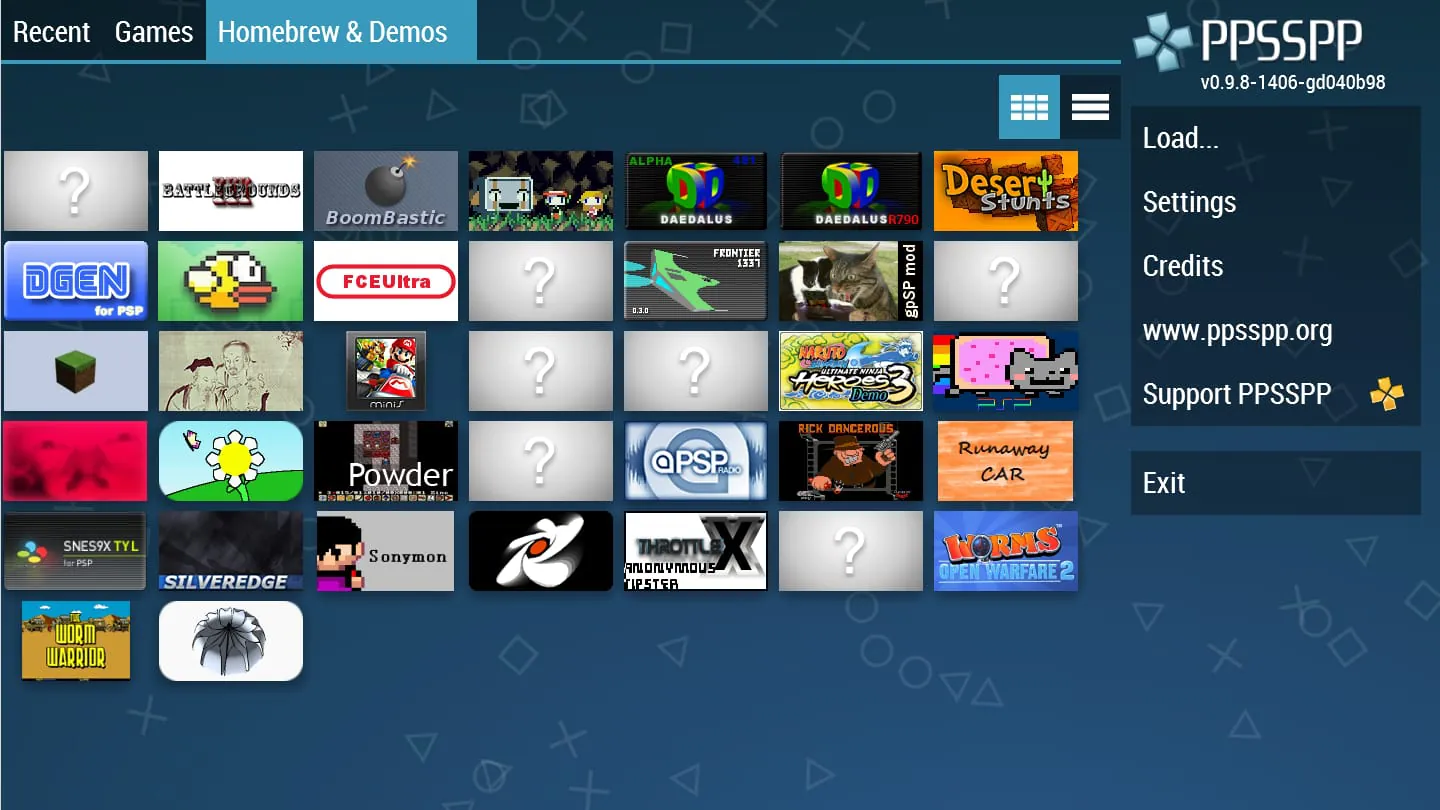
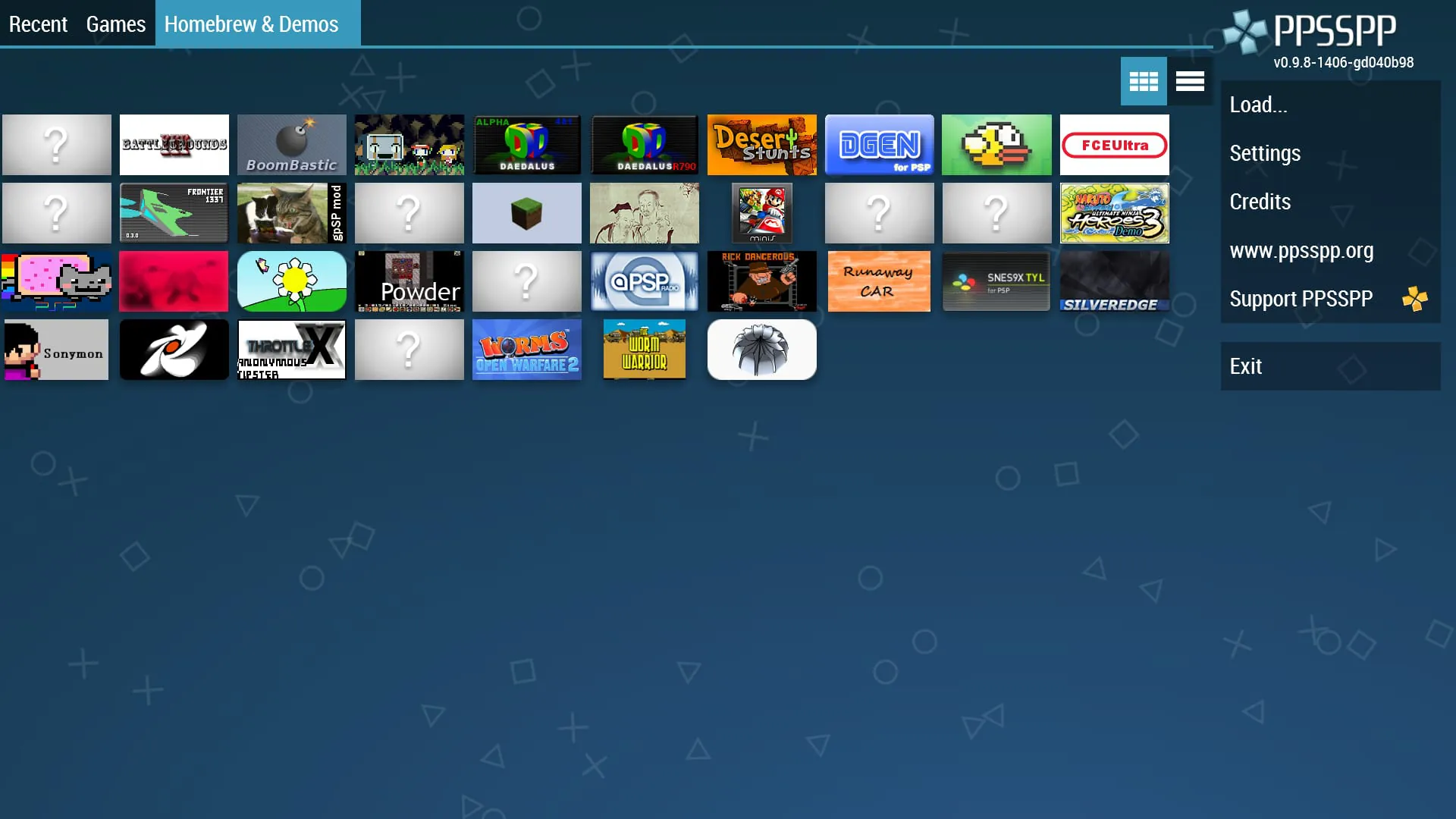
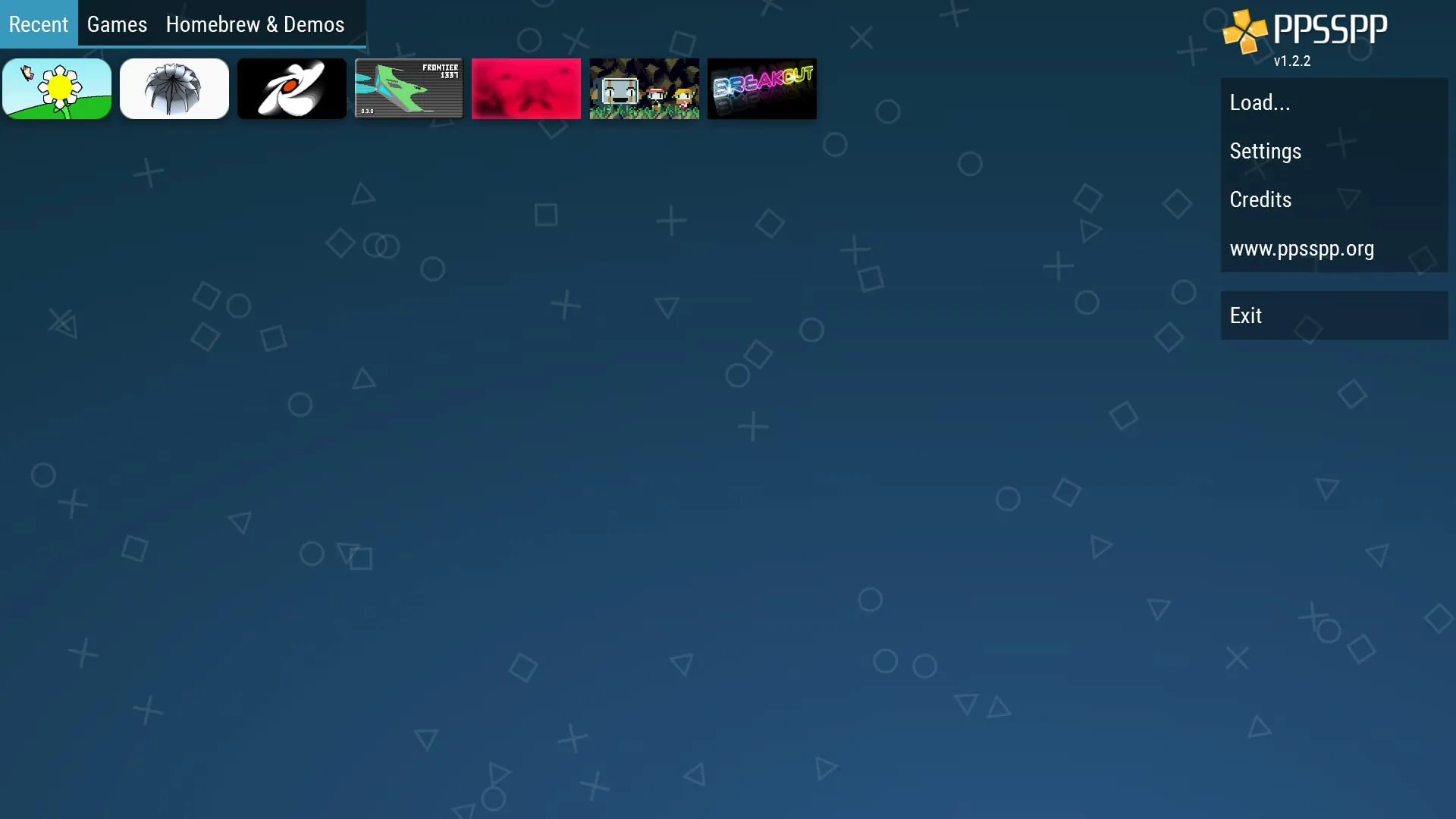
PPSSPP stands out as the premier and sole PSP emulator available for Android devices, offering users the capability to experience PSP games on their mobile devices with enhanced high-definition graphics and additional functionalities. This emulator boasts widespread compatibility, supporting a large number of PSP titles. However, the performance and fluidity of gameplay are subject to the processing capabilities of the user's Android device, implying that not all games may operate at their optimal speed. Users with more powerful Android devices can expect smoother and more consistent performance, while those with less powerful devices might encounter slower frame rates or occasional stuttering. The availability of PPSSPP in two versions, a free version and a Gold version, provides users with options based on their preferences and willingness to contribute to the emulator's development. The Gold version, available for purchase, serves as a direct means of supporting the PPSSPP development team, enabling them to continue enhancing the emulator and expanding its compatibility with more games and devices. This financial support is crucial for sustaining the project and ensuring that PPSSPP remains at the forefront of PSP emulation technology on Android. PPSSPP requires users to obtain their own PSP game files, which can be acquired by dumping them from their physical PSP game discs into .ISO or .CSO file formats. This process involves transferring the game data from the UMD disc to a digital file that the emulator can recognize and load. Alternatively, users can explore the vast library of free homebrew games available online, which are specifically designed to run on the PSP and are often created by independent developers. These homebrew games offer a diverse range of gaming experiences, from simple puzzle games to more complex action and adventure titles. To ensure proper functionality, game files should be placed in the designated /PSP/GAME folder on the device's SD card or USB storage. This folder structure is essential for PPSSPP to recognize and load the game files correctly. Users are encouraged to visit the official PPSSPP website for further information and comprehensive guides on how to optimize their emulation experience. The website offers detailed instructions on configuring the emulator settings, troubleshooting common issues, and discovering the best ways to enhance the performance of specific games. With its impressive compatibility, high-definition graphics, and support for a wide range of PSP titles, PPSSPP provides Android users with an unparalleled opportunity to relive their favorite PSP games on their mobile devices. The emulator's ongoing development and active community ensure that it remains a leading choice for PSP emulation on Android for years to come. The ability to play PSP games on Android devices through PPSSPP opens up a world of nostalgic gaming experiences, allowing users to revisit classic titles and discover new favorites. The convenience of playing these games on a mobile device further enhances the appeal, providing on-the-go entertainment and eliminating the need for a dedicated PSP console. This accessibility makes PPSSPP an invaluable tool for both casual gamers and hardcore PSP enthusiasts alike.
The PPSSPP emulator operates by mimicking the hardware and software environment of the original PSP console, enabling Android devices to interpret and execute PSP game code. This complex process involves translating the PSP's instruction set into instructions that the Android device's processor can understand, and emulating the PSP's graphics processing unit (GPU) to render the game's visuals on the Android device's screen. The accuracy and efficiency of this emulation determine the overall performance and compatibility of the emulator. PPSSPP's developers have invested considerable effort in optimizing the emulator's code to minimize the performance overhead associated with emulation, allowing it to run smoothly on a wide range of Android devices. However, the inherent complexity of emulation means that some performance limitations are unavoidable, particularly on less powerful devices. The emulator's settings offer a range of options that allow users to customize the emulation process to suit their device's capabilities. These settings include options for adjusting the rendering resolution, enabling or disabling various graphical effects, and configuring the emulator's CPU and GPU emulation modes. By carefully adjusting these settings, users can often improve the performance of games that are running slowly or experiencing graphical glitches. PPSSPP also supports a range of advanced features that enhance the gaming experience beyond what was possible on the original PSP console. These features include support for high-definition graphics, which allows games to be rendered at a higher resolution than the PSP's native resolution, resulting in sharper and more detailed visuals. The emulator also supports anisotropic filtering and texture scaling, which further enhance the quality of textures and reduce aliasing artifacts. In addition to its graphical enhancements, PPSSPP also supports a range of other features, such as save state functionality, which allows users to save their progress at any point in the game and resume playing later from that exact point. This feature is particularly useful for games that are difficult or time-consuming to complete. PPSSPP also supports cheat codes, which can be used to unlock hidden features, gain advantages in gameplay, or simply experiment with the game's mechanics. The emulator's support for external gamepads and controllers further enhances the gaming experience, allowing users to play games with a more traditional control scheme. This is particularly useful for games that require precise control or complex button combinations. Overall, PPSSPP provides a comprehensive and feature-rich PSP emulation experience on Android devices, allowing users to relive their favorite PSP games with enhanced graphics and additional features. The emulator's ongoing development and active community ensure that it remains a leading choice for PSP emulation on Android for years to come. The combination of accurate emulation, customizable settings, and advanced features makes PPSSPP an indispensable tool for any PSP enthusiast looking to play their favorite games on the go.
Obtaining PSP games for use with PPSSPP requires users to either dump their own legally owned PSP game discs or download free homebrew games from online sources. Dumping PSP game discs involves using a PSP console equipped with custom firmware to create an .ISO or .CSO image of the game disc. This process requires some technical knowledge and familiarity with the PSP's custom firmware scene. However, there are numerous online guides and tutorials that can assist users with this process. Once the .ISO or .CSO image has been created, it can be transferred to the Android device's SD card or USB storage and loaded into PPSSPP. Alternatively, users can explore the vast library of free homebrew games available online. These games are often created by independent developers and are distributed freely for non-commercial use. Homebrew games offer a diverse range of gaming experiences, from simple puzzle games to more complex action and adventure titles. Many homebrew games are specifically designed to showcase the capabilities of the PSP and are often optimized for performance on the device. To ensure proper functionality, game files should be placed in the designated /PSP/GAME folder on the device's SD card or USB storage. This folder structure is essential for PPSSPP to recognize and load the game files correctly. Users should also ensure that the game files are not corrupted or damaged, as this can cause the emulator to crash or malfunction. In addition to obtaining game files, users may also need to download and install the PSP's system software, also known as the PSP BIOS, in order for PPSSPP to function correctly. The PSP BIOS contains essential system files that are required to boot and run PSP games. The PSP BIOS can be obtained from various online sources, but users should exercise caution when downloading files from untrusted sources, as they may contain malware or other harmful software. Once the PSP BIOS has been downloaded, it should be placed in the /PSP/SYSTEM folder on the device's SD card or USB storage. PPSSPP will automatically detect the PSP BIOS and use it to boot PSP games. Overall, obtaining PSP games and setting up PPSSPP on an Android device requires some technical knowledge and attention to detail. However, with the help of online guides and tutorials, users can easily overcome these challenges and enjoy a wide range of PSP games on their mobile devices. The convenience and portability of PPSSPP make it an ideal solution for gamers who want to relive their favorite PSP games on the go. The emulator's ongoing development and active community ensure that it remains a leading choice for PSP emulation on Android for years to come.