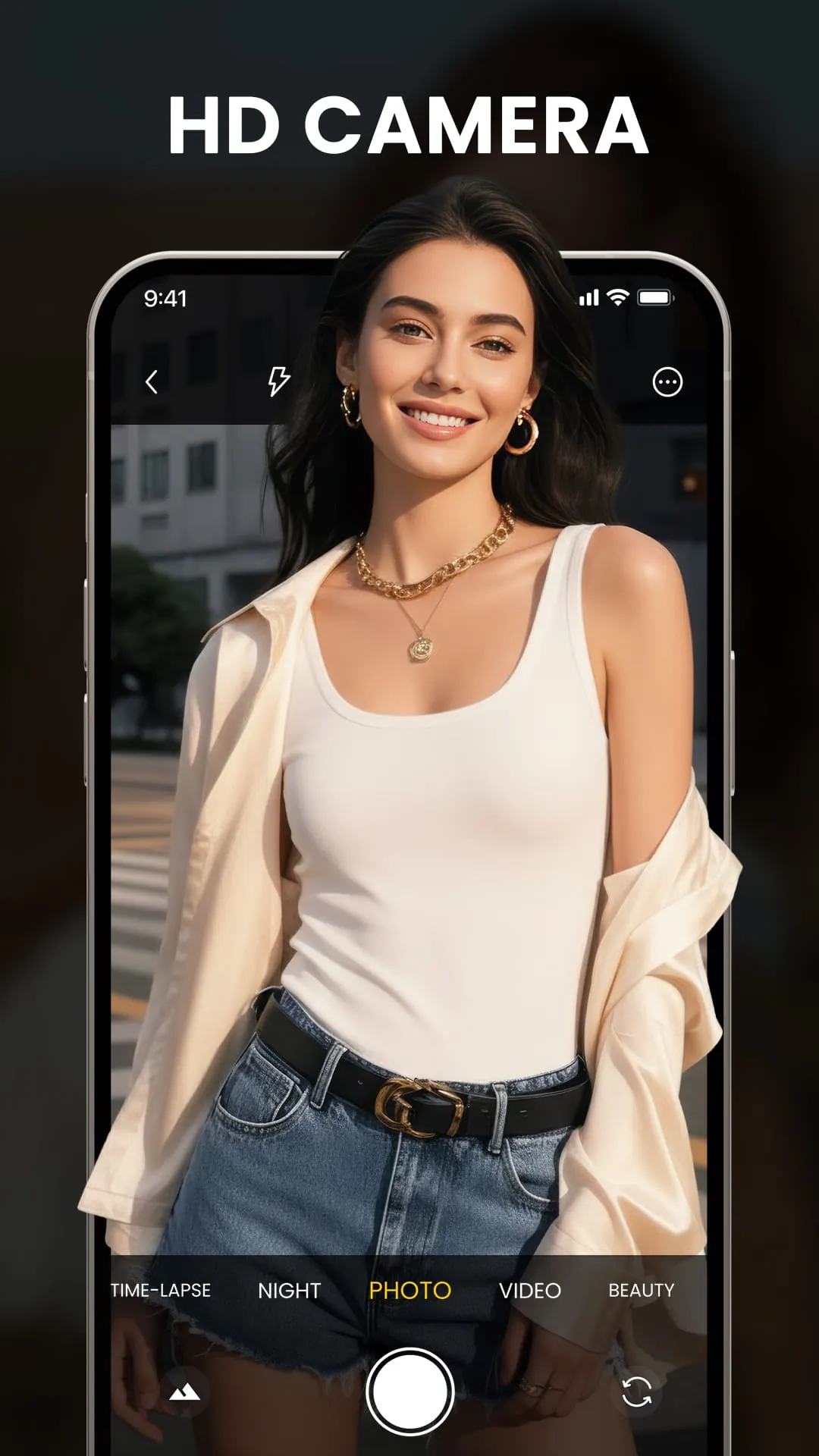
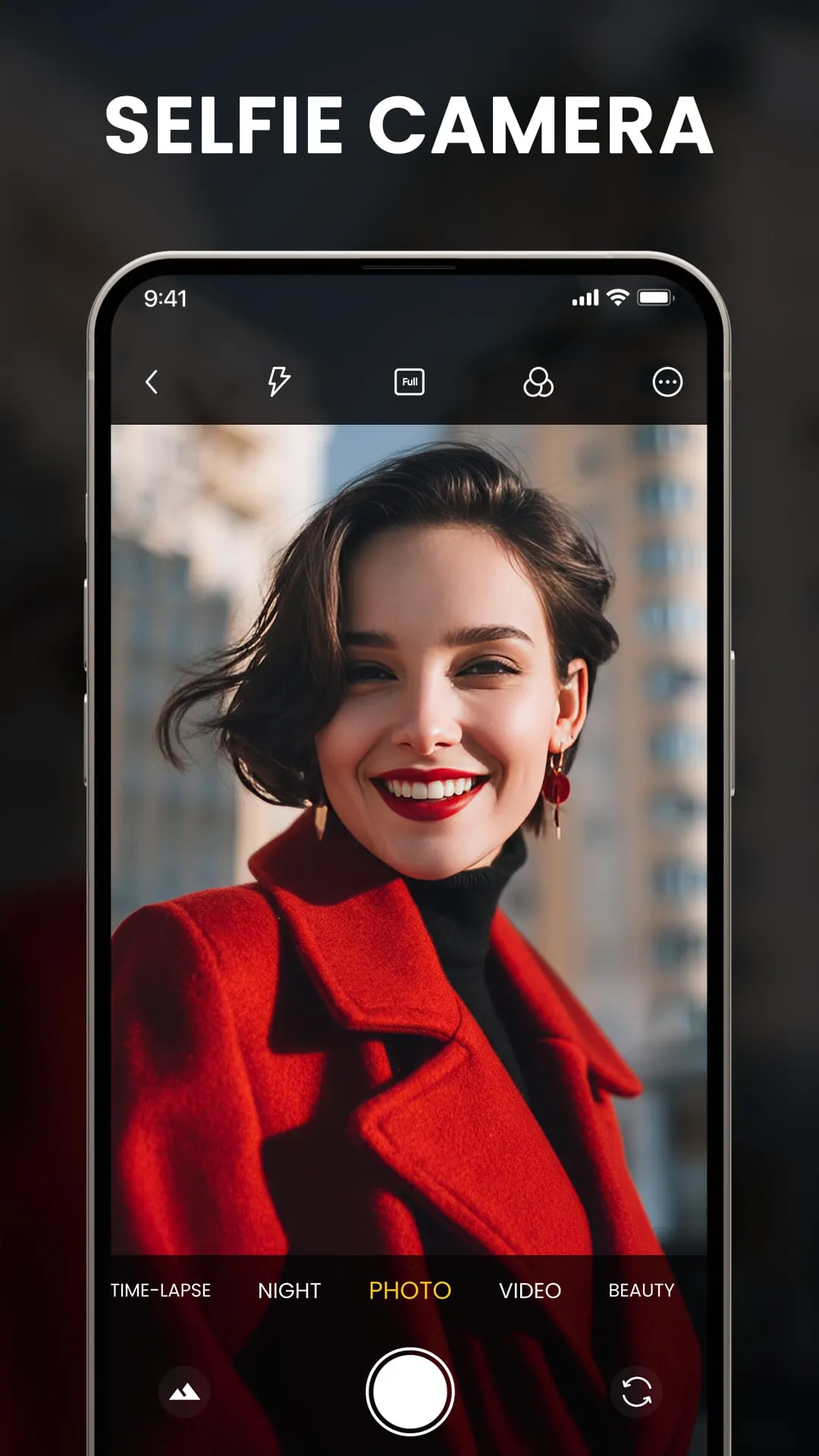
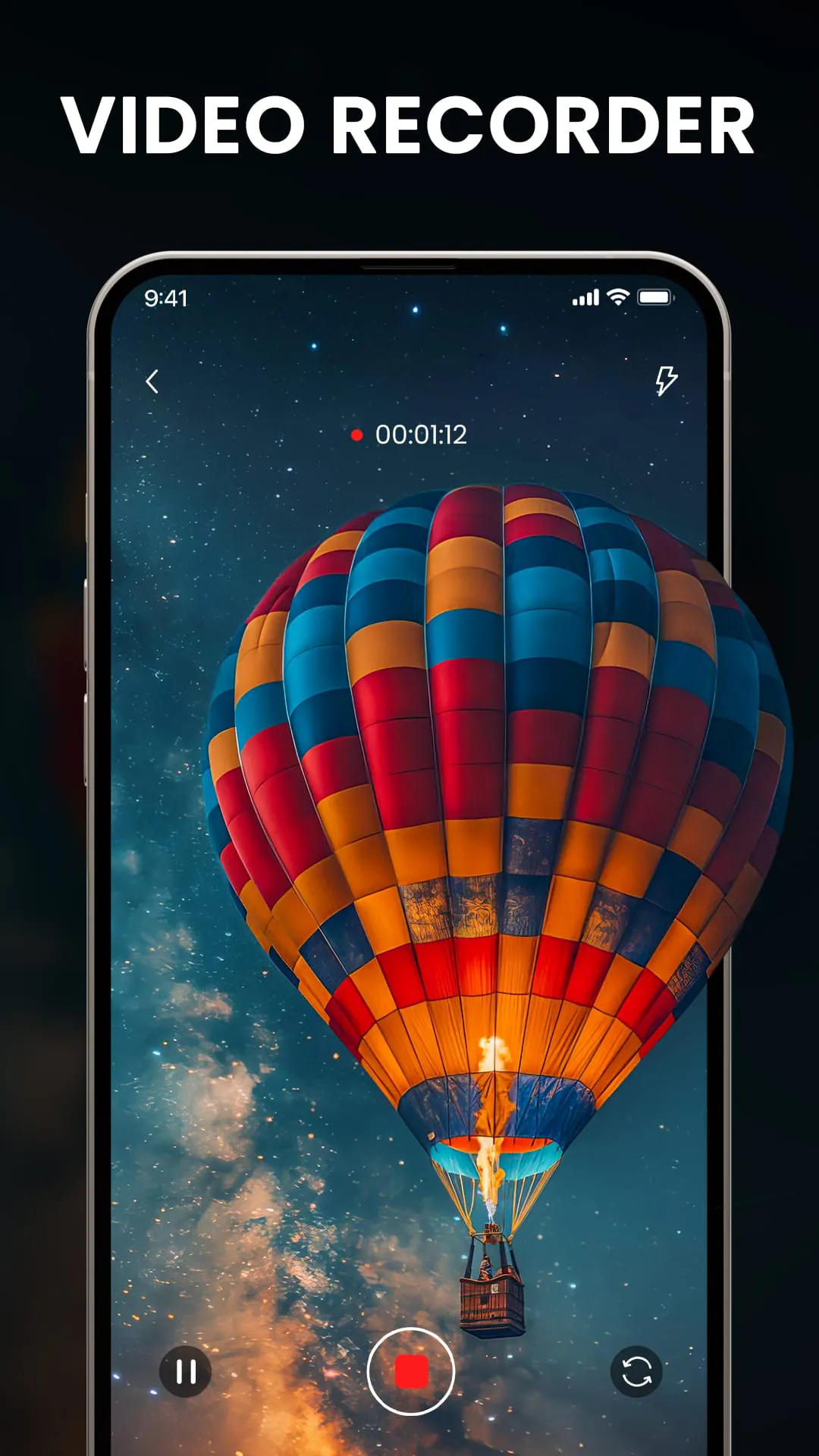
HD Camera is a specialized mobile application designed to transform your smartphone into a powerful and high-quality digital camera. It goes beyond the basic functions of your device's default camera app by offering advanced manual controls, enhanced shooting modes, and superior image processing algorithms. The app is built for photography enthusiasts and everyday users alike who seek greater creative control and want to capture stunning photos and videos with exceptional clarity, detail, and color accuracy directly from their phones.
Key Features
The application distinguishes itself with a suite of professional-grade tools tailored for mobile photography. It supports capturing images at ultra-high resolutions, allowing for detailed cropping and large-format printing. A standout feature is its comprehensive manual mode, which puts critical settings like ISO, shutter speed, white balance, and focus distance at your fingertips. Furthermore, the app includes a robust suite of real-time filters and effects, a dedicated night mode for low-light environments, and the ability to save images in lossless formats for maximum editing flexibility.
Pros & Cons
- Pros: The interface provides an excellent balance between advanced controls and user-friendly design. The image quality output, especially in RAW format, is significantly superior to many stock camera apps, offering greater dynamic range and detail. The manual controls are responsive and precise, rivaling those found on dedicated cameras. Performance is generally smooth, with minimal shutter lag.
- Cons: The full range of premium features often requires a paid upgrade or in-app purchase. The abundance of settings can be overwhelming for absolute beginners who just want to point and shoot. On some older device models, using the highest resolution settings may cause occasional slowdowns or increased battery consumption.
Functions
- Manual Camera Controls: Independently adjust exposure, focus, shutter speed, and ISO sensitivity for complete creative authority.
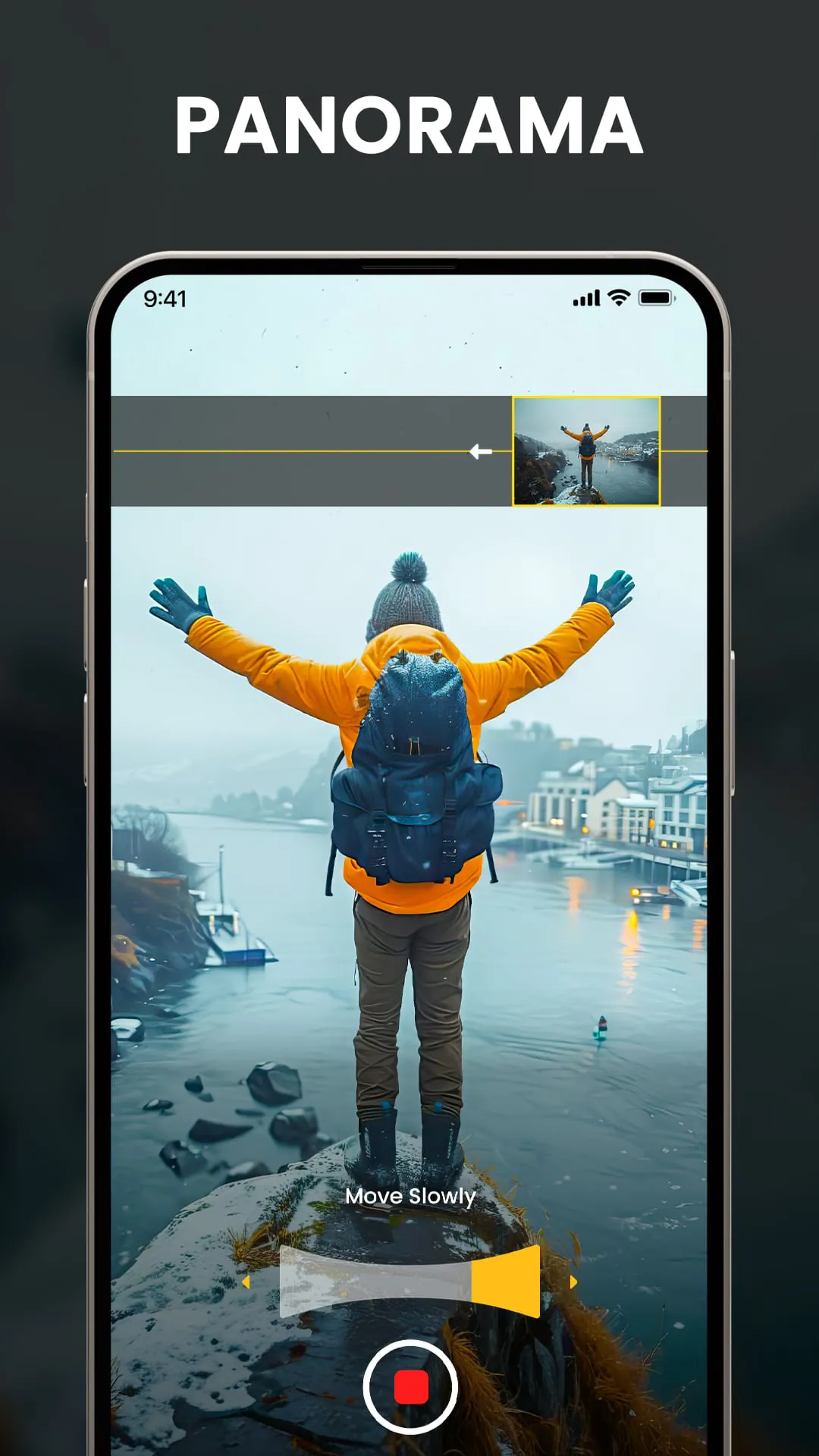
- Multiple Shooting Modes: Access dedicated modes such as Portrait, Night, Panorama, Time-Lapse, and Slow Motion.
- High-Resolution Capture: Utilize your phone's full sensor capability to take photos at the maximum possible megapixel count.
- Professional Formats: Save photos in RAW/DNG format for advanced post-processing without quality loss.
- Real-Time Editing: Apply a variety of filters, adjust color balance, and add frames before taking the picture.
- Customizable Layout: Rearrange controls and buttons on the viewfinder screen to suit your personal workflow.
How to Use
Click the button "Check All Versions" below to download and install it. After installation, open the app and grant the necessary permissions for camera and storage access. Start by exploring the default auto mode to get familiar with the interface. For more control, swipe to switch to 'Pro' or 'Manual' mode where you can experiment with different settings. Use the settings menu to configure your preferred photo resolution, file format, and grid lines. You can capture a photo by tapping the shutter button or using volume keys, and your images will be saved directly to your device's gallery where they can be viewed, shared, or further edited.




 APK
APK  Google Play
  iOS
iOS  4.30
4.30