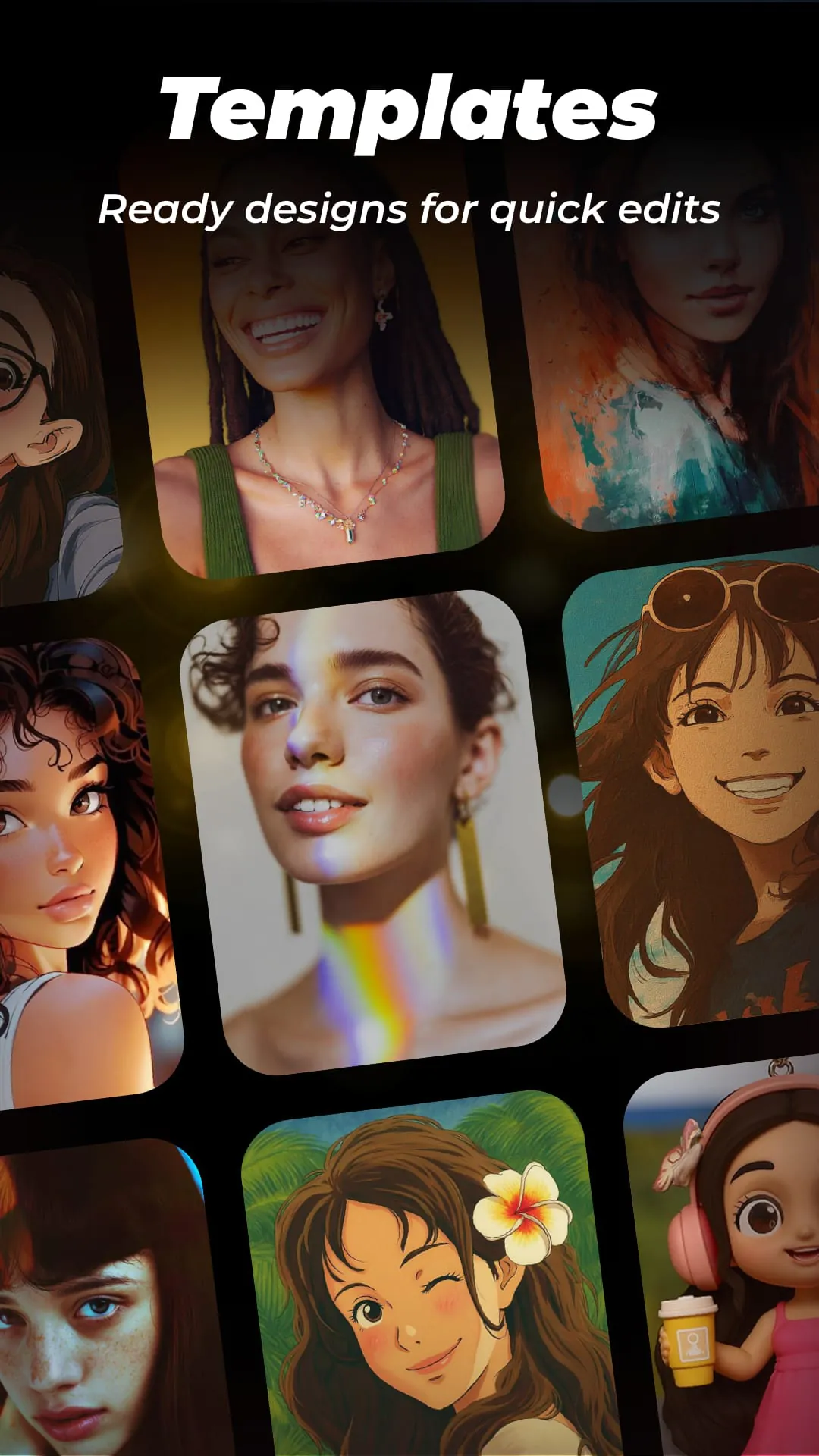
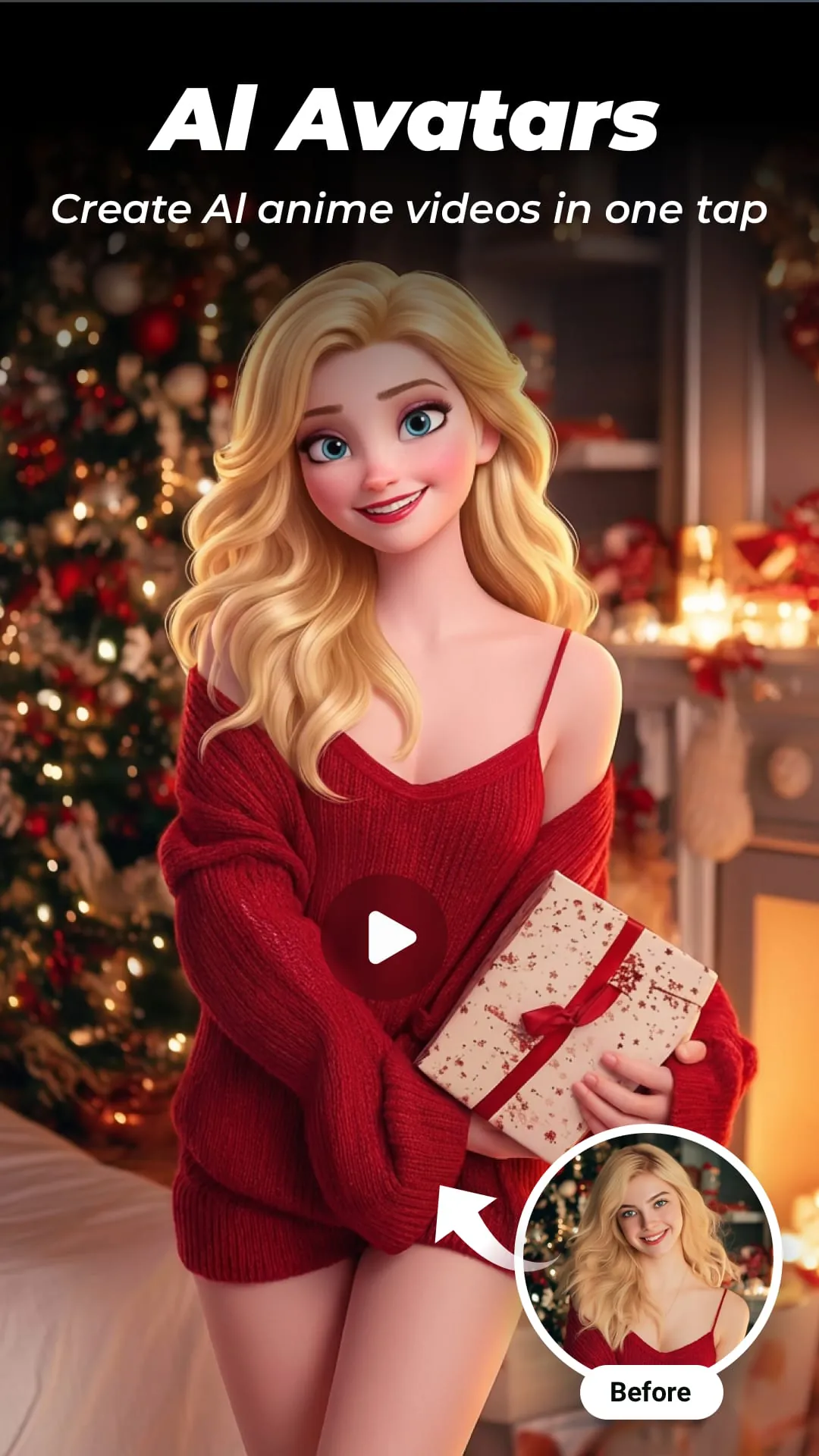
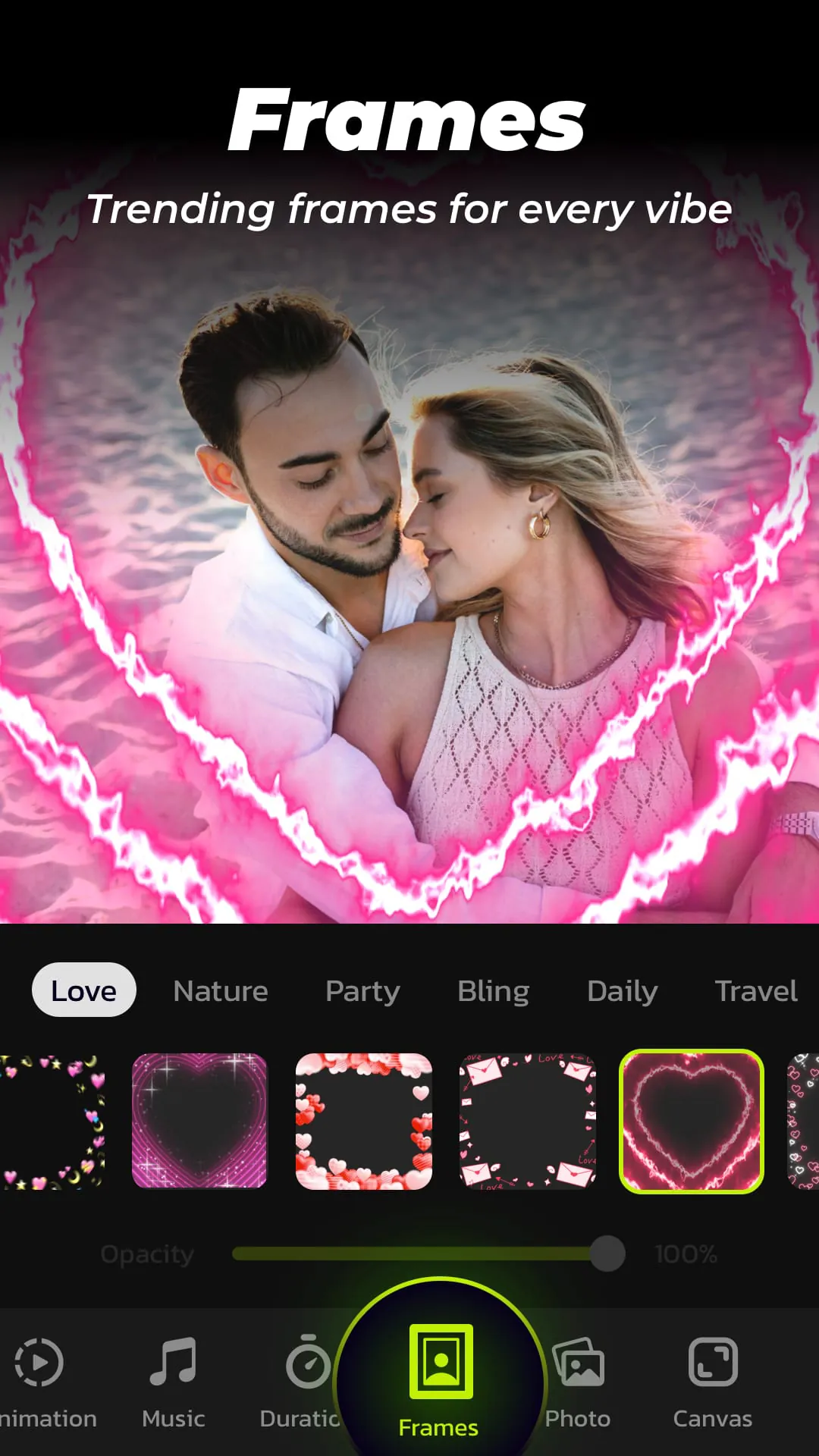
InSlide is presented as a user-friendly yet robust tool designed for creating visually appealing music albums, presentations, and photo videos enriched with music, transitions, animations, frames, and various customization options. The application simplifies the process of creating photo slideshows, making it accessible for users to craft personalized holiday greetings, preserve cherished life memories, and develop engaging presentations with ease. Emphasizing its core functionalities, InSlide highlights features such as the ability to add music, transitions, and frames, alongside adjusting aspect ratios and transparency levels to enhance the professional quality of slideshows. A continuously updated and well-organized content library stands as a significant asset, providing users with a wealth of resources to elevate their creations. The application streamlines the video creation process into four straightforward steps and offers the advantage of watermark removal, ensuring a clean and polished final product. InSlide empowers users to produce captivating music albums incorporating photos and videos suitable for various occasions, including parties and vacations. It breathes new life into ordinary photos, transforming them into visually stunning slideshows that capture attention. The application facilitates the creation of engaging videos tailored for sharing on popular social media platforms like Instagram, TikTok, and Twitter, enabling users to connect with their audience in creative ways. Moreover, InSlide simplifies the development of tutorial videos by seamlessly integrating text and images, making it an ideal tool for educational content creation. The ability to instantly record and share precious moments with friends further enhances its appeal, solidifying its position as a versatile multimedia tool. The photo slideshow maker component of InSlide enables users to import multiple photos efficiently and arrange them into professional-quality videos swiftly. This feature simplifies the video creation process, allowing users to focus on the creative aspects of their projects. The application offers an array of one-click video transition effects, eliminating the need for manual transition selection. This feature not only saves time but also ensures that users can effortlessly enhance their videos with visually appealing transitions. With a diverse range of transitions available, users can easily optimize their videos' visual impact, creating a polished and engaging viewing experience. InSlide provides a wide selection of online music styles, including Pop, Bollywood, and Love, catering to diverse user preferences. Users can also upload their own music or select from recommended tracks, such as birthday songs or Christmas carols, to add a personal touch to their slideshows. This feature enhances the emotional impact of videos, making them more engaging and memorable for viewers. The application offers a diverse collection of categorized frames, allowing users to easily enhance their slideshows with visually appealing borders and decorations. Themes such as family, lovers, and travel make it easy to find frames that match the content of the slideshow, adding a cohesive and professional look. This feature adds a layer of personalization and creativity to videos, making them more visually appealing. The ability to customize the transition duration between photos provides users with precise control over the pace of their slideshows. Transition durations can be adjusted from as short as 0.5 seconds to as long as 8 seconds, allowing for smooth and seamless transitions. This feature enables users to create videos that match their desired style and tempo, enhancing the overall viewing experience. InSlide offers five resolution options, ranging from 480P to 2K, allowing users to tailor the resolution of their exported slideshows. Whether users prefer a lower resolution for easy sharing or a higher resolution for enhanced visual quality, the choice is theirs. This feature ensures that videos can be optimized for different platforms and viewing conditions. Users can adjust the aspect ratio of their photo slideshows to suit various platforms, including YouTube, TikTok, Facebook, Instagram, WhatsApp, and Twitter. This feature ensures that videos are displayed correctly on different devices and social media platforms, enhancing their visual appeal and impact. By optimizing videos for specific platforms, users can maximize their reach and engagement. The Video Library feature enables users to quickly and easily search for videos they have created and save them to their photo album. This feature provides convenient access to previously created videos, making it easy to share them with family and friends. The Video Library streamlines the video management process, saving users time and effort. The application encourages users to provide feedback, comments, and suggestions via email. This open line of communication demonstrates a commitment to continuous improvement and customer satisfaction. By actively seeking user feedback, InSlide can refine its features and address any issues that may arise, ensuring a positive user experience.
InSlide distinguishes itself as a comprehensive photo and video creation tool by offering a wide array of features designed to cater to both novice and experienced users. The emphasis on user-friendliness is evident in its streamlined four-step video creation process and the one-click transition effects, which simplify complex tasks and make them accessible to individuals with varying levels of technical expertise. The application's extensive content library, regularly updated with fresh resources, provides users with a wealth of creative assets to enhance their projects. This ensures that users always have access to the latest trends and styles, keeping their content fresh and engaging. The watermark removal feature adds a professional touch, ensuring that videos appear polished and presentable. InSlide's versatility extends beyond simple slideshow creation, empowering users to produce a variety of multimedia content, including music albums, presentations, and tutorial videos. The ability to customize various aspects of video creation, such as transition duration, aspect ratio, and resolution, provides users with a high degree of control over the final product. This level of customization allows users to tailor their videos to specific platforms and audiences, maximizing their impact. The application's seamless integration with popular social media platforms further enhances its appeal, making it easy for users to share their creations with a wide audience. InSlide's photo slideshow maker enables users to quickly assemble photos into professional-looking videos, simplifying the process of creating visually appealing content. This feature is particularly useful for creating presentations, memorial videos, and social media content. The application's wide selection of video transition effects allows users to enhance their videos with visually appealing transitions, adding a professional touch to their projects. The one-click transition feature simplifies the process of selecting and applying transitions, making it easy for users to create smooth and seamless videos. InSlide's music integration feature allows users to add music to their slideshows, enhancing the emotional impact of their videos. The application offers a wide range of online music styles, as well as the ability to upload custom tracks, providing users with a high degree of flexibility. The diverse collection of categorized frames enables users to add visually appealing borders and decorations to their slideshows, enhancing their overall aesthetic appeal. The frames are categorized by theme, making it easy to find frames that match the content of the slideshow. The ability to customize the transition duration between photos provides users with precise control over the pace of their slideshows, allowing them to create videos that match their desired style and tempo. InSlide's resolution selection feature allows users to tailor the resolution of their exported slideshows to suit different platforms and viewing conditions, ensuring optimal visual quality. The application's aspect ratio adjustment feature enables users to optimize their videos for various social media platforms, maximizing their reach and engagement. The Video Library feature provides users with convenient access to their previously created videos, making it easy to share them with family and friends. The application's commitment to continuous improvement is evident in its open line of communication with users, encouraging them to provide feedback and suggestions. InSlide's user-friendly interface and comprehensive feature set make it an ideal tool for creating a wide range of multimedia content, from simple slideshows to professional-quality videos. The application's versatility and ease of use make it accessible to users of all skill levels, empowering them to create visually appealing and engaging content.





 APK
APK  Google Play
  iOS
iOS  4.70
4.70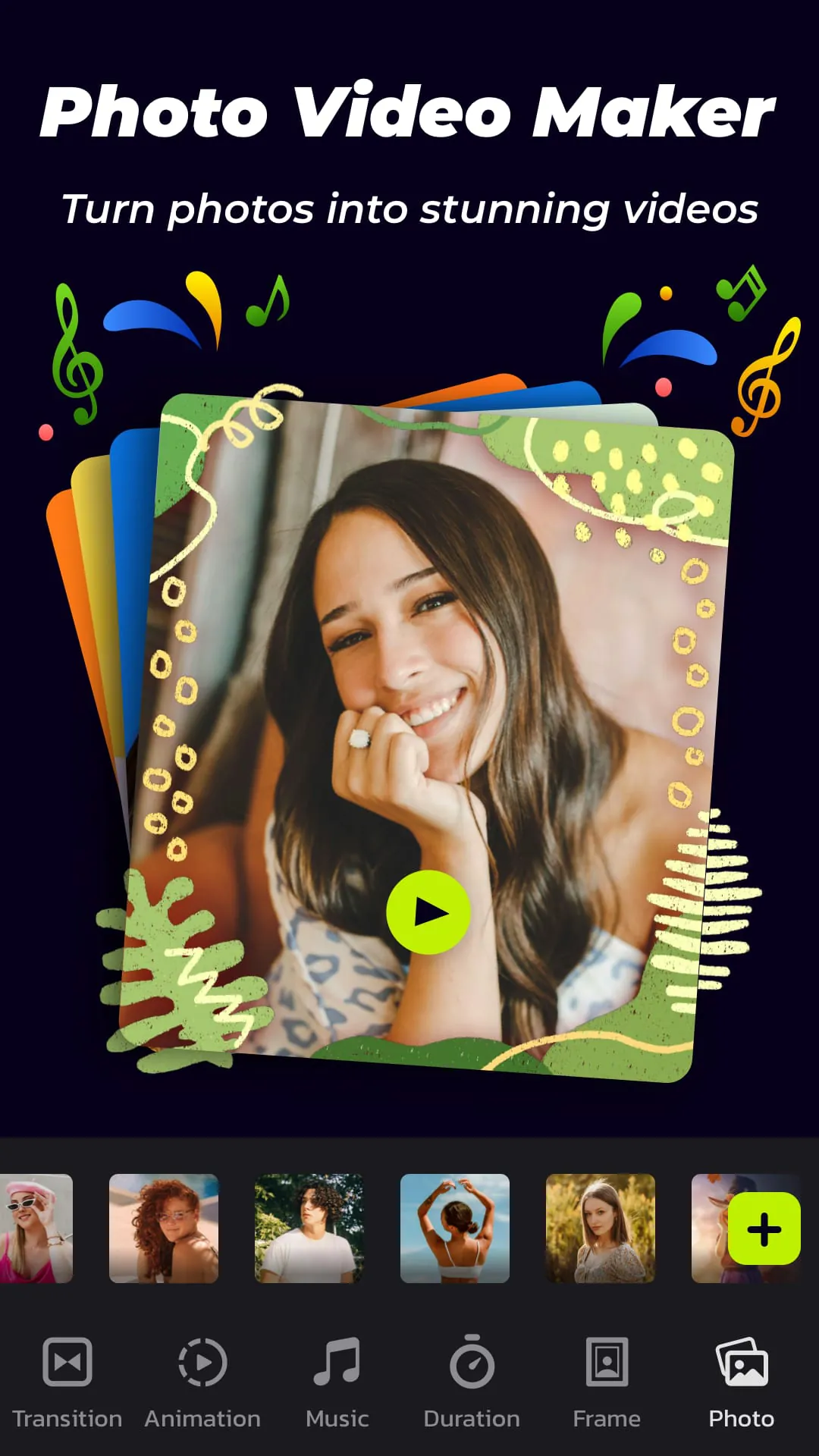
 Download








