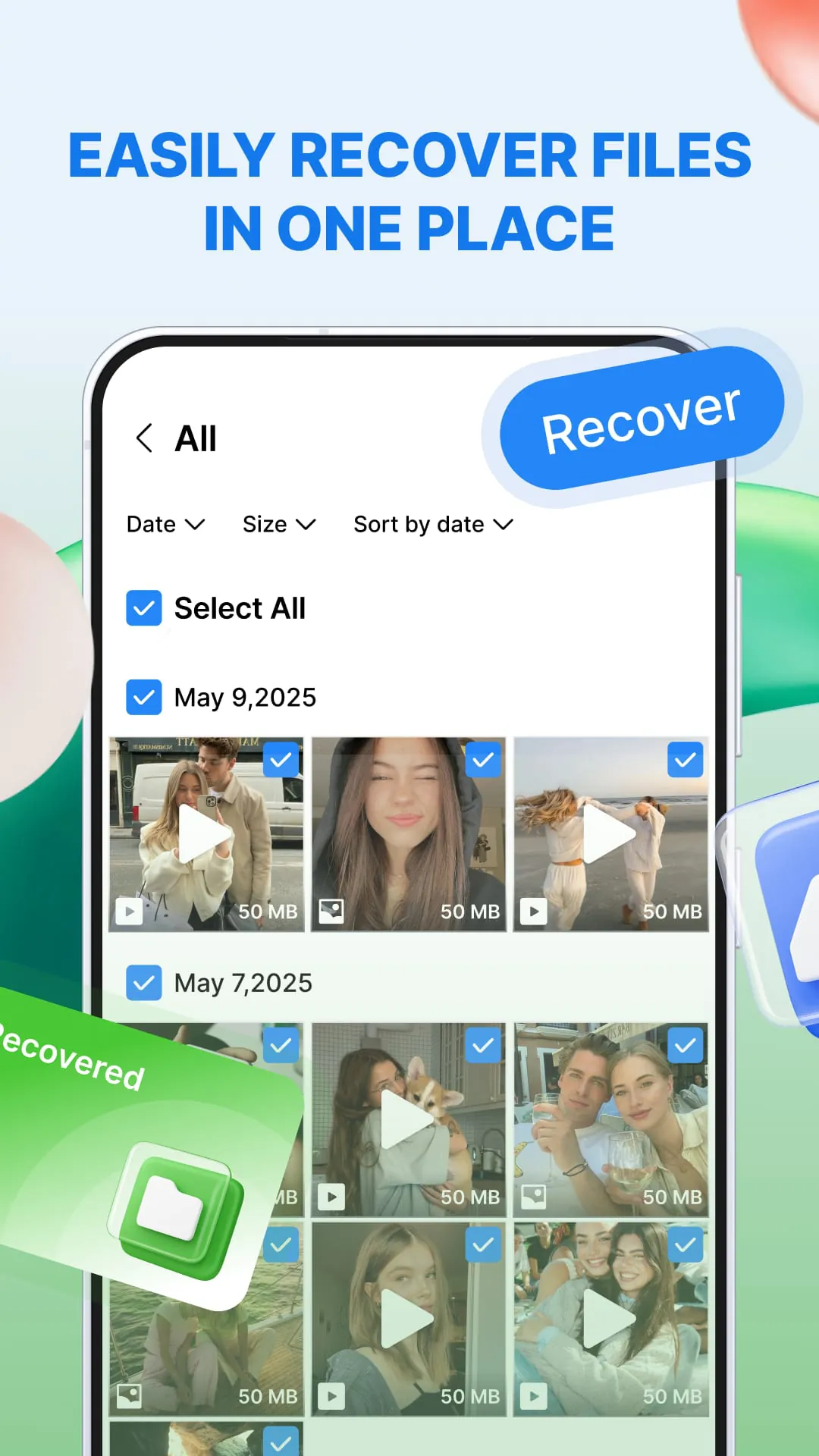
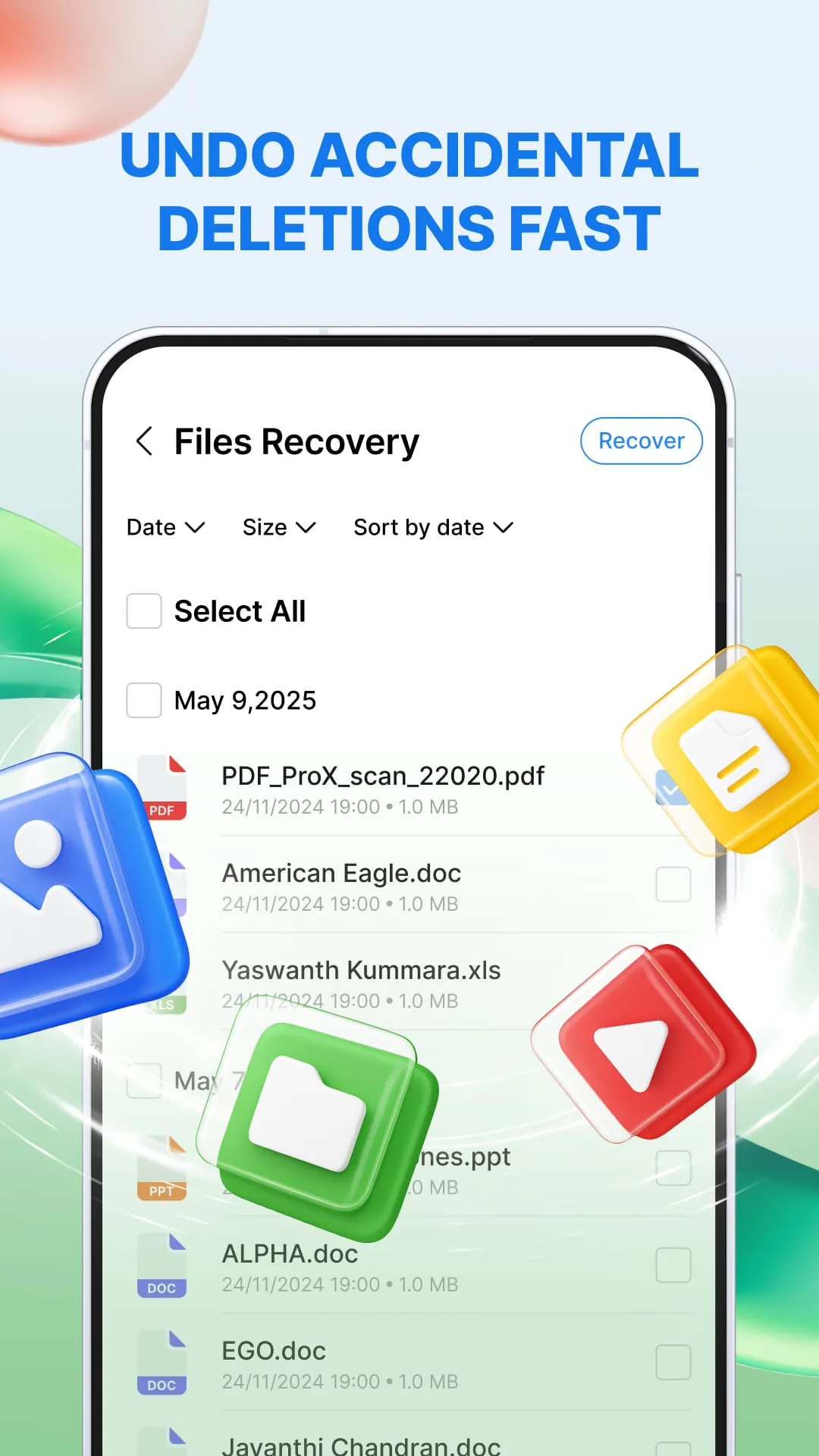
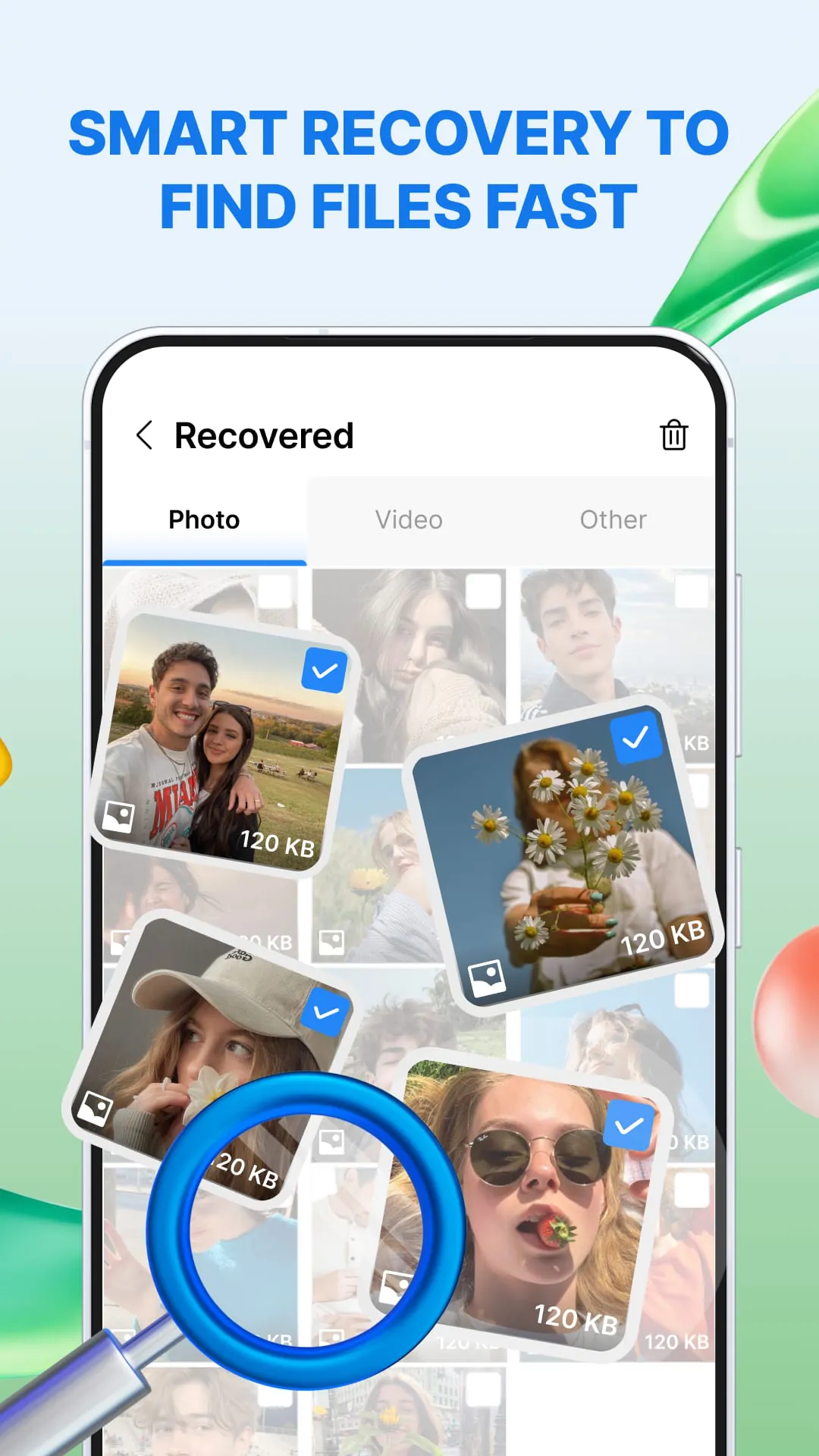
The application is designed to recover lost photos, videos, audio files, and documents from internal storage and SD cards. The primary function revolves around scanning the device's storage to locate recently deleted items that have not yet been overwritten. The recovery process begins with granting the application storage access, followed by selecting the storage location to scan, either the internal storage or an SD card, with device support varying. After the scan, users can preview the files found and select the desired items for restoration, completing the process in a few steps. The app provides several key features to enhance the recovery experience. It discovers recoverable files, including photos, videos, audio, and documents, and offers filters based on date and file type to expedite the search process. Users can preview images, videos, and documents before restoring them, ensuring they recover the correct files. The batch restore function saves time by allowing multiple files to be restored simultaneously. Additionally, optional cleanup tools are available to remove duplicates or residual copies after user confirmation. The app supports a wide range of file types, including JPG, PNG, GIF, HEIC, and RAW for photos; MP4, MOV, and MKV for videos; common audio recording and music formats; and common office formats such as PDF, DOCX, XLSX, and PPT for documents. The application's efficiency in recovering lost data hinges on several factors, including the time elapsed since deletion, the extent of data overwriting, and the device's storage type. Immediate scanning after data loss significantly increases the chances of successful recovery, as the likelihood of the data being overwritten diminishes with time. The app's ability to recover various file types also depends on the device model, storage type, Android version, and granted permissions. Users should grant all necessary permissions to ensure comprehensive scanning and recovery. The application is designed to be read-only, ensuring that the original files are not modified during the scanning process. Restored items are saved to a designated folder, maintaining the integrity of the original storage. It is crucial to understand that recovery is not guaranteed, particularly for files that have been overwritten, securely wiped, or removed through a factory reset. The app works exclusively with local device storage, meaning that cloud-only items cannot be recovered. Regular backups and proactive data management practices are recommended to mitigate the risk of permanent data loss. While the app offers a valuable tool for attempting data recovery, it should not be considered a substitute for comprehensive data protection strategies. Users should always prioritize backing up important files to multiple locations, including external drives, cloud storage, and other secure media, to ensure data availability in the event of unforeseen circumstances. By combining the app's recovery capabilities with robust backup practices, users can significantly enhance their ability to protect and recover their valuable data.





 APK
APK  Google Play
  iOS
iOS  0.00
0.00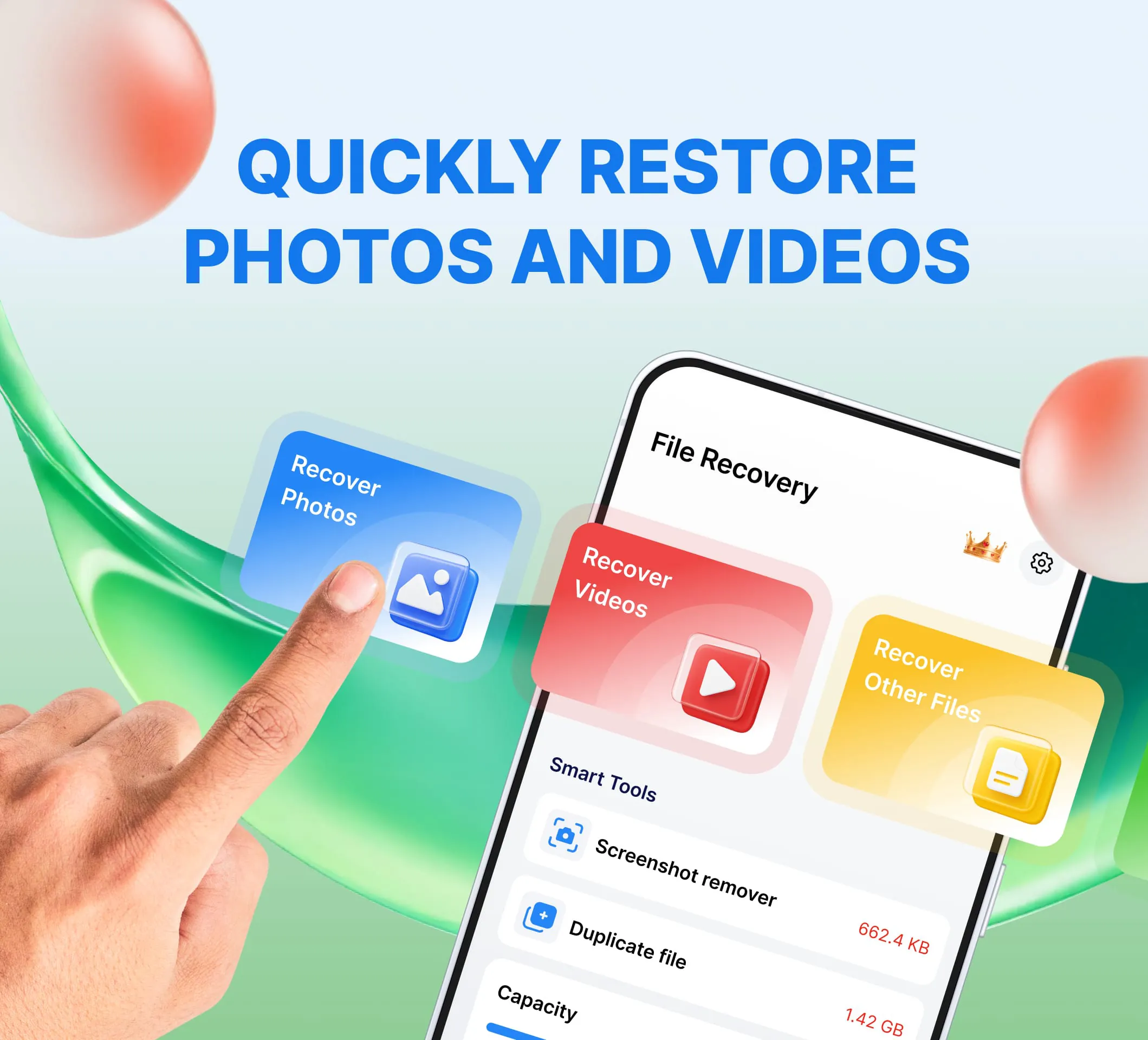
 Download








