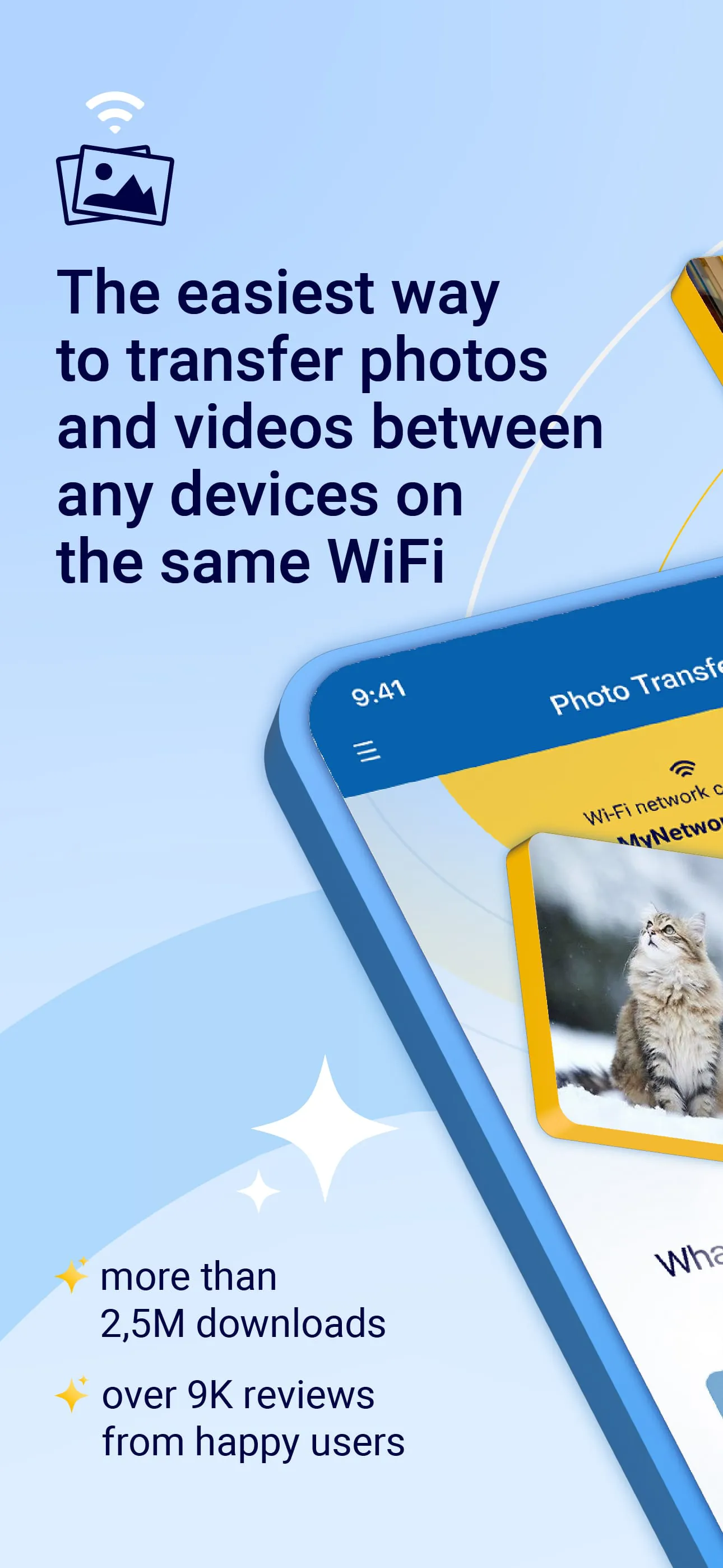
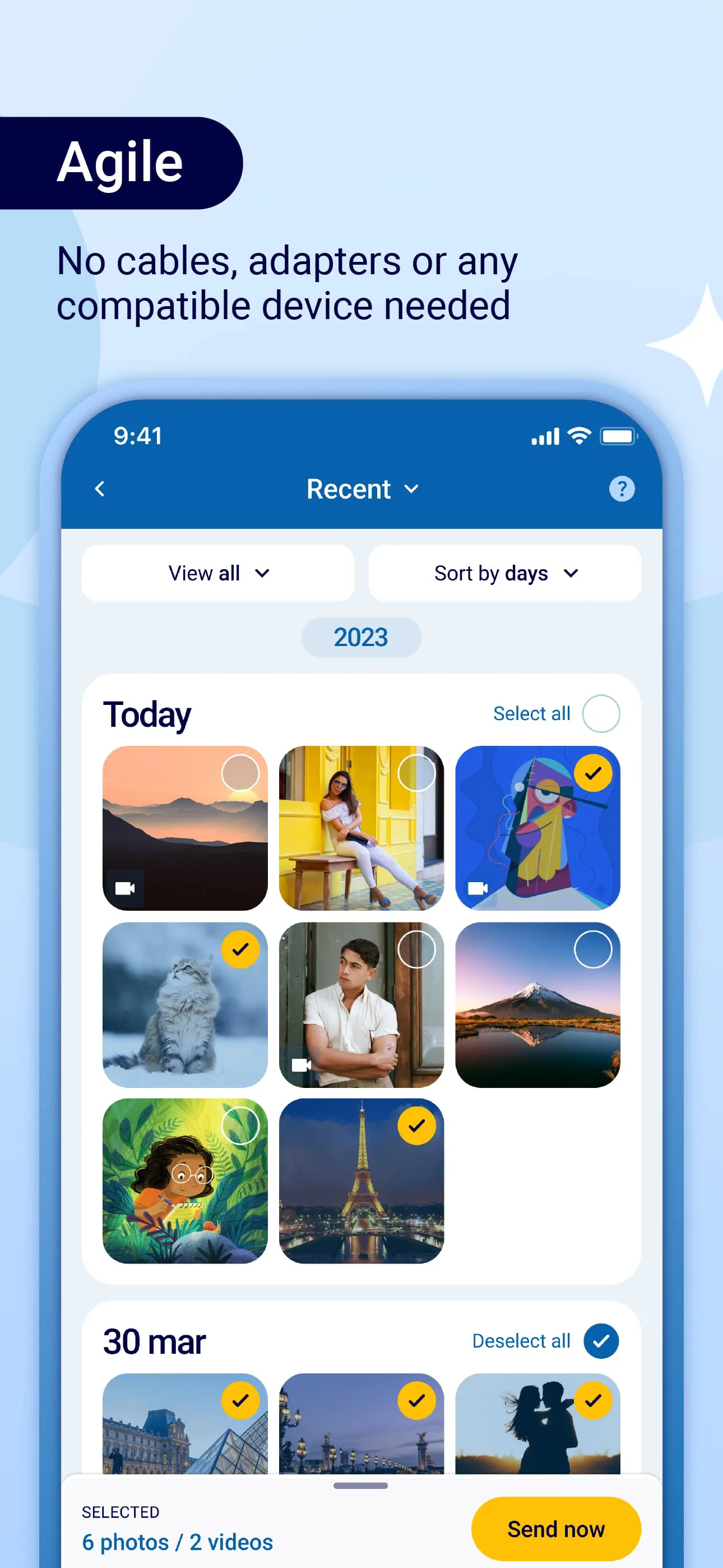
The Photo Transfer app is a highly efficient tool designed to facilitate the seamless sharing and transferring of photos, images, and videos across various devices using WiFi technology. With over 3.1 million downloads and a plethora of positive reviews on Google Play, this app has garnered a reputation as an essential utility for Android users. It allows for quick backups of files before initiating transfers, ensuring that users can safeguard their precious memories while moving files between Android and iOS devices, including iPads and computers. The app's user-friendly interface caters to both tech-savvy individuals and those who may be less experienced, making it accessible to a wide audience. The requirement for a stable WiFi connection and the installation of the app on both devices eliminates the need for cumbersome cables, streamlining the process of sharing media.
One of the standout features of the Photo Transfer app is its ability to handle multiple file types, allowing users to download photos from their iOS devices directly to their computers or upload media from their computers to their Android or iOS devices. This flexibility is particularly beneficial for users who frequently switch between different operating systems or need to manage their media files across various platforms. The app ensures that full-resolution photos and videos are transferred without any loss of quality, preserving the metadata associated with the files throughout the transfer process. This attention to detail is crucial for users who value the integrity of their media, especially photographers and content creators who rely on high-quality images and videos for their work.
In addition to its core functionalities, the Photo Transfer app offers a range of additional features that enhance the user experience. Users can easily drag and drop photos into designated folders on their Mac, creating new albums for better organization. The app is compatible with any web browser, allowing users to preview their photos before transferring them. Importantly, the app operates entirely within the user's local WiFi network, meaning that files are not stored on external servers, which significantly enhances privacy and security. Furthermore, users who purchase the app can enjoy the benefit of a single payment when both devices are linked to the same Google account, making it a cost-effective solution for families or individuals with multiple devices. Overall, the Photo Transfer app stands out as a reliable and versatile option for anyone looking to manage and share their media files effortlessly.
The Photo Transfer app is a versatile tool designed to facilitate the seamless transfer of photos and videos across various devices, including Android, iPhone, and iPad. This application allows users to send their media files effortlessly, whether they are moving images from an Android device to an iOS device or vice versa. The process is straightforward and user-friendly, akin to the functionality of Apple's AirDrop feature, which simplifies the sharing of files between Apple devices. Users can easily transfer their entire photo gallery or select specific images and videos to share with friends or family, making it an ideal solution for those who frequently switch between different operating systems. The app's ability to handle large file sizes ensures that high-quality images and videos can be sent without compromising their resolution, which is particularly beneficial for photographers and content creators who prioritize image quality.
In addition to transferring files between mobile devices, the Photo Transfer app also supports the transfer of photos and videos between mobile devices and computers. This feature is particularly useful for users who want to back up their media files or manage their photo libraries more effectively. The app utilizes a Wi-Fi transfer feature that allows users to share files between Windows or Mac computers and their mobile devices. Users can choose to upload photos from their computers to their devices, with the option to save them in a default folder or a custom album of their choice. This flexibility in file management enhances the user experience, allowing for a more organized approach to handling media files. Furthermore, the app can be accessed through a desktop application or a web browser, providing users with multiple options for transferring their files, depending on their preferences and available resources.
To utilize the Photo Transfer app effectively, users must meet certain requirements, such as having access to a stable Wi-Fi network. It is important to note that some public or private Wi-Fi networks may restrict communication between devices, which can hinder the transfer process. Therefore, ensuring a reliable connection is crucial for successful file sharing. The app is available in a free version, which allows users to transfer up to 10 photos in medium resolution. For those who require more extensive capabilities, upgrading to the PRO version enables the transfer of larger quantities of photos and videos in full resolution. This tiered approach to functionality caters to a wide range of users, from casual users who need basic transfer capabilities to professionals who require high-quality file sharing. For any issues or inquiries, users can visit the official website or contact customer support for assistance, ensuring that help is readily available when needed.





 APK
APK  Google Play
  iOS
iOS  3.70
3.70