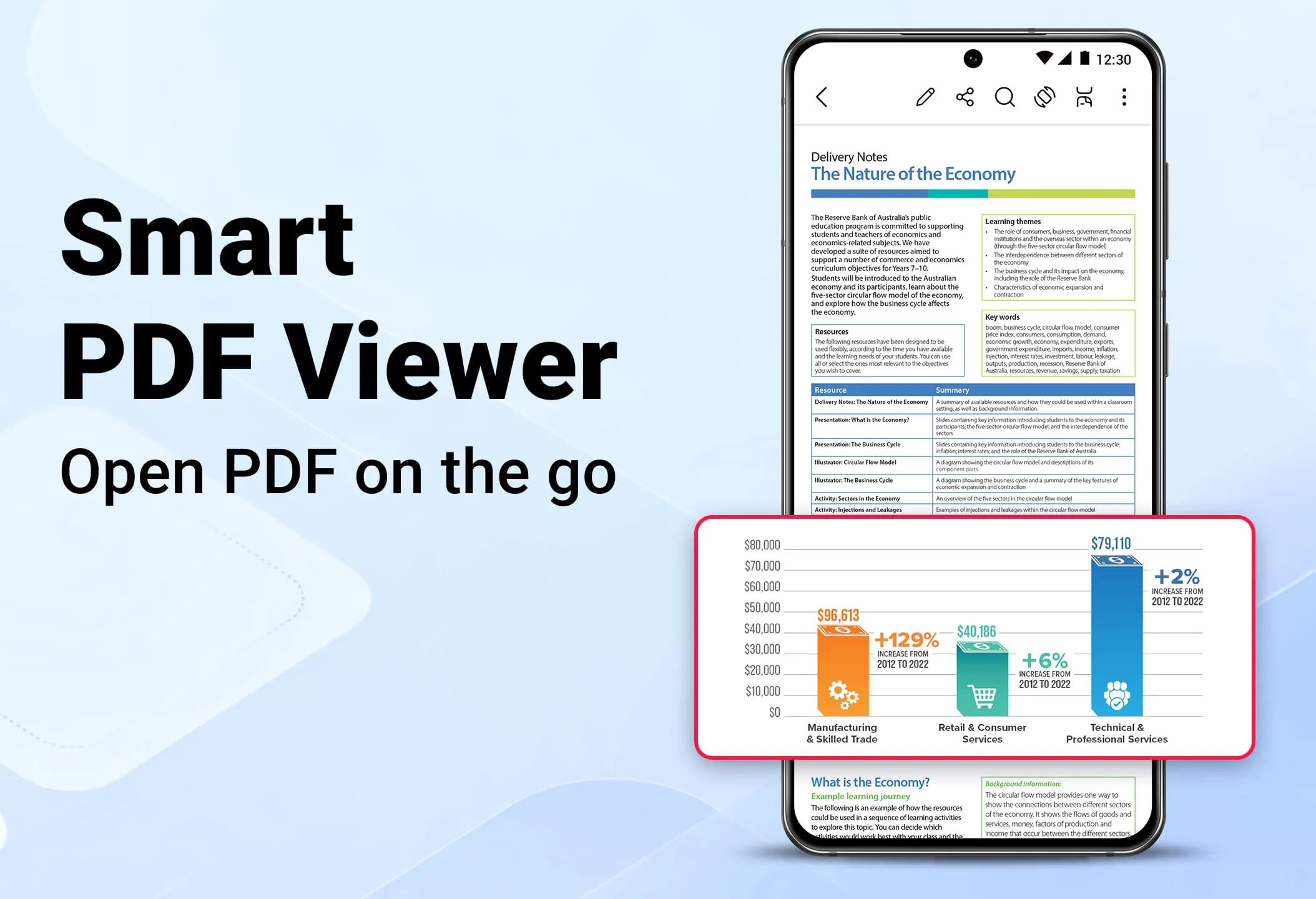
The PDF Reader application is designed to provide users with a seamless and efficient way to interact with PDF documents on their smartphones. It caters to a wide audience, including students, office workers, and general users, by offering a comprehensive suite of features aimed at maximizing productivity and enhancing the reading experience. At its core, the application functions as a robust PDF reader, capable of opening and displaying PDF files with remarkable speed. This is a crucial feature for users who need to access documents quickly, whether they are reviewing study materials, examining business reports, or simply reading e-books. The application supports a variety of viewing modes, including both vertical and horizontal orientations, allowing users to customize their reading experience based on their preferences and the nature of the document. Furthermore, it offers intuitive navigation tools, such as the ability to quickly move between pages and jump to specific page numbers by entering them directly. This is particularly useful for navigating large documents where scrolling can be cumbersome and time-consuming. The zoom functionality is another essential aspect of the PDF reader, enabling users to zoom in for detailed examination of text and graphics or zoom out for a broader overview of the page layout. This flexibility ensures that users can comfortably read documents of varying complexity and format. In addition to basic reading functions, the application includes a search feature that allows users to quickly locate specific phrases within a document. This is invaluable for finding relevant information within lengthy reports or research papers. The application also supports a dark mode reading option, which reduces eye strain in low-light environments. This feature is particularly beneficial for users who spend extended periods reading on their devices, as it helps to minimize fatigue and improve overall comfort. The combination of these features makes the PDF Reader application a versatile and user-friendly tool for accessing and reading PDF documents on the go. It prioritizes speed, flexibility, and ease of use, ensuring that users can efficiently manage their PDF-related tasks without being hindered by technical complexities. The application’s intuitive interface and comprehensive feature set make it an indispensable asset for anyone who regularly works with PDF documents. Moreover, the application's ability to handle a wide range of PDF files, regardless of their size or complexity, further enhances its utility and reliability. Whether users need to review simple text documents or complex graphical reports, the PDF Reader application provides a consistent and high-quality reading experience.
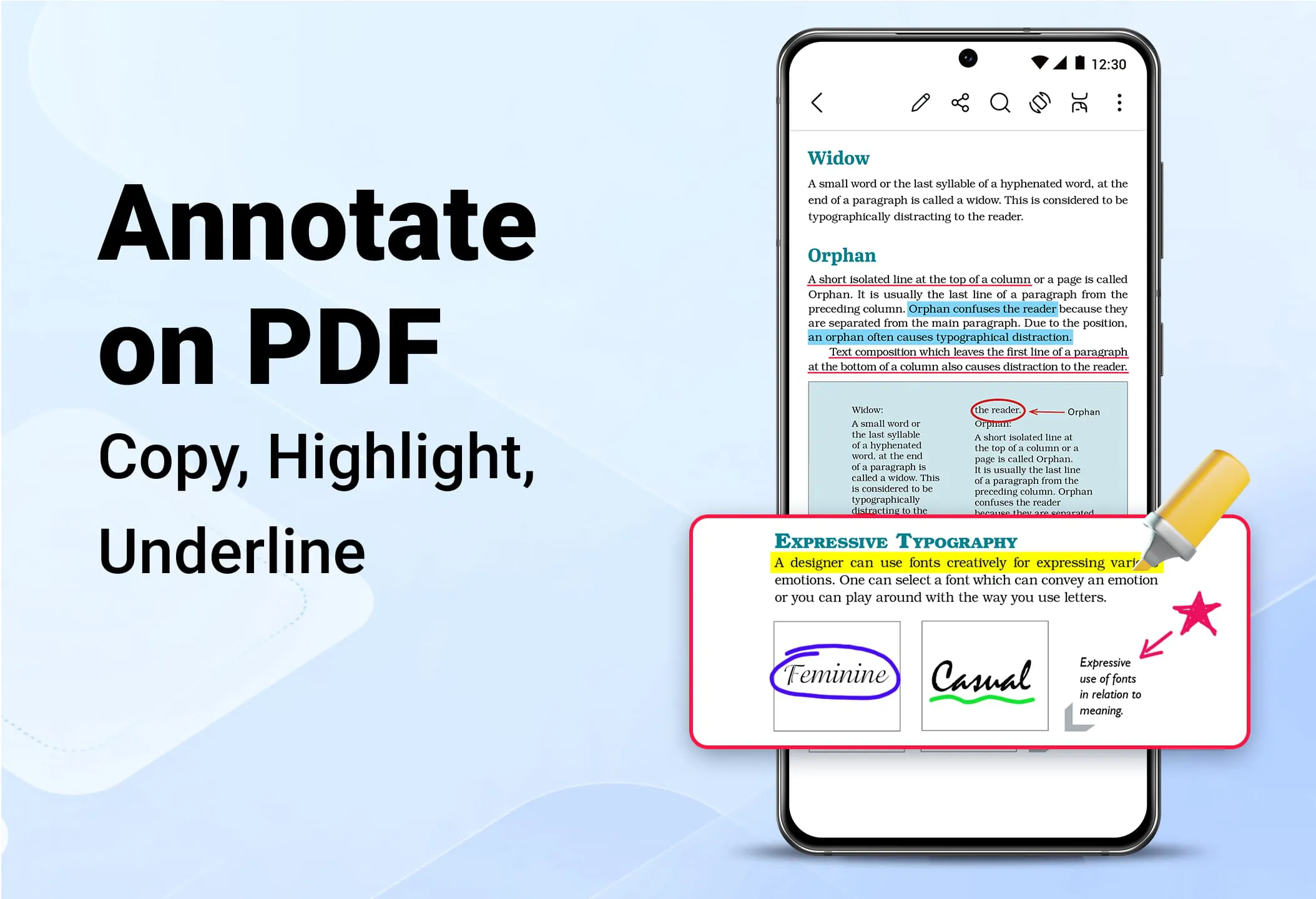
Beyond its core reading capabilities, the PDF Reader application incorporates a set of editing tools that allow users to annotate and modify PDF documents directly on their smartphones. These editing features are designed to be intuitive and easy to use, making it possible for users to make quick changes and add comments without needing to transfer files to a computer or use dedicated PDF editing software. One of the key editing functions is the ability to add comments to PDF files. This feature allows users to insert notes and annotations directly onto the document, making it easy to provide feedback, highlight important information, or add personal reminders. The application also includes tools for highlighting, underlining, and striking through text, enabling users to emphasize key passages and draw attention to specific areas of the document. These features are particularly useful for students who need to mark up study materials or for professionals who need to review and provide feedback on reports and proposals. In addition to text-based annotations, the PDF Reader application allows users to draw directly on PDF files. This feature is useful for adding visual annotations, such as arrows, circles, or freehand drawings, to highlight specific elements or provide additional context. The drawing tool can also be used for signing documents or filling out forms that require a handwritten signature. The application’s editing tools also include a search function that allows users to quickly locate specific phrases within the document, making it easier to find the sections they want to edit or annotate. Furthermore, the application allows users to select and copy text from PDF files, which can then be pasted into other applications or documents. This feature is particularly useful for extracting information from PDF files for use in reports, presentations, or other projects. The combination of these editing features makes the PDF Reader application a powerful tool for anyone who needs to modify or annotate PDF documents on the go. It provides a convenient and efficient way to make changes, add comments, and highlight important information without needing to rely on desktop software or complex editing tools. The application’s intuitive interface and comprehensive feature set make it an indispensable asset for anyone who regularly works with PDF documents.
In addition to its reading and editing capabilities, the PDF Reader application offers a range of file management features that allow users to organize and manage their PDF documents efficiently. These features are designed to make it easy to find, sort, and share PDF files, ensuring that users can quickly access the documents they need when they need them. One of the key file management features is the ability to organize and manage all PDF files in a single location. The application automatically scans the device for PDF files and displays them in a list, making it easy to browse and locate specific documents. The application also allows users to sort files by various criteria, such as name, file size, and date, making it easier to find the documents they are looking for. In addition to sorting, the application allows users to rename PDF files, which can be useful for organizing documents and making them easier to identify. The application also includes a delete function, which allows users to remove unwanted PDF files from their device, freeing up storage space. The PDF Reader application makes it easy to share PDF files with others. The application allows users to share files via email, messaging apps, or cloud storage services, making it easy to collaborate with colleagues, friends, or family members. The application also supports batch sharing, which allows users to share multiple files at once. The PDF Reader application also includes a search function that allows users to quickly locate specific files by name or content. This feature is particularly useful for finding documents within a large collection of PDF files. The combination of these file management features makes the PDF Reader application a comprehensive tool for organizing and managing PDF documents on a smartphone. It provides a convenient and efficient way to find, sort, and share PDF files, ensuring that users can quickly access the documents they need when they need them. The application’s intuitive interface and comprehensive feature set make it an indispensable asset for anyone who regularly works with PDF documents. By providing a unified platform for reading, editing, and managing PDF files, the application streamlines the workflow and enhances productivity for users in various settings.




 APK
APK  Google Play
  iOS
iOS  4.50
4.50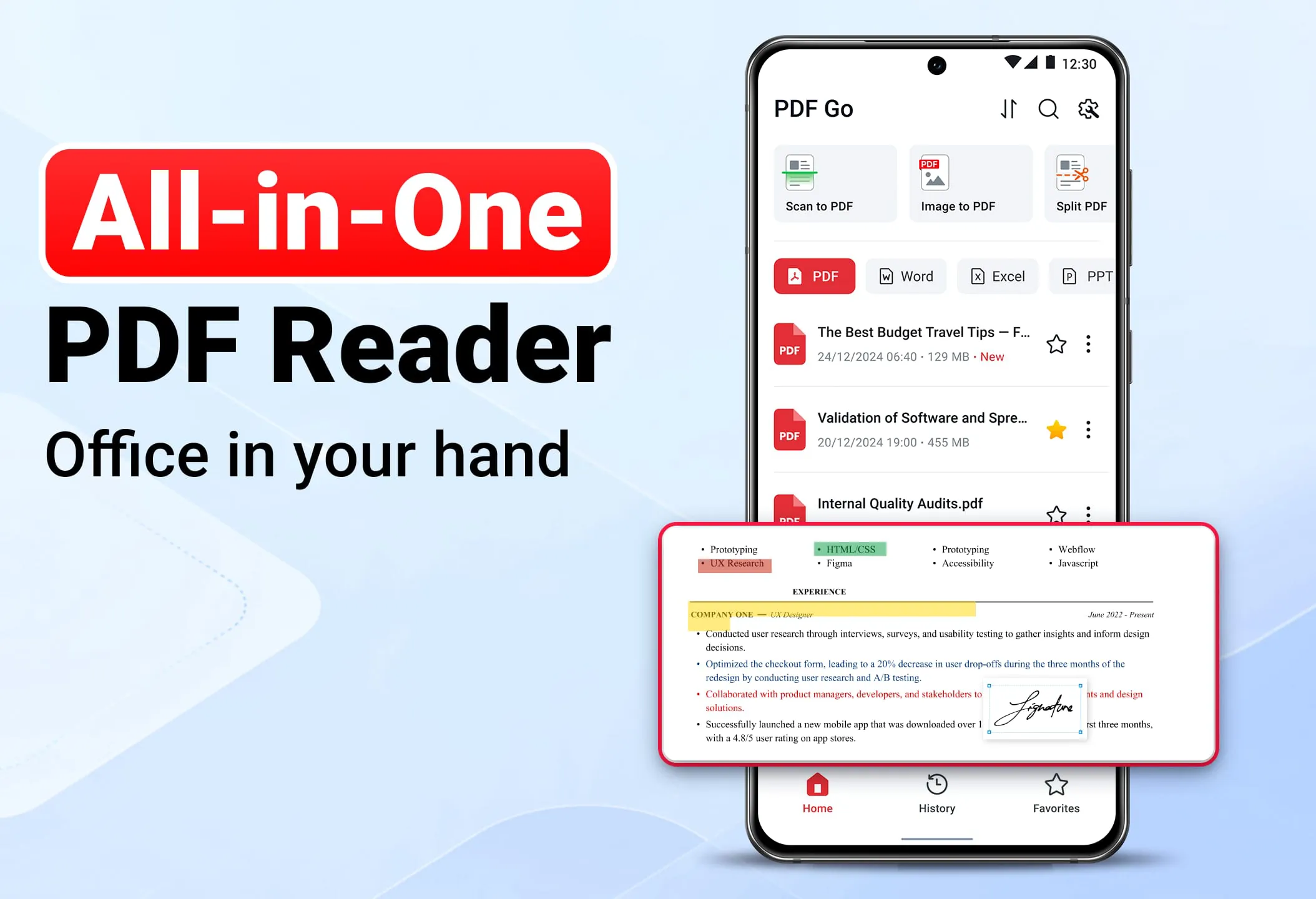
 Download








