



ADVERTISEMENT
ADVERTISEMENT
PDFReader PDFReader
Category
ProductivityVersion
V1.2.2
Tag
File management | PDF reader | PDF Viewer | Document Viewing | Mobile Productivity
Rate
4.90
★★★★★
Reviews
500 +
Installs
1M +
Developer
Gift School
Content Rating
Everyone
Fast PDF reader & pdf expert app to view pdf document, excel view & share
 APK
APK  Google Play
  iOS
iOS  4.90
4.90ADVERTISEMENT
ADVERTISEMENT
Author's Review
appspicked Review
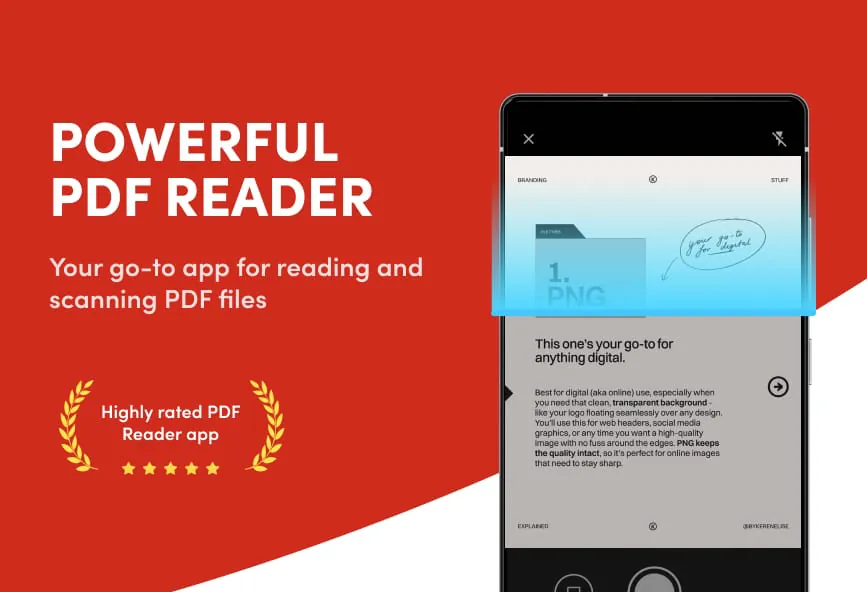
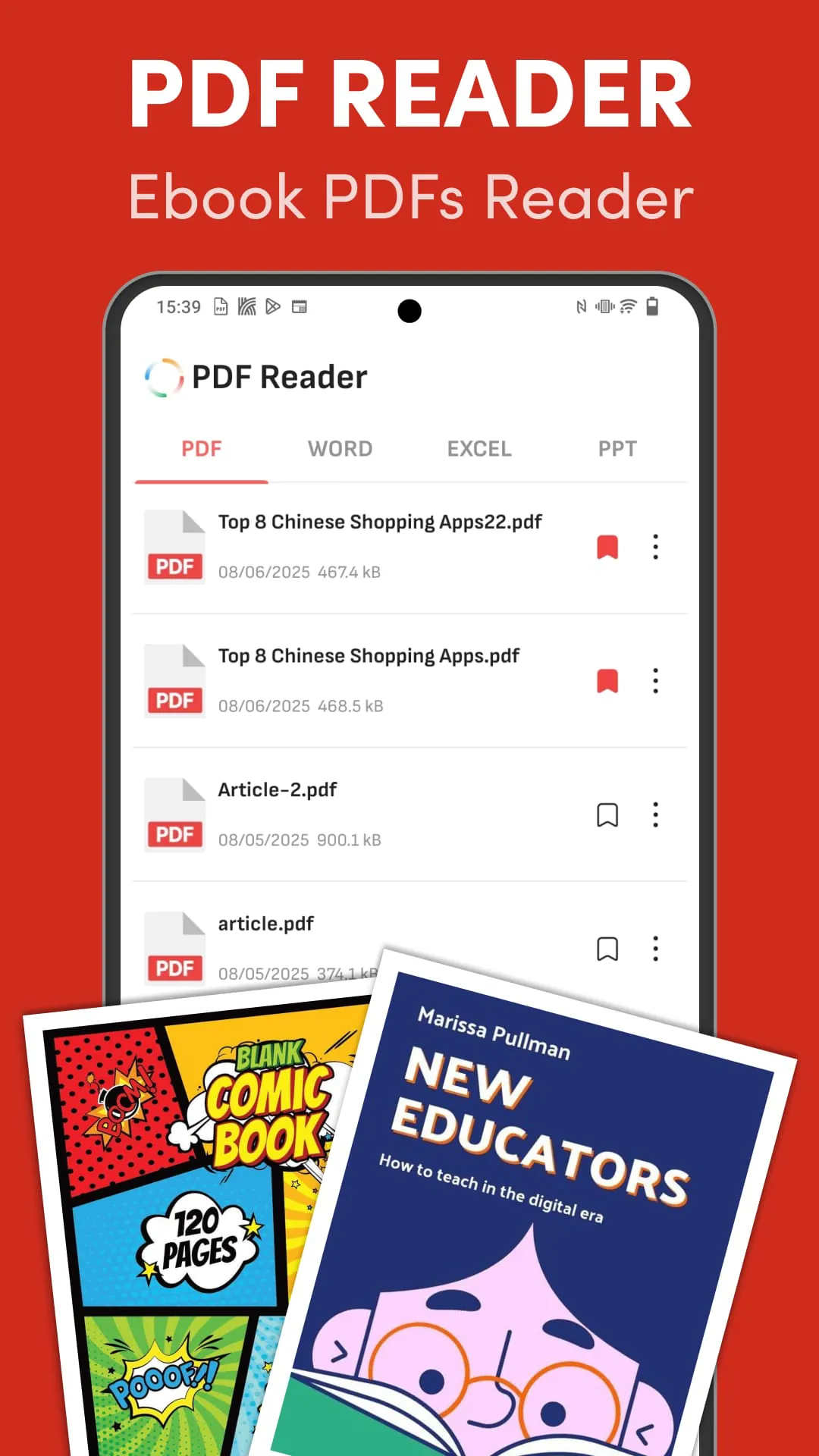
This application is presented as a free and easy-to-use PDF reader and viewer, designed to facilitate the seamless opening and reading of PDF documents. The primary emphasis is on providing a smooth and efficient user experience when interacting with PDF files, books, and comics. It aims to be a versatile tool for managing and viewing various types of PDF documents, catering to both casual users and professionals who require a reliable way to access their files on the go. The key features of the application revolve around its ability to handle PDF files of different sizes and complexities, ensuring that users can quickly open and read their documents without experiencing performance issues or compatibility problems. The interface is designed to be intuitive and user-friendly, making it accessible to users of all technical skill levels. Whether you are a student reading textbooks, a business professional reviewing reports, or a casual user browsing comics, this PDF viewer strives to provide a consistent and enjoyable reading experience. The application also incorporates several features that enhance the overall usability, such as smooth scrolling, zooming capabilities, and easy page turning. These features are designed to make it easier for users to navigate through their documents and focus on the content they are reading. The smooth scrolling allows users to move seamlessly through the pages of a document, while the zooming capabilities enable them to zoom in on specific areas for closer inspection. The easy page turning feature allows users to quickly flip through the pages of a document, making it easy to find the information they are looking for. The application is also designed to be lightweight and efficient, ensuring that it does not consume excessive system resources. This is particularly important for users who are using older devices or devices with limited storage space. The application is also designed to be compatible with a wide range of devices, including smartphones, tablets, and computers. This ensures that users can access their PDF documents on any device they choose, regardless of the operating system or hardware specifications. The application also supports various PDF standards and features, ensuring that users can open and view a wide variety of PDF documents without encountering compatibility issues. This includes support for encrypted PDFs, password-protected PDFs, and PDFs with embedded multimedia content. The application is also designed to be secure, protecting users' documents from unauthorized access. This is achieved through various security measures, such as encryption and password protection. The application also adheres to strict privacy policies, ensuring that users' data is protected. The developers are committed to providing a safe and secure user experience, and they are constantly working to improve the application's security and privacy features. The application also offers a range of customization options, allowing users to tailor the reading experience to their individual preferences. This includes options to change the font size, background color, and page layout. Users can also choose to view documents in full-screen mode or in a windowed mode. The application also supports various annotation tools, allowing users to add notes, highlights, and comments to their documents. These annotation tools can be used to collaborate with others on documents or to simply mark important information for future reference. The application is designed to be a comprehensive PDF viewer that meets the needs of a wide range of users. Whether you are a student, a business professional, or a casual user, this application provides a convenient and efficient way to access and view your PDF documents. The application is constantly being updated with new features and improvements, ensuring that users always have access to the latest and greatest technology. The developers are committed to providing a high-quality user experience, and they are constantly listening to user feedback to improve the application. The application is also available in multiple languages, making it accessible to users around the world. The developers are committed to providing a global user experience, and they are constantly working to expand the application's language support.
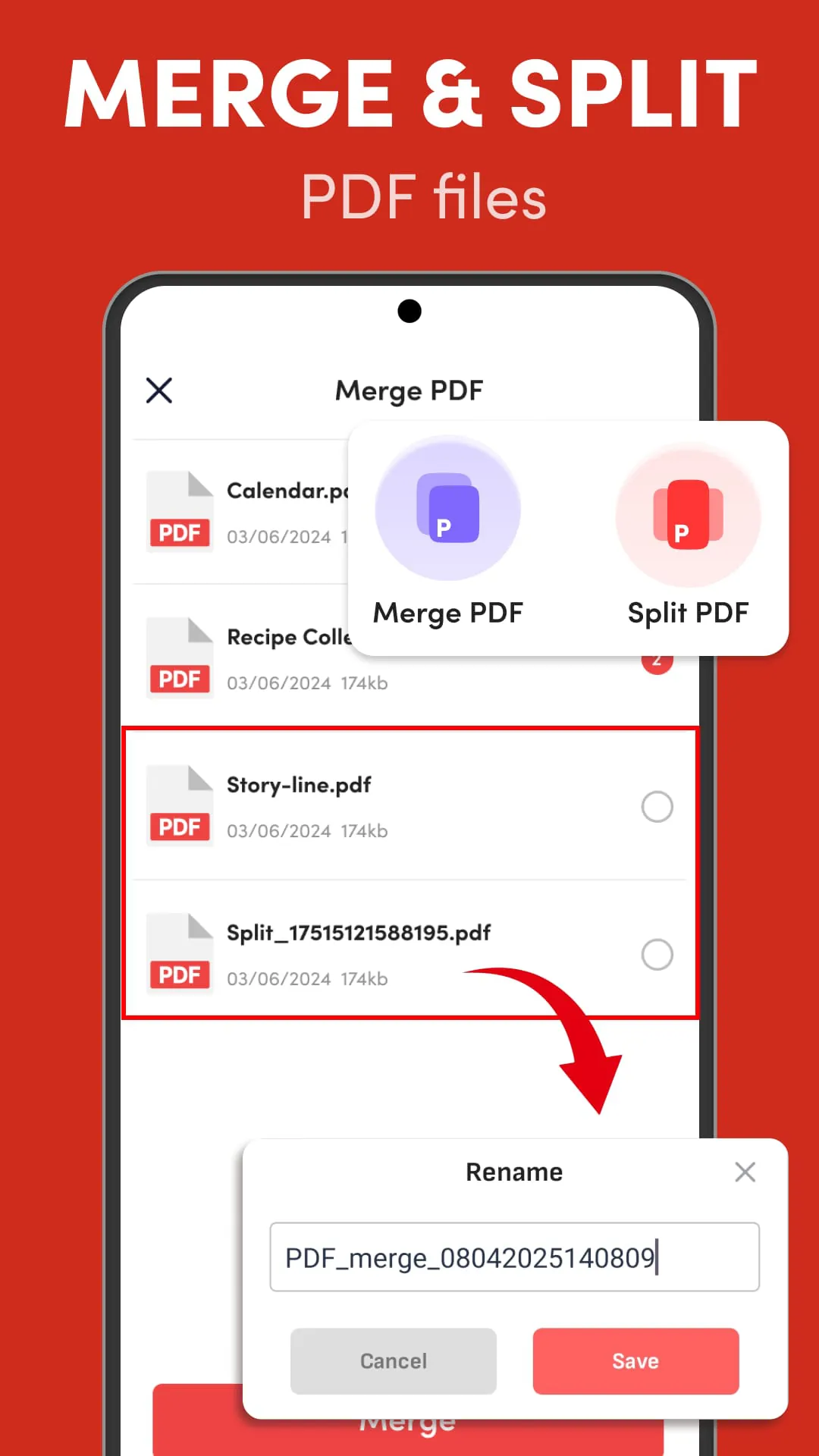
The application further simplifies file management through features that enable easy sharing and saving of PDF files. This functionality enhances the user's ability to manage their documents effectively, whether it's for personal use or professional collaboration. The sharing feature allows users to quickly send PDF files to others via email, messaging apps, or other sharing platforms. This is particularly useful for sharing documents with colleagues, classmates, or friends. The saving feature allows users to save PDF files to their device's storage or to a cloud storage service. This ensures that users can access their documents even when they are offline or when they are using a different device. The application also provides a convenient way to organize and manage PDF files. Users can create folders, rename files, and delete files directly from within the application. This eliminates the need to use a separate file manager, making it easier to keep track of your documents. The application also integrates with other popular file management tools, such as Google Drive and Dropbox. This allows users to easily access and manage their PDF files from within these services. The application also supports batch processing, allowing users to perform actions on multiple files at once. This can save a significant amount of time when managing a large number of PDF files. The application is designed to be a comprehensive file management solution for PDF documents. Whether you are a student, a business professional, or a casual user, this application provides a convenient and efficient way to manage your PDF files. The application is constantly being updated with new features and improvements, ensuring that users always have access to the latest and greatest technology. The developers are committed to providing a high-quality user experience, and they are constantly listening to user feedback to improve the application. The application also allows users to convert other file formats to PDF. This is particularly useful for converting documents from Microsoft Word, Excel, or PowerPoint to PDF format. The application also supports OCR (Optical Character Recognition) technology, which allows users to convert scanned documents and images to editable PDF files. This is particularly useful for converting paper documents to digital format. The application also provides a range of security features to protect users' PDF files. Users can add passwords to their PDF files, encrypt their PDF files, and restrict printing and editing of their PDF files. The application also allows users to add digital signatures to their PDF files, which can be used to verify the authenticity of the documents. The application is designed to be a comprehensive PDF solution that meets the needs of a wide range of users. Whether you are a student, a business professional, or a casual user, this application provides a convenient and efficient way to create, view, edit, and manage your PDF files. The application is constantly being updated with new features and improvements, ensuring that users always have access to the latest and greatest technology. The developers are committed to providing a high-quality user experience, and they are constantly listening to user feedback to improve the application. The application also supports a wide range of languages, making it accessible to users around the world. The developers are committed to providing a global user experience, and they are constantly working to expand the application's language support. The application also provides a range of customization options, allowing users to tailor the application to their individual preferences. Users can customize the appearance of the application, the behavior of the application, and the features that are available in the application. The application is designed to be a flexible and customizable PDF solution that can be adapted to meet the needs of any user. The application is also available on a variety of platforms, including Windows, macOS, iOS, and Android. This allows users to access their PDF files on any device they choose. The application is designed to be a cross-platform PDF solution that provides a consistent user experience across all devices.
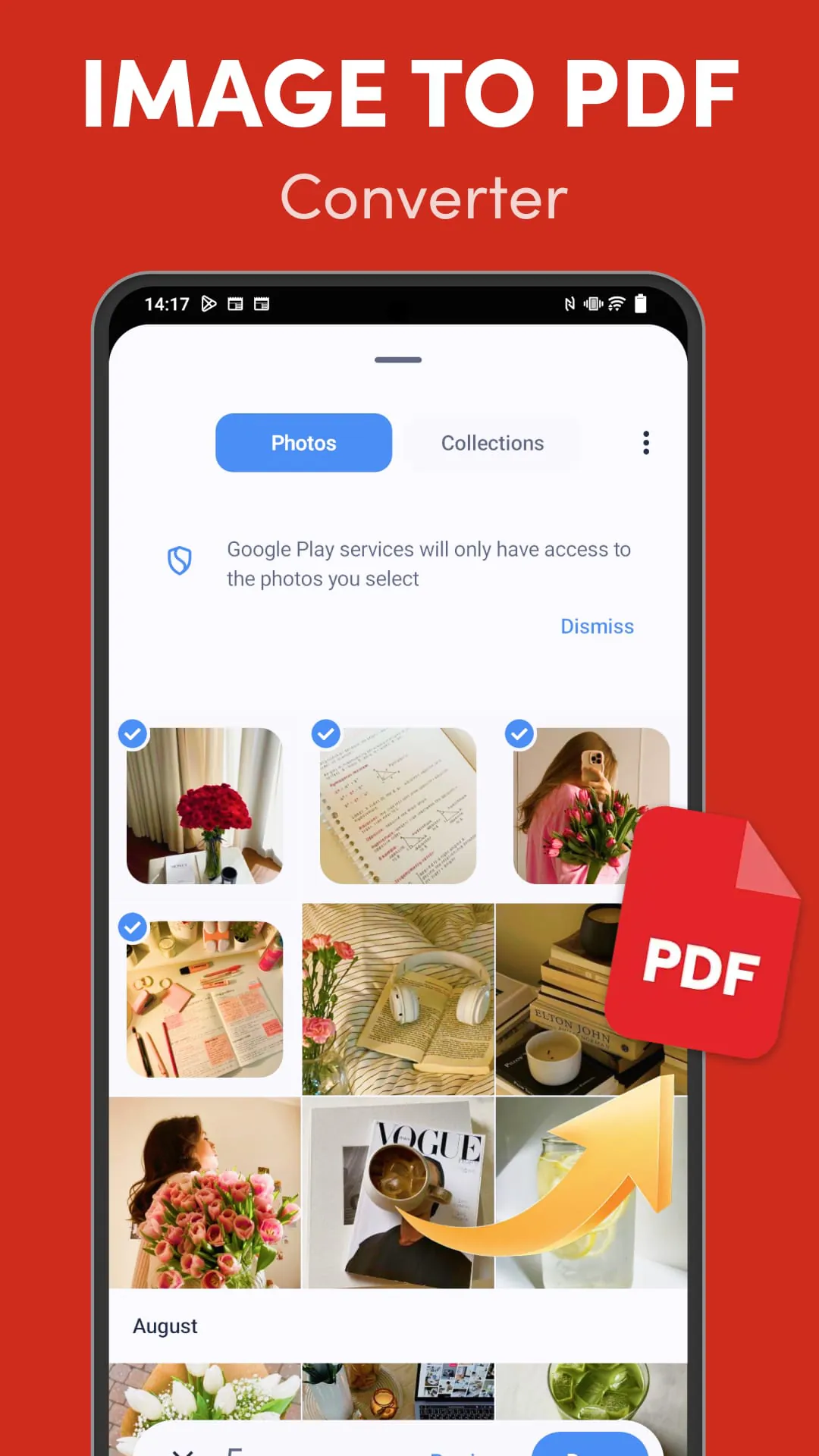
Beyond basic PDF viewing, the application extends its functionality to accommodate various document types, including PDF resumes, PPT presentations, and Excel spreadsheets. This broad compatibility makes it a versatile tool for managing a wide range of documents in one place. Users can seamlessly switch between different types of documents without having to use multiple applications. This simplifies the document management process and improves productivity. The application also supports various document formats, including DOC, DOCX, TXT, RTF, HTML, and XML. This allows users to open and view a wide variety of documents without having to convert them to PDF format. The application also provides a convenient way to convert documents from other formats to PDF format. Users can convert documents from Microsoft Word, Excel, PowerPoint, and other applications to PDF format with just a few clicks. The application also supports OCR (Optical Character Recognition) technology, which allows users to convert scanned documents and images to editable text. This is particularly useful for converting paper documents to digital format. The application is designed to be a comprehensive document management solution that meets the needs of a wide range of users. Whether you are a student, a business professional, or a casual user, this application provides a convenient and efficient way to manage your documents. The application is constantly being updated with new features and improvements, ensuring that users always have access to the latest and greatest technology. The developers are committed to providing a high-quality user experience, and they are constantly listening to user feedback to improve the application. The application also provides a range of annotation tools, allowing users to add notes, highlights, and comments to their documents. These annotation tools can be used to collaborate with others on documents or to simply mark important information for future reference. The application also allows users to sign documents electronically. This is particularly useful for signing contracts, agreements, and other legal documents. The application also provides a range of security features to protect users' documents. Users can add passwords to their documents, encrypt their documents, and restrict printing and editing of their documents. The application also allows users to add digital signatures to their documents, which can be used to verify the authenticity of the documents. The application is designed to be a secure and reliable document management solution that protects users' documents from unauthorized access. The application also provides a range of cloud storage options, allowing users to store their documents securely in the cloud. Users can store their documents on Google Drive, Dropbox, OneDrive, or other cloud storage services. The application also provides a range of collaboration features, allowing users to collaborate with others on documents in real time. Users can share documents with others, add comments to documents, and track changes to documents. The application is designed to be a collaborative document management solution that makes it easy for users to work together on documents. The application also provides a range of mobile features, allowing users to access their documents on the go. Users can access their documents from their smartphones, tablets, or other mobile devices. The application is designed to be a mobile document management solution that provides users with access to their documents anytime, anywhere.
Screenshots
Additional Information
Category
ProductivityVersion
V1.2.2
Tag
File management | PDF reader | PDF Viewer | Document Viewing | Mobile Productivity
Rate
4.90
★★★★★
Reviews
500 +
Installs
1M +
Developer
Gift School
Content Rating
Everyone
Fast PDF reader & pdf expert app to view pdf document, excel view & share
ADVERTISEMENT
ADVERTISEMENT
Previous Versions
ZIP files require a Split APKs Installer (e.g., SAI) from Google Play to install. Steps: 1. Download SAI from Google Play; 2. Open SAI and tap "Install APKs"; 3. Select the ZIP file; 4. Complete installation.
V1.2.2

Package Name
com.smarttools.pdfreader.editor.viewer
Version Name
V1.2.2
Version Code
V1.2.2
File Size
37.78 MB
Update time
2025-12-24
ADVERTISEMENT
You Might Like









