PDFPro emerges as a versatile and comprehensive solution designed to revolutionize how users interact with documents on their Android devices. This all-in-one PDF editor and scanner aims to provide a seamless and efficient experience for viewing, scanning, editing, annotating, and managing PDF files. Tailored for a diverse audience, including students, teachers, business professionals, and freelancers, PDFPro offers an intuitive interface coupled with a suite of powerful tools to enhance productivity and grant users complete control over their documents. The application seeks to eliminate the need for multiple tools or desktop software by consolidating essential PDF functionalities into a single, user-friendly mobile application. By offering features such as quick PDF viewing, direct text and image editing, annotation capabilities, digital signature implementation, watermarking, and easy page editing, PDFPro positions itself as a comprehensive smart document assistant. The core value proposition of PDFPro lies in its ability to simplify and streamline PDF-related tasks, making document management more accessible and efficient for users on the go. Whether it's filling out forms, editing lecture notes, reviewing contracts, or digitizing receipts, PDFPro aims to provide a reliable and convenient solution for various document-related needs. Furthermore, the app emphasizes offline accessibility, ensuring that users can work on their documents anytime and anywhere without relying on an internet connection. This feature is particularly beneficial for professionals and students who need to access and modify their files in various environments, such as during commutes, in meetings, or while traveling. The developers of PDFPro have focused on creating a fast, simple, and easy-to-use application that eliminates the complexities often associated with PDF editing and management. By integrating advanced features such as automatic cropping and image correction for scanned documents, PDFPro ensures high-quality results with minimal effort. The app's user-friendly interface and intuitive design further contribute to its accessibility, making it suitable for both novice and experienced users. The ultimate goal of PDFPro is to empower users to save time, increase productivity, and achieve a paperless workflow by providing a comprehensive set of tools for managing their documents effectively on their Android devices. The promise of a seamless and efficient PDF experience positions PDFPro as a valuable asset for anyone seeking to simplify their document management processes and enhance their overall productivity.
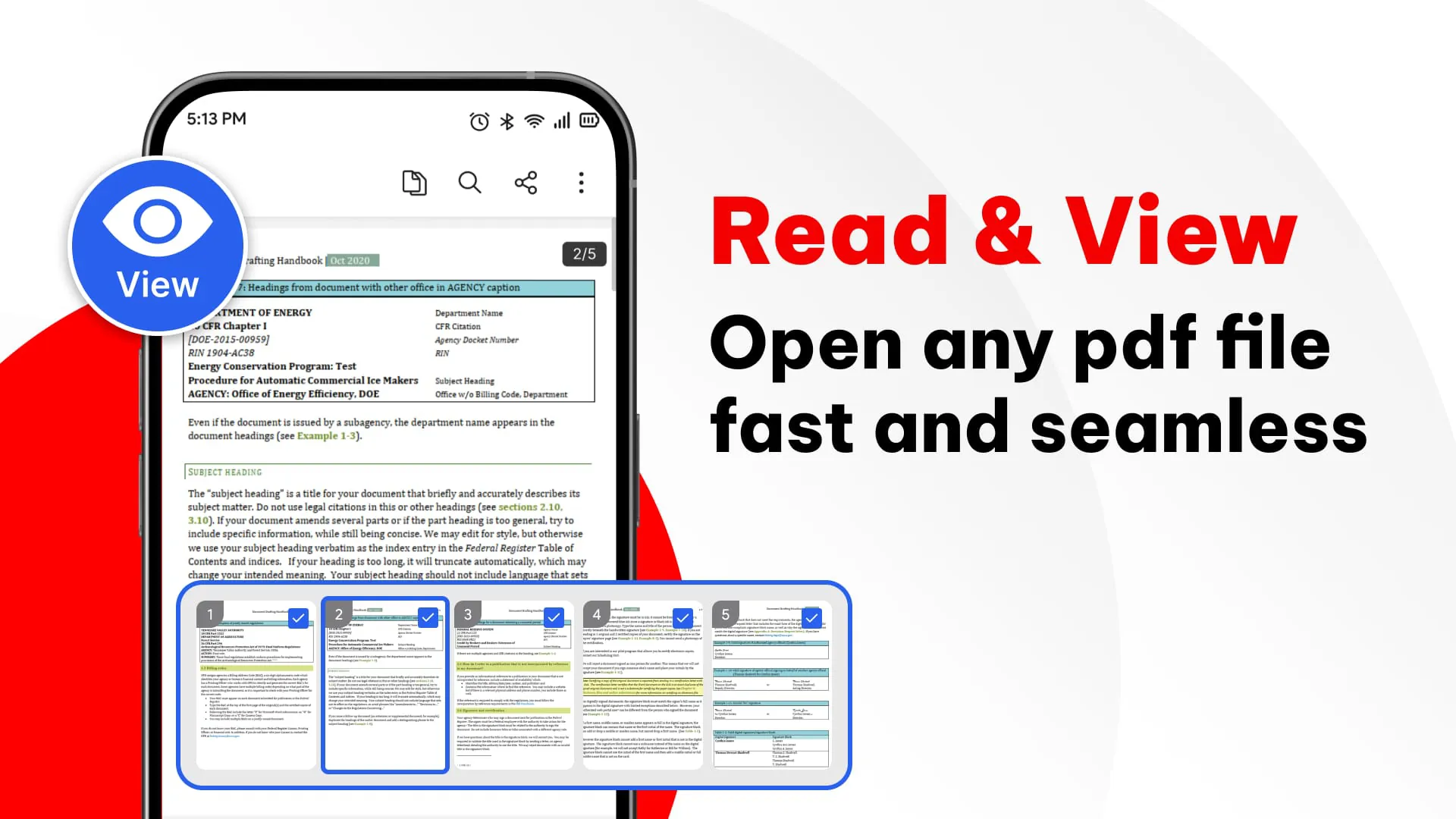
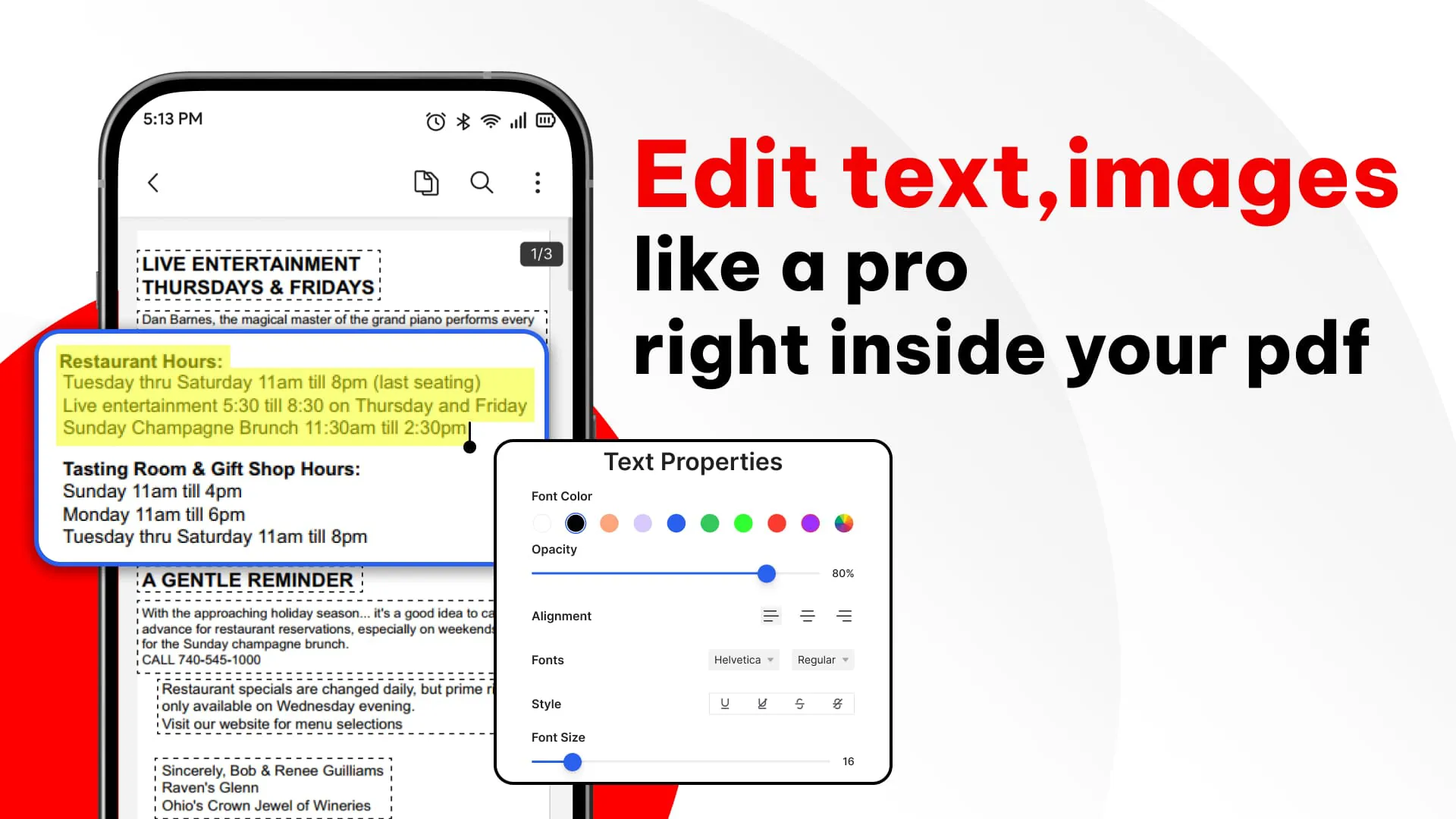
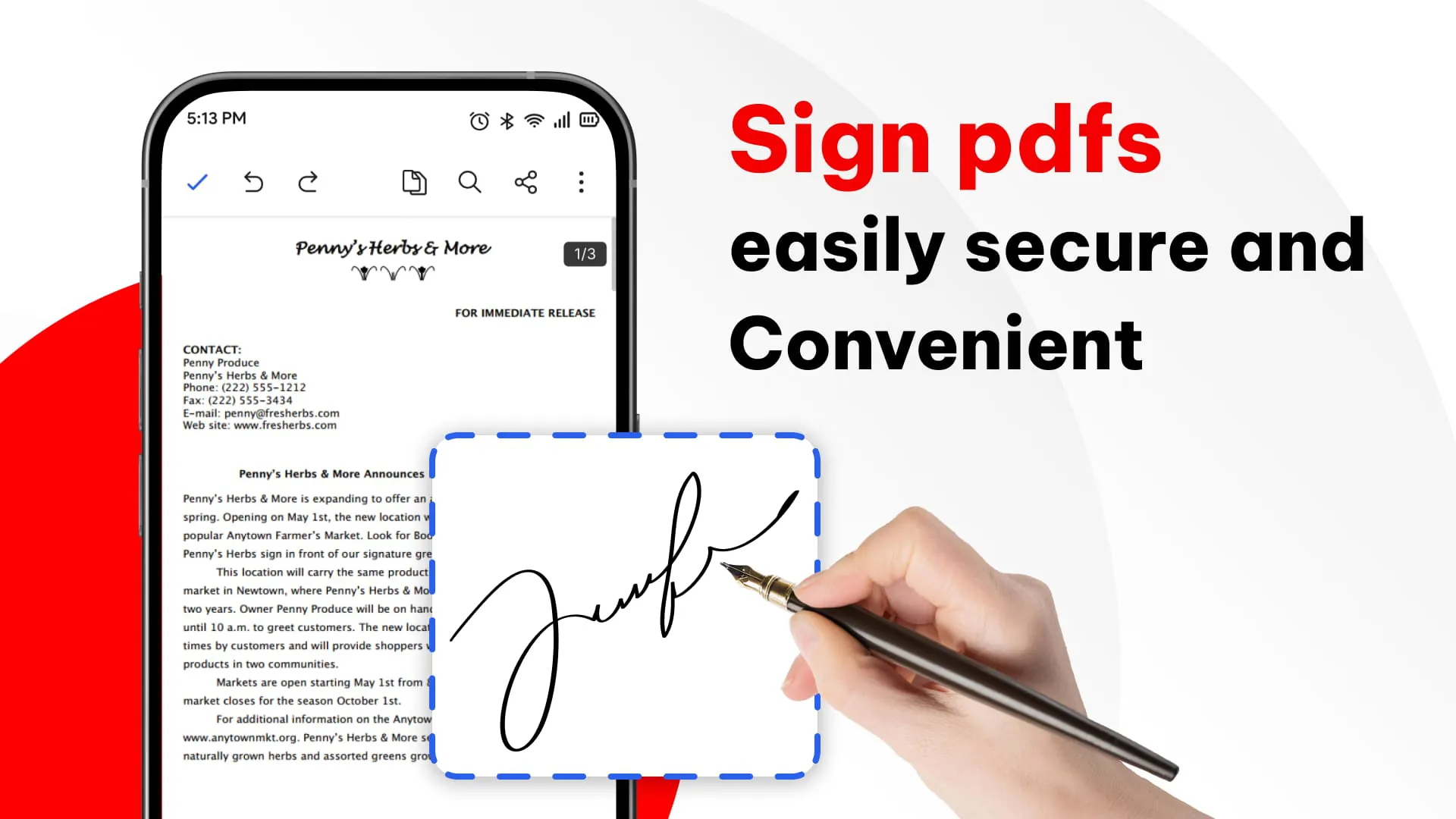
The standout features of PDFPro are designed to address the diverse needs of its user base, providing a comprehensive toolkit for managing PDF documents directly from an Android device. One of the core functionalities is the ability to view PDF files quickly and easily, with smooth scrolling, zooming, and a dark mode option for comfortable reading in various lighting conditions. This ensures that users can access and review their documents without any hassle, regardless of the file size or complexity. Beyond mere viewing, PDFPro allows users to directly edit text and images within PDF files. This feature enables users to modify existing text, add new content, move images, and replace elements seamlessly, providing a level of control comparable to desktop PDF editors. This functionality is particularly useful for updating documents on the fly, correcting errors, or customizing content to meet specific requirements. The annotation tools within PDFPro enhance collaboration and review processes by allowing users to highlight text, underline important points, draw shapes, and insert comments. These features are invaluable for providing feedback on documents, marking key information, and facilitating collaborative editing among team members. The ability to add digital signatures to documents with just a few taps further streamlines workflows and eliminates the need for printing and scanning. This feature is particularly beneficial for signing contracts, agreements, and other important documents on the go, ensuring a completely paperless process. PDFPro also offers watermarking capabilities, allowing users to protect their documents with custom text or image-based watermarks. This feature enhances brand image and security by preventing unauthorized use or distribution of sensitive information. The page editing tools within PDFPro provide users with complete control over the structure of their PDF files. Users can easily reorder pages, rotate them, add new pages, and delete unwanted ones. Additionally, the app allows users to merge multiple PDF files into a single document or split a large PDF into smaller, more manageable files. This functionality is particularly useful for organizing documents, creating compilations, and extracting specific sections from large files. The ability to scan documents and convert them to PDF using the smartphone's camera is another key feature of PDFPro. The app utilizes automatic cropping and image correction to ensure high-quality scans of documents, receipts, IDs, and other physical papers. This feature transforms the smartphone into a portable scanner, enabling users to digitize their documents quickly and efficiently.
The advantages of using PDFPro stem from its comprehensive integration of essential PDF tools into a single mobile application, eliminating the need for desktop software and providing users with unparalleled convenience and flexibility. The app's simplicity, speed, and ease of use are key factors that contribute to its appeal. The intuitive interface and streamlined workflows make it easy for users of all skill levels to perform various PDF-related tasks without any prior experience. The offline accessibility of PDFPro is a significant advantage, allowing users to work on their documents anytime, anywhere, without relying on an internet connection. This feature is particularly beneficial for professionals and students who need to access and modify their files in various environments, such as during commutes, in meetings, or while traveling. By consolidating all essential PDF tools into a single application, PDFPro saves users time and increases their productivity. The app eliminates the need to switch between multiple applications or devices, streamlining workflows and reducing the potential for errors. Whether it's filling out forms, editing lecture notes, reviewing contracts, or digitizing receipts, PDFPro provides a fast, reliable, and efficient solution for various document-related needs. The developers of PDFPro have focused on creating a user-centric application that addresses the pain points associated with traditional PDF editing and management. By integrating advanced features such as automatic cropping and image correction for scanned documents, PDFPro ensures high-quality results with minimal effort. The app's intuitive design and streamlined workflows further contribute to its accessibility, making it suitable for both novice and experienced users. The ultimate goal of PDFPro is to empower users to save time, increase productivity, and achieve a paperless workflow by providing a comprehensive set of tools for managing their documents effectively on their Android devices. The promise of a seamless and efficient PDF experience positions PDFPro as a valuable asset for anyone seeking to simplify their document management processes and enhance their overall productivity. By offering a comprehensive suite of features, an intuitive interface, and offline accessibility, PDFPro aims to transform the way users interact with their documents and unlock new levels of efficiency and convenience.




 APK
APK  Google Play
  iOS
iOS  3.60
3.60
 Download








