



PDF Reader PDF Reader
Category
ToolsTag
File management | Android app | PDF reader | E-book Viewer | Document Viewing
Rate
4.10
★★★★★
Reviews
500 +
Installs
10M +
Developer
Tankyo Team
Content Rating
Everyone
PDF Reader: PDF Viewer app to read PDF ebook & manage PDF files simple & faster
 APK
APK  Google Play
  iOS
iOS  4.10
4.10 Author's Review
Appspicked Review
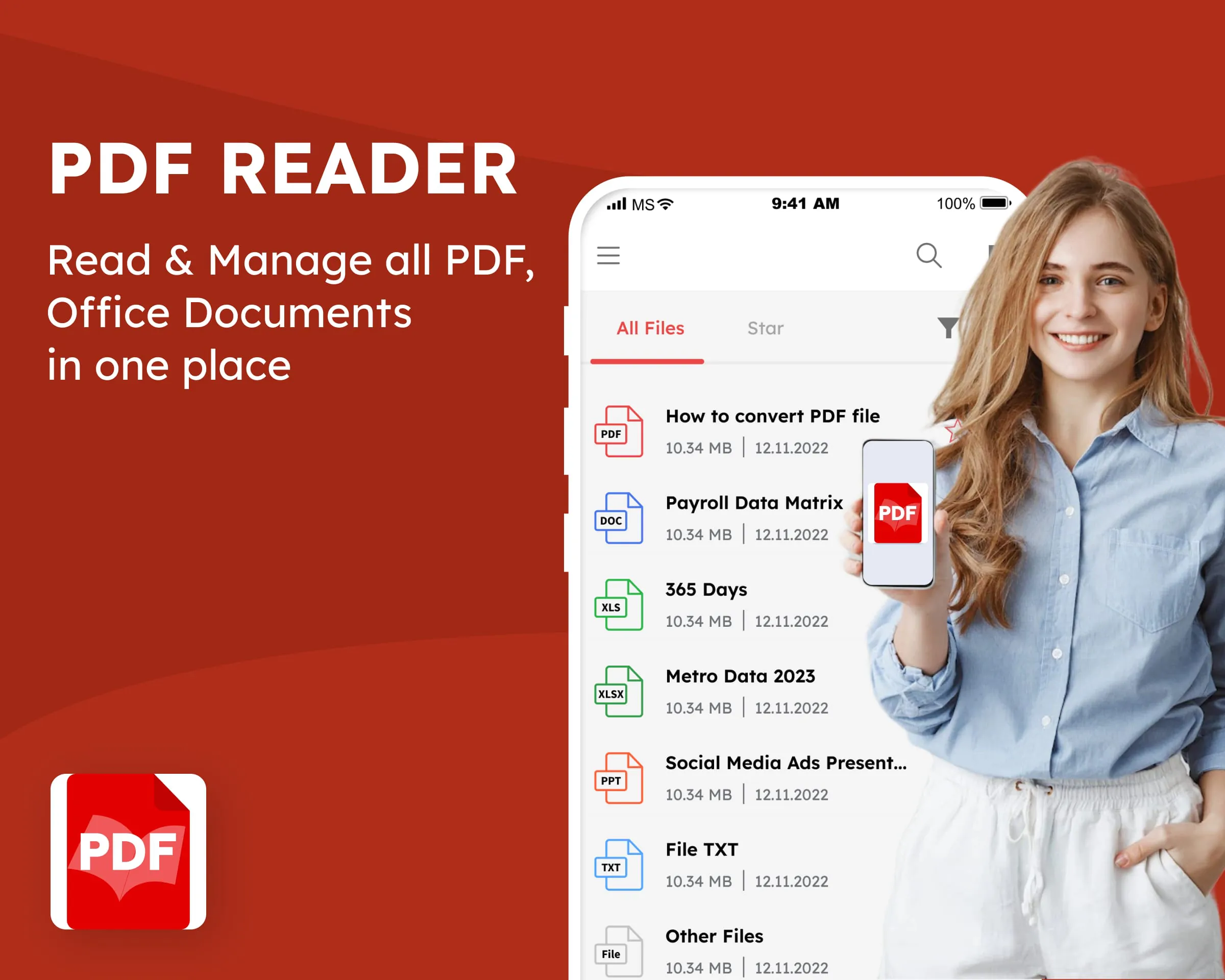
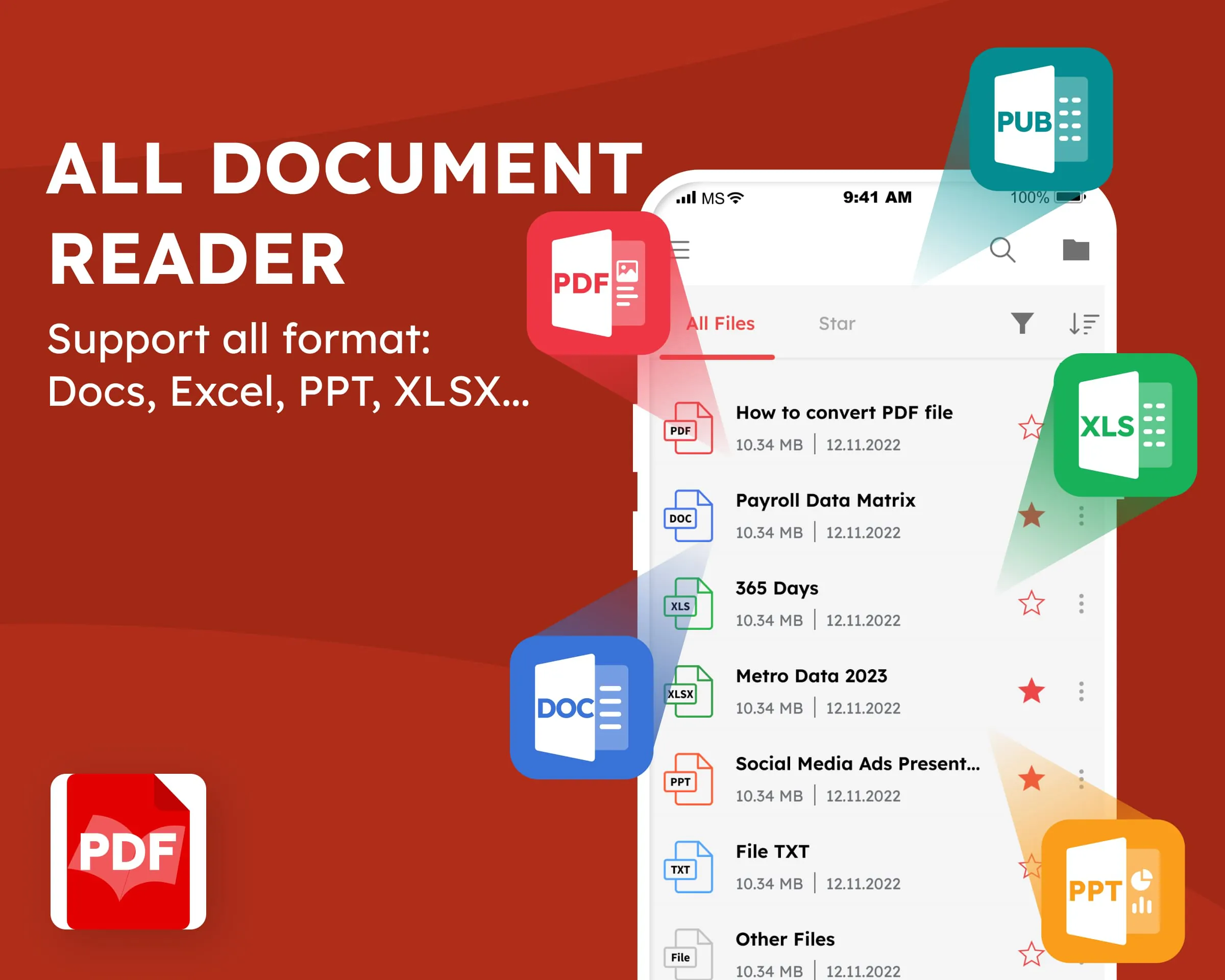
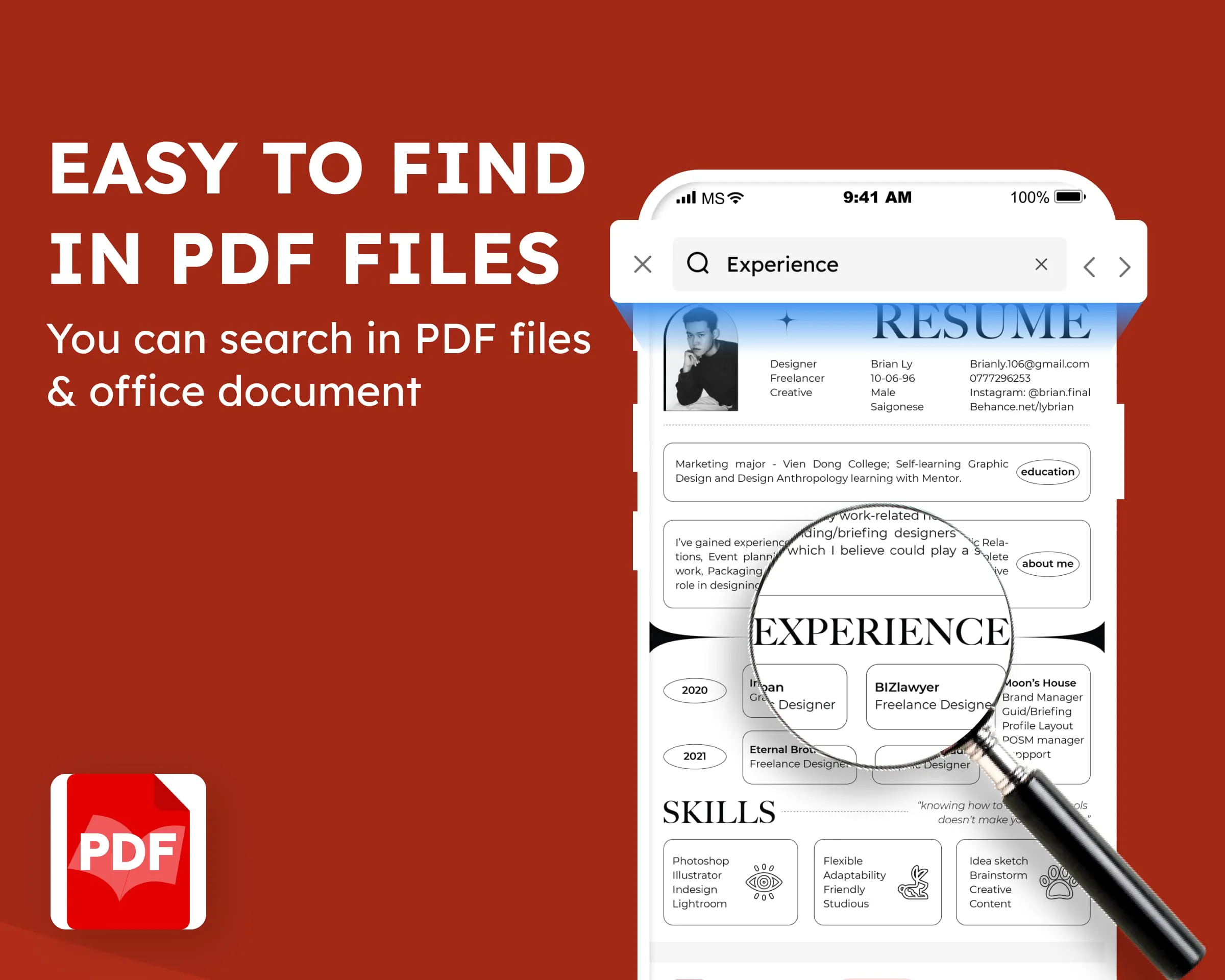
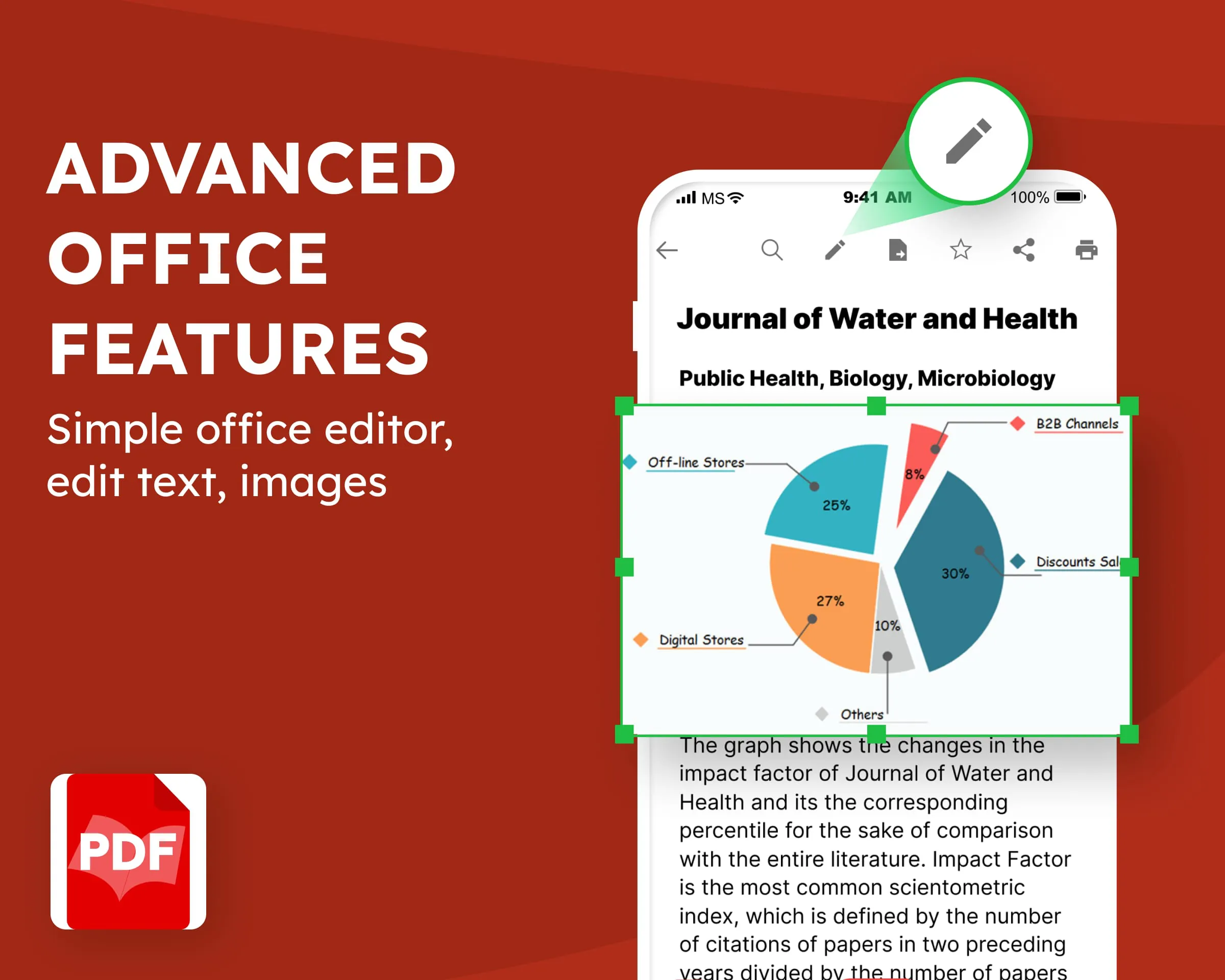
PDF Reader: ebook PDF Viewer is presented as a free Android application designed to facilitate the reading and management of various file formats on mobile devices. The application's core value proposition revolves around providing users with a versatile tool that eliminates the need to rely on computers for accessing and managing documents. It caters to the needs of professionals working remotely, traveling, or working from home by enabling them to open and view a wide array of file types, including Word documents (doc, docx), Excel spreadsheets (xls, xlsx), and PDF files, directly from their smartphones or tablets. This eliminates the inconvenience of having to power up a computer simply to check the contents of a received file. Beyond basic viewing, the application also aims to provide functionalities that extend into light editing capabilities, positioning itself as a potential substitute for dedicated Excel, Word, or PowerPoint editors. The PDF Reader is designed to be a user-friendly and efficient tool for managing and interacting with digital documents on the go. The application emphasizes its utility for individuals who handle numerous PDF files or digital books, offering a means to organize them effectively, similar to having an online library. The focus is on providing a distraction-free reading experience, particularly since the app can operate offline, enabling users to concentrate on their reading without being interrupted by social media notifications or advertisements. The application also highlights its support for the .pub format, catering to users who enjoy reading books in this particular format. The app addresses situations where users need to print documents or share files (PDF, DOCX, XLSX) without having access to a computer, providing a convenient solution for handling these tasks directly from their mobile devices. It also caters to users who have favorite e-book files and seek a hassle-free way to read them, allowing for the easy storage and reading of comics without distractions. The design of the application has been carefully considered to ensure an optimal user experience, with specific attention given to readability, especially for users with visual impairments. The application's developers claim to have prioritized easily legible font sizes that minimize eye strain, enabling users to quickly locate desired information. The app supports the browsing and reading of documents located on the Android phone's memory card and internal storage. It also offers intelligent file management features, including search and sorting capabilities. It functions as a PDF reader, PDF viewer, e-book reader, and a general file viewer, supporting the reading of PDF files, Word documents, and e-books. It also supports the reading and editing of Office files, including Word and Excel documents. The application allows users to search for specific text within documents, tag documents for easy organization, and share or print PDF documents with a single click. It supports the reading of .pub files, a popular format for e-books. The application supports the reading of a wide range of file formats, including PDF, Word, Excel, epub, pub, docx, doc, ppt, pptx, xlsx, xls, csv, json, and txt. It is compatible with standard formats and files created using Microsoft Office software. The application requires access to all files management permission to function correctly on Android 11 and later. The developers assure users that they do not collect the contents of the files that are read. They invite users to consult their policy documents for further information. They thank users for their understanding and hope they enjoy using the application for reading.
The core functionalities of the PDF Reader: ebook PDF Viewer revolve around simplifying document management and enhancing the reading experience on Android devices. The application acts as a centralized hub for accessing and interacting with a multitude of file formats, removing the dependency on desktop computers for routine document-related tasks. The app aims to empower professionals who are frequently mobile by providing them with immediate access to essential documents, regardless of their location. Whether it's reviewing a Word document received from a colleague, examining an Excel spreadsheet for data analysis, or simply catching up on some reading material, the application strives to streamline the process. The ability to directly open and view these files on a mobile device eliminates the need to interrupt workflow or delay decision-making due to accessibility constraints. Beyond merely viewing files, the application also hints at providing light editing capabilities, expanding its functionality beyond that of a simple document viewer. This suggests that users may be able to make minor modifications or annotations to their documents directly within the application, further enhancing its value as a productivity tool. The integration of reading and editing features aims to transform the application into a comprehensive document management solution for users on the go. It also serves as a digital library, allowing users to consolidate and organize their PDF files and e-books in a single location. This simplifies the process of locating specific documents and ensures that reading materials are readily accessible whenever the user has some downtime. The application emphasizes the importance of a distraction-free reading environment, enabling users to immerse themselves in their books or documents without being interrupted by notifications or other distractions. The option to operate offline further enhances this feature, allowing users to focus solely on the content at hand, without the temptation to browse social media or engage in other online activities. The app supports the .pub format, catering to users who prefer to read e-books in this particular format. This demonstrates the application's commitment to accommodating a wide range of user preferences and reading habits. The application also addresses the practical need for document printing and sharing, enabling users to perform these tasks directly from their mobile devices without requiring a computer. This can be particularly useful in situations where quick access to printed documents or file sharing is essential, and a computer is not readily available. The app caters to users who have amassed collections of e-book files and desire a convenient way to access and read them. The application aims to simplify the process of discovering, organizing, and enjoying e-books, making it a valuable tool for avid readers. The developers have invested significant effort into the application's design to ensure an optimal user experience, paying close attention to factors such as font size and readability. The app's design prioritizes visual comfort and accessibility, particularly for users with visual impairments. The developers have carefully chosen font sizes and styles to minimize eye strain and enhance the overall reading experience. The app supports browsing documents on both the phone's memory card and internal storage, ensuring that users can access their files regardless of where they are stored. The app provides intelligent file management features, including search and sorting capabilities, making it easier for users to locate specific documents within their collections. The app functions as a versatile file viewer, supporting a wide range of formats beyond just PDF, including Word documents, Excel spreadsheets, and e-books. The app supports the reading and editing of Office files, enabling users to interact with their documents in a more comprehensive manner. The app allows users to search for specific text within documents, facilitating efficient information retrieval. The app allows users to tag documents for easy organization, enabling them to categorize and group their files according to their specific needs. The app allows users to share or print PDF documents with a single click, streamlining the process of distributing and archiving their files. The app supports the reading of .pub files, a popular format for e-books, expanding its compatibility and catering to a wider range of users. The app supports the reading of a wide range of file formats, ensuring that users can access virtually any document they encounter on their mobile devices.
PDF Reader: ebook PDF Viewer serves as a comprehensive Android application designed to streamline the process of reading and managing digital documents. This application eradicates the need for a computer, allowing users to access and interact with various file formats from their mobile devices. It is especially beneficial for professionals who work remotely, travel frequently, or work from home. By enabling the viewing of Word documents (doc, docx), Excel spreadsheets (xls, xlsx), and PDF files, the app ensures that users can stay productive regardless of their location. The PDF Reader also intends to provide functionalities that go beyond basic viewing by providing some light editing capabilities, positioning itself as a possible replacement for specialized Excel, Word, or PowerPoint editors. This provides a convenient method for managing documents while on the go. With its user-friendly design, the PDF Reader is a useful tool for managing and interacting with digital documents while on the go. The app offers a way to organize PDF files and e-books in one place, like an online library. The goal is to provide a reading experience free of distractions, particularly given that the app can function offline, allowing users to focus on reading without being interrupted by social media alerts or advertisements. The app supports the .pub format, catering to users who prefer to read books in this format. The software handles situations where users need to print documents or share files (PDF, DOCX, XLSX) without using a computer by providing a simple way to do so directly from their mobile devices. It also caters to people who have a lot of e-book files and want a simple way to read them, making it simple to store and read comics without being distracted. The app's design has been painstakingly considered to provide an ideal user experience, with special attention paid to readability, especially for those with visual impairments. The app's developers claim to have prioritized easily legible font sizes that lessen eye strain, allowing users to quickly find the information they require. The app supports browsing and reading documents saved on the Android phone's memory card and internal storage. It also has smart file management capabilities, such as search and sorting. It serves as a PDF reader, PDF viewer, e-book reader, and general file viewer, allowing for the reading of PDF files, Word documents, and e-books. It also enables the reading and editing of Office files, such as Word and Excel documents. Users can use the app to search for text within documents, tag documents for easy organization, and share or print PDF documents with a single click. It supports the reading of .pub files, a widely used e-book format. The software supports the reading of a wide array of file types, including PDF, Word, Excel, epub, pub, docx, doc, ppt, pptx, xlsx, xls, csv, json, and txt. It is compatible with standard formats and files created with Microsoft Office applications. To function correctly on Android 11 and later, the application requires access to all files management rights. The developers guarantee users that they do not collect the contents of the files that are read. They invite users to review their policy documents for more information. They appreciate users' understanding and hope they have fun reading the application.
Screenshots
 Download
 Additional Information
Category
ToolsVersion
Unknown
Tag
File management | Android app | PDF reader | E-book Viewer | Document Viewing
Rate
4.10
★★★★★
Reviews
500 +
Installs
10M +
Developer
Tankyo Team
Content Rating
Everyone
PDF Reader: PDF Viewer app to read PDF ebook & manage PDF files simple & faster
Previous Versions
ZIP files require a Split APKs Installer (e.g., SAI) from Google Play to install. Steps: 1. Download SAI from Google Play; 2. Open SAI and tap "Install APKs"; 3. Select the ZIP file; 4. Complete installation.
You Might Like









