



ADVERTISEMENT
ADVERTISEMENT
PDF Viewer&Scanner PDF Viewer&Scanner
Category
ToolsTag
PDF Editor | Document Management | PDF Viewer | Document Scanner | PDF Encryption
Rate
3.90
★★★★★
Reviews
500 +
Installs
10M +
Developer
Emily Yu
Content Rating
Everyone
your document processing assistant
 APK
APK  Google Play
  iOS
iOS  3.90
3.90ADVERTISEMENT
ADVERTISEMENT
Author's Review
appspicked Review
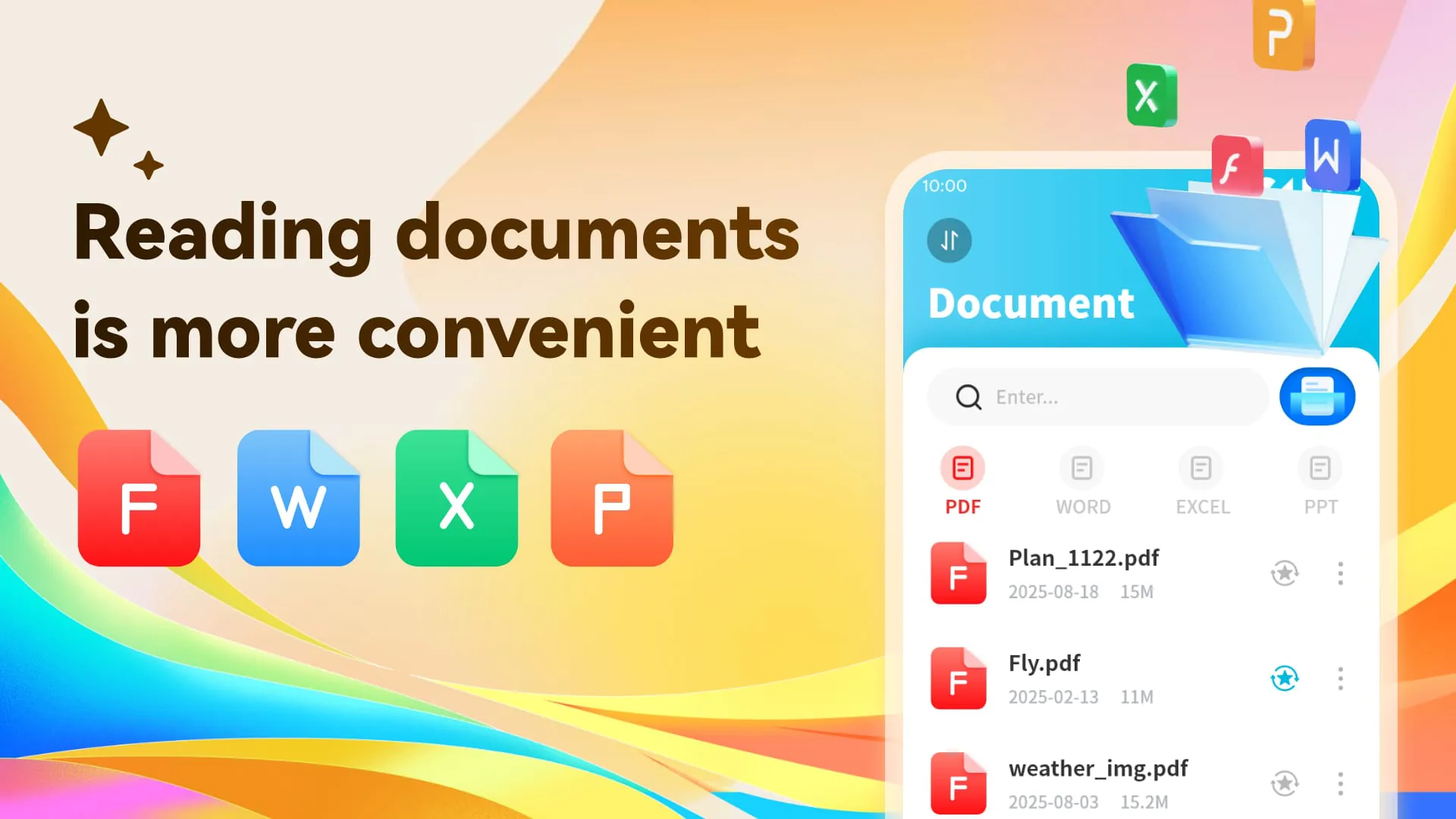
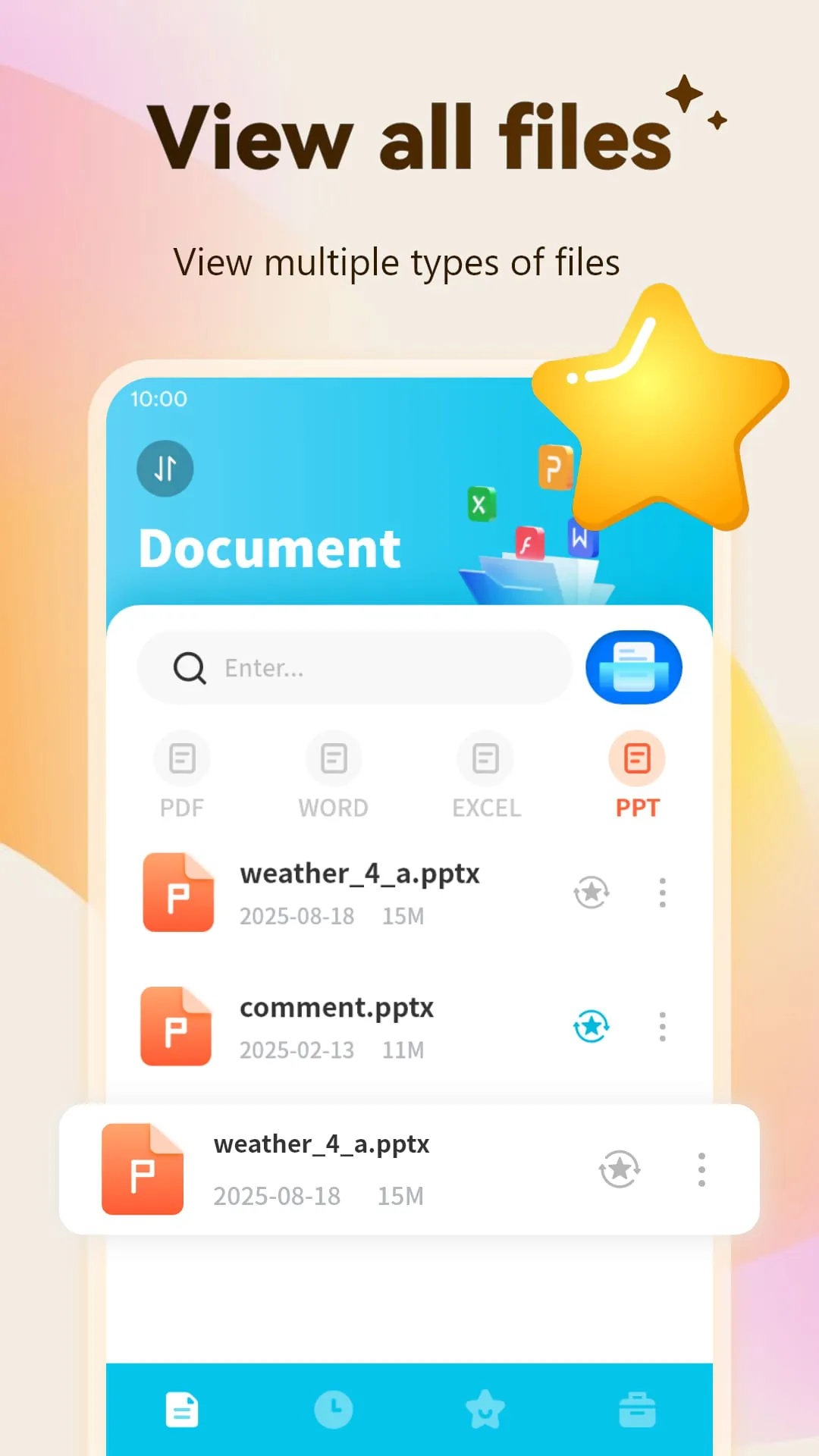
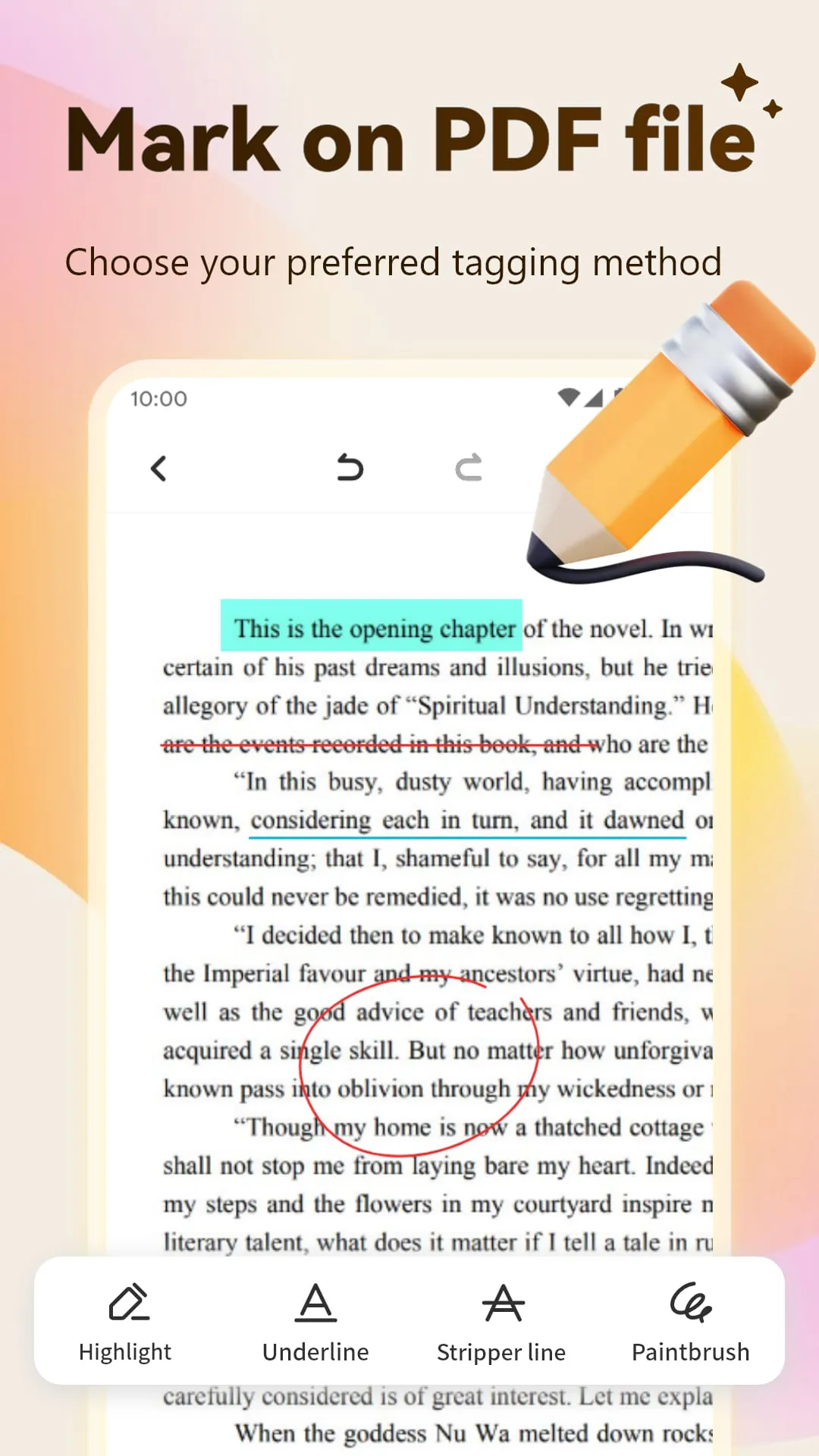
The PDF Viewer & Scanner emerges as a comprehensive and versatile solution designed to streamline and simplify the intricate processes of reading, editing, and managing documents. This all-in-one application caters to a wide spectrum of document-related needs, offering a robust suite of features that enhance productivity and efficiency. By seamlessly integrating multiple functionalities into a single, user-friendly platform, the PDF Viewer & Scanner eliminates the need for disparate applications, thereby saving valuable time and resources. Its ability to handle various document formats, coupled with its powerful editing tools and security features, makes it an indispensable asset for both personal and professional use. Whether it's reviewing critical business reports, annotating academic papers, or securing sensitive documents, this application provides the necessary tools to accomplish tasks with ease and confidence. The PDF Viewer & Scanner distinguishes itself through its exceptional versatility in handling a multitude of document formats, thereby catering to the diverse needs of its users. It extends its support beyond the ubiquitous PDF format, encompassing other commonly used formats such as Word (DOC, DOCX), PowerPoint (PPT, PPTX), and Excel (XLS, XLSX). This comprehensive format compatibility ensures that users can seamlessly access and interact with a wide array of documents without encountering compatibility issues or the need for format conversions. The ability to directly open and view these various file types within the application eliminates the inconvenience of switching between different programs, streamlining workflows and enhancing overall efficiency. This feature is particularly beneficial for individuals who frequently work with a variety of document types, such as students, educators, business professionals, and administrators. The PDF Viewer & Scanner's seamless handling of different formats ensures that users can maintain their productivity without being hindered by technical limitations. Furthermore, the application's format support extends to scanned documents and images, allowing users to easily convert physical documents into digital formats and integrate them into their digital workflows. This capability is especially useful for tasks such as archiving important documents, creating digital copies of paper-based materials, and sharing information electronically. By providing a unified platform for managing both native digital documents and scanned content, the PDF Viewer & Scanner simplifies document handling and promotes a paperless office environment. The application's comprehensive format support is a testament to its commitment to user convenience and its dedication to providing a versatile and adaptable solution for document management. In addition to its reading capabilities, the PDF Viewer & Scanner provides a comprehensive set of PDF editing tools that enable users to modify and enhance their documents with ease. These tools go beyond basic annotation features, offering a range of functionalities that allow for in-depth editing and customization. Users can seamlessly add comments, highlight key passages, and insert text boxes to provide feedback and collaborate with others. The application also supports the insertion of images and signatures, allowing users to personalize their documents and add a professional touch. One of the key highlights of the PDF editing features is the ability to directly edit text within the PDF document. This allows users to correct errors, update information, and make revisions without the need to convert the document to another format. The application's text editing capabilities are intuitive and user-friendly, allowing users to quickly and easily modify the content of their PDFs. Furthermore, the PDF Viewer & Scanner supports the insertion of various elements, such as shapes, lines, and arrows, which can be used to visually enhance the document and draw attention to specific areas. Users can also adjust the appearance of these elements, such as their color, thickness, and transparency, to create a customized look and feel. The application's PDF editing tools are designed to be both powerful and user-friendly, ensuring that users of all skill levels can easily modify and enhance their documents. Whether it's adding simple annotations or making complex revisions, the PDF Viewer & Scanner provides the necessary tools to accomplish tasks with precision and efficiency. The application's editing features are constantly being updated and improved, ensuring that users have access to the latest tools and technologies for PDF editing.
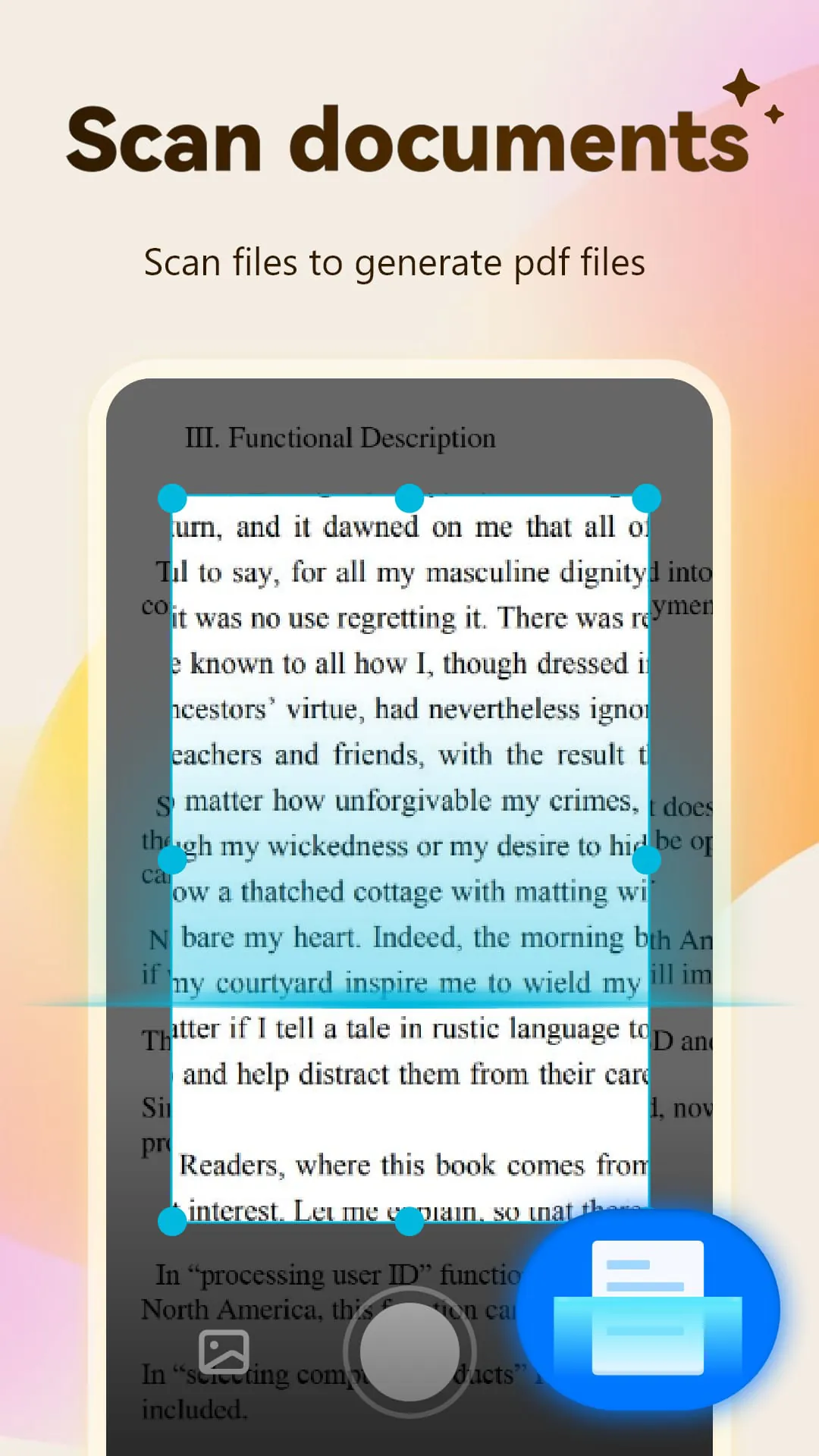
A significant advantage of the PDF Viewer & Scanner is its ability to transform physical documents into digital PDF files through its integrated scanning functionality. This feature leverages the built-in camera of a mobile phone to capture images of paper documents, which are then converted into high-quality PDF files. The scanning process is designed to be quick and efficient, allowing users to digitize their documents with minimal effort. The application utilizes advanced image processing algorithms to enhance the quality of the scanned images, ensuring that the resulting PDF files are clear, legible, and accurately represent the original documents. Features such as automatic cropping, perspective correction, and image enhancement work together to optimize the scanned output, even under less-than-ideal lighting conditions. This ensures that the digitized documents are of professional quality and can be easily read and shared. The application also supports batch scanning, allowing users to scan multiple pages in a single session. This is particularly useful for digitizing multi-page documents such as contracts, reports, and articles. The batch scanning feature streamlines the scanning process, saving time and effort by eliminating the need to scan each page individually. Once the documents are scanned, the application provides options for organizing and managing the PDF files. Users can rename, reorder, and delete pages, as well as merge multiple PDF files into a single document. This allows for efficient organization and management of scanned documents, making it easy to find and access the information needed. The application's scanning functionality is also integrated with cloud storage services, allowing users to directly upload their scanned documents to platforms such as Google Drive, Dropbox, and OneDrive. This ensures that the documents are securely backed up and can be accessed from any device. The ability to seamlessly scan and digitize physical documents is a valuable asset for individuals and businesses alike. It eliminates the need for bulky scanners and simplifies the process of converting paper-based information into digital formats. The PDF Viewer & Scanner's scanning functionality promotes a paperless environment, reduces clutter, and enhances productivity by making it easier to access and share information. In addition to its scanning capabilities, the PDF Viewer & Scanner offers powerful PDF merging and splitting functionalities that allow users to manipulate PDF files with ease. The PDF merging feature enables users to combine multiple PDF files into a single, cohesive document. This is particularly useful for consolidating related documents, such as reports, presentations, or contracts, into a single file for easy sharing and archiving. The merging process is simple and intuitive, allowing users to select the desired PDF files and arrange them in the desired order. The application then seamlessly combines the files into a single PDF document, preserving the formatting and layout of the original files. The PDF splitting feature allows users to divide a large PDF file into smaller, more manageable sections. This is useful for extracting specific pages or sections from a large document, such as chapters from a book or individual pages from a contract. The splitting process is also straightforward, allowing users to specify the page ranges or individual pages they want to extract. The application then creates new PDF files containing the selected content, leaving the original document intact. The PDF merging and splitting functionalities are valuable tools for organizing and managing PDF files. They provide users with the flexibility to combine related documents into a single file or extract specific sections from a large document, depending on their needs. These features enhance productivity by simplifying document management and making it easier to share and access information. The PDF Viewer & Scanner's commitment to providing a comprehensive and user-friendly solution for document management is evident in its inclusion of these powerful PDF manipulation tools. The application's merging and splitting functionalities are constantly being updated and improved, ensuring that users have access to the latest tools and technologies for PDF management.
Security is paramount in today's digital landscape, and the PDF Viewer & Scanner recognizes this by offering robust PDF encryption features. These features allow users to protect their sensitive documents by setting passwords that restrict access and prevent unauthorized viewing or modification. The application utilizes advanced encryption algorithms to secure the PDF files, ensuring that the contents are protected from prying eyes. When a password is set for a PDF file, users are required to enter the correct password to open and view the document. This prevents unauthorized access to the document, even if it falls into the wrong hands. The application also allows users to set different types of passwords, such as open passwords and permission passwords. Open passwords restrict access to the document, while permission passwords restrict specific actions, such as printing, copying, or editing. This provides users with granular control over the security of their PDF files. The PDF encryption features are particularly useful for protecting sensitive information, such as financial records, legal documents, and personal data. By encrypting these documents, users can ensure that their confidential information remains secure and protected from unauthorized access. The application's encryption features are easy to use and provide a high level of security, making it a valuable tool for protecting sensitive documents. In addition to its security features, the PDF Viewer & Scanner offers a range of other functionalities that enhance its versatility and usability. These include features such as text search, bookmarking, and annotation tools. The text search feature allows users to quickly and easily find specific words or phrases within a PDF document. This is particularly useful for navigating large documents and locating specific information. The bookmarking feature allows users to mark important pages or sections within a PDF document for easy access. This is useful for quickly returning to frequently referenced pages or sections. The annotation tools allow users to add comments, highlights, and other annotations to PDF documents. This is useful for collaborating with others and providing feedback on documents. The PDF Viewer & Scanner is designed to be a user-friendly and intuitive application. The interface is clean and uncluttered, making it easy to navigate and find the features needed. The application also provides helpful tips and tutorials to guide users through the various functionalities. The PDF Viewer & Scanner is available for both iOS and Android devices, making it accessible to a wide range of users. The application is also regularly updated with new features and improvements, ensuring that users have access to the latest tools and technologies for document management. In conclusion, the PDF Viewer & Scanner is a comprehensive and versatile application that provides a wide range of functionalities for reading, editing, managing, and securing PDF documents. Its ability to handle various document formats, coupled with its powerful editing tools and security features, makes it an indispensable asset for both personal and professional use. Whether it's reviewing critical business reports, annotating academic papers, or securing sensitive documents, this application provides the necessary tools to accomplish tasks with ease and confidence. The PDF Viewer & Scanner is a valuable tool for anyone who works with documents on a regular basis. Its comprehensive feature set, user-friendly interface, and robust security features make it a must-have application for both personal and professional use.
Screenshots
 Download
 Additional Information
Category
ToolsVersion
Unknown
Tag
PDF Editor | Document Management | PDF Viewer | Document Scanner | PDF Encryption
Rate
3.90
★★★★★
Reviews
500 +
Installs
10M +
Developer
Emily Yu
Content Rating
Everyone
your document processing assistant
ADVERTISEMENT
ADVERTISEMENT
Previous Versions
ZIP files require a Split APKs Installer (e.g., SAI) from Google Play to install. Steps: 1. Download SAI from Google Play; 2. Open SAI and tap "Install APKs"; 3. Select the ZIP file; 4. Complete installation.
ADVERTISEMENT
You Might Like









