



ADVERTISEMENT
ADVERTISEMENT
PDF Reader and Photo to PDF PDF Reader and Photo to PDF
Category
ProductivityTag
PDF reader | Document Management | Image to PDF | File Opener | Document Scan
Rate
4.10
★★★★★
Reviews
500 +
Installs
10M +
Developer
LG apps
Content Rating
Everyone
PDF viewer and book reader app to convert image to pdf, open all file manager.
 APK
APK  Google Play
  iOS
iOS  4.10
4.10ADVERTISEMENT
ADVERTISEMENT
Author's Review
appspicked Review
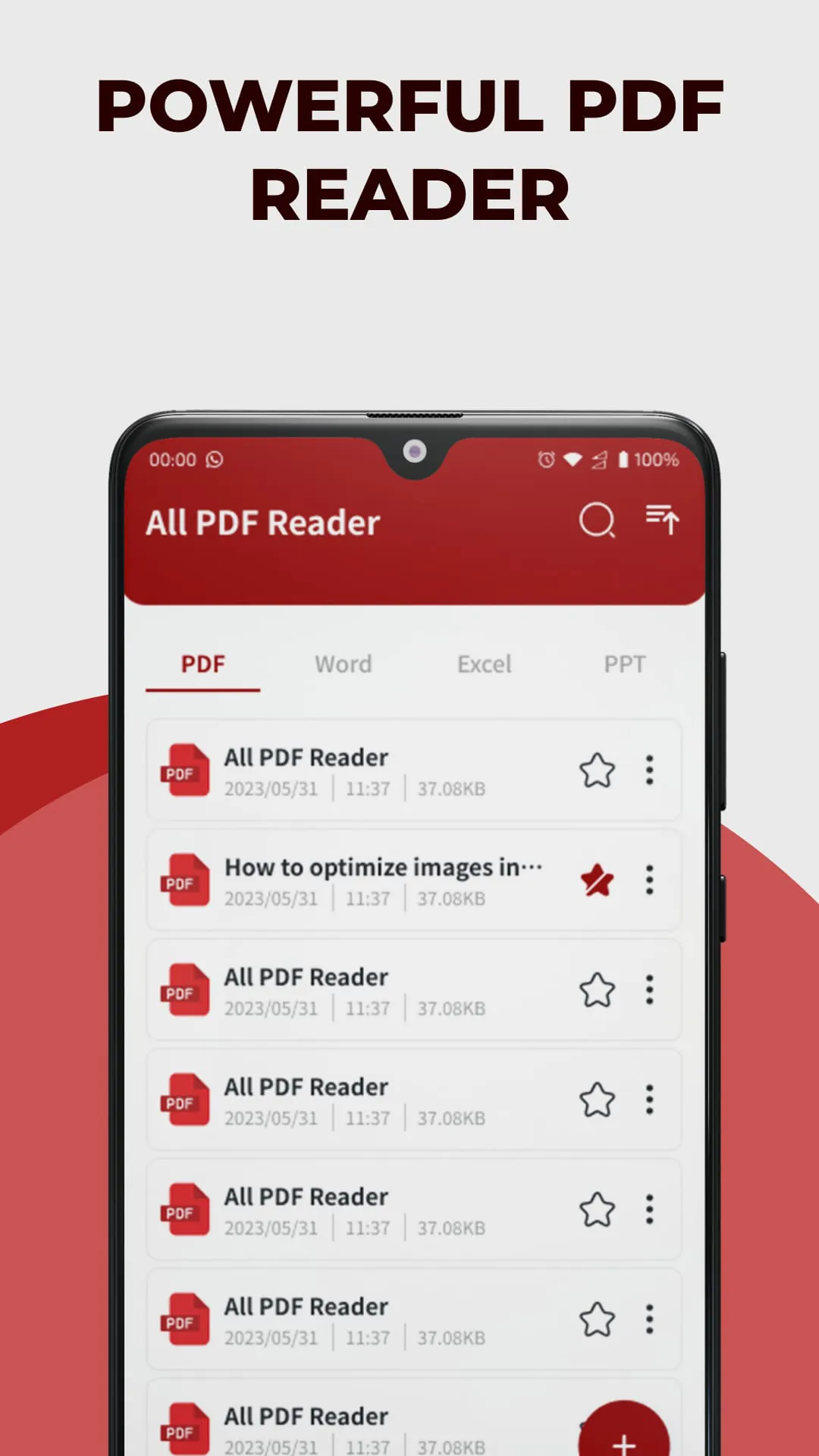
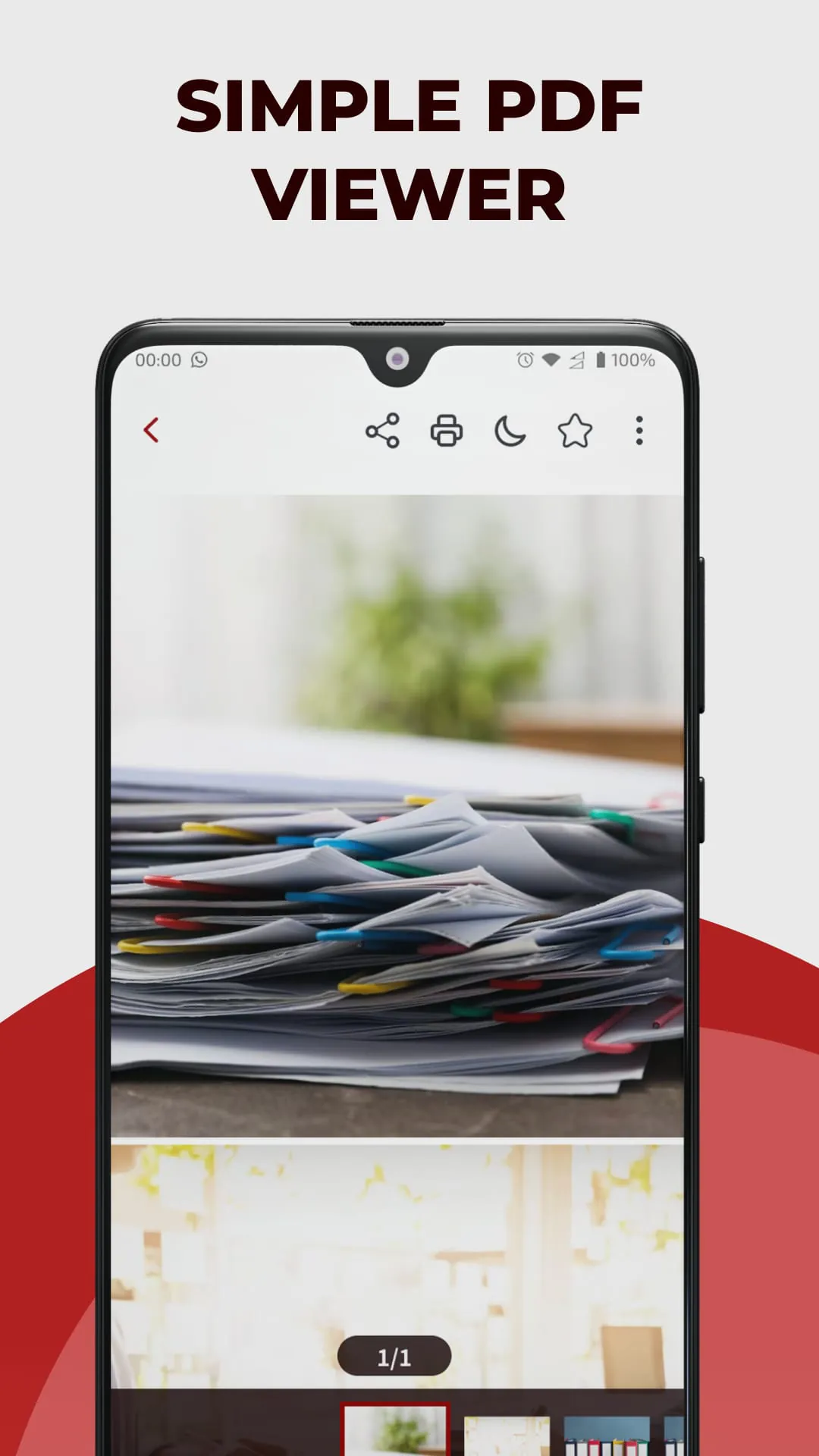
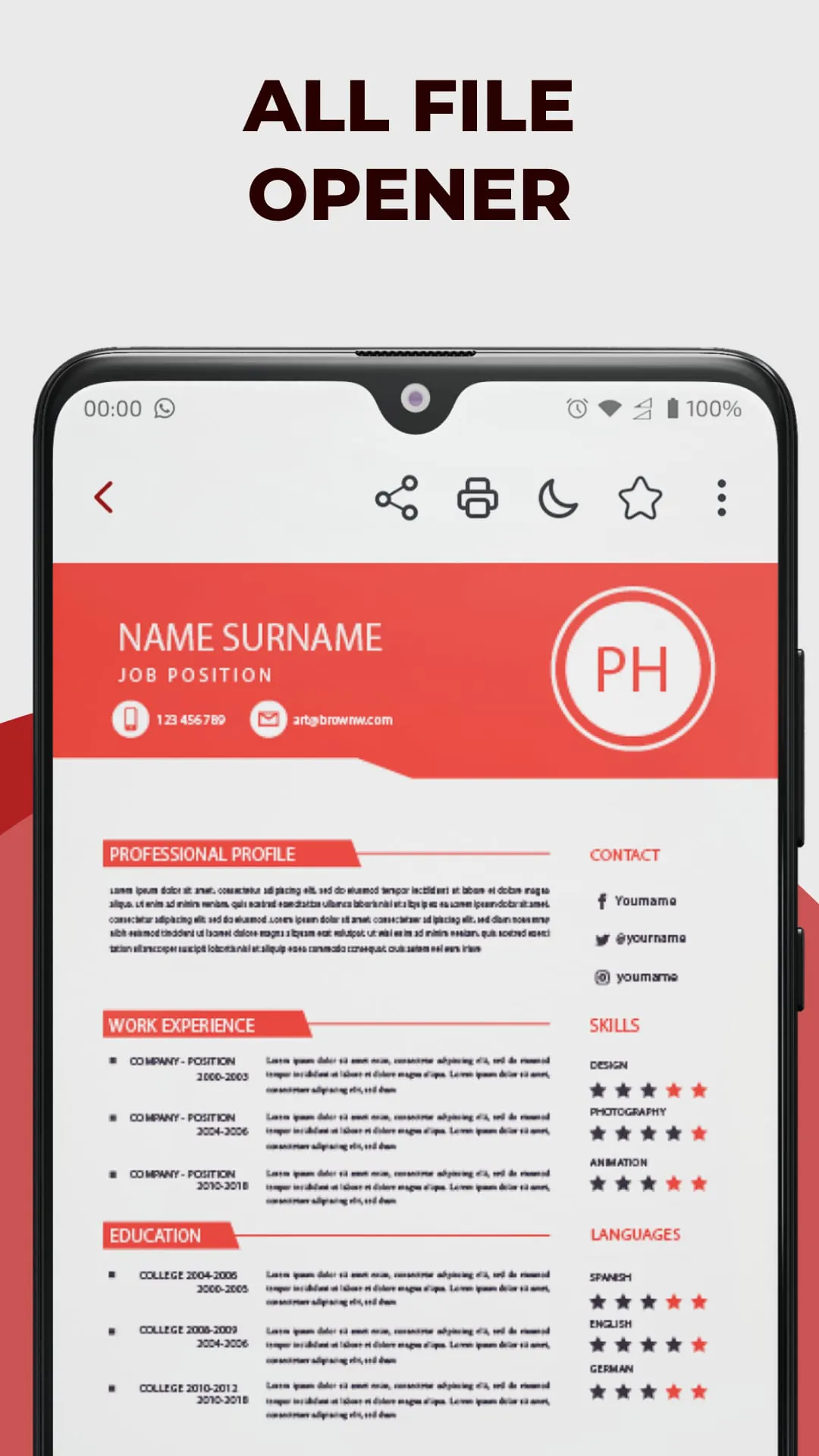
The PDF Reader and Photo to PDF app is presented as an all-encompassing solution for managing various document-related tasks. The app transcends the capabilities of a mere PDF reader and viewer, positioning itself as a versatile file opener that supports a multitude of formats, including XLS, DOCX, and PPT. This comprehensive support ensures that users can seamlessly access, view, and manage spreadsheets, documents, and presentations from within a single application. The app's target audience spans a wide spectrum, encompassing students, professionals, and individuals who seek an efficient and streamlined approach to document management. Its core value proposition lies in its ability to simplify document handling, enhance productivity, and eliminate the need for juggling multiple apps and tools. The detailed breakdown of the app's functionalities highlights its key features, emphasizing its ease of use and robust capabilities. The PDF reader function enables users to effortlessly open and read PDF files of any size, facilitating seamless navigation through ebooks, reports, presentations, and forms. Users can zoom in for detailed viewing and highlight important information, enhancing their reading and comprehension experience. The all-file opener function eliminates compatibility issues, granting users the ability to access, view, and edit various document types within a single application. This feature streamlines document management, allowing users to work with different file formats without the need for multiple applications. The document scan function empowers users to capture text, images, and diagrams from paper documents, converting them into PDFs for easy storage and sharing. This feature is particularly useful for digitizing physical documents, creating digital archives, and sharing information electronically. The image to PDF function enables users to seamlessly convert images into PDF documents, facilitating the creation of PDF files from photos, screenshots, and graphics. This feature is valuable for creating presentations, reports, and other documents that incorporate visual elements. The share PDF function simplifies document sharing, allowing users to send PDFs and other supported files to colleagues, classmates, and friends with a single tap. This feature streamlines collaboration and communication, ensuring that documents can be easily shared and accessed by relevant parties. The app's other functions further enhance its usability and functionality, including file management and deletion, bookmarking, file searching, document collaging, and file sorting. These features provide users with comprehensive control over their documents, enabling them to organize, manage, and access files with ease. The app's design philosophy centers on simplicity, versatility, and robustness, making it an essential tool for individuals and professionals who regularly work with digital documents. By providing a centralized platform for document management, the app aims to simplify workflows, enhance productivity, and improve overall efficiency. The concluding statement encourages users to embrace the app and experience a new level of convenience and efficiency in document management, emphasizing its transformative potential.
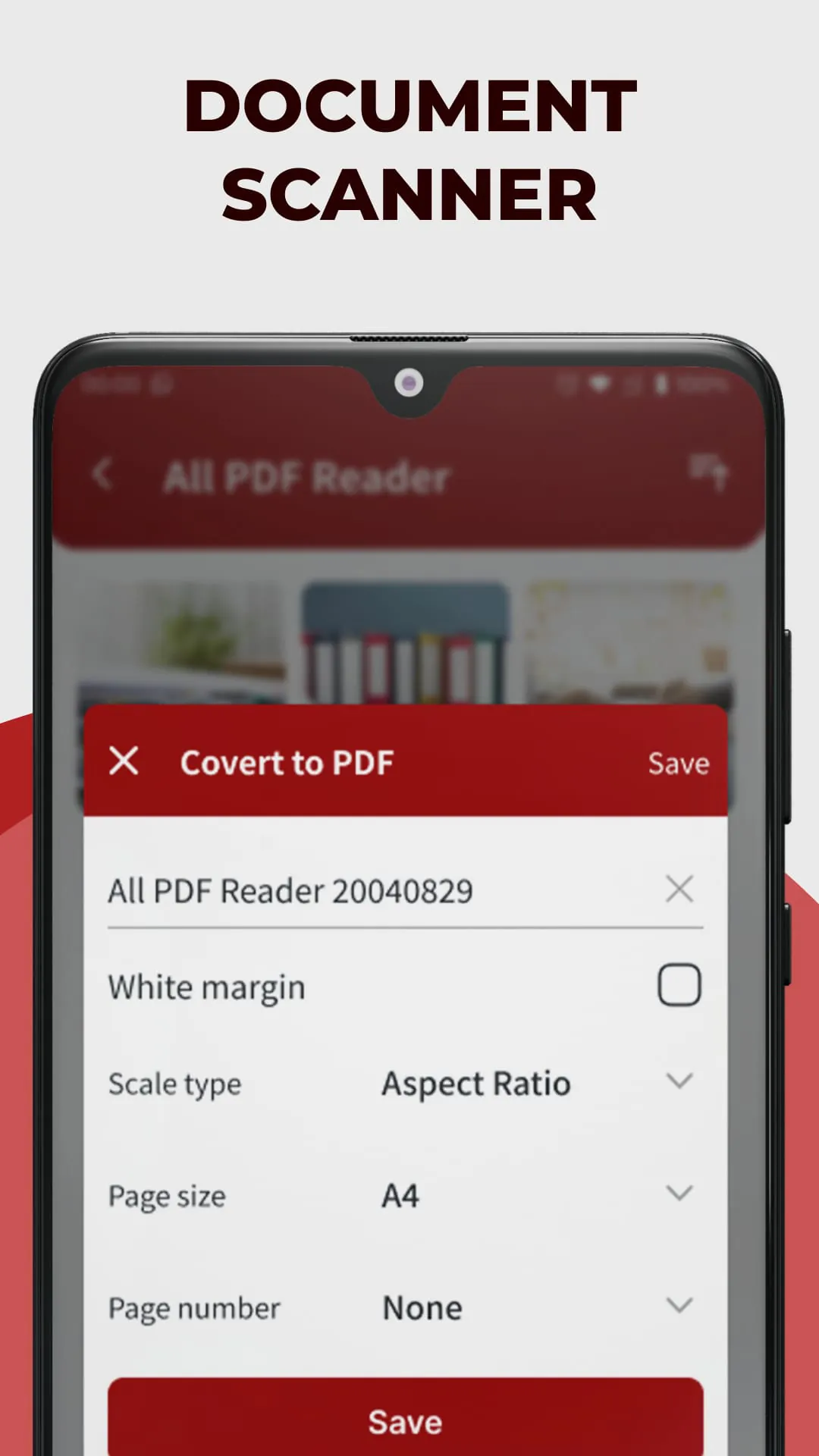
The description emphasizes the PDF Reader and Photo to PDF app as a comprehensive solution for diverse document management needs, moving beyond a simple PDF reader to become a versatile file opener. Its capability to support various formats such as XLS, DOCX, and PPT ensures seamless access, viewing, and editing of spreadsheets, documents, and presentations within a single application. Designed for students, professionals, and anyone seeking efficient file management, the app aims to streamline document-related tasks and boost productivity. The detailed feature breakdown underscores the app's simplicity and robustness. The PDF reader function allows easy opening and reading of PDF files of any size, enabling effortless navigation through ebooks, reports, and forms, with zoom and highlight options for enhanced comprehension. The all-file opener eliminates compatibility issues, granting access to various document types within one application, simplifying workflows and eliminating the need for multiple tools. The document scan feature enables capturing text and images from paper documents, converting them into PDFs for easy storage and sharing, facilitating digitization and electronic archiving. The image to PDF function converts images into PDF documents, enabling creation of presentations and reports with visual elements, simplifying the incorporation of graphics and screenshots. The share PDF function streamlines document sharing, allowing one-tap sending of PDFs and other files to colleagues and friends, enhancing collaboration and communication. Additional functions like file management, bookmarking, search, document collage, and sorting enhance usability, providing comprehensive control over document organization and access. The app's design focuses on simplicity, versatility, and robustness, making it an essential tool for individuals and professionals who regularly handle digital documents. By centralizing document management, it aims to simplify workflows, enhance productivity, and improve efficiency. The concluding statement encourages users to adopt the app for a new level of convenience in document management, highlighting its transformative potential and promising a seamless, efficient document handling experience. The document scanning feature integrated within the PDF Reader and Photo to PDF app represents a significant value-added component, catering to users who frequently need to convert physical documents into digital formats. This functionality streamlines the process of capturing information from paper-based sources, eliminating the need for separate scanning devices or software. By directly integrating document scanning into the app, users can effortlessly transform text, images, diagrams, and other content from paper documents into PDFs for easy storage, sharing, and manipulation. The benefits of this feature are multifaceted. Firstly, it enhances efficiency by consolidating the scanning and PDF conversion processes into a single, unified workflow. Users no longer need to switch between different applications or devices to scan and convert documents, saving time and effort. Secondly, it promotes portability by enabling users to scan documents on the go, using their mobile devices. This is particularly useful for professionals who need to digitize documents while traveling or working remotely. Thirdly, it facilitates organization by allowing users to create digital archives of physical documents, reducing clutter and improving accessibility. By storing scanned documents in PDF format, users can easily search, retrieve, and manage their information. Furthermore, the document scanning feature supports collaboration by enabling users to share scanned documents electronically. This eliminates the need for physical copies, reducing printing costs and streamlining communication. The scanned documents can be easily emailed, shared via cloud storage services, or integrated into other digital workflows. In summary, the document scanning feature within the PDF Reader and Photo to PDF app provides a convenient, efficient, and versatile solution for digitizing paper-based documents. It streamlines workflows, promotes portability, facilitates organization, and supports collaboration, making it an indispensable tool for individuals and professionals who deal with both physical and digital documents.
The PDF Reader and Photo to PDF application is promoted as a complete solution for managing all document-related tasks. It is designed to be more than just a PDF reader and viewer; instead, it serves as a comprehensive file opener that supports a variety of formats such as XLS, DOCX, and PPT. This capability ensures that users may easily access, view, and manage spreadsheets, documents, and presentations all from within a single application. The app is geared toward a broad audience that includes students, professionals, and anyone else looking for an efficient and user-friendly method to manage their files. Its primary selling point is its capacity to simplify document handling, boost productivity, and eliminate the requirement for juggling a number of different apps and tools. A thorough examination of the app's features places emphasis on its user-friendliness and robust capabilities. Users of the PDF reader function can easily open and read PDF files of any size, allowing them to navigate eBooks, reports, presentations, and forms without any difficulty. Users have the ability to zoom in for more detailed viewing and highlight important information, which improves the quality of their reading and comprehension experience. The all-file opener feature does away with compatibility concerns, giving users the ability to access, view, and edit a wide variety of document types all from within a single application. Users may work with a variety of file formats without having to utilize a number of different applications because to this feature, which makes document management much more efficient. Users can use the document scan function to capture text, photographs, and diagrams from paper documents and then convert them into PDFs for easy storage and sharing. This functionality is extremely helpful for digitizing physical documents, building digital archives, and exchanging information electronically. Users may easily convert images into PDF documents with the image to PDF function, which makes it possible to make PDF files out of photos, screenshots, and other graphics. Creating presentations, reports, and other documents that incorporate visual components is made easier with this function. The share PDF function makes sharing documents much simpler by allowing users to send PDFs and other supported files to coworkers, classmates, and friends with a single tap. Cooperation and communication are streamlined as a result of this feature, which also ensures that relevant parties can readily share and access documents. The app also has a number of other features that make it more user-friendly and functional, including the ability to manage and remove files, create bookmarks, search for files, create document collages, and sort files. These features give users comprehensive control over their documents, allowing them to organize, manage, and access files with ease. The app's design philosophy is based on simplicity, adaptability, and resilience, which makes it an indispensable tool for individuals and professionals who routinely deal with digital documents. The app aims to simplify workflows, increase productivity, and improve overall efficiency by providing a centralized platform for document management.
Screenshots
 Download
 Additional Information
Category
ProductivityVersion
Unknown
Tag
PDF reader | Document Management | Image to PDF | File Opener | Document Scan
Rate
4.10
★★★★★
Reviews
500 +
Installs
10M +
Developer
LG apps
Content Rating
Everyone
PDF viewer and book reader app to convert image to pdf, open all file manager.
ADVERTISEMENT
ADVERTISEMENT
Previous Versions
ZIP files require a Split APKs Installer (e.g., SAI) from Google Play to install. Steps: 1. Download SAI from Google Play; 2. Open SAI and tap "Install APKs"; 3. Select the ZIP file; 4. Complete installation.
ADVERTISEMENT
You Might Like









