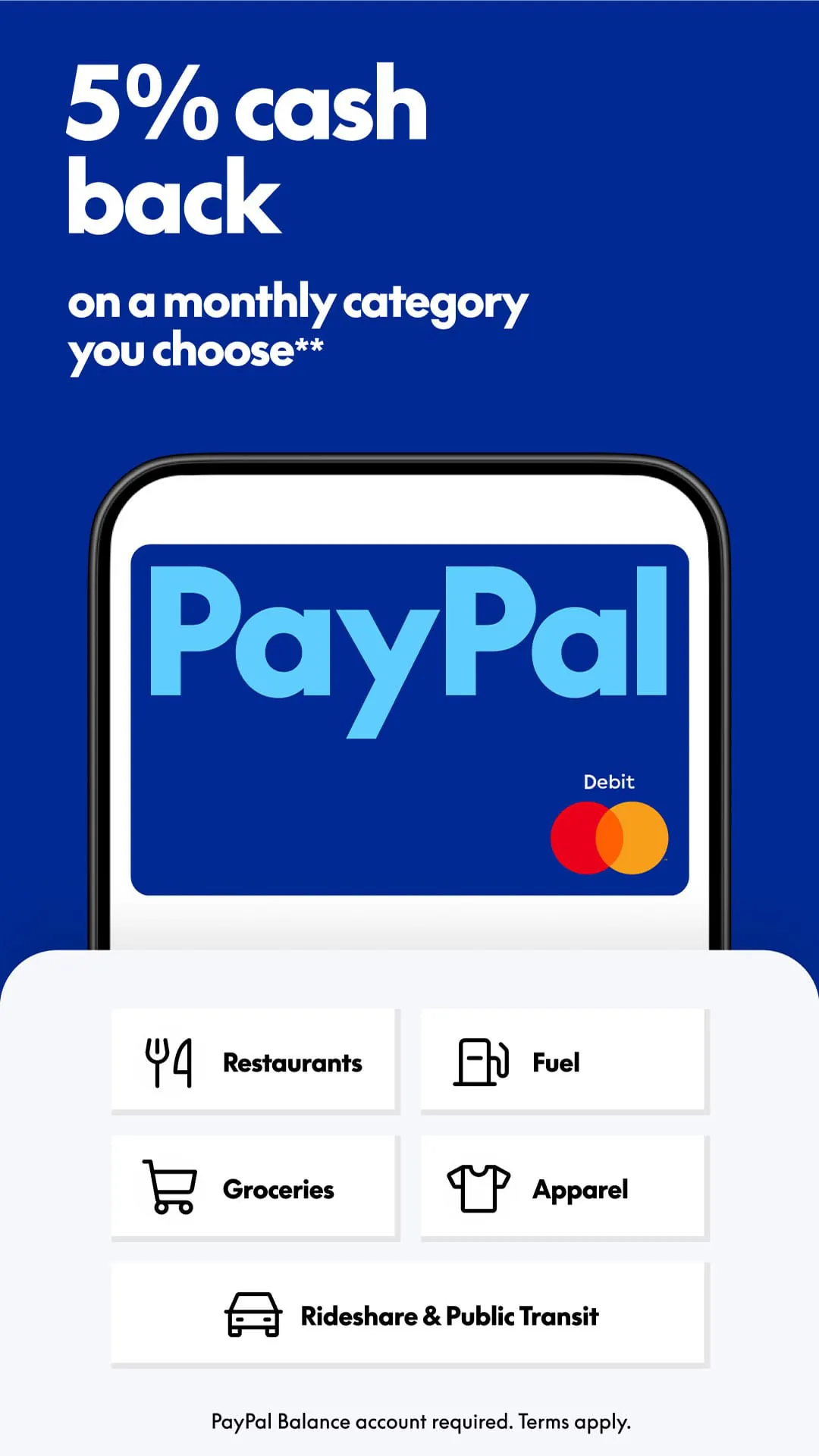
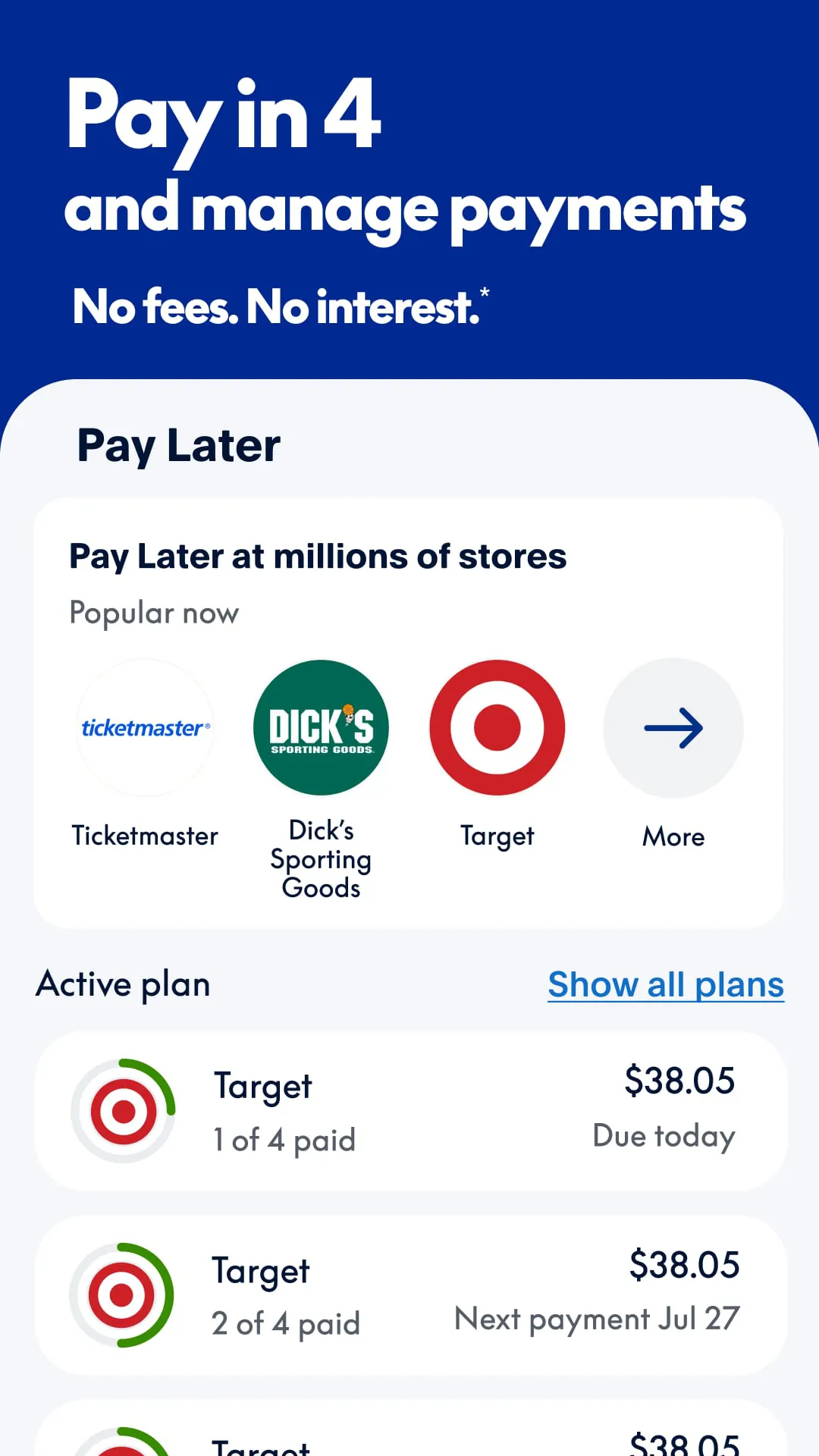
PayPal is a widely-used digital payment platform and mobile application that allows users to make online purchases, send and receive funds, and manage their money electronically without the need to share their financial details directly with sellers or individuals.
Key Features
The PayPal app is packed with features designed for secure and convenient financial management. It enables instant transfers between users using just an email or phone number. The platform provides robust purchase protection for buyers and keeps your bank or card details private during transactions. Users can also split bills with friends, shop at millions of online stores, and even buy, sell, and hold certain cryptocurrencies directly within the app.
Pros & Cons
Using PayPal comes with distinct advantages and some limitations.
- Pros: It offers exceptional convenience and speed for sending money. The buyer and seller protections add a significant layer of security for online transactions. Its widespread acceptance makes it a universal online checkout option. The interface is generally user-friendly and available in many countries.
- Cons: Transaction fees, especially for instant transfers and international payments, can be high. Account freezes or holds for security reviews, while sometimes necessary, can be inconvenient. Currency conversion rates may not always be the most favorable compared to other services.
Functions
The PayPal app serves as a comprehensive financial hub with multiple core functions.
- Digital Wallet: Securely store multiple credit/debit cards and bank accounts in one place.
- Payment Processing: Pay for goods and services online or in-person where accepted.
- Peer-to-Peer (P2P) Transfers: Send and request money from friends and family.
- Purchase Protection: Eligible purchases are covered for refunds if an item isn't received or is significantly not as described.
- Financial Management: View transaction history, generate invoices, and track spending.
- Cryptocurrency Features: Available in select regions to buy, sell, hold, and check out with cryptocurrency.
How to Use
Click the button "Check All Versions" below to download and install it. Once installed, open the app and sign up for a new account using your email address and by creating a password, or log in if you already have one. You will need to link and confirm a funding source, such as a bank account, debit card, or credit card. After your account is funded, you can start using PayPal to shop online by selecting it at checkout, send money by tapping the "Send" button and entering the recipient's details, or request money from others. For security, consider enabling two-factor authentication within the app's settings.





 APK
APK  Google Play
  iOS
iOS  4.20
4.20