ReadEra Premium distinguishes itself as a versatile and comprehensive application meticulously designed for individuals who immerse themselves in the world of digital literature and document management. This application transcends the conventional boundaries of a mere e-reader, offering an expansive suite of features meticulously crafted to streamline the processes of discovering, accessing, and organizing an extensive library of digital content. At its core, ReadEra Premium excels in its capacity to seamlessly identify and consolidate all compatible books and documents residing within the user's device, thereby establishing a centralized hub for managing diverse file formats, encompassing PDF, EPUB, Microsoft Word (DOC, DOCX, RTF), Kindle (MOBI, AZW3), Comic (CBZ, CBR), DJVU, FB2, TXT, ODT, and CHM formats. This automated detection mechanism alleviates the burden of manual searching, empowering users to swiftly locate their desired reading materials without expending valuable time and effort. Furthermore, ReadEra Premium boasts an intuitive search functionality that enables users to pinpoint specific books or documents based on a multitude of criteria, including title, author, series, format, or language. This granular search capability ensures that users can efficiently navigate their digital library and access the precise content they seek, irrespective of the volume of files stored on their device. Beyond its search and discovery capabilities, ReadEra Premium furnishes users with an array of sophisticated tools for managing and organizing their digital collections. The application facilitates the sorting and grouping of books and documents by author, series, and format, thereby enabling users to establish a structured and personalized library that aligns with their individual preferences. Additionally, ReadEra Premium empowers users to create custom collections, allowing them to curate thematic groupings of books and documents based on genre, topic, or any other criteria they deem relevant. This feature is particularly advantageous for individuals who maintain extensive digital libraries and seek to impose order and coherence upon their collections. Moreover, ReadEra Premium provides comprehensive file management capabilities, enabling users to perform a wide range of actions on their books and documents, including copying, renaming, deleting, moving, and sharing. This functionality empowers users to maintain meticulous control over their digital files and ensure that their library remains organized and up-to-date. The application also offers advanced features such as duplicate file detection, which helps users identify and eliminate redundant copies of books and documents, thereby optimizing storage space and preventing clutter. In essence, ReadEra Premium emerges as an indispensable tool for avid readers and document enthusiasts, providing a unified and intuitive platform for managing and accessing their digital libraries with unparalleled ease and efficiency.
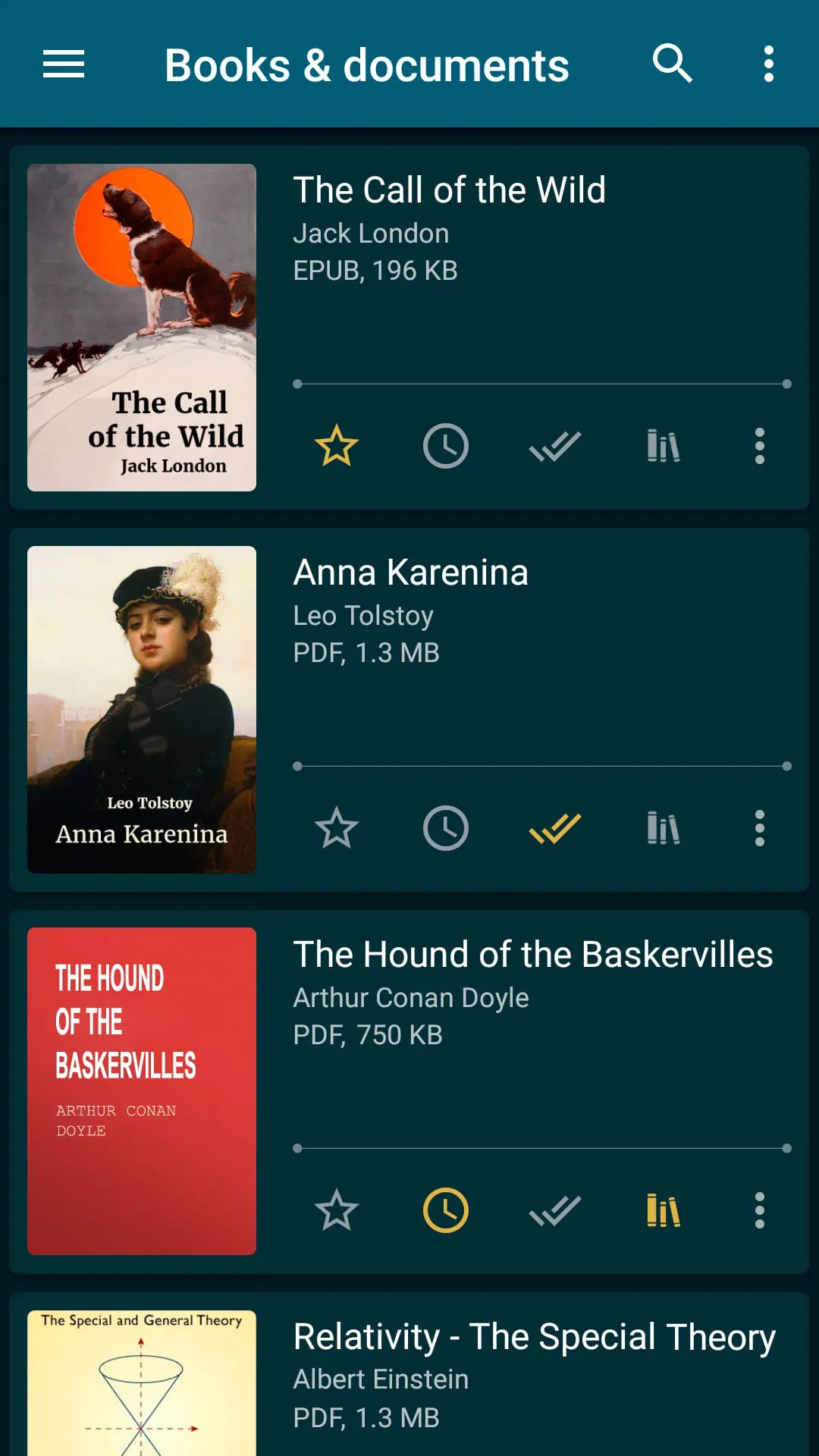
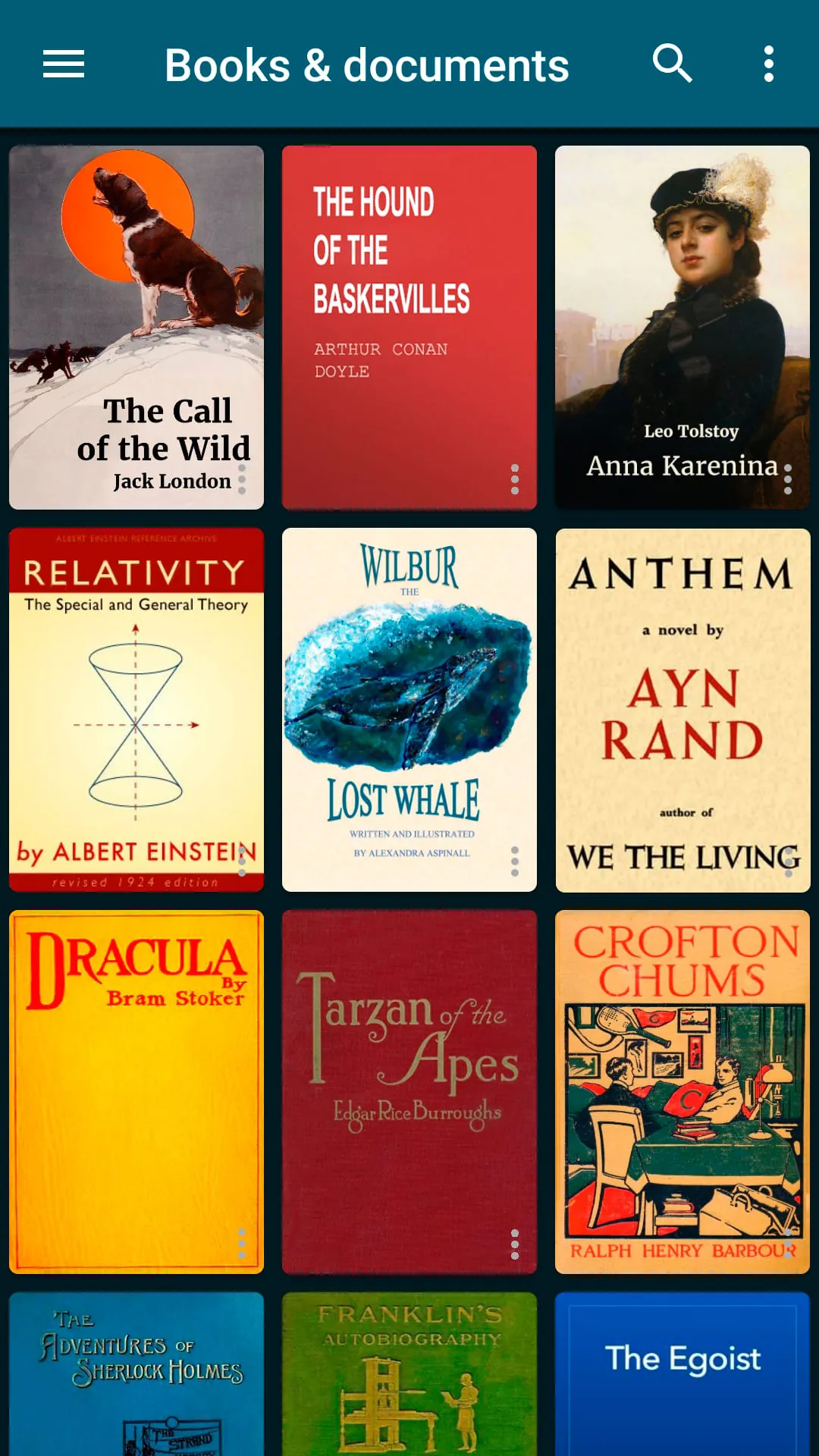
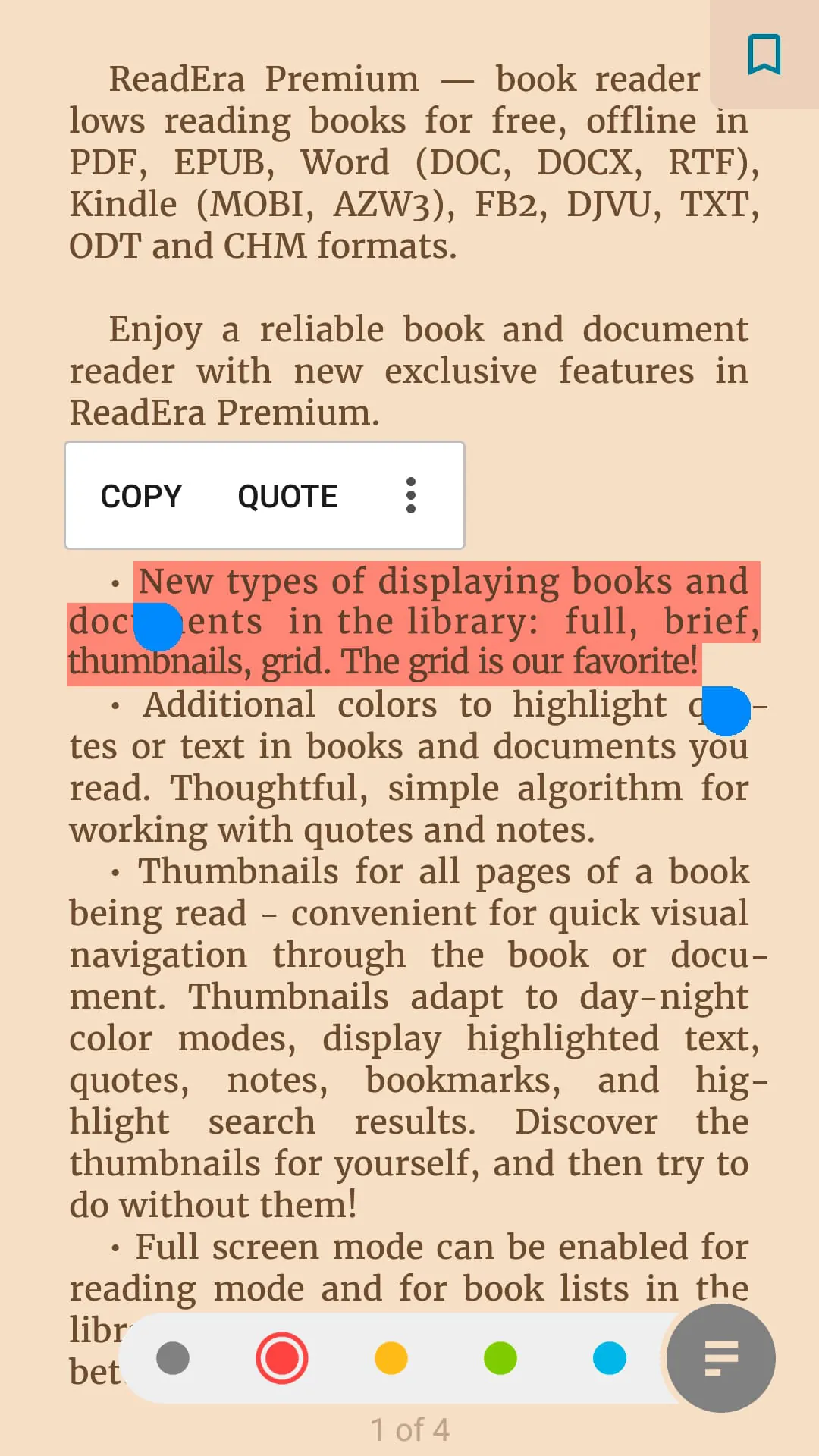
The premium features integrated within ReadEra Premium elevate the reading and document management experience to unprecedented levels of sophistication and convenience. One of the most compelling advantages is the synchronization capability, which seamlessly synchronizes books, documents, reading progress, bookmarks, and quotes with Google Drive across all devices associated with the user's account. This functionality ensures that users can effortlessly transition between devices without losing their place in a book or compromising their annotations and notes. Whether reading on a smartphone, tablet, or computer, ReadEra Premium guarantees a consistent and uninterrupted reading experience. Another standout feature is the read-aloud functionality, powered by text-to-speech (TTS) technology, which enables users to listen to books and documents in the background, even when the screen is locked. This feature is particularly beneficial for individuals who prefer auditory learning or who seek to multitask while consuming written content. Whether commuting, exercising, or performing household chores, the read-aloud feature transforms books and documents into accessible audio resources. ReadEra Premium also introduces dedicated sections for quotes, notes, and bookmarks, consolidating all annotations from various books and documents into a centralized location. This feature simplifies the process of reviewing and referencing key passages and insights gleaned from different sources. Users can easily access their accumulated knowledge and retrieve specific quotes or notes without having to sift through individual books or documents. The inclusion of a dictionary section further enhances the reading experience by providing a convenient resource for looking up unfamiliar words encountered within books and documents. This feature eliminates the need to switch between applications or consult external dictionaries, streamlining the reading process and fostering deeper comprehension. ReadEra Premium also empowers users to personalize their reading environment through the incorporation of custom fonts. Users can upload their preferred fonts and apply them to books and documents, thereby optimizing readability and creating a visually appealing reading experience. This level of customization caters to individual preferences and ensures that users can comfortably engage with their reading materials. Furthermore, ReadEra Premium offers diverse library view options, allowing users to customize the display of books and documents based on their preferences. Users can choose between full, brief, thumbnails, or grid views, tailoring the visual presentation of their library to suit their individual needs. The availability of additional colors for highlighting quotes and text provides further customization options, enabling users to emphasize key passages and create visually distinct annotations. Finally, the inclusion of page thumbnails facilitates quick visual navigation through books and documents, enabling users to rapidly locate specific pages or sections of interest. This feature is particularly useful for navigating lengthy documents or revisiting previously read passages.
Beyond its premium features, ReadEra Premium retains a robust set of core functionalities that enhance its overall utility and user-friendliness. The application's automatic detection of books and documents remains a cornerstone of its design, ensuring that users can effortlessly locate and manage all compatible files stored on their devices. The search function further complements this capability, empowering users to quickly find specific books or documents based on various criteria, including title, author, series, format, or language. This comprehensive search functionality streamlines the process of accessing desired content and prevents users from becoming bogged down in manual searching. The application's intuitive navigation system facilitates seamless browsing through book files, allowing users to sort and filter their collections based on title, filename, file format, file size, modification date, and reading date. This granular control over file organization empowers users to maintain a structured and easily accessible digital library. The inclusion of dedicated sections for authors, series, and collections further enhances the organization and management of books and documents. The Authors section provides a consolidated view of all authors represented within the user's library, while the Series section groups books belonging to the same series. The Collections section allows users to create custom groupings of books and documents based on their individual preferences. ReadEra Premium also provides comprehensive folder management capabilities, enabling users to navigate through external folders and manage files stored within them. Users can perform a variety of actions on folders, including viewing, creating, copying, deleting, and moving them. This functionality empowers users to maintain meticulous control over their file system and ensure that their digital library remains organized and up-to-date. The application's document management features provide detailed information about individual books and documents, including their file location, size, and modification date. Users can also access tools for copying, renaming, deleting, moving, and sharing document files. Furthermore, ReadEra Premium allows users to edit the title, author, and series of a document, as well as view and edit its annotation. The application's reading settings offer a wide range of customization options, including color themes, orientation settings, screen brightness adjustments, page margin adjustments, font size adjustments, font type selections, font boldness options, line spacing adjustments, and hyphenation settings. These settings enable users to tailor the reading experience to their individual preferences and optimize readability. In conclusion, ReadEra Premium stands out as a comprehensive and versatile application that caters to the needs of avid readers and document enthusiasts. Its seamless integration of search, organization, and customization features makes it an indispensable tool for managing and accessing digital libraries with unparalleled ease and efficiency.





 APK
APK  Google Play
  iOS
iOS  4.80
4.80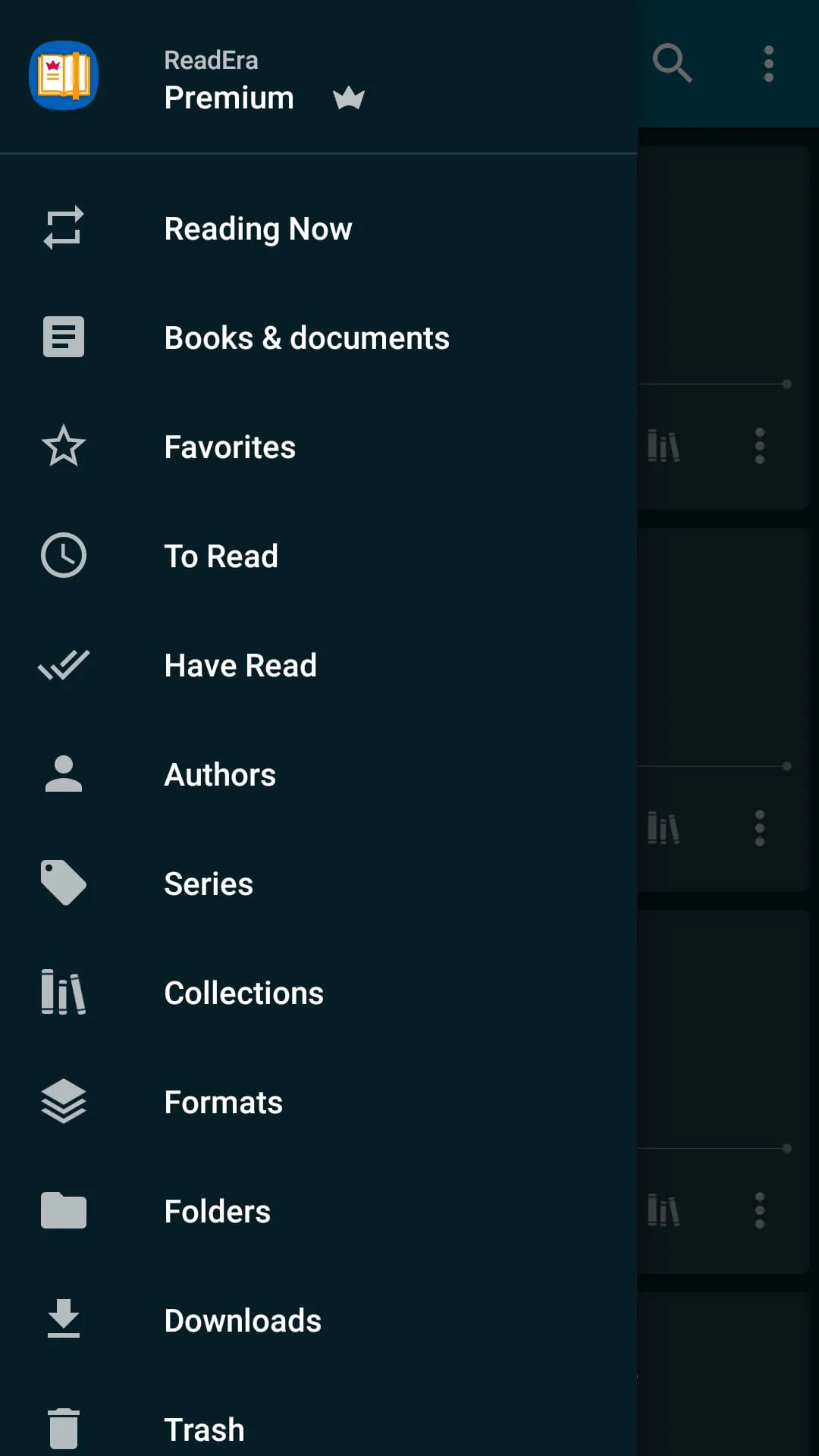
 Download








