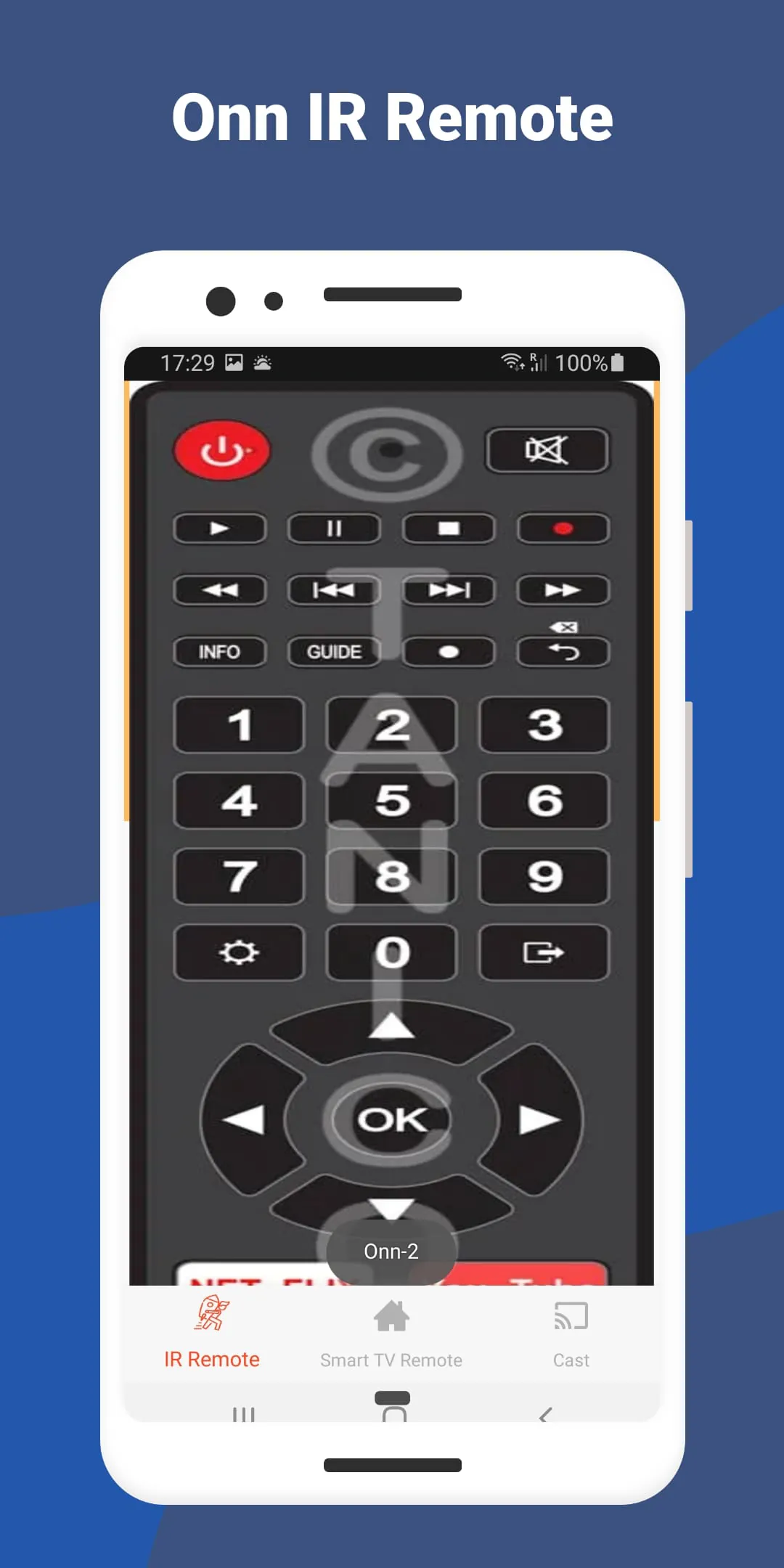
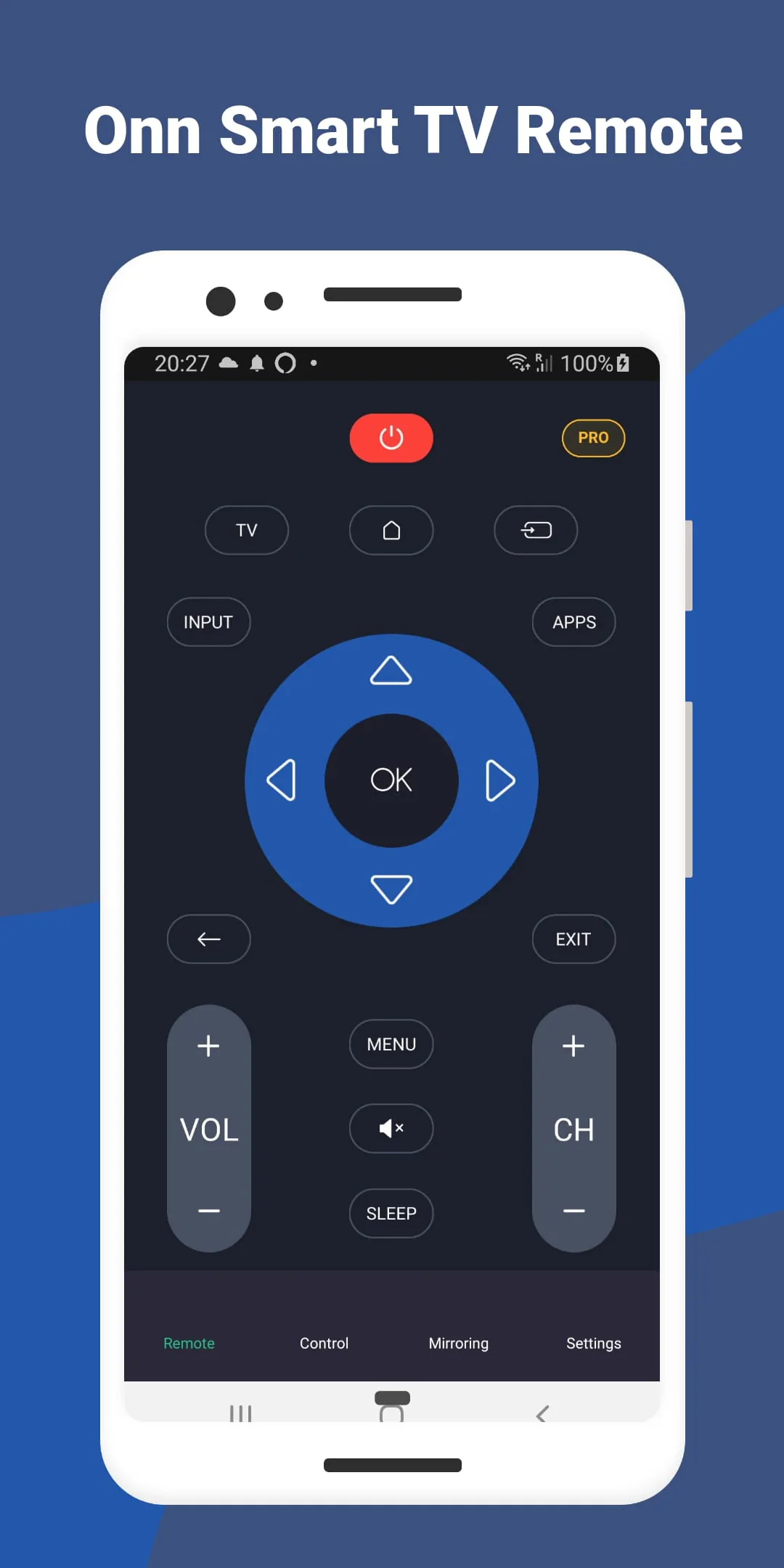
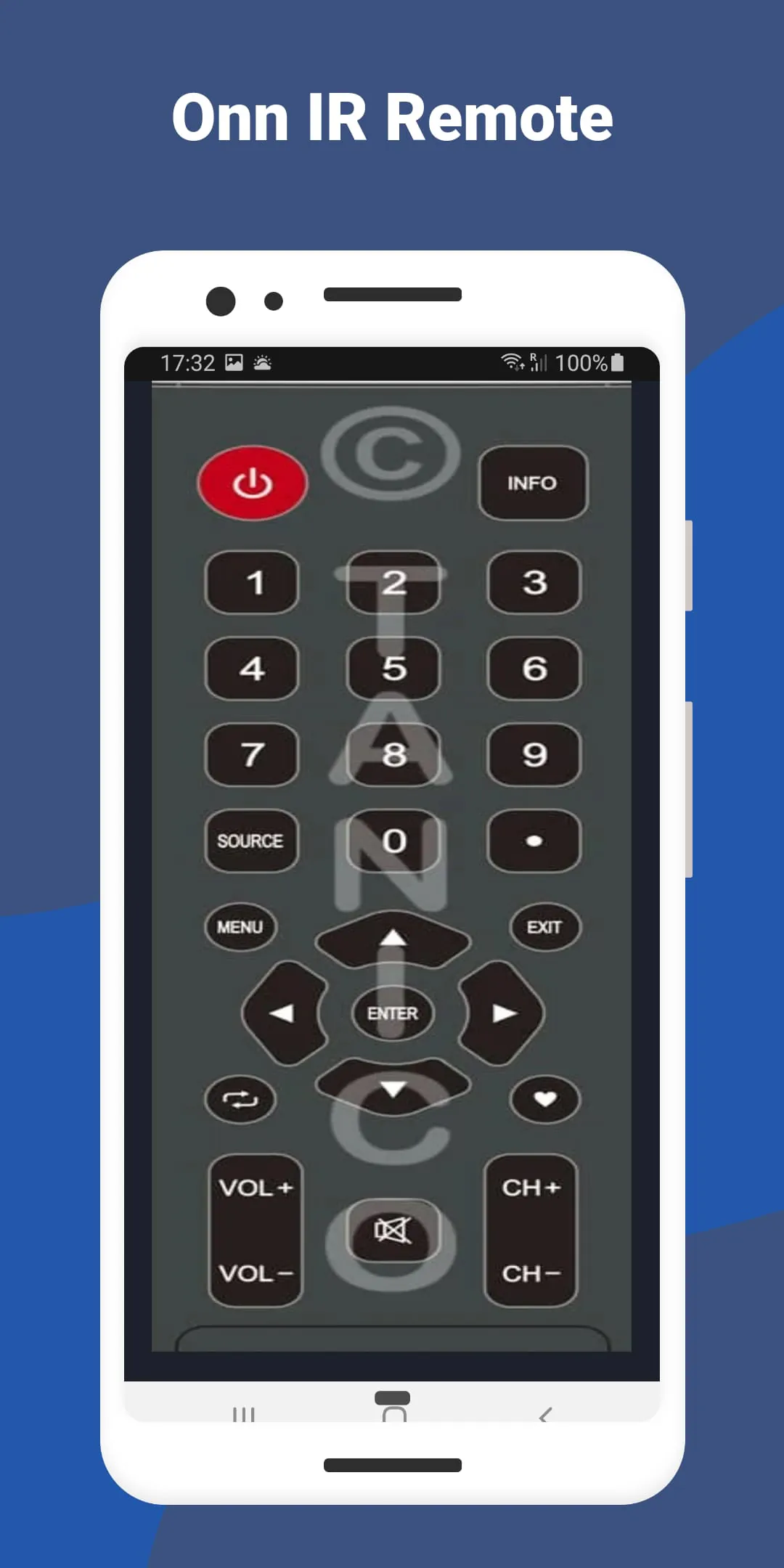
The Onn Smart TV Remote app revolutionizes the way users interact with their Onn Smart TV, offering a comprehensive suite of features to enhance the viewing experience. By transforming your smartphone into a powerful remote control, the app provides intuitive controls, including volume adjustment, channel navigation, and quick access to favorite apps. The touchpad feature enables precise cursor control, simplifying tasks such as typing, searching, and navigating menus. With seamless Smart TV Remote capabilities, screen mirroring, and screen casting, users can enjoy a new dimension of convenience and entertainment.
The screen mirroring feature of the Onn Smart TV Remote app allows users to mirror their smartphone or tablet screen on their Onn Smart TV, creating a versatile and immersive viewing experience. Whether sharing photos, videos, presentations, or playing mobile games on the big screen, this feature ensures a lag-free experience. Compatible with a wide range of devices, screen mirroring facilitates collaboration, content sharing, and business presentations. Additionally, the screen casting feature enables users to cast their favorite content from their mobile device to the TV, supporting various apps and media types for a seamless playback experience.
Setting up the Onn Smart TV Remote app is quick and easy, with a user-friendly interface guiding users through the process. The app connects to the Onn Smart TV via Wi-Fi, eliminating the need for additional hardware or complex configurations. Users can customize shortcuts and favorites to access frequently used features and apps easily, enhancing the overall user experience. Integrated voice control allows users to command the TV using voice commands, offering a futuristic approach to smart home technology. With regular updates and enhancements, users can benefit from the latest features, performance improvements, and compatibility updates, ensuring they stay ahead of the curve in smart TV control technology.




 APK
APK  Google Play
  iOS
iOS  4.60
4.60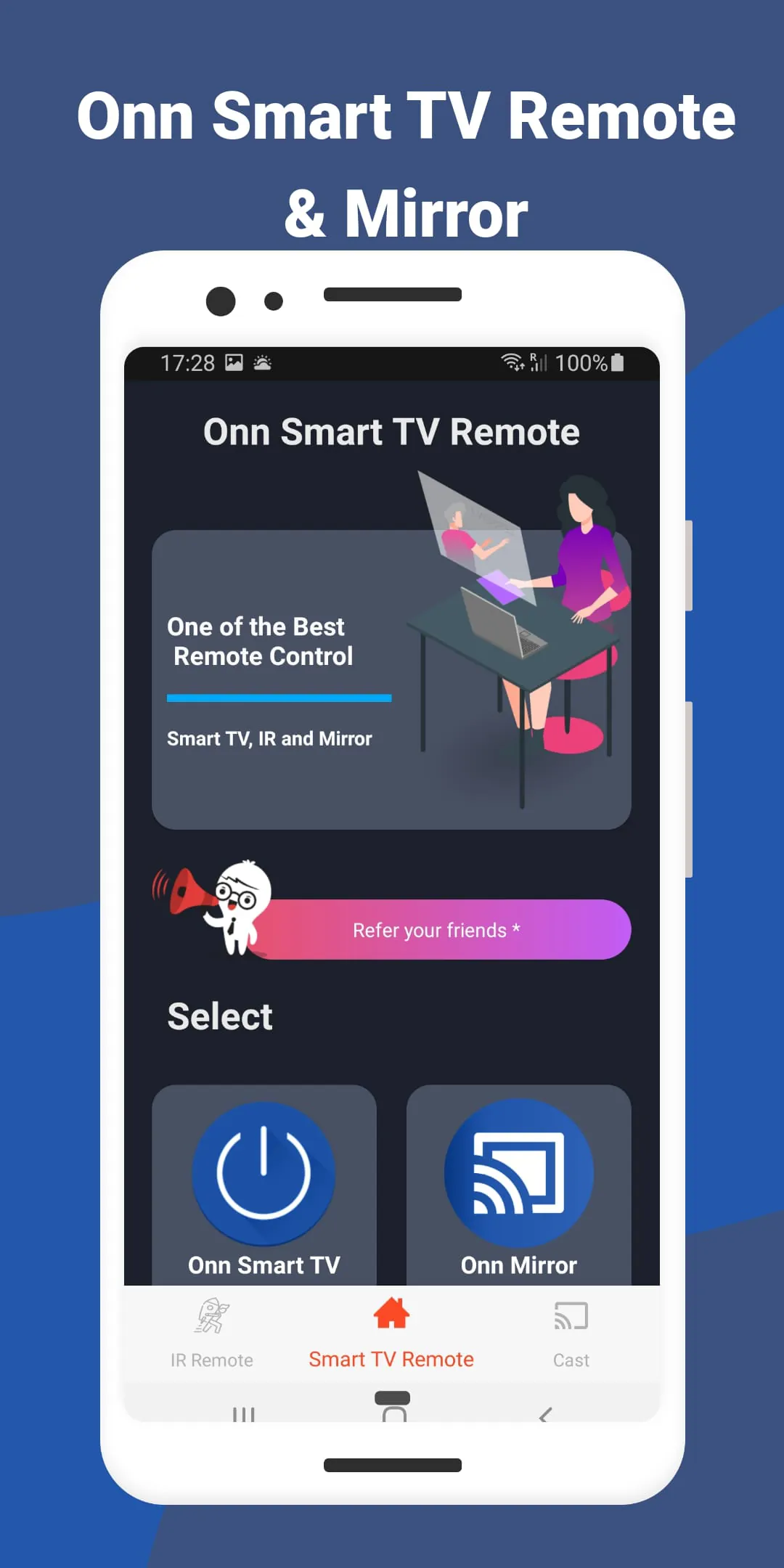
 Download








