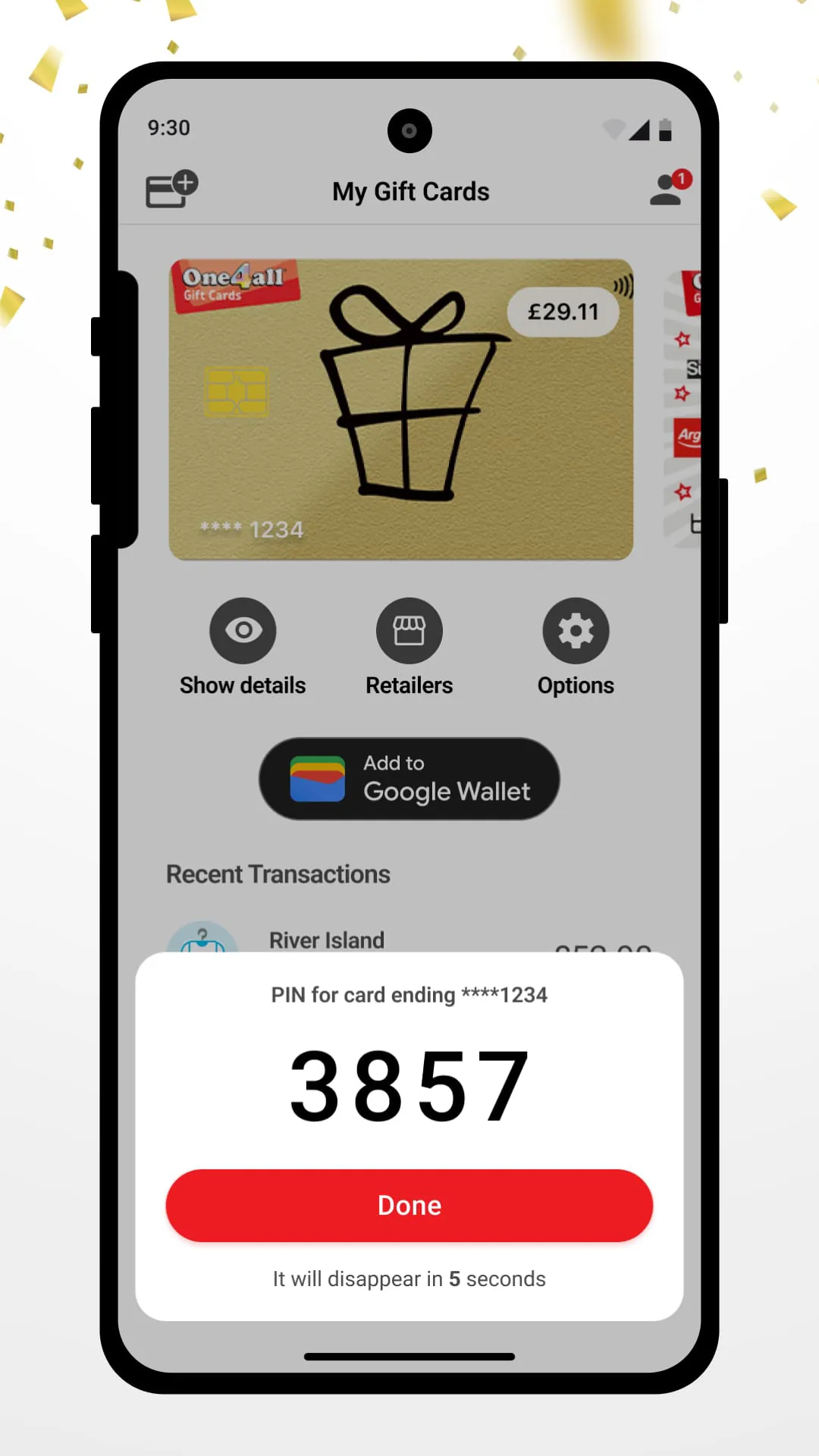
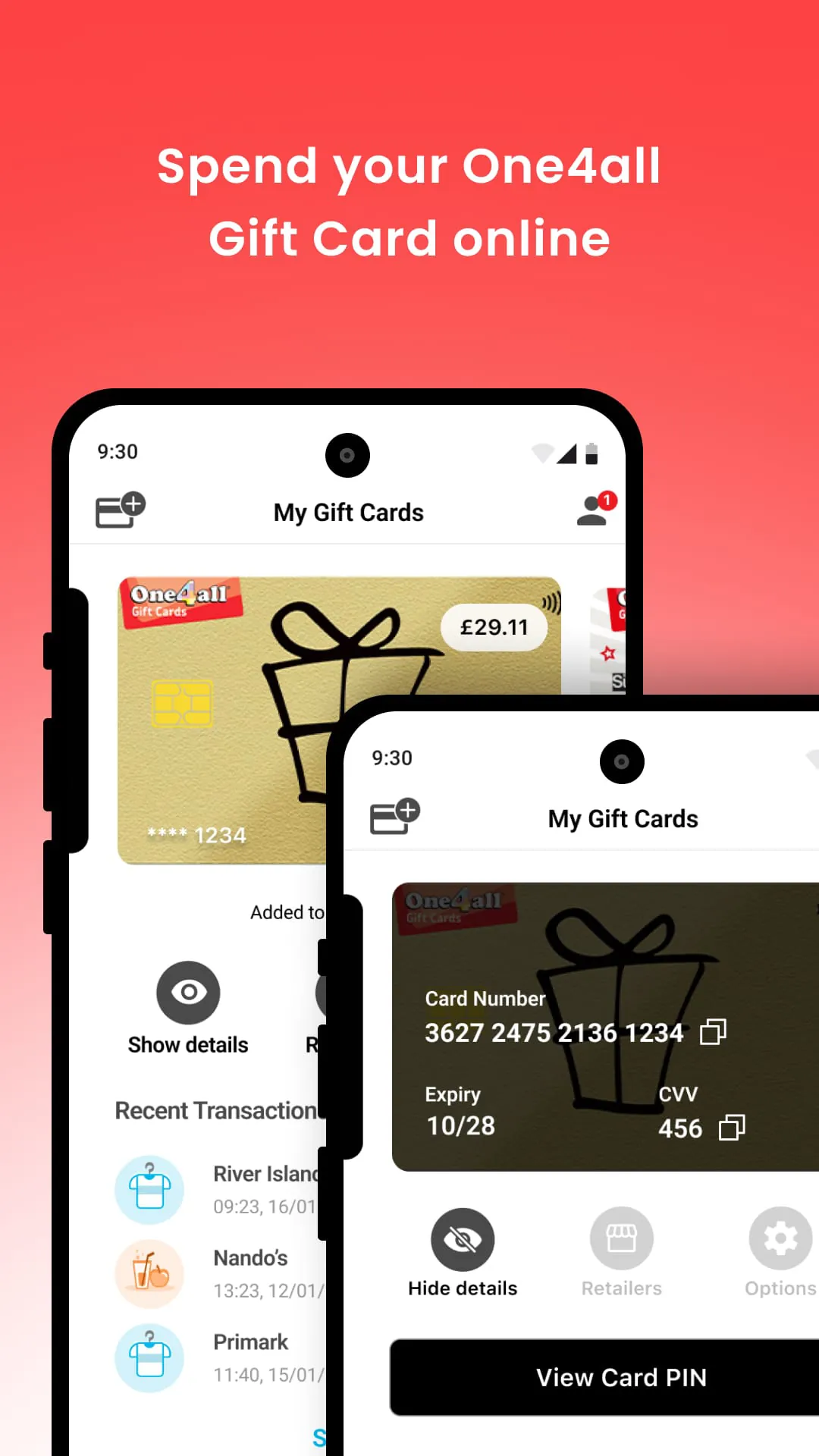
The One4all Digital Wallet app offers a convenient way to store and spend your One4all Digital Gift Card. With this app, you can easily keep track of your gift card balance, view your transaction history, and access your gift card details for online shopping. You can also use the app to pay with your One4all Gift Card using your phone. Whether you want to make in-store purchases or shop online, the app provides full card details and instructions for seamless transactions.
To make in-store payments, simply set the One4all app as your default payment app in your phone's settings. Then, you can tap to pay at any One4all retailer that accepts contactless payments. If you have multiple cards, you can select a primary card within the app. For online shopping, the app provides you with the necessary card details, which you can easily view and use with participating online retailers. The app also allows you to check your gift card balance at any time, ensuring that you always have access to up-to-date information.
In addition to its payment features, the One4all Digital Wallet app offers a transaction history section where you can view all the transactions you've made with your One4all Gift Card. By loading your gift card into the app, your transactions will be automatically displayed for easy reference. If you need any assistance with using your One4all Gift Card, the app provides a Help & FAQs section where you can find answers to common questions.
The One4all Digital Wallet app aims to provide a comprehensive solution for managing and using your One4all Gift Cards. The app is constantly being improved, and user feedback is welcomed. If you have any suggestions or feedback, you can email the One4all team at
[email protected]
with the subject line 'One4all App Feedback'. For further assistance, you can also visit one4all.com/help or one4all.ie/help.





 APK
APK  Google Play
  iOS
iOS  1.50
1.50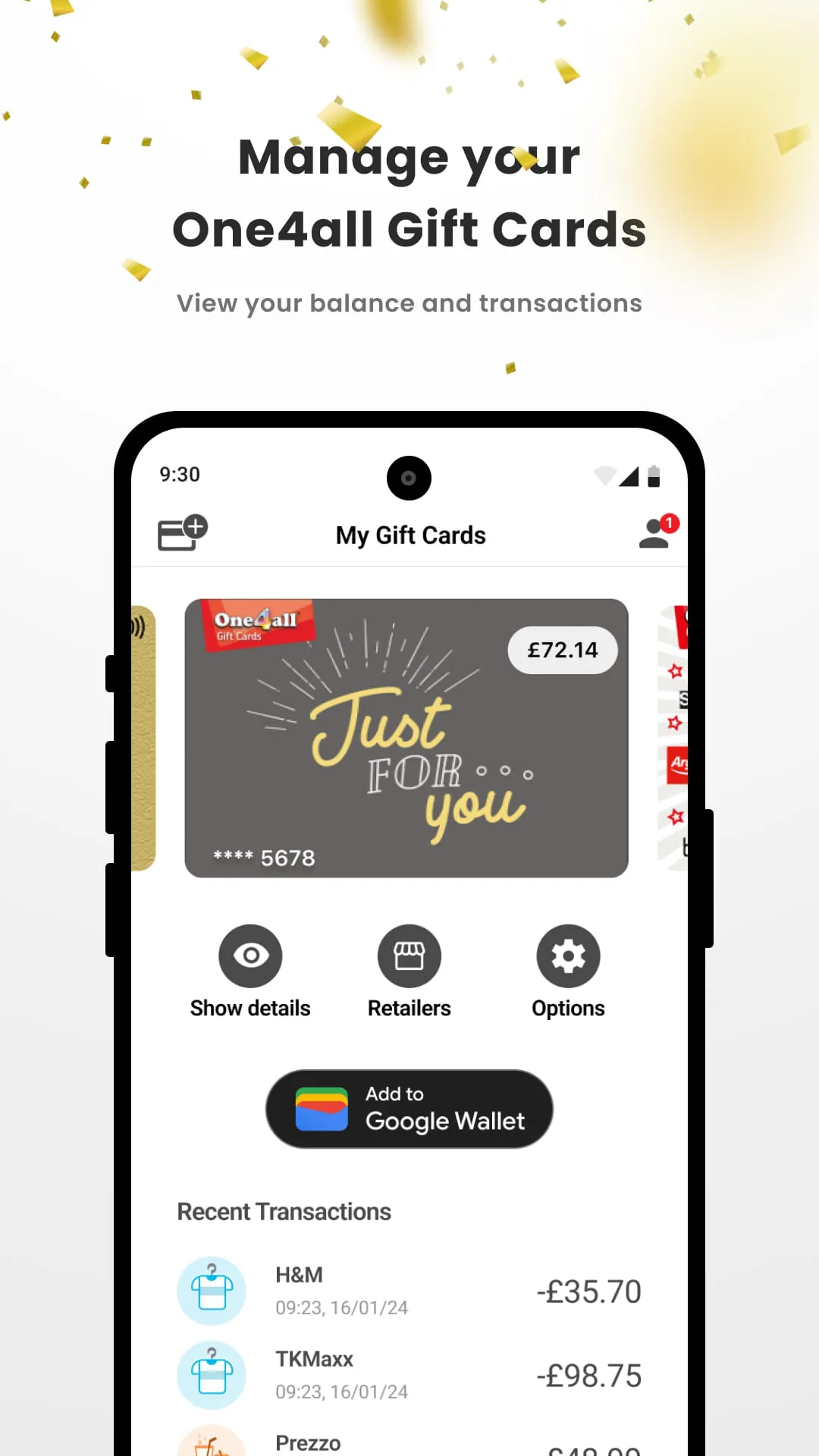
 Download








