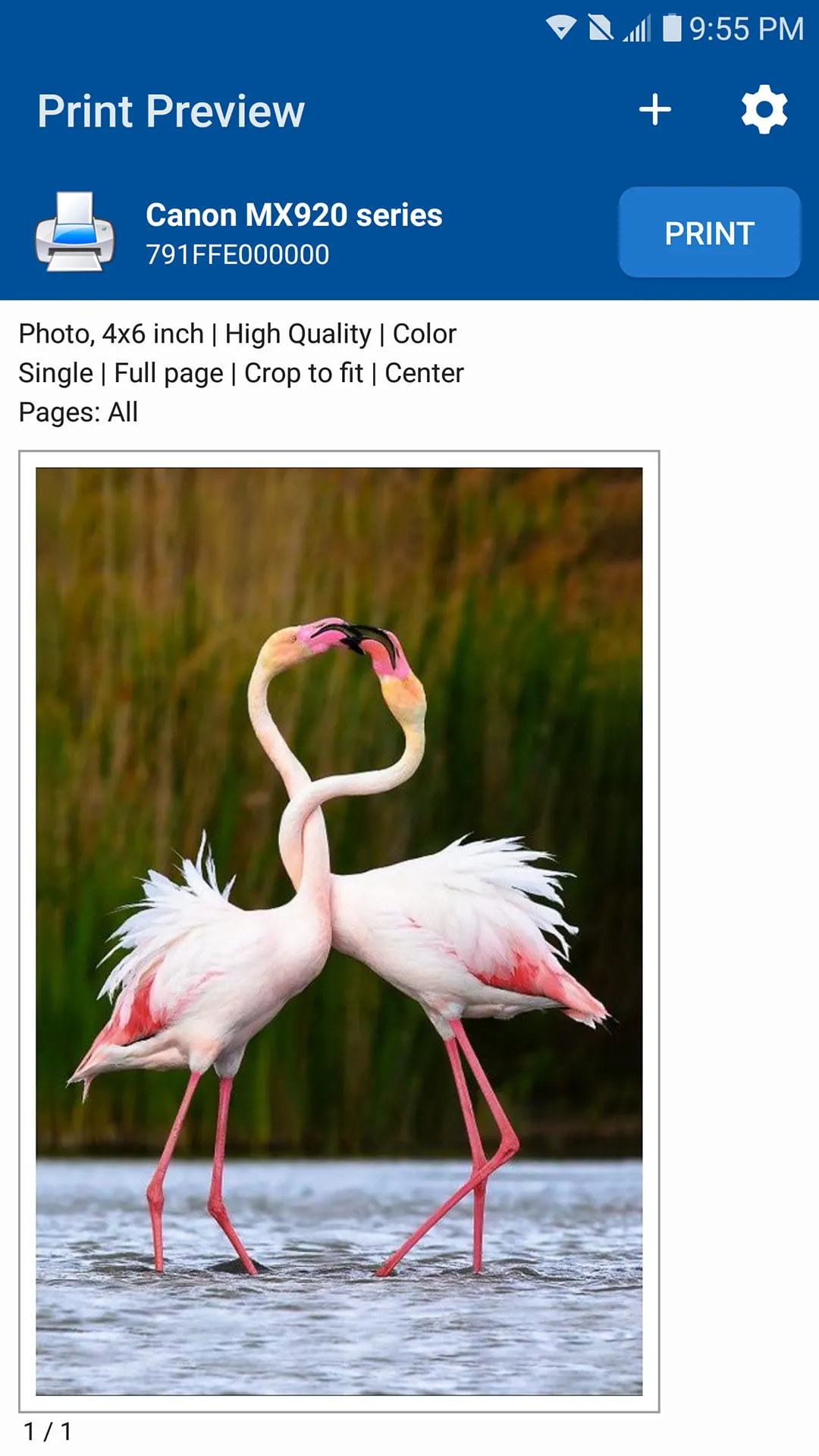
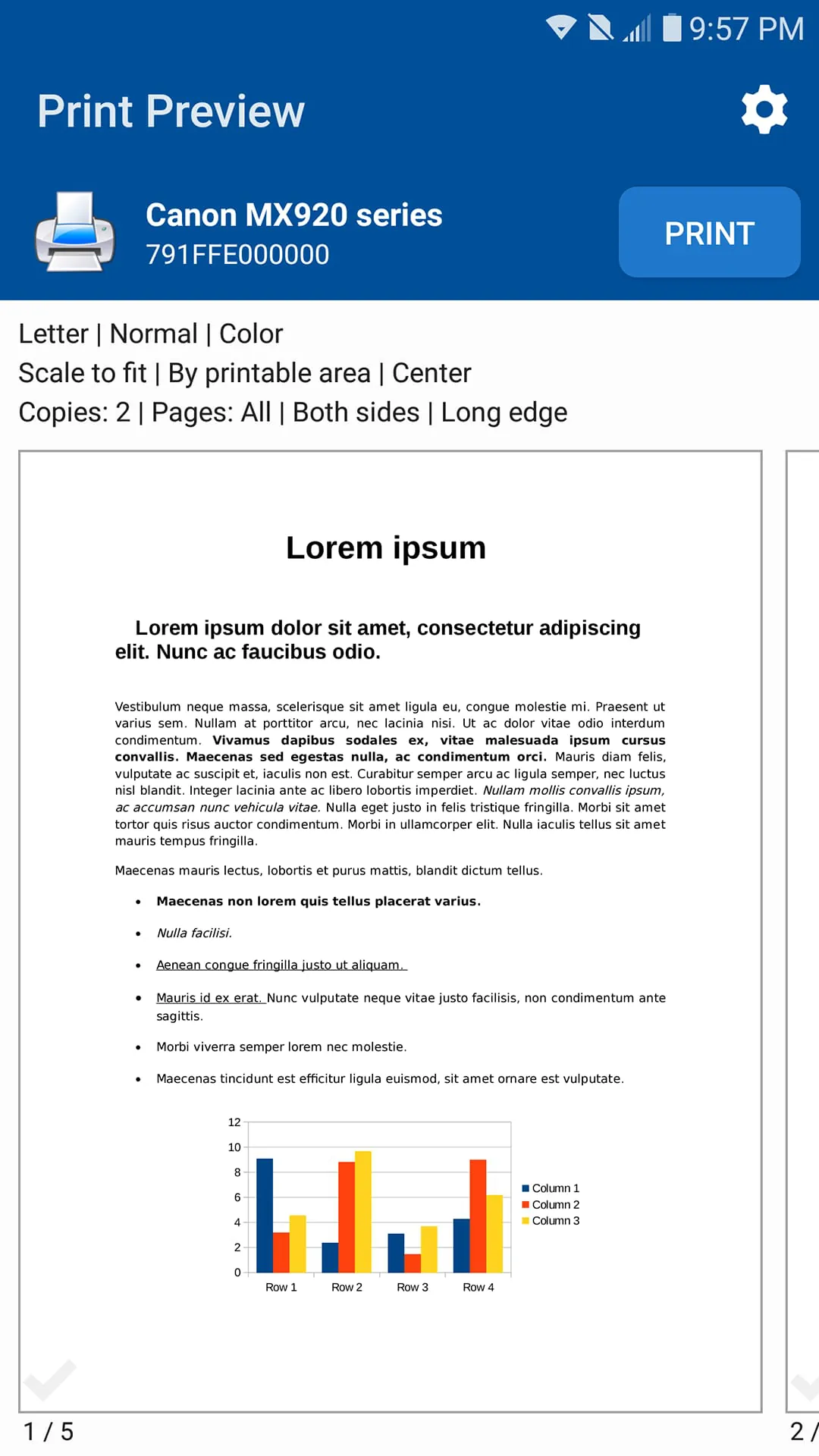
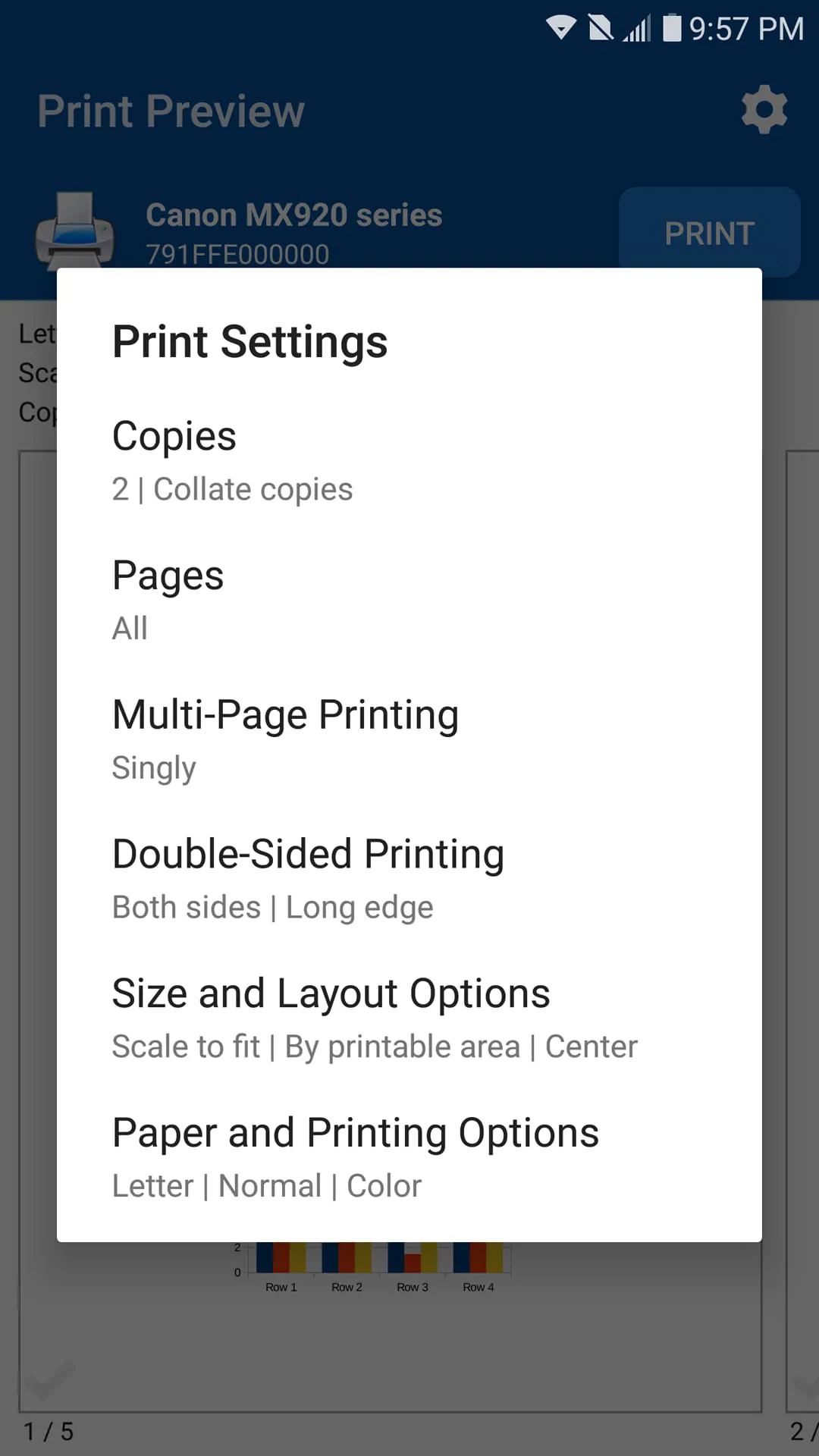
This universal printer application revolutionizes the way users approach printing tasks, offering a seamless and versatile solution for a wide range of printing needs. Whether it's for personal use, such as printing cherished photos to share with family and friends, or for professional requirements, like producing essential business documents, this app empowers users to print virtually anything, anytime, and anywhere. The application supports an extensive array of file formats, including images (JPG, PNG, GIF, WEBP), PDF files, and Microsoft Office documents (Word, Excel, PowerPoint), ensuring compatibility with the most commonly used file types. Its flexibility extends beyond file formats, accommodating printing from various sources, such as stored files on the device, email attachments, and cloud storage services like Google Drive. This comprehensive support eliminates the need for multiple specialized printing tools, streamlining the printing process and enhancing user convenience. The app's ability to print web pages directly through its built-in web browser further expands its utility, allowing users to easily print online content without the hassle of copying and pasting or converting to other formats. One of the key advantages of this application is its universal compatibility with a vast selection of printers. It supports printing via WiFi, Bluetooth, and USB-OTG connections, ensuring seamless integration with almost any inkjet, laser, or thermal printer available on the market. This broad compatibility eliminates the frustration of printer incompatibility issues, allowing users to effortlessly connect to and print from their preferred printers. The app's user-friendly interface and intuitive design make it easy for users of all technical levels to navigate and utilize its features effectively. The print options are extensive, allowing users to customize their printing settings to achieve optimal results. These options include selecting the number of copies, collating, specifying the page range, adjusting the paper size, choosing the paper type, selecting the appropriate paper tray, and fine-tuning the output quality. The availability of preview functionality allows users to review their documents, images, and other content before printing, minimizing errors and ensuring the desired outcome. The application also offers advanced features that cater to specific printing requirements. Borderless photo printing allows users to create stunning, professional-quality photos on matte or glossy photo paper. Color or monochrome printing options provide flexibility for various printing needs, while duplex printing enables users to save paper and reduce costs by printing on both sides of the page. Support for AirPrint and Mopria compatible printers further enhances compatibility and ease of use, while compatibility with Windows printer share (SMB/CIFS) and Mac/Linux printer share (Bonjour/IPP/LPD) ensures seamless integration with existing network printing infrastructure. The app's extensive feature set, universal compatibility, and user-friendly interface make it an indispensable tool for anyone who needs to print documents, images, or web pages from their Android device. Whether you're a student, a professional, or a home user, this app provides a convenient and reliable solution for all your printing needs.
The application provides a comprehensive set of features designed to enhance the printing experience and cater to a wide range of user needs. One of its standout features is the ability to print directly from an Android phone or tablet to almost any inkjet, laser, or thermal printer. This direct printing capability eliminates the need for intermediary devices or complex configurations, simplifying the printing process and saving users valuable time. The app supports a variety of file formats, including photos and images (JPG, PNG, GIF, WEBP), PDF files, and Microsoft Office documents (Word, Excel, and PowerPoint), ensuring compatibility with the most commonly used file types. Users can also print multiple images per sheet, optimizing paper usage and reducing printing costs. In addition to printing stored files, the app allows users to print email attachments (PDF, DOC, XSL, PPT, TXT) and files from Google Drive or other cloud services. This seamless integration with cloud storage platforms enables users to access and print their documents from anywhere, without the need to download or transfer files to their device. The app's built-in web browser allows users to print websites (HTML pages) directly, eliminating the need to copy and paste content or convert web pages to other formats. This feature is particularly useful for printing online articles, recipes, or other web-based information. Connectivity options are extensive, with support for printing on WiFi, Bluetooth, and USB-OTG connected printers. This versatility ensures that users can connect to and print from a wide range of printers, regardless of their connectivity capabilities. The app also integrates with other apps via Print and Share menus, allowing users to initiate printing directly from other applications, such as email clients, file managers, and web browsers. This integration streamlines the printing process and enhances user convenience. The application offers a range of advanced features that cater to specific printing requirements. Users can customize their printing settings with options such as the number of copies, collate, page range, paper size, paper type, paper tray, and output quality. The preview feature allows users to review their documents, images, and other content before printing, minimizing errors and ensuring the desired outcome. Borderless photo printing is supported, allowing users to create stunning, professional-quality photos on matte or glossy photo paper. Color or monochrome (black and white) printing options provide flexibility for various printing needs, while duplex (one or two-sided) printing enables users to save paper and reduce costs. The app also supports printing on AirPrint capable printers and Mopria compatible printers, further enhancing compatibility and ease of use. Compatibility with Windows printer share (SMB/CIFS) and Mac/Linux printer share (Bonjour/IPP/LPD) ensures seamless integration with existing network printing infrastructure.
The application's extensive printer compatibility is a testament to its commitment to providing a universal printing solution. It supports a wide range of printer models from leading manufacturers, including HP, Canon, Epson, Brother, Samsung, Xerox, Dell, Konica Minolta, Kyocera, Lexmark, Ricoh, Sharp, Toshiba, and OKI. This broad compatibility ensures that users can connect to and print from their preferred printers, regardless of the brand or model. For HP users, the app supports various models from the Officejet, LaserJet, Photosmart, Deskjet, Envy, and Ink Tank series. Canon users can utilize the app with PIXMA, LBP, MF, MP, MX, MG, and SELPHY models. Epson users can print from Artisan, WorkForce, and Stylus printers. Brother users can connect to MFC, DCP, HL, MW, and PJ models. Samsung users can utilize the app with ML, SCX, CLP, and other Samsung printer models. Xerox users can print from Phaser, WorkCentre, and DocuPrint models. The app's compatibility extends beyond these major brands, supporting printers from Dell, Konica Minolta, Kyocera, Lexmark, Ricoh, Sharp, Toshiba, OKI, and other manufacturers. This comprehensive support ensures that users can connect to and print from virtually any printer, regardless of its age or features. The application offers a free version that displays ads, allowing users to print without restrictions. However, users can remove all ads by subscribing to a monthly or annual premium subscription, or by purchasing a lifetime premium license. This provides users with the flexibility to choose the option that best suits their needs and budget. The premium subscription unlocks additional features and benefits, such as ad-free printing, priority support, and access to exclusive content. The lifetime premium license provides a one-time purchase option for users who prefer to avoid recurring subscription fees. Overall, this universal printer application is a valuable tool for anyone who needs to print documents, images, or web pages from their Android device. Its comprehensive feature set, universal compatibility, and user-friendly interface make it an indispensable solution for both personal and professional printing needs. Whether you're printing photos to share with loved ones, producing essential business documents, or printing boarding passes while on the go, this app provides a convenient and reliable way to print anytime, anywhere.




 APK
APK  Google Play
  iOS
iOS  4.50
4.50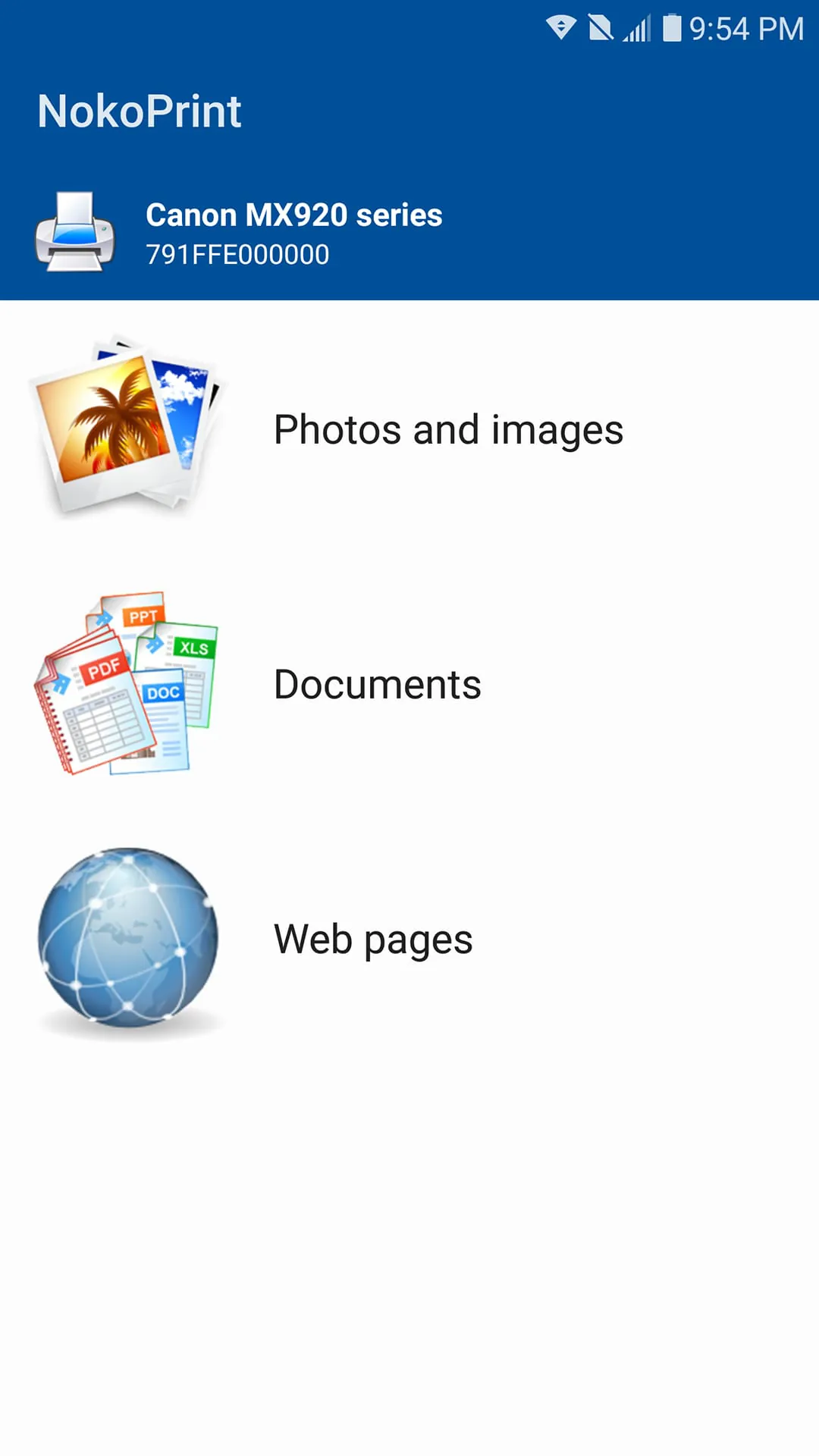
 Download








