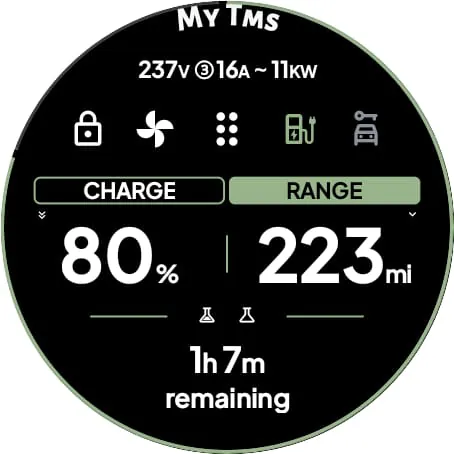
The DRIVE Electric for Tesla application is a smartwatch application designed for Wear OS, leveraging NFC, Bluetooth, and internet connectivity to facilitate communication with Tesla vehicles. This functionality effectively transforms the smartwatch into a convenient and dependable key, eliminating the need to carry a smartphone for vehicle access. The application supports both NFC and Bluetooth access, providing users with multiple options for interacting with their Tesla. Remote access, utilizing internet connectivity, is also available through a monthly subscription. A significant feature of the DRIVE Electric application is its commitment to user security and privacy. The application is engineered to ensure that user credentials are never exposed or shared with third-party servers. Instead, the application communicates directly with Tesla's servers or the vehicle itself through secure NFC or BLE channels. This direct communication ensures that sensitive information remains protected and that the risk of unauthorized access is minimized. The application offers a range of functionalities, including the ability to quickly unlock, drive, and send commands to the vehicle via BLE when in close proximity. It also supports pairing the smartwatch as a key card, allowing users to lock and unlock their vehicles by tapping the B-pillar, similar to using a physical key card. The application further enhances user convenience through tiles that provide quick access to various commands and a watch complication that displays the vehicle's battery level, including the estimated time remaining while charging. The "On Approach" feature allows users to delay specific commands until they are near their vehicle, which can be particularly useful when carrying items and needing hands-free access to the trunk or other vehicle functions. The DRIVE Electric application also supports most of the commands available in the official Tesla application, accessible via BLE. This includes functionalities such as controlling the vehicle's climate, locking and unlocking doors, and managing other vehicle settings. Users can also utilize the compass or map view to locate their parked vehicle, adding an extra layer of convenience and security. For enhanced security, the application offers an optional PIN code access feature, which adds an additional layer of protection against unauthorized access to vehicle operations. This is particularly important in case the smartwatch is lost or stolen, as it prevents unauthorized individuals from controlling the vehicle. The DRIVE Electric application provides a comprehensive and secure way to interact with Tesla vehicles using a Wear OS smartwatch. Its features, including NFC and Bluetooth access, remote control capabilities, and security measures, make it a valuable tool for Tesla owners looking to enhance their vehicle access and control experience. The application's commitment to user privacy and security, combined with its wide range of functionalities, positions it as a leading solution for smartwatch-based Tesla control.
A critical announcement regarding the DRIVE Electric for Tesla application concerns Tesla's decision to charge developers for access to the Fleet API, effective February 2025. This change will significantly impact the application's functionality, leading to the discontinuation of remote access for the basic version. Consequently, the basic application will be limited to NFC or Bluetooth access when the user is in close proximity to the vehicle. To maintain remote access capabilities, a new premium subscription plan will be introduced. This subscription will provide access to the Fleet API and will be necessary for older Tesla models that lack BLE hardware. Users are strongly advised to consider this change before purchasing the application, as the remote access feature will no longer be available without the premium subscription. The revenue generated from the subscription will be allocated to cover the developer costs imposed by Tesla and will not contribute to the application's overall revenue. This change will be implemented without further notice, emphasizing the importance of staying informed about the application's evolving functionality. Users are encouraged to carefully review the disclaimer, which acknowledges the inherent risks associated with using the application and the potential for changes in functionality. For those interested in subscribing to the premium plan for remote access, it is recommended to use the mobile application. Before purchasing the DRIVE Electric application, users should also consult the Frequently Asked Questions (FAQ) section to ensure their Wear OS smartwatch is compatible. It is important to note that Tizen OS is not supported, so users with smartwatches running Tizen OS will not be able to use the application. The FAQ section provides valuable information about compatible devices and system requirements, helping users make informed decisions before purchasing the application. The DRIVE Electric application's compatibility with various Wear OS smartwatches ensures that a wide range of users can benefit from its features. However, it is crucial to verify compatibility before purchasing to avoid any disappointment. The application's reliance on the Fleet API for remote access means that changes to Tesla's policies can directly impact its functionality. Users should be aware of these potential changes and the implications for their use of the application. The introduction of a premium subscription plan is a direct response to Tesla's decision to charge developers for API access, highlighting the challenges faced by third-party developers in maintaining compatibility and functionality with Tesla vehicles.
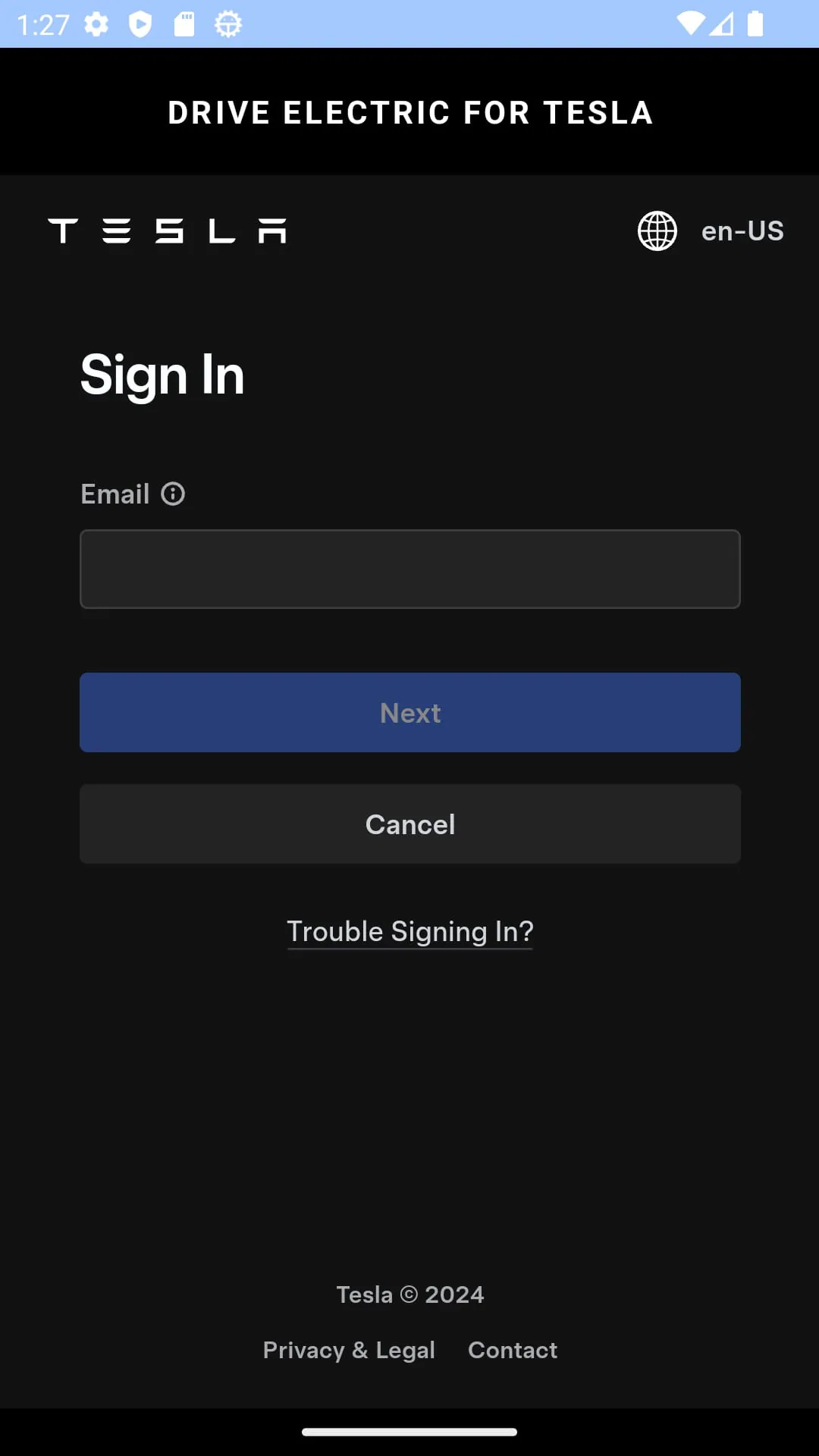
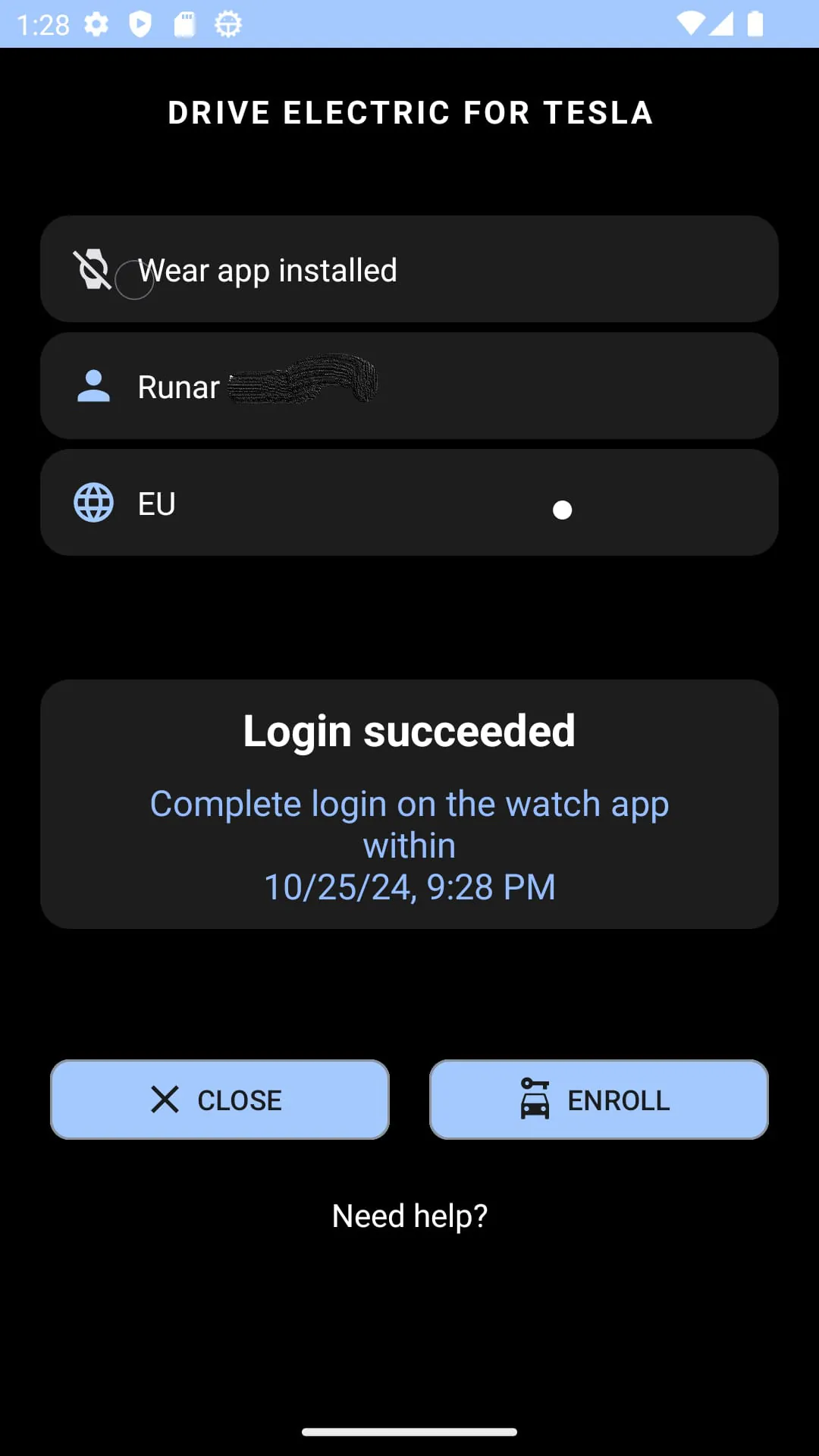
The DRIVE Electric for Tesla application provides a detailed set of instructions to guide users through the initial setup and usage. The first three sections of the FAQ, titled 'Start here...', 'Important Login Information,' and 'General tips,' are crucial for new users to understand the application's functionalities and requirements. These sections cover essential topics such as initial configuration, login procedures, and general troubleshooting tips. The Bluetooth key functionality requires location access to detect the vehicle's BLE signal, even when the application is not actively in use. This is particularly important for users who want to use the application's tile features, as these features rely on background BLE connectivity. To ensure seamless connectivity, users must grant the application "all-the-time" location permission. This permission allows the application to continuously monitor for the vehicle's BLE signal, enabling features such as automatic unlocking and command execution when the user is in proximity to the vehicle. The DRIVE Electric application includes specific features that are designed for Tesla models with built-in NFC and Bluetooth LE capabilities, such as the Model 3, Model Y, and 2021 S/X onward. These models can take full advantage of the application's NFC and Bluetooth-based functionalities. The "On Approach" tile feature allows users to delay commands until they are near their vehicle. For example, a user can set the trunk command to activate when they approach the vehicle, providing hands-free access when carrying items. This feature requires both location access and BLE connectivity to function properly. The DRIVE Electric application also offers a demo mode, which allows users to explore the application's features without connecting to a real vehicle. In demo mode, the vehicle is stationary and located in Oslo, Norway, providing a simulated environment for users to test the application's various functionalities. It is important to note that the DRIVE Electric application is not affiliated with Tesla, Inc. This disclaimer clarifies that the application is developed by a third-party developer and is not officially endorsed or supported by Tesla. Tesla reserves the right to modify or restrict access to the APIs used by the application, which could potentially render the application unusable. Users are advised to keep their official Tesla phone application available as a backup. The DRIVE Electric application prioritizes user security by not storing credentials within the application or sharing them with any third party or the developer. Tokens from the phone application are stored locally in the encrypted key manager provided by the watch OS, ensuring that sensitive information remains protected. Users who choose to save their password for the Remote Start feature do so at their own risk. It is strongly recommended to protect the application or smartwatch with PIN code access to prevent unauthorized access to vehicle operations in case the smartwatch is lost or stolen. The DRIVE Electric application requires users to read and accept the disclaimer before use, acknowledging the risks and limitations associated with the application. The application's privacy policy, available at the provided URL, outlines the data collection and usage practices of the application. Users are encouraged to review the privacy policy to understand how their information is handled.





 APK
APK  Google Play
  iOS
iOS  3.60
3.60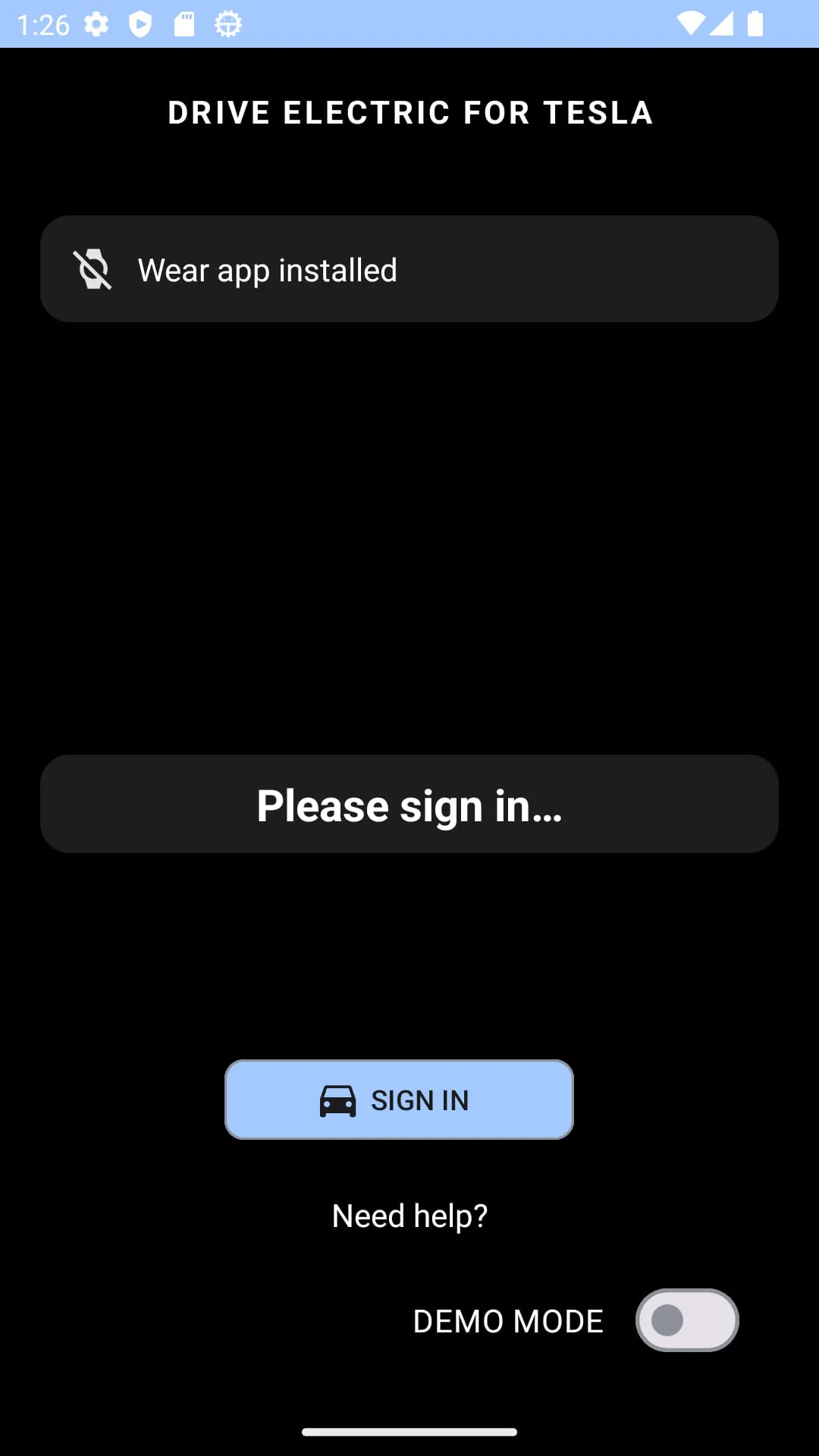
 Download








