NFC Tools is a versatile mobile application designed for Android and iOS devices that allows users to read, write, and manage NFC (Near Field Communication) tags effortlessly. With its intuitive interface and powerful capabilities, it enables anyone—from beginners to tech enthusiasts—to interact with NFC technology for automation, information sharing, and smart device control without needing advanced technical knowledge.
Key Features
- Read and display data stored on NFC tags
- Write multiple actions to a single NFC tag
- Erase and format NFC tags for reuse
- Copy tag content to another tag easily
- Supports a wide range of NFC chip types
- Create automated tasks such as Wi-Fi connection, Bluetooth activation, or messaging
- View tag history and manage previously scanned tags
Pros & Cons
- Pros:
- User-friendly design suitable for all experience levels
- Wide compatibility with different NFC standards
- Rich set of features for both personal and professional use
- Regular updates ensure stability and new functions
- Lightweight app with minimal resource usage
- Cons:
- Some advanced features require in-app purchases
- Limited functionality on devices without built-in NFC hardware
- Occasional compatibility issues with certain custom ROMs
Functions
- Store contact details, URLs, text notes, or Wi-Fi configurations on NFC tags
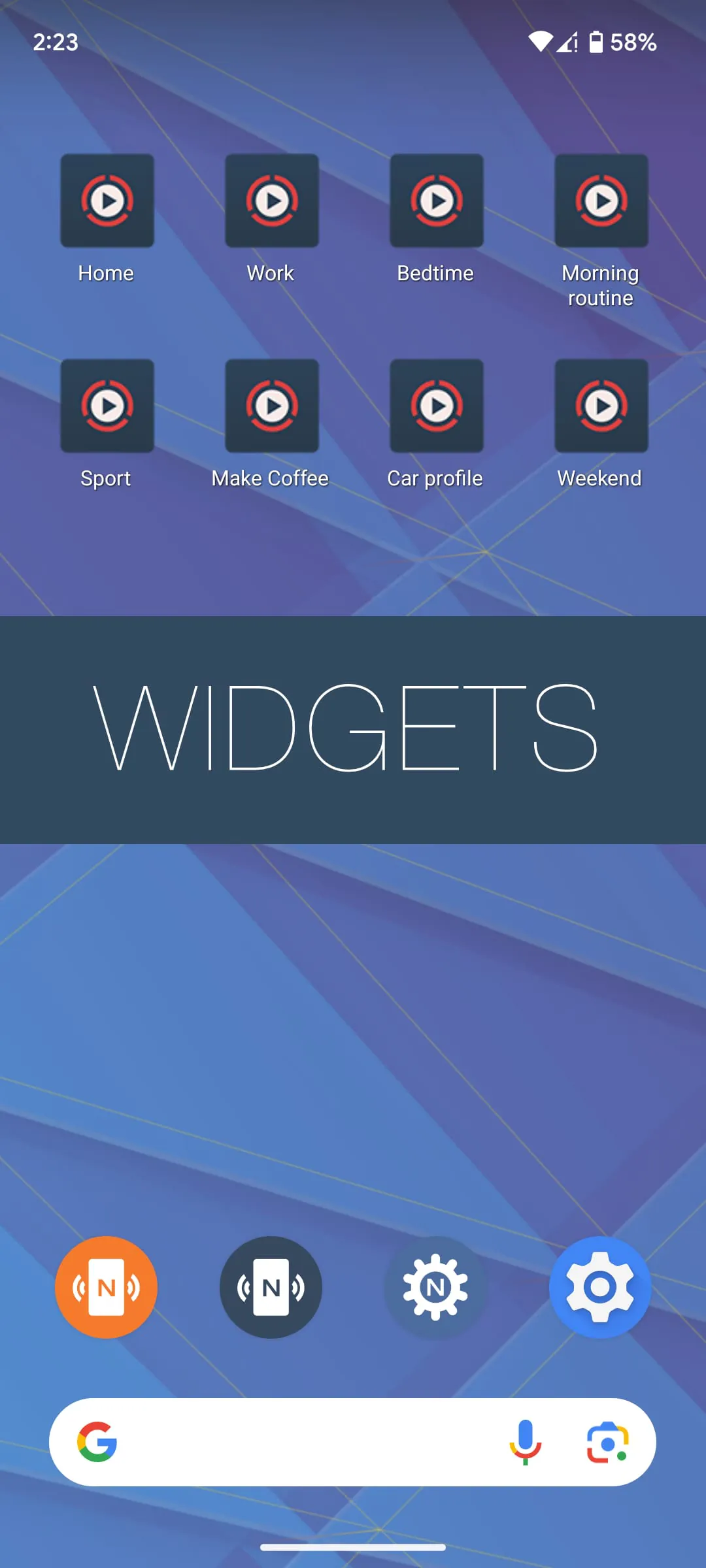
- Automate phone settings like enabling silent mode, launching apps, or sending preset messages
- Use NFC tags for marketing campaigns by embedding promotional links
- Share files, images, or business information instantly between devices
- Program NFC-enabled stickers or keychains for quick actions
- Integrate with smart home systems for tap-to-control convenience
How to Use
Click the button "Check All Versions" below to download and install it.
- Open the app and grant necessary permissions for NFC access
- Tap “Read” to scan an NFC tag and view its stored data
- Select “Write” to add new tasks, URLs, or contact info to a blank tag
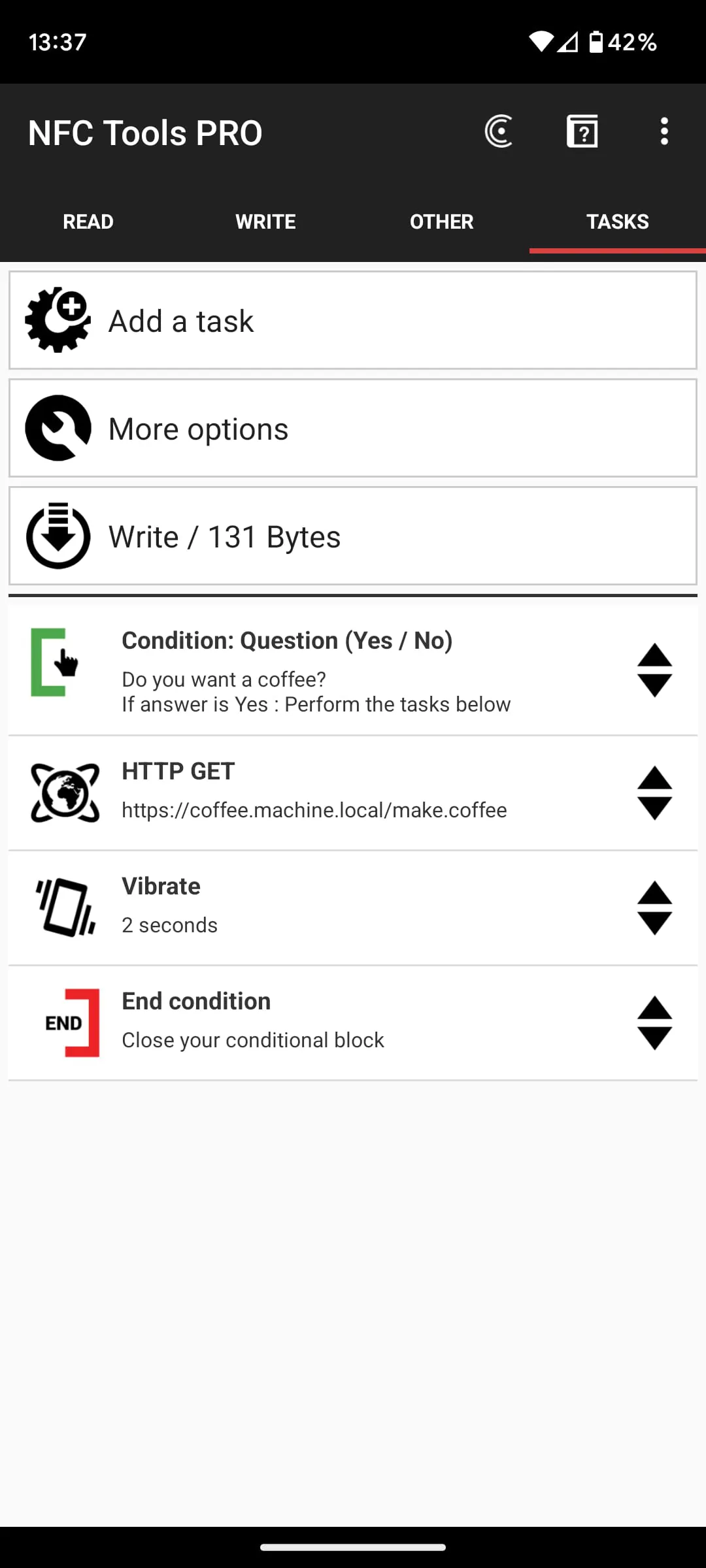
- Use the “Tasks” section to create multi-step automations triggered by one tap
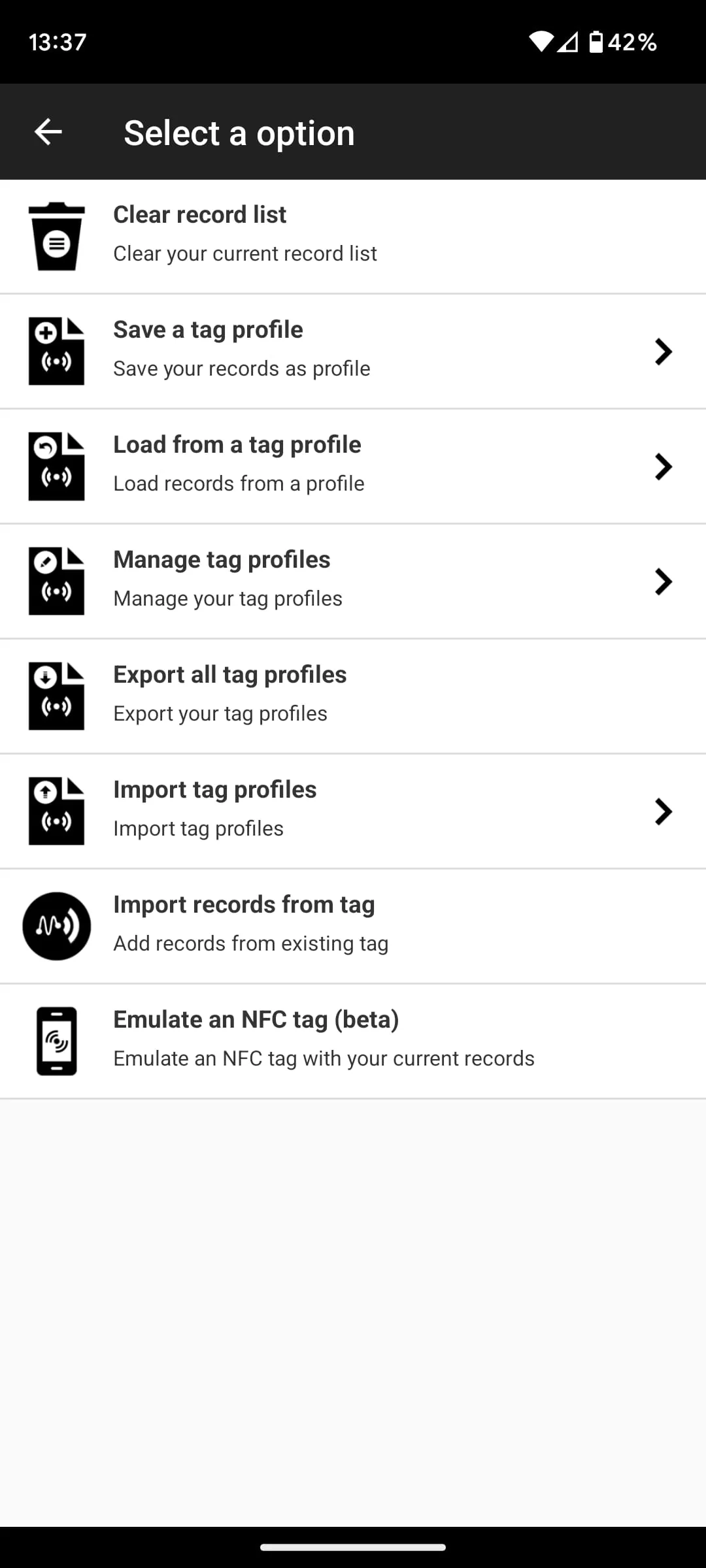
- Erase or duplicate tags directly from the app menu
- Test your programmed tag by tapping it against your device to confirm actions work correctly





 APK
APK  Google Play
  iOS
iOS  4.70
4.70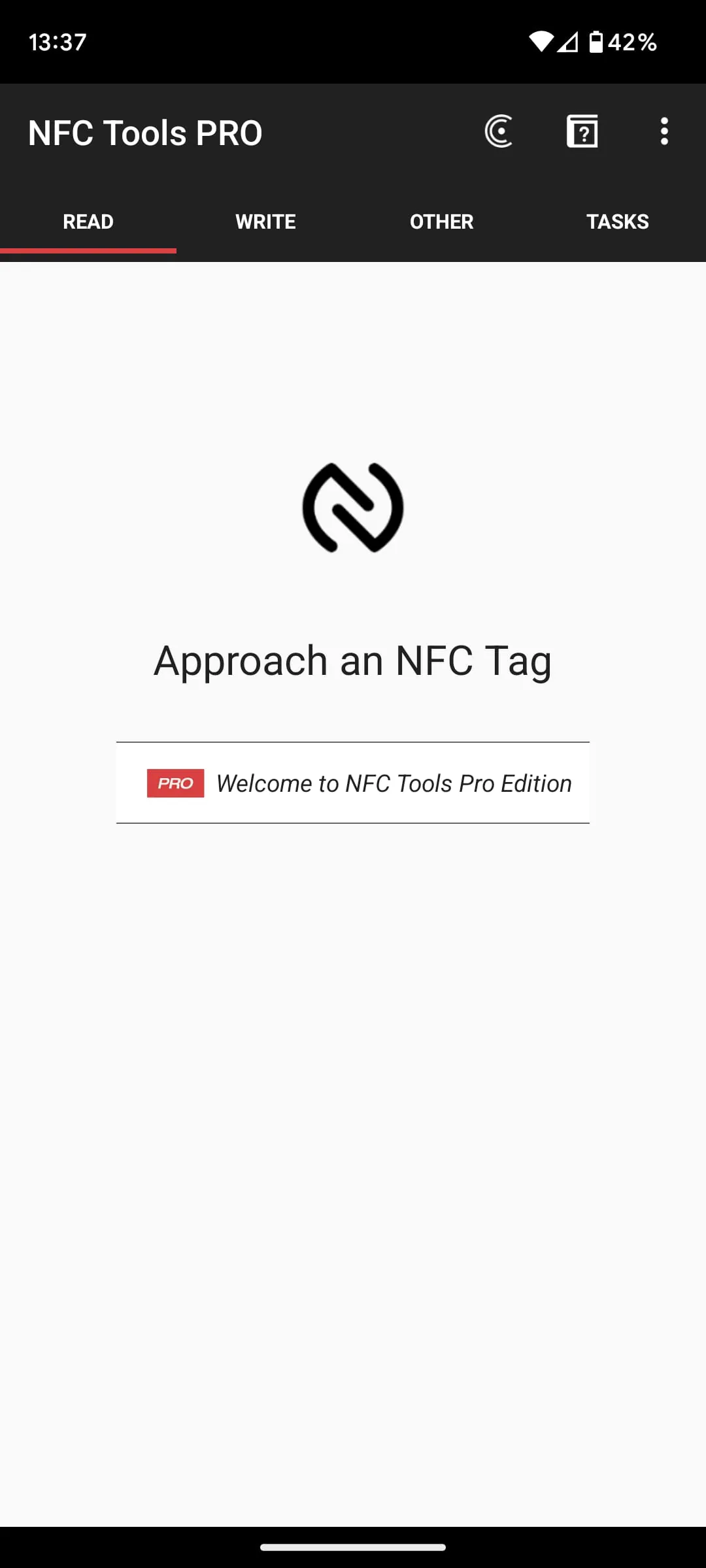
 Download








